Monday.com is for the manager who has reached the limits of the heroic spreadsheet. The launch calendar lives in one tab, requests arrive in Slack, ownership is implied, and the weekly meeting exists largely to ask what changed. Put that work into a monday.com board and the hidden machinery becomes visible: who owns an item, where it stands, what it blocks, and what should happen next.
That makes it a strong fit for operations teams, marketing departments, agencies, PMOs, sales groups, and cross-functional programs with repeatable handoffs. It can also serve product and engineering teams, particularly when business colleagues need an approachable window into delivery. A solo worker with a tidy checklist, or a team already happy inside Jira, Linear, or a modest shared sheet, may find that monday.com introduces more system than the problem deserves.
The distinction matters because monday.com is sold as flexibility. The software does not arrive with a single doctrine about how work must move. You assemble boards from groups, rows, owners, dates, statuses, dependencies, formulas, files, and comments. Then you choose whether that information should look like a table, calendar, Kanban board, timeline, Gantt chart, workload view, or dashboard. It feels welcoming on day one. By day ninety, its value depends on whether somebody made good decisions about structure.
The board is the bait. The system is the catch.
The familiar board remains monday.com's clearest idea. Color has a job here. Green says done, red says stuck, people appear as faces, and overdue dates refuse to hide. A status meeting can become a scan rather than a recital. Updates stay attached to the item they concern, which is a small mercy for anyone who has searched a chat history for a final approval.
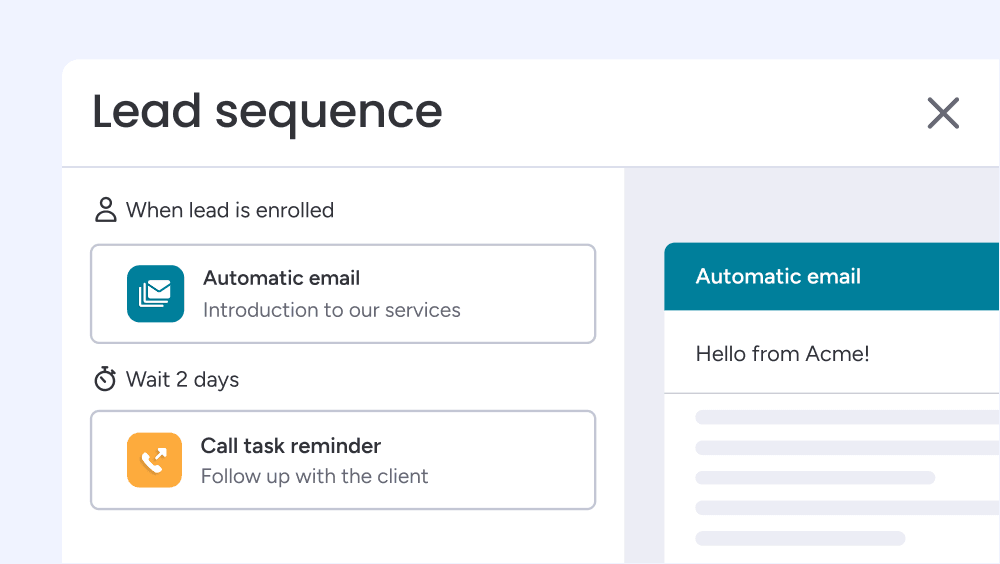
Forms can feed requests directly into a board. Automations can assign an owner, move an item, notify a reviewer, or shift dates when a status changes. Dashboards can combine several boards for leaders who need a portfolio view without editing the working rows. Workdocs put looser notes beside structured records. These pieces are useful because they connect intake, execution, and reporting instead of treating them as separate clerical chores.
The trap is equally visible. Because every department can create its own boards, columns, labels, and automations, an enthusiastic rollout can produce a pastel archipelago. “Working on it” means three different things. The executive dashboard depends on a column someone quietly renamed. Notifications multiply until people tune them out. Flexibility needs a house style: a few templates, naming rules, owners, and a policy for archiving abandoned experiments.
AI moved into the office
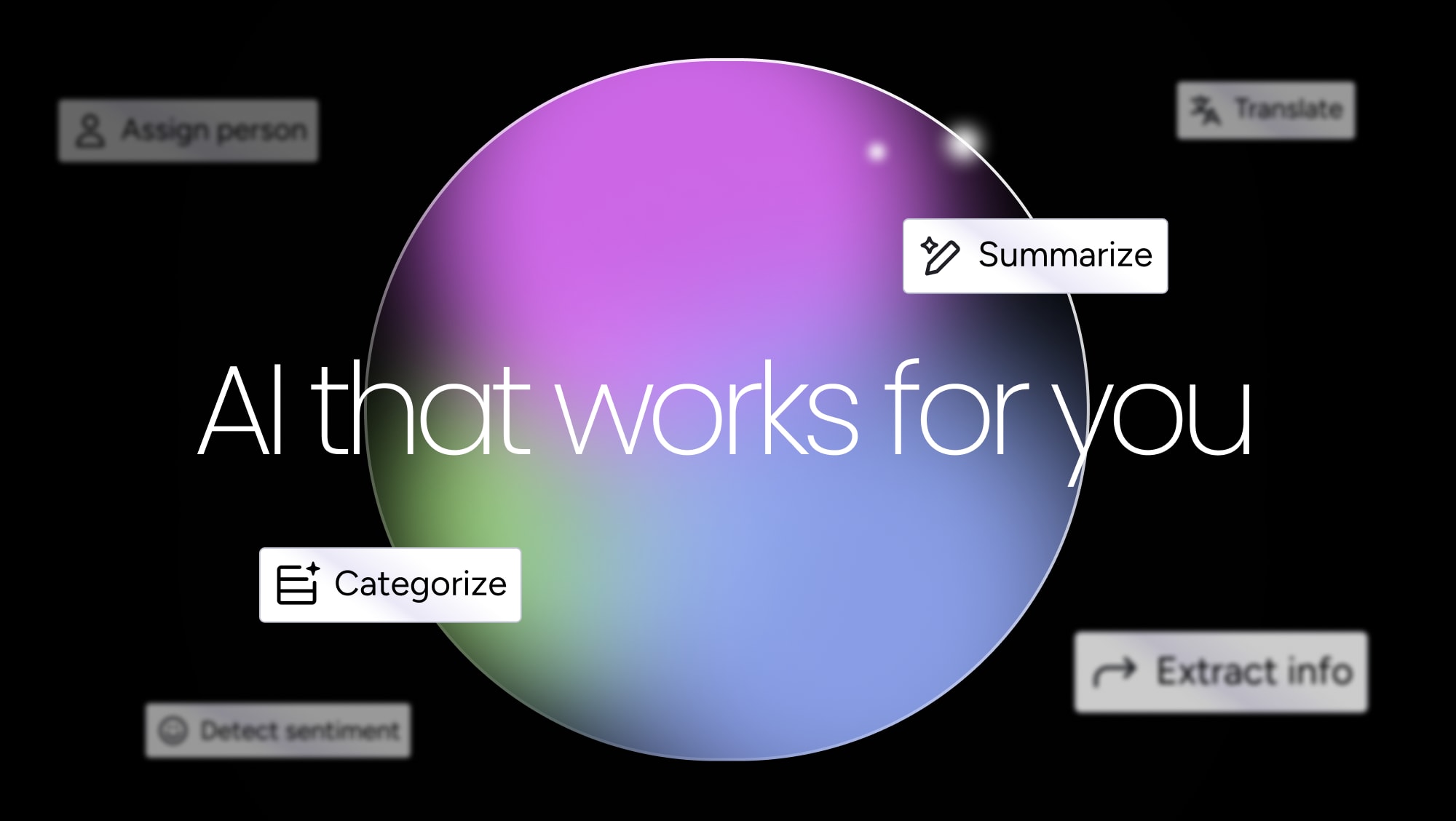
In 2026, monday.com describes itself as an AI work platform rather than merely a Work OS. Sidekick is the conversational front door. It can work with context from boards, docs, people, and connected apps to summarize, draft, answer questions, and perform supported actions. Vibe turns a plain-language prompt into a custom business app connected to mondayDB. Agents are built for recurring, multi-step jobs such as scoring leads, triaging service tickets, flagging project risks, or preparing meetings.
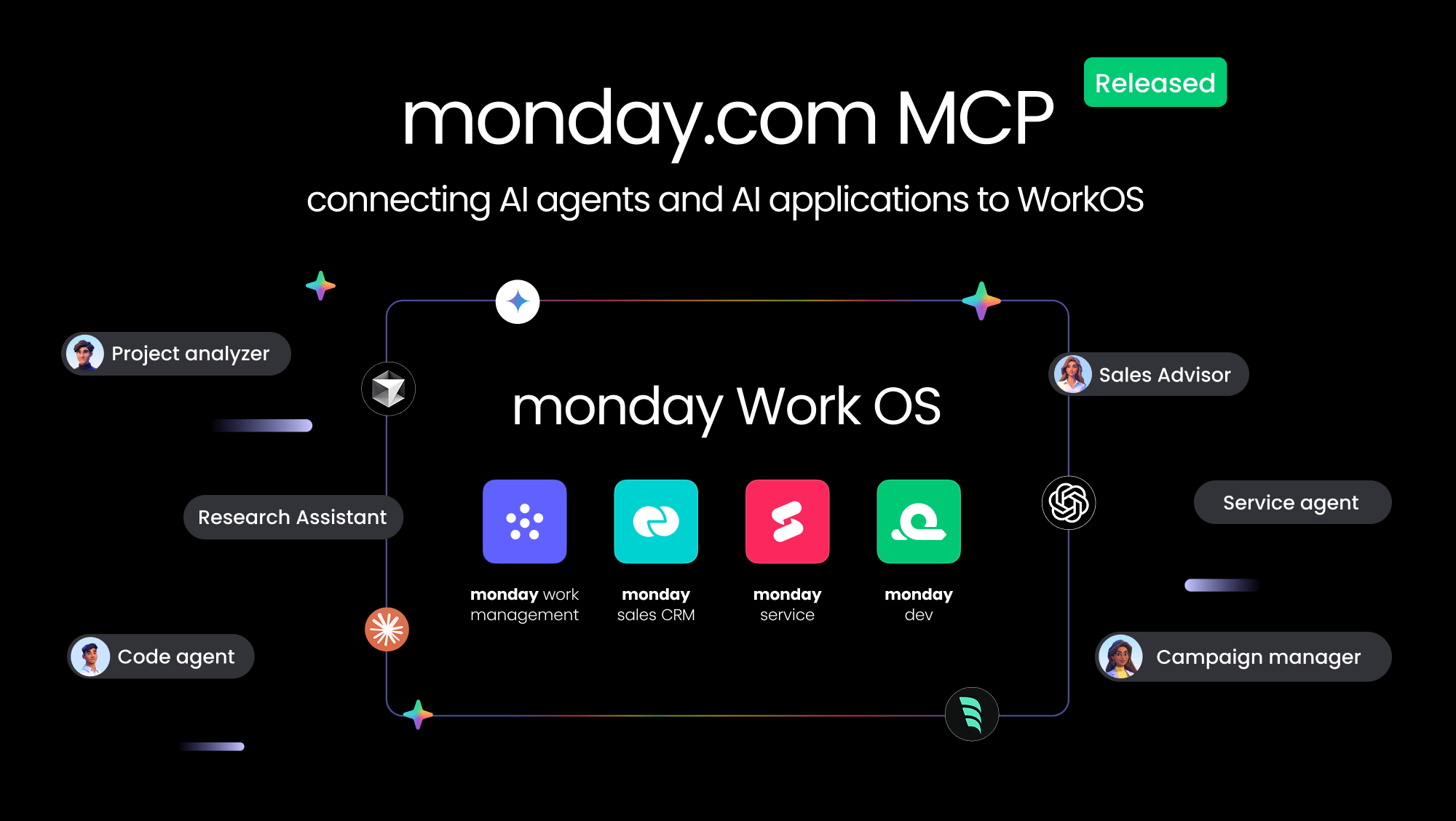
There is also an MCP connection for external assistants and agents. In practical terms, a team can let tools such as ChatGPT, Claude, Copilot, Cursor, or Gemini work with monday.com as the shared system of record, subject to configured access. This direction is more interesting than bolting a writing box onto every screen. The valuable test is whether an agent updates the correct board, respects permissions, leaves an audit trail, and saves a human from copying the result back.
This layer comes with a meter. AI allowances and credits vary by plan and action, so a pilot should measure completed work rather than chat volume. Begin with one repetitive, low-risk process whose inputs and success criteria are already clear. A bot cannot rescue a board whose owners, fields, and permissions were improvised on Friday afternoon.
The great monday.com question is not “Can we build this?” It is “Who will keep it legible?”YesPress field note
What you get, and where it pinches
| Move | Why teams like it | What to watch |
|---|---|---|
| Boards and views | One dataset can suit detail people, calendar people, and visual planners. | Views and advanced controls vary by tier. |
| Automations | Routine handoffs happen without a coordinator chasing every row. | Action limits reward careful recipe design. |
| Dashboards | Leaders can see several projects without rearranging the working boards. | Inconsistent columns weaken roll-up reporting. |
| AI tools | Context sits beside the work, so outputs can become actions. | Credits, permissions, and review steps need ownership. |
| Apps and API | Integrations, GraphQL, SDKs, and marketplace apps extend the platform. | Custom systems create maintenance work of their own. |
For monday work management, the free edition covers up to two seats. Public annual-billing prices list Basic at $9, Standard at $12, and Pro at $19 per seat per month, with paid subscriptions starting at three seats. Enterprise is quoted. Product lines such as CRM have different prices, annual subscriptions are paid upfront, and monthly billing costs more. Treat the live calculator as the authority when you buy.
The three-seat floor is awkward for a pair, while tier gates can turn an apparently modest price into a negotiation over calendar views, time tracking, automations, integrations, dashboards, or security. Price the workflow you need, the number of seats you must purchase, and expected AI usage. Then compare the annual total with the cost of the tools it would actually replace. “Everything in one place” saves money only when the old places go away.
The user verdict is colorful, too
The broad review record is favorable. G2 showed a 4.7 out of 5 rating from more than 15,000 monday Work Management reviews in 2026. Its most common positive themes included ease of use, collaboration, organization, and task management; recurring complaints included learning curve, missing features, and limits. Capterra displayed 4.6 from more than 6,000 reviews. One 2026 reviewer called it “very visual and easy,” then noted that a crowded collection of boards can become confusing.
That tension matches the product. New users can understand a colored status column in seconds, yet sophisticated setups demand training. Reddit offers a harsher edge, with stories about support delays, unwanted complexity, mobile limitations, and businesses frustrated by changes or billing. Those posts are anecdotes rather than a controlled survey, but they are useful procurement prompts. Test support with a real question. Export sample data. Confirm permissions. Put a power user on the mobile app. Ask how cancellation and seat changes work before urgency enters the room.
Choose by working style, not feature bingo
| Alternative | Reach for it when... | monday.com has the edge when... |
|---|---|---|
| Asana | You prefer a more opinionated task and goal hierarchy. | You want highly visual, configurable operational boards. |
| ClickUp | You want a dense all-in-one toolkit and aggressive packaging. | You value a cleaner visual model and broad business adoption. |
| Smartsheet | Your organization thinks naturally in grids and formal programs. | Adoption depends on color, approachable views, and no-code recipes. |
| Jira | Engineering depth, issue types, and software conventions come first. | Business and technical teams need a common, friendlier surface. |
| Airtable | You are designing a relational database-like application. | The center of gravity is ownership, handoffs, and execution. |
A sensible trial lasts long enough for work to become slightly inconvenient. Pick one live process with an intake point, at least one handoff, a deadline, and a reporting need. Name an owner. Build the smallest board that works. Add only the automation that removes a known nuisance. After two weeks, ask whether people update it without being chased, whether the dashboard answers a real question, and whether anyone still maintains a shadow sheet.
Who should buy it
Choose monday.com when several kinds of people need to coordinate repeatable work and the team wants to shape its own system. It is particularly persuasive for operations-heavy organizations that can reuse templates, automations, and reporting across departments.
Skip or postpone it when the job is a personal list, when your process changes every week, or when nobody has time to own the workspace. The winning rollout is rarely the largest. It is the one board people trust enough to stop asking for a separate update.
The curious backstory
Roy Mann and Eran Zinman began the company in 2012 after encountering the coordination problems of fast-growing organizations. Wix was its first customer and early supporter. The product launched commercially in 2014 from a vacated Tel Aviv apartment, initially under the name daPulse. The name attracted enough jokes and confusion that the company became monday.com in 2017. It listed on Nasdaq in June 2021 and expanded from a general work manager into CRM, dev, service, campaigns, and an app platform.
The company is now making a sharper bet. In July 2026 it announced a restructuring affecting about 20 percent of its workforce as it committed to an AI-focused portfolio. Its subsequent Q2 report showed 22 percent year-over-year revenue growth, with AI products contributing 17 percent of net-new annual recurring revenue. That combination makes monday.com a useful snapshot of software's current argument with itself: sell seats for organizing human work, or sell systems that perform more of it.