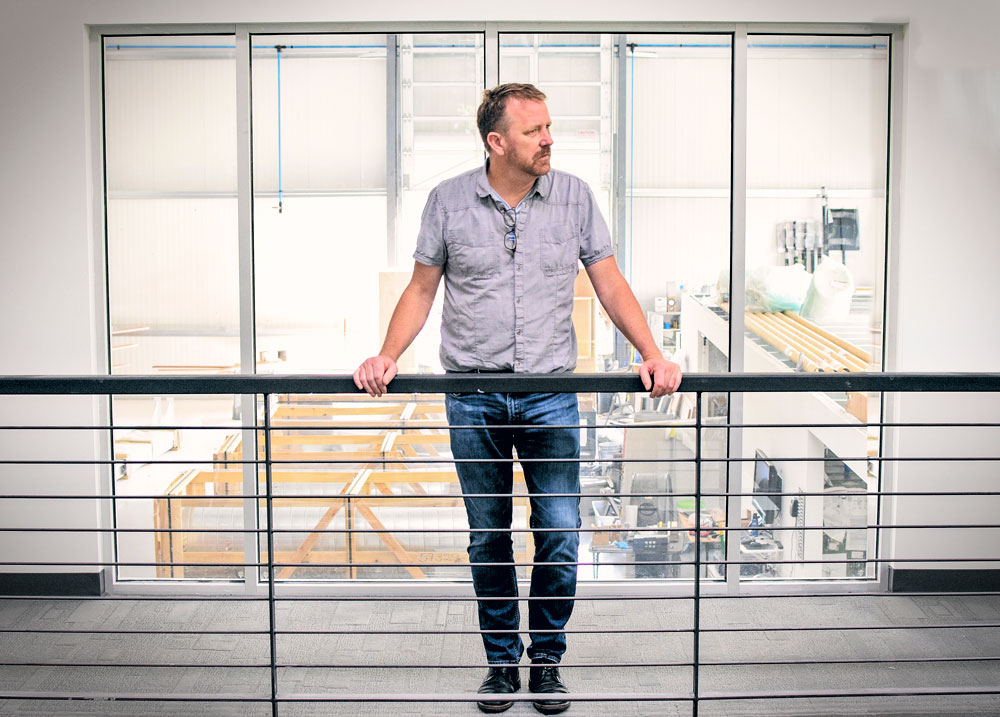
Bob Pineo had a communication problem. His clients could look at a technical plan without understanding the space it described. Pineo, of architecture firm Design Develop, had a background in construction. He knew what the lines meant. The people paying for the building often did not. In a 2021 interview published by SketchUp, he explained why he had moved to SketchUp and Lumion: three dimensions gave the conversation somewhere to stand.
- Model a space so people can make decisions together.
- Borrow objects from 3D Warehouse; add specialist tools through extensions.
- Carry the model into drawings, site data and shared reviews.
It sells 3D modeling software, but the everyday job is more human: helping someone decide whether a room, building, garden or piece of furniture makes sense. An architect can try another roof. An interior designer can move the sofa. A client can finally explain what feels wrong. The model becomes a place to disagree before disagreement gets expensive.
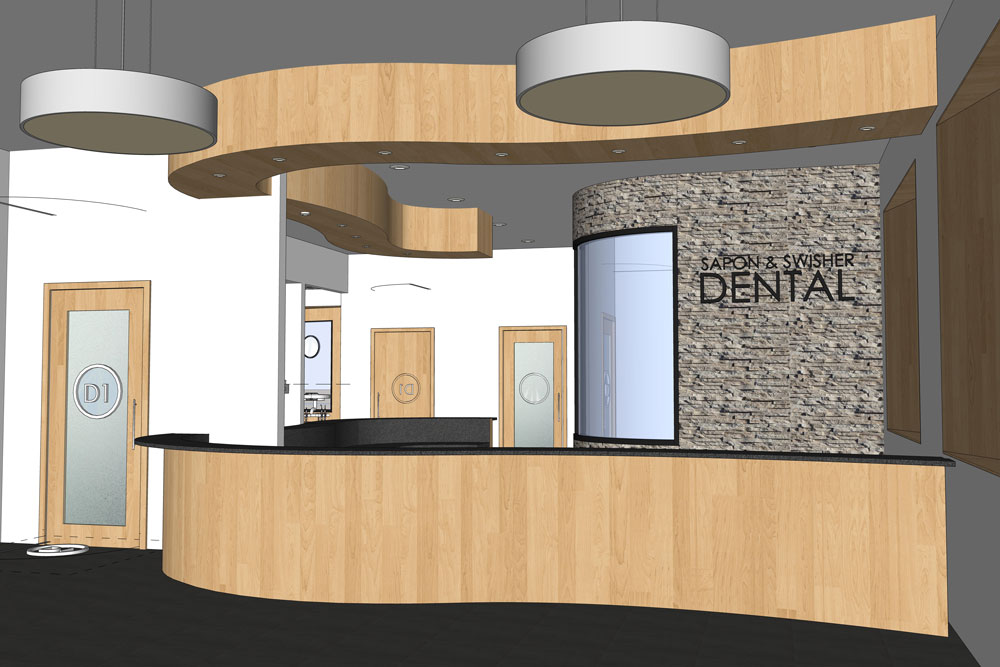
02A wall is a rectangle with somewhere to go
Architectural engineer Brad Schell asked software developer Joe Esch for a professional design tool that people could approach without dread. Their company, @Last Software, released SketchUp in August 2000 in Boulder, Colorado. The founding problem was the distance between having an idea and being able to put it on a screen.
Consider Push/Pull. Draw a flat face, then drag it into a volume. A rectangle becomes a block; another operation can make an opening. You can enter an exact distance, so the apparently playful gesture has a measured result. The tool makes a useful connection between the movement of a hand and the creation of a building element. You can understand the premise before learning the whole application.
The appeal extends beyond architects. Landscape designers, woodworkers, interior designers and construction teams all have things to explain spatially. Its website describes over a million industry professionals, a company-reported figure. That measures reach, not revenue.
03The sofa is already in the warehouse
A blank modeling window presents a peculiar tax: before designing a room, you may have to manufacture its contents. SketchUp’s 3D Warehouse reduces that tax. It offers millions of models, including real products from manufacturer catalogs. Find a chair, download it, and return to deciding where it belongs. Manufacturers get a route into the design conversation before anyone places an order.
The adjoining Extension Warehouse lets developers add capabilities to the desktop application. The official pricing page advertises more than 1,000 extensions. Rendering, specialist modeling and other tasks can live around the core tool. SketchUp’s public GitHub organization supplies API examples, debugging tools and an issue tracker. This is a business with a developer community attached to it.
That arrangement also explains its market position. Buyers may consider Revit for a BIM-centered practice, Rhino for complex geometry, or Blender for broader visual production. SketchUp’s case rests on approachable spatial modeling and a surrounding workflow. A firm should judge it against its required deliverables, file exchanges and collaborators. Familiarity with the first drawing tool does not settle every later requirement.
“3D for everyone”SketchUp’s stated goal
04The sketch has to survive the building site
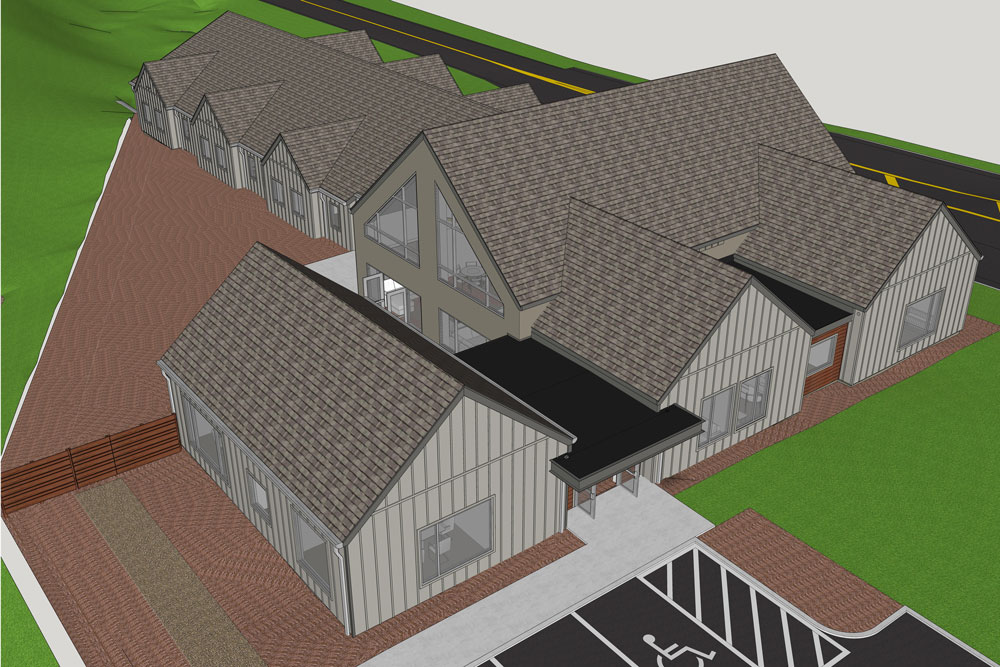
Google acquired SketchUp in 2006; Trimble acquired it in 2012. Under Trimble, the surrounding products make the relationship to construction explicit. LayOut turns model views into scaled drawings, annotations and presentation sheets, with dimensions that can update when the geometry changes. The model remains useful after the presentation.
Pineo’s team illustrates the handoff. Outsourced surveying had brought file problems and delays. The firm brought scanning in-house with a Trimble X7, imported point clouds through Scan Essentials, explored designs, then used LayOut for construction documentation. It also began selling scanning services. The transferable lesson is to repair a specific handoff, then carry the information into the next decision.
Sefaira addresses a different early decision: building performance. Its energy and daylight analysis uses EnergyPlus and Radiance simulation engines to compare options during conceptual and schematic design. A designer can test massing, glazing or envelope choices before those choices harden into commitments. The value depends on the inputs and the question being asked; an attractive model alone cannot establish an energy result.
05The price of getting everyone into the room
SketchUp makes money through subscriptions, with different capabilities at different tiers. On the US pricing page checked in October 2026, Go is advertised at $10.75 per user per month, Pro at $33.25 and Studio at $71.58, each billed annually before tax. That billing detail matters: the displayed monthly number describes an annual commitment.
Go covers web and iPad modeling. Pro adds the desktop application and LayOut. Studio adds advanced visualization and BIM tools and is Windows-only. Separate Pro bundles target scanning, civil contractors and advanced file workflows. Schools get another entry point: SketchUp for Schools is free with eligible Google or Microsoft education accounts. The business serves professional offices while giving students an earlier introduction.
Ask which work must leave your desk. If the deliverable requires desktop extensions, the entry web-and-iPad plan will not cover it. If colleagues expect shared model reviews, SketchUp’s collaboration features require the model to be saved to Trimble Connect. Subscription selection is partly a decision about how other people will receive your work.
USD / user / month, billed annually. Before tax. Checked October 16, 2026.
06Now the first sketch can be a sentence
The next experiment returns to the original barrier. In April 2026, Trimble introduced a SketchUp connector for Anthropic’s Claude. Describe a table, provide dimensions or upload a reference, and the service can generate a native SketchUp file. The result can be downloaded and refined in the modeler. It is another way to get an idea out of someone’s head.
There are useful limits. The current connector creates new files; it cannot edit or render an existing SketchUp file. Models must be downloaded because Claude does not retain them between sessions. Meanwhile, SketchUp 2026’s collaboration tools let people view, measure and comment on shared models, including seeing live updates. Creation and discussion are getting closer together.
To try this, start small: model one room, use real dimensions, bring in a few furnishings and ask another person to walk through it. Listen for the first misunderstanding. That moment tells you what to change. It is the same practical problem Pineo faced: giving another person enough of the picture to make a decision.