There is a small ritual hiding inside every software trial. You create a project, add a few tasks, choose responsible-sounding due dates, and invite the person who will make the whole thing real. The free plan has one job during that ritual: let you feel enough order that returning to a spreadsheet seems mildly painful.
ClickUp and Asana understand that job. Both give away unlimited tasks. Both include list, board and calendar views. Both can carry a real project without asking for a credit card. Their disagreement begins with what happens next.
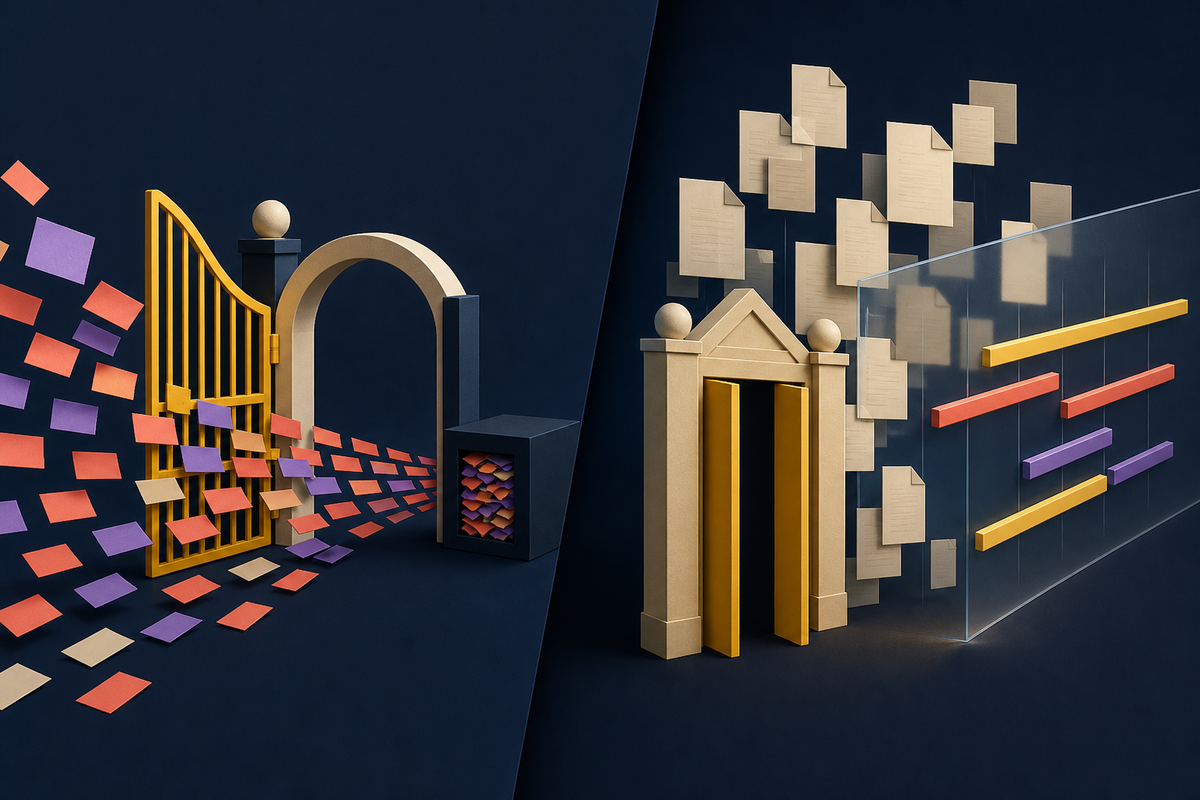
ClickUp's current Free Forever plan welcomes unlimited members and tasks, then gives the entire workspace 60MB for uploaded files. Asana's Personal plan offers unlimited tasks, projects and stored files, with a 100MB cap on each file, but admits only two collaborators. Timeline and Gantt arrive with Starter. Portfolios sit in Advanced.
Those are not footnotes. They are two acquisition strategies wearing checkboxes.
A free plan is a map of the paid future
The loudest word on a SaaS pricing page is usually “unlimited.” The useful word is the noun beside it. Unlimited tasks cost little once the system exists, and they help a user build history. A growing task archive makes the product familiar, searchable and harder to replace. Giving tasks away is a sensible invitation.
The conversion machinery lives around that archive. ClickUp appears to favor social spread. A founder can invite a designer, contractor, engineer and client without a seat cap on the free workspace. Each invite creates another person who learns the product. The compromise is control and depth: the free plan's tiny shared storage allowance discourages attachment-heavy work, and several advanced views are trials or belong to paid plans.
ClickUp Free Forever
- Unlimited tasks
- Unlimited free-plan members
- List, board and calendar views
- 60MB total workspace storage
Asana Personal
- Unlimited tasks and projects
- Unlimited stored files
- List, board and calendar views
- Two collaborators
Asana makes a different first impression. One person, or a pair, can build a surprisingly complete operating system for their work without worrying about a total file quota. The interface can become a personal command center. Expansion to a functioning team, however, now triggers the paid conversation quickly.
There is a second-order effect too. The location of a limit shapes what users keep inside the product. A storage ceiling trains a ClickUp team to leave heavy assets in Drive, Dropbox or another repository and paste links into tasks. A collaborator ceiling trains an Asana user to keep the workspace personal until payment makes wider participation sensible. Over time, those habits influence what each product becomes in the customer's mind: a shared coordination layer in one case, a carefully organized work graph in the other.
The best free plan is the one whose limit appears after your team has felt the product's value.YesPress analysis
The wedge moved while you were comparing
Free tiers are living products, not permanent promises. The familiar comparison that Asana supports 15 free users is historical. Asana later described a free tier for teams of up to 10 people in its fiscal-year filing for the year ended January 2025. Its public pricing page now says two users. ClickUp's own comparison page says the two-user limit applies to accounts created after November 2025.
That history matters for two reasons. First, an old review can be accurate and still send a new team toward the wrong decision. Second, tightening a seat limit changes the role of the free product. At 15 or 10 people, Asana could host a small company. At two, Personal is closer to an individual organizer with one collaborator. The top of the funnel gets narrower, while the handoff to sales or self-serve payment arrives sooner.
ClickUp has kept the wider invitation. Its official plan advertises unlimited free members, collaborative Docs, Kanban boards, sprint management and a calendar. But “free for everyone” is not the same as “everything for free.” Gantt, Timeline and Workload are presented as limited trials on the pricing comparison, while 60MB is a workspace-wide attachment budget. A handful of screen recordings can make that limit tangible.

What each company wants you to do first
Imagine two small agencies. The first works with six freelancers, lives in cloud drives and mostly shares links. ClickUp's storage cap may barely register. Unlimited member access lets the agency rehearse its actual workflow with the actual people. Its first paid pressure is likely to come from permissions, advanced reporting, time tracking, richer views or a desire to keep more material inside the workspace.
The second agency is a founder and an operations lead who attach creative files to every campaign. Asana Personal can hold their task and file trail, provided each attachment stays under 100MB. The pain arrives when a third internal collaborator needs to participate or when the team wants a project timeline. The same free price creates a completely different runway.
This is why feature-count comparisons age poorly. A long checklist treats every capability as equally important. Real teams encounter software in sequence. The third collaborator may matter on day one. The first 60MB may take months. Or a video-heavy team may reverse that order before lunch.
A playbook worth stealing
For software builders, the rivalry offers a cleaner way to design freemium. Start with the habit you need the customer to learn. Let free users complete that loop without interruption. Then place the commercial limit on a dimension that correlates with durable value and genuine cost.
A user should be able to create, assign, complete and review meaningful work before meeting a paywall.
Seats, storage, permissions and cross-project oversight become valuable as use grows. Blocking basic understanding wastes acquisition.
A clear 60MB cap or two-person limit lets buyers predict the bill. Vague “usage” allowances turn discovery into suspicion.
Competitors change limits. A wedge that looked generous last year may be ordinary now, or may target a different user entirely.
There is also a warning here. A free tier can produce adoption without producing affection. If the restriction interrupts the very behavior advertised in the headline, the user feels tricked. If the restriction arrives only after the product has become useful, the upgrade feels like a choice to keep momentum.
Neither approach is universally more generous. ClickUp is plainly more accommodating to a free team on headcount. Asana is plainly more accommodating to free file storage. Asana may feel faster and calmer to a pair that wants conventional task management. ClickUp may fit a larger group willing to configure a broader system. The distinction is practical, not tribal.
Teams should also price the exit, not just the entry. A free workspace accumulates assignments, comments, attachments and conventions. Moving later requires cleanup, retraining and a period when nobody quite trusts the new source of truth. That switching cost is the real economic engine beneath freemium. The initial invoice is easy to compare; the accumulated operating habit is not. A buyer who expects rapid growth should evaluate the paid tier before the free tier makes migration inconvenient.
Run a project, not a feature audit
The smartest comparison takes less time than migrating twice. Choose one live project with real collaborators. Add the files you normally share. Build the view the manager actually uses. Invite a client with the permissions you would trust. Then note the first point where the product asks you to change behavior or pay.
Do this in both tools and ignore the number of unchecked boxes that never touched the workflow. The result will tell you more than a table because it reveals the cost of the constraint in context. A seat limit is expensive when coordination is the job. A storage limit is cheap when Google Drive already owns the files. A missing Timeline is irrelevant until a schedule needs to be explained across teams.
Free is where both products begin their pitch. The more useful question is where each one expects your team to grow up.
Frequently asked questions
Is ClickUp free for unlimited users?
Yes. ClickUp's current Free Forever page lists unlimited free-plan members and unlimited tasks.
Does free ClickUp include unlimited storage?
No. ClickUp currently caps the entire Free Forever workspace at 60MB. Its help center says attachments, cover images, voice clips and screen recordings count toward that allowance.
How many people can use Asana for free?
Asana's current Personal plan allows up to two collaborators. Older articles may cite 15 or 10 because the company has changed the limit over time.
Does Asana Personal include Timeline or portfolios?
No. Asana currently lists Timeline and Gantt in Starter. Portfolios are included in Advanced.
Which free plan fits a small team?
ClickUp offers more room for free collaborators. Asana offers more room for files. Test a real project and see whether seats, storage, advanced views or setup complexity becomes the first meaningful constraint.