The problem with a cartoon is that people assume it is kidding. By 2018, GoAnimate had discovered that this could be expensive. Some customers told the company that its name made the software difficult to take seriously as a business communication tool. The product could explain a workplace procedure; the name still sounded like an invitation to play.
So GoAnimate became Vyond. The company’s retrospective gives two reasons: the old name constrained its ambitions beyond animation, and buyers wanted something that sounded suitable for work. A name change rarely deserves a business-school seminar. This one exposes a useful question: what happens when a playful medium has to pass a serious buying process?
- The job: turn workplace explanations into editable videos, with animation, avatars and screen recordings.
- The buyer: training, HR, sales and marketing teams that need repeatable production.
- The wager: AI can speed up the first draft; reusable scenes and controls make the next draft practical.
First, persuade the person who has to learn
Quickbase offers a telling example. Its customer education team had an introductory course with a completion problem. An earlier overhaul moved text-heavy material from Adobe Captivate into a more interactive Articulate course. Completion improved by only one percentage point. More interaction, by itself, had barely moved the audience.
The team then rebuilt the material as Vyond videos with an intergalactic theme. Characters explained concepts to one another. Text-to-speech made updates easier as the software changed. Quickbase reports completion rising from 33% to 68%, with the course’s Net Promoter Score moving from 62 to 88. Several things changed together, so the figures do not isolate animation’s effect. They do suggest a worthwhile experiment: put an explanation inside a story, then watch what learners actually do.
That distinction matters. A software purchase is an input. Finishing a course is a behavior. Confusing the two is how a department ends up with an impressive tool and exactly the same unenthusiastic audience.
The camera crew has a revision problem
At Terminix, the obstacle was production upkeep. Instructional designer Jon Hegidio wanted short videos for a mobile workforce dealing with technical material, including chemical application. Live-action production had become costly, and guidance needed to remain editable. His team used Vyond to turn reference material into microlearning delivered through the company’s mobile app.
In Vyond’s published account, Hegidio says projects could be finished in hours rather than days or weeks, with savings of thousands of dollars compared with traditional production. Those are customer-reported results. The practical change is easy to understand: a revised script or scene need not summon the cast back for another shoot.
“We’re turning around projects faster and less expensively than ever before.”
Jon Hegidio / Senior instructional designer, Terminix
For a team buying this kind of software, the second version is a useful unit of analysis. How long does an update take? Who must approve it? Can another colleague find the original assets? A cheap first video can be a surprisingly expensive possession if every correction starts from scratch.
A cast, a stage, and a very editable script
Alvin Hung founded the company in 2007. Early founder-supplied history records a public launch at Comic-Con in 2008, an enterprise customer in 2009, and GoAnimate for Business in 2012. The workplace audience arrived well before the Vyond name. The rebrand made that audience more visible.
Today, Vyond Studio supplies the detailed editing environment. Users assemble scenes, choose characters and props, adjust timing, add narration and combine media. Templates reduce the number of decisions needed to begin. The useful expertise is packaged into the software: a person who understands the subject can construct a scene without first becoming an animator.
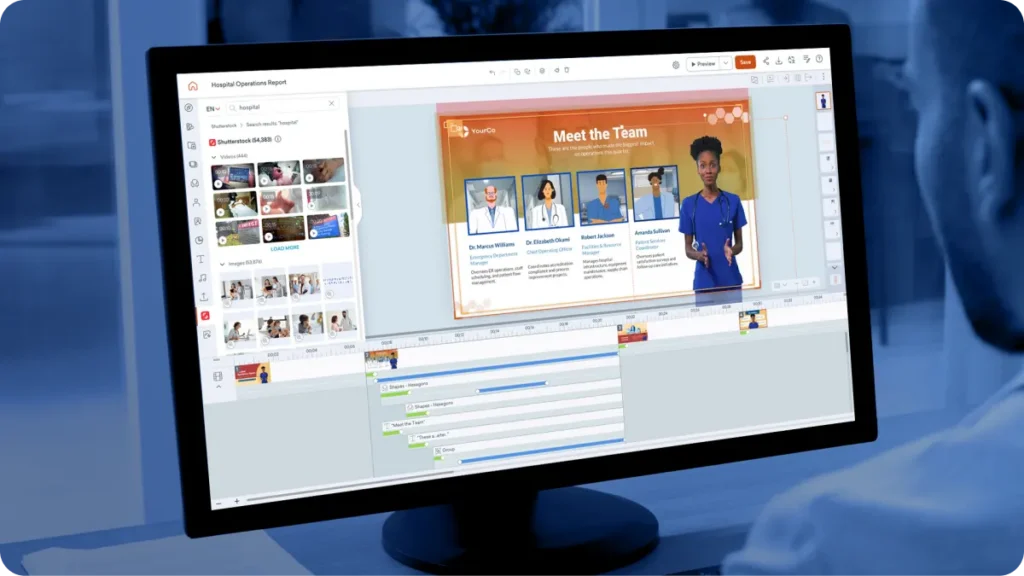
Vyond Go handles another entrance into that workspace. Launched in 2023, it generates a script and video from a prompt, document or URL. Users can make quick changes or take the draft into a fuller editing workflow. The relationship between generation and editing is central: a business explanation usually needs correction, qualification or a detail that the first draft missed.
The expanding format menu includes AI avatars, animation, mixed media, photorealistic material, webcam capture and screen recordings. A training author can choose a character-led scenario for a difficult conversation, then use a recording when the audience needs to see a software interface. The medium can follow the task.
- 01 / ExplainChoose one recurring question. Write the answer.
- 02 / AssembleGenerate or build a short scene. Reuse approved assets.
- 03 / CheckReview accuracy, timing and the intended action.
- 04 / ObserveMeasure completion or performance. Revise the weak part.
The cartoon gets a company uniform
A generic office is useful until you need your own office. Vyond’s custom asset service creates branded backgrounds, props, uniforms, characters and scenes. This is an unusually concrete part of its offer. A workplace explanation can depict a recognizable environment or a particular piece of equipment rather than borrowing the nearest stock illustration.
The Brand Management Suite goes further into organizational housekeeping. It provides shared brand assets, saved colors, watermarks and approval management. Logos can appear on animated clothing and headgear. Downloads can require approval. These features make sense when several people create videos on behalf of the same company and everyone has a different interpretation of “close enough.”
Enterprise security adds another layer. Vyond lists single sign-on, password controls and IP whitelisting among its protections. The company achieved ISO 27001 certification in 2019. Attractive content still has to move through an organization’s access and review requirements; those requirements help explain why this is sold as business software.
What the subscription actually buys
As checked on October 2, 2026, Starter costs $699 for an annual single-user subscription. Professional is $1,199 per user annually, Enterprise $1,649 and Agency $1,999. Starter and Professional also have monthly options at $99 and $199. The lower advertised monthly equivalents on annual plans are a billing comparison, not permission to pay one month at a time.
AI usage needs its own calculation. Vyond Go generation uses 800 credits per video. Starter includes 10,000 monthly credits, while Professional includes 20,000; other AI actions draw from the same allowance. Unused credits do not roll over. A team budgeting for frequent regeneration, narration or avatars should estimate those activities together. Custom production services can add separate costs.
There is also the author’s time. Someone must select the content, review a draft and decide whether it is fit to publish. A fast generation button can reduce assembly work. It cannot establish whether an instruction is correct or whether the audience understood it.
Old animation skills, new AI neighbours
Vyond occupies a crowded intersection. Powtoon and Animaker offer alternatives for animated content. Synthesia competes for business video and avatar workflows. The categories overlap, and a buyer should compare the actual task: character interaction, presenter narration, screen explanation, detailed editing or team review.
Even the boundary between supplier and rival is porous. Vyond offers avatars from HeyGen and Tavus. Its broader workflow includes featured integrations with Slack, Google Docs and Zapier. It is assembling tools around the job of producing business content, while keeping its long-developed scene editor in the middle.
There are sensible limits to the approach. A template can be wrong for the audience. A stylized scene may not show the physical detail required for a hands-on procedure. Translated content still needs review. For bespoke cinematic work, buyers should compare specialist production. For frequently updated explanations, the ability to revise and reuse is a stronger reason to investigate.
The next feature is a comment from a colleague
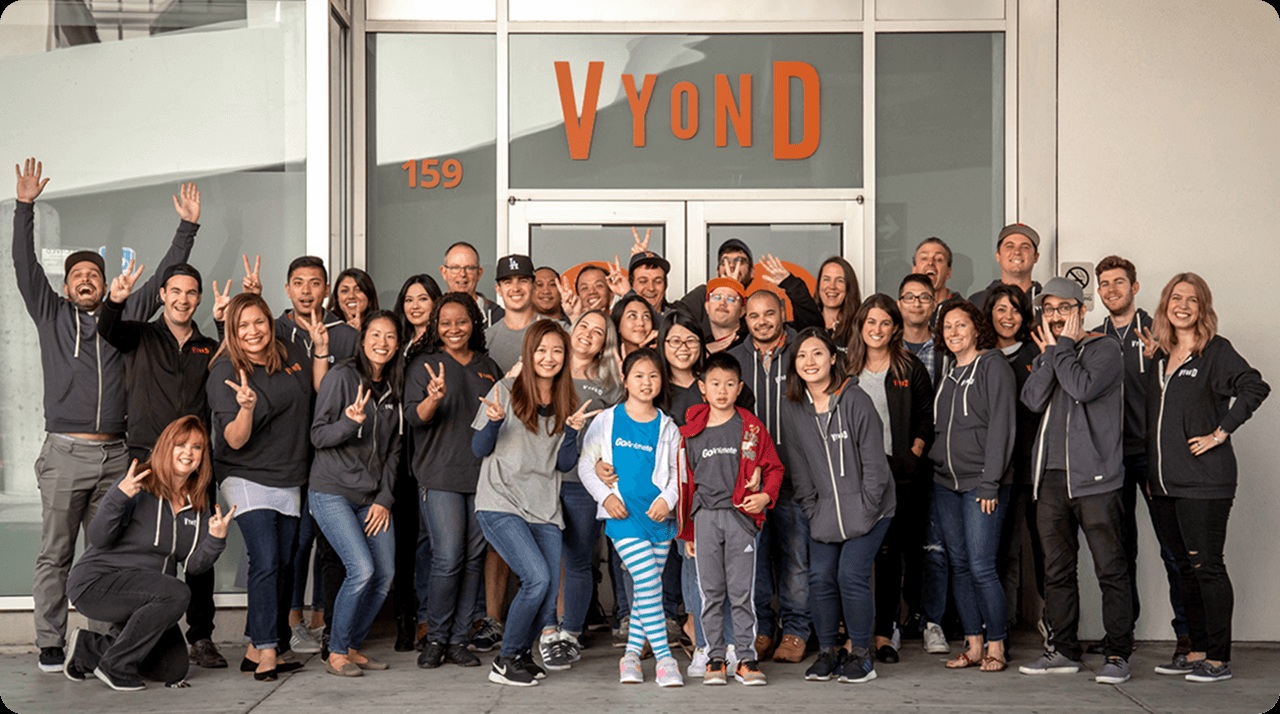
In April 2021, Vyond announced $50 million in growth capital led by PeakSpan. The announcement made an unusual selling point of financial discipline: CEO Gary Lipkowitz said the company had been profitable since inception. It was a management claim, but it tells us how Vyond wanted its business to be understood.
The latest releases keep returning to ordinary production chores. September 2026 brought voice creation from recordings and password-protected guest commenting for Enterprise and Agency customers. Reviewers can comment on a scene or timestamp without a Vyond account. The glamorous promise is instant video; the daily task is getting a colleague to explain what needs changing.
The lesson readers can copy is modest enough to try. Choose one explanation that is delivered repeatedly and revised often. Make a short, editable version. Put it in front of the people who need it. Measure whether they finish, understand or perform the task better. The cartoon earns its place when the explanation works.
See the cast at work
Explore Vyond, compare plans, browse the blog and product news, or watch the official Vyond Go walkthrough and platform demonstration.