The best reason to buy VITURE's Luma Pro is making a bad screen situation disappear, futuristic cosplay optional. A cramped airplane tray, a Steam Deck balanced in bed, a hotel room with the television bolted to the wrong wall: connect the glasses and a bright private display appears in front of you. No room booking. No one reading over your shoulder. No headset hair. The product is easiest to understand as a television folded into a pair of chunky sunglasses.
That distinction matters. The Luma Pro has a sticker-covered front RGB camera intended for spatial awareness, but it has no standalone battery or operating system, and VITURE still describes the camera function as awaiting activation. In its simplest and most reliable mode, it takes video from a USB-C device and places the same image in both eyes. VITURE calls the category XR; “wearable display” is the plainer, more useful description.
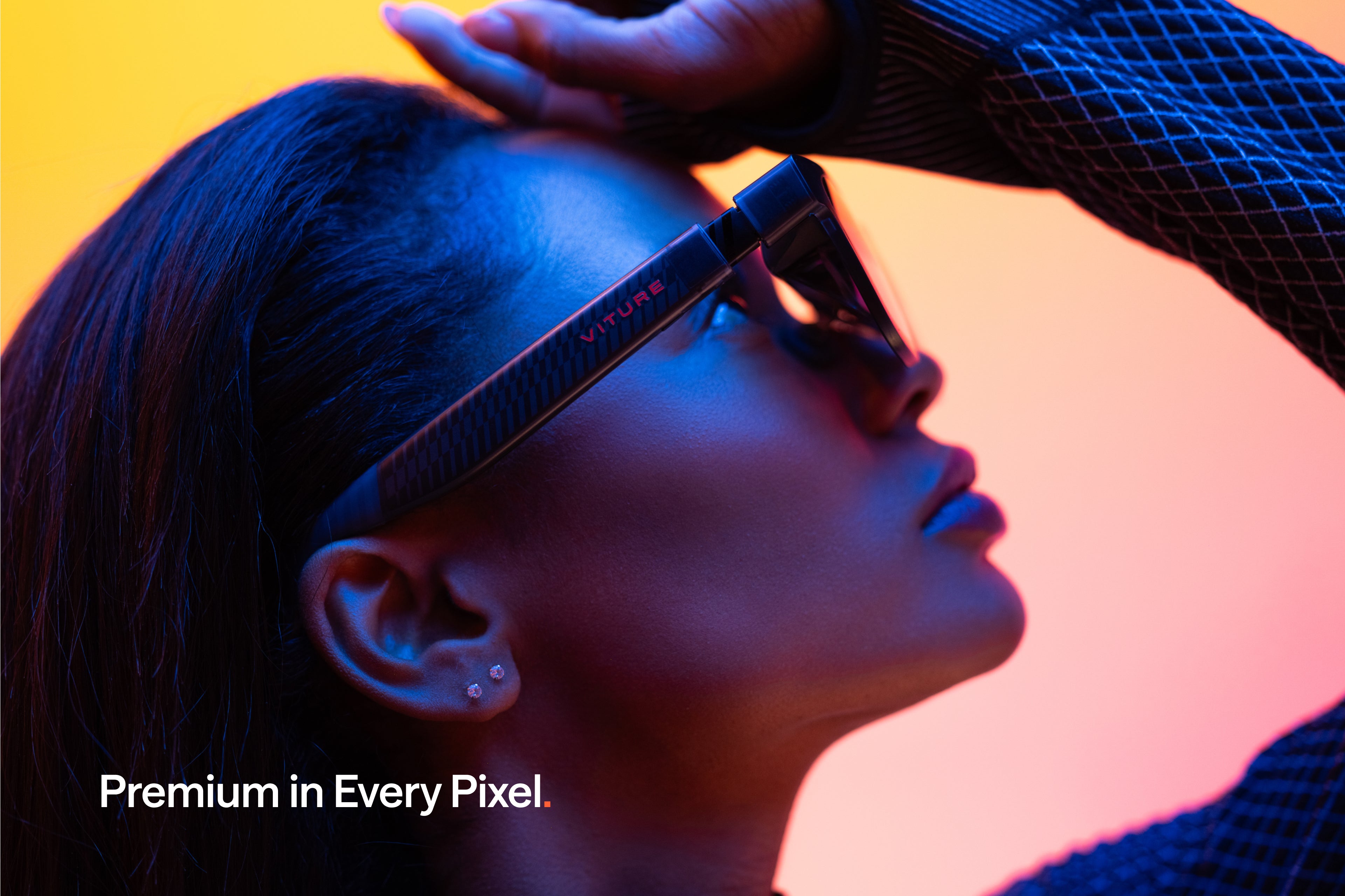
Who gets the most from a screen on the nose?
Start with handheld gamers. Steam Deck, ROG Ally, and other devices that output DisplayPort over USB-C can connect with the included magnetic cable. You keep the controller and computing power you already own, but trade the small built-in display for a much larger perceived image. Games can run at up to 120Hz, and the OLED contrast does justice to dark corridors, neon cities, and tiny inventory text. A charge-and-play adapter is extra, because the glasses occupy the handheld's USB-C port.
Travelers are the second obvious crowd. At 79g for the regular frame and 81g for the large, the glasses take less space than a portable monitor. The case is comically heavier than the product, but still bag-friendly. Electrochromic lenses darken with a button press, reducing cabin glare without making you clip an opaque shield over the front. The open speakers keep your ears free, though a noisy aircraft will expose their limited volume. Bring earbuds.
There is also a humane domestic use: watching something without annexing the television. A partner can sleep, a child can occupy the big screen, and your embarrassing comfort show remains a private negotiation between you and the algorithm. Phone compatibility requires USB-C video output, which modern iPhones and some Android flagships provide. A USB-C port alone is not proof; many budget phones cannot send video.
The display earns the attention. “4K-like” earns an asterisk.
Each eye gets a Sony micro-OLED panel with 1920 by 1200 pixels, a 16:10 ratio, up to 120Hz refresh, and a claimed peak perceived brightness of 1,000 nits. VITURE markets the result as “4K-like.” It is not a 4K panel. The argument is about angular sharpness and the absence of a physical monitor's viewing distance, not arithmetic. Ignore the slogan and the picture still has a strong case: reviewers repeatedly singled out crisp text, vivid color, deep contrast, and cleaner edges than earlier VITURE hardware.
“Text is very clear in non-3DoF mode.”A first-time Luma Pro owner testing it for coding, Reddit
The fixed display is the cleanest demonstration. Plug in, adjust the diopter dials, center the frame, and the source screen follows your head. There is no battery pairing ritual and almost no latency added by the glasses. Electrochromic dimming is the quiet star: one press shifts the lenses toward near-opaque, making contrast feel richer in a bright room. Another press lets more of the world back in.
Color and brightness controls live on the frame, with nine levels for brightness and volume. HARMAN AudioEFX branding sits on the speakers, but the review consensus is cooler than the logo. GameRevolution called the audio functional and low-leakage; Android Authority and AndroidGuys found it weak. In a quiet room it saves you from headphones. On a train, earbuds win.
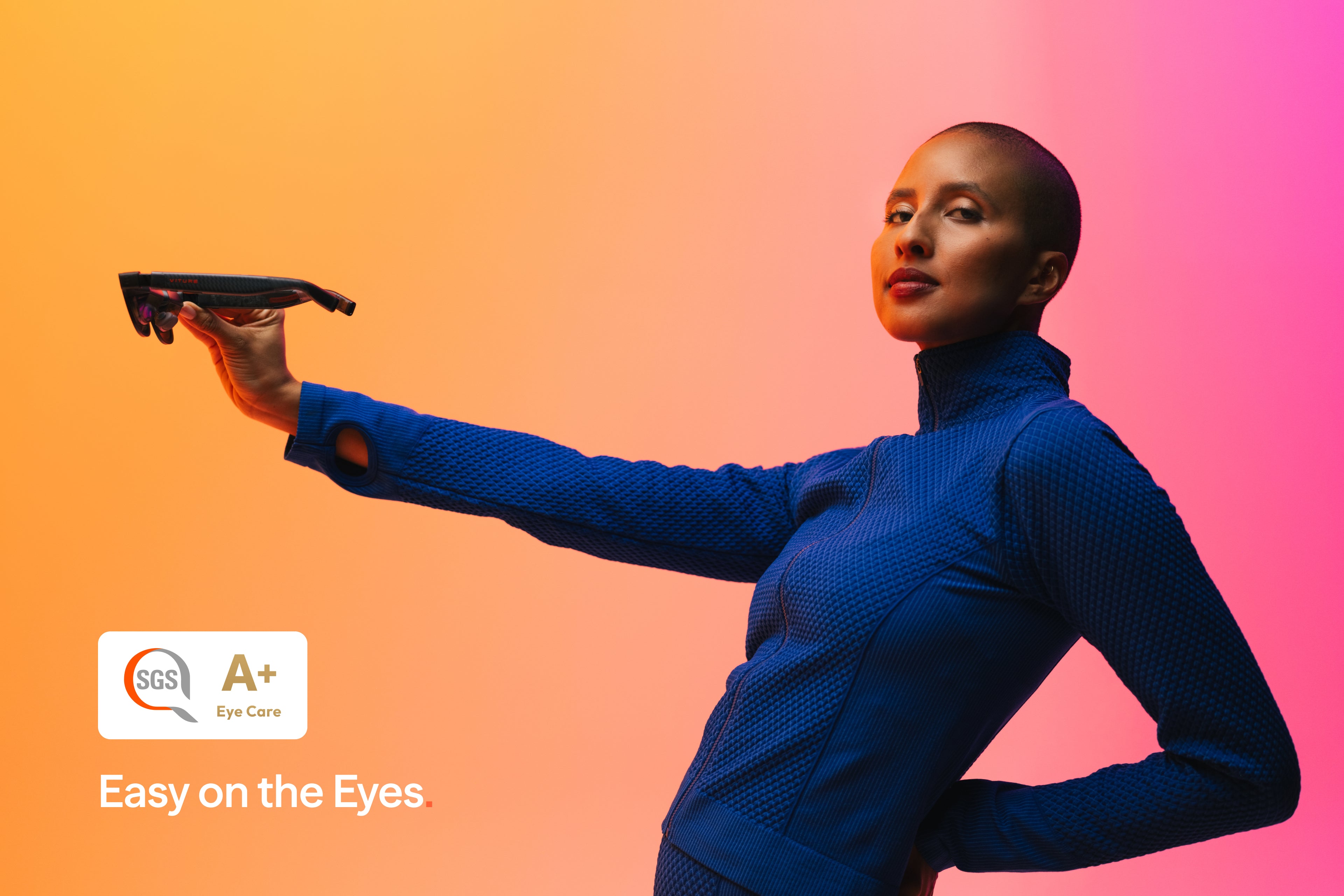
The fit lottery is the whole buying guide
XR display glasses have an eyebox, the zone where your pupils can see the full projected image. A wider field of view creates a larger-looking screen but can make that usable zone less forgiving. Several Luma Pro owners and one detailed AndroidGuys review reported clipped corners or blurry edges even after changing nose pads and temple angles. Other reviewers found the glasses unusually comfortable and sharp from edge to edge. Both experiences can be true because faces are not standardized ports.
Measure your interpupillary distance, or IPD, before ordering. VITURE centers Regular around 64mm with a plus-or-minus 6mm range; Large centers around 68mm with the same tolerance. If both fit on paper, choose the center nearest your measurement. Then remember that IPD covers only horizontal alignment. Nose shape, eye depth, asymmetry, and where the arms meet your ears also determine whether all four corners stay visible.
The frame gives you useful tools: three magnetic nose pads, temple tilt adjustment, flexible arms, and independent myopia dials down to -4.0D. Those dials correct simple nearsightedness, not astigmatism or farsightedness. Stronger and more complex prescriptions need VITURE's insert fitted with lenses. The Pro's correction range is narrower than earlier VITURE glasses; the company told Tom's Guide that greater diopter adjustment interfered with peripheral image quality on the wider 52-degree optics.
“Comfort takes some tweaking.”Pocket Tactics, after testing with a Steam Deck OLED
SpaceWalker turns one screen into several - with caveats
VITURE's free SpaceWalker software runs on Windows, macOS, iOS, and Android. Depending on platform, it can create multiple virtual monitors, an ultrawide canvas, browser windows, head-anchored 3DoF views, and real-time 2D-to-3D conversion. This is where a wearable television tries to become a spatial workstation.
The ambition is useful. A private ultrawide can rescue a spreadsheet session in a hotel, and multiple panels are appealing to developers who travel. The implementation is software-based, however. Luma Pro does not have the XREAL One's onboard spatial chip. Reviewers reported drift, jitter, and reduced clarity while tracking was active. A Reddit user attempting a three-monitor coding setup watched the virtual screens slowly shift after head movement. For focused text work, that motion can be more tiring than a small laptop display that stays put.
| Decision | Luma Pro advantage | Tradeoff to price in |
|---|---|---|
| Movies and shows | Bright OLED contrast, instant lens dimming, private view | Open speakers struggle with noisy surroundings |
| Handheld gaming | 120Hz, low-friction USB-C connection, readable small text | Charge-and-play needs another adapter |
| Single-screen work | Sharp 1200p image and strong privacy | Fit determines edge clarity; 16:10 is still one canvas |
| Multi-monitor work | SpaceWalker creates flexible layouts across major platforms | Software 3DoF may drift or jitter |
| Versus XREAL One | Higher resolution, brightness, built-in myopia adjustment | XREAL puts 3DoF controls in the glasses and is often praised for audio |
The practical hierarchy is simple. Fixed 0DoF is the dependable daily mode. SpaceWalker is worth trying for occasional ultrawide and multi-screen work. Do not buy on the promise that virtual monitors will automatically replace a calibrated desk setup. If stable spatial screens are your first priority, compare XREAL One and One Pro, or VITURE's own Beast, which moves spatial controls into the hardware.
The dongle drawer is part of the product
Direct connection is lovely when the source supports DisplayPort Alt Mode over USB-C. Steam Deck, ROG Ally, compatible laptops, iPads, newer USB-C iPhones, and selected Android phones can be one-cable affairs. Nintendo Switch and Switch 2 do not output the needed signal directly in handheld mode, so VITURE's Pro Mobile Dock enters the chat. HDMI consoles need an adapter. Charging a phone or handheld while using the glasses requires a splitter.
The base price is therefore the opening bid. The box includes the glasses, three nose pads, a 1.2-meter USB-C-to-magnetic cable, case, hair-friendly connector cover, cloth, and paperwork. Budget for the accessories your exact setup needs. The glasses have no battery, which is good for weight and bad for the battery icon on whatever powers them.
- Measure firstGet your IPD from an eye exam or a careful measurement, then choose Regular or Large by the nearest center.
- Audit the portConfirm that your phone or computer supports DisplayPort video over USB-C. Charging support is not enough.
- Price the chainAdd the dock, adapter, charging splitter, prescription insert, or Neckband before comparing totals.
- Test every cornerOpen a desktop with small text. Move the nose pads and temple angle. Check all edges in your normal posture.
- Keep the packagingUse the return window. Optical fit is a physical compatibility test, not buyer's remorse.
What to steal from VITURE's product design
Progressive disclosure is cleverer than the RGB, though the faint light through translucent temples has goofy charm. The glasses work as a basic external display with one cable. Enthusiasts can add SpaceWalker, a mobile dock, prescription inserts, the Pro Neckband, 3D conversion, or multi-screen layouts. The simple job is available before the ecosystem arrives.
There is a product lesson here for anyone building hardware: remove setup from the first successful moment. VITURE also made environmental control physical. Brightness, volume, diopters, and lens dimming do not require hunting through an app. The rougher lesson is equally valuable. No amount of software can rescue optics that do not align with a buyer's face, so sizing tools, retail demos, and forgiving returns belong to the core experience.
Buy it if…
- Your main jobs are travel movies and handheld gaming.
- You value sharp text and built-in myopia adjustment.
- Your devices already output USB-C video.
- You can test fit or return easily.
Skip it if…
- You need stable spatial monitors above all else.
- Your prescription exceeds -4.0D without inserts.
- You expect standalone apps or wireless freedom.
- You dislike accessory costs and visible cables.
The verdict: buy the display you can return
At its $499 MSRP, Luma Pro is easiest to recommend to a frequent traveler or handheld gamer who wants a bright, private screen and can purchase with a real return window. Promotional pricing makes the equation friendlier, but fit remains binary. If you see every edge, the 1200p Sony panels, 120Hz motion, and instant dimming make a tiny device feel generous. If your eyebrows are negotiating with the top row of pixels, the brochure cannot help.
Existing VITURE Pro owners have less reason to rush. Tom's Guide called the Luma Pro an evolution, not a revolution, and the upgrade trades money for a wider, sharper image plus more physical adjustment. New buyers should compare XREAL One for stronger onboard spatial behavior, RayNeo's Air line for value, Rokid Max 2 for another fit and ecosystem option, and VITURE Beast for hardware-based spatial controls. Try them if you can. In this category, your face is part of the benchmark suite.
The Luma Pro succeeds when it stops pretending to be tomorrow's computer and becomes today's escape hatch: a good screen wherever a good screen would otherwise be ridiculous. On a plane, in bed, beside a sleeping partner, or attached to a Steam Deck, that is plenty futuristic.