If your creative process currently resembles a browser hostage situation, Freepik AI Suite has a persuasive pitch. Put the image models, video models, upscalers, stock photos, editors and half-finished experiments in one place. Stop remembering which service owns which credits. Let the campaign live together. In April 2026, Freepik renamed the entire operation Magnific, borrowing the name of the upscaling startup it bought two years earlier. The old URL redirects, the old login works, and the practical question survives the makeover: does one crowded workbench beat a drawer full of sharper individual tools?
For a marketing team producing product scenes, social cuts and localized variations every week, often yes. For someone making three images on a Sunday night, probably not. This platform rewards people with a repeatable pipeline. It is less compelling as a casual prompt box, because the real value sits in everything that happens before and after generation: shared references, model comparison, edits, upscaling, stock search and a workflow that can be run again.
01 / Why it existsA stock cupboard learned production
Freepik began in Málaga in 2010 as a search engine for graphic resources. It became a marketplace, bought libraries and tools, and launched real-time AI image generation in 2023. Chief executive and co-founder Joaquín Cuenca described DALL-E 2 as a “Sputnik moment” in a 2024 interview. His company did not need to invent an audience for generative pictures. Designers and small marketing departments were already arriving for pictures, vectors, templates and mockups.
That heritage explains the suite better than the model list does. A generated bottle shot can move into background removal, land in a mockup, pick up a voiceover, become a short video and sit beside licensed stock. The company now offers its own technology, including Mystic and the Magnific upscaler, while acting as a busy departure board for models from OpenAI, Google, Black Forest Labs, ByteDance, Kuaishou, Runway, Recraft, Ideogram, xAI and others. The board changes quickly. That is a feature when you want choice and a chore when you want certainty.
02 / The useful bitsSpaces is the reason to remember it
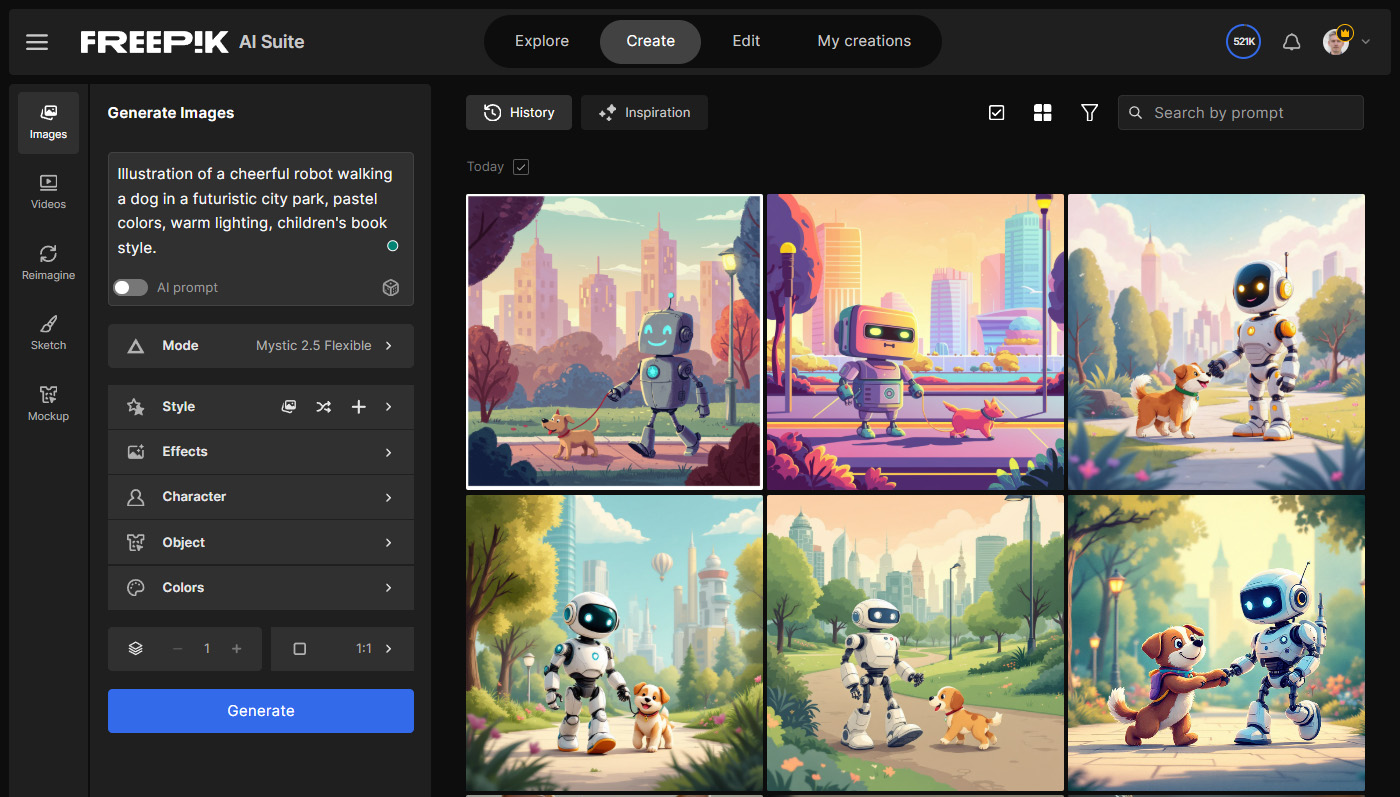
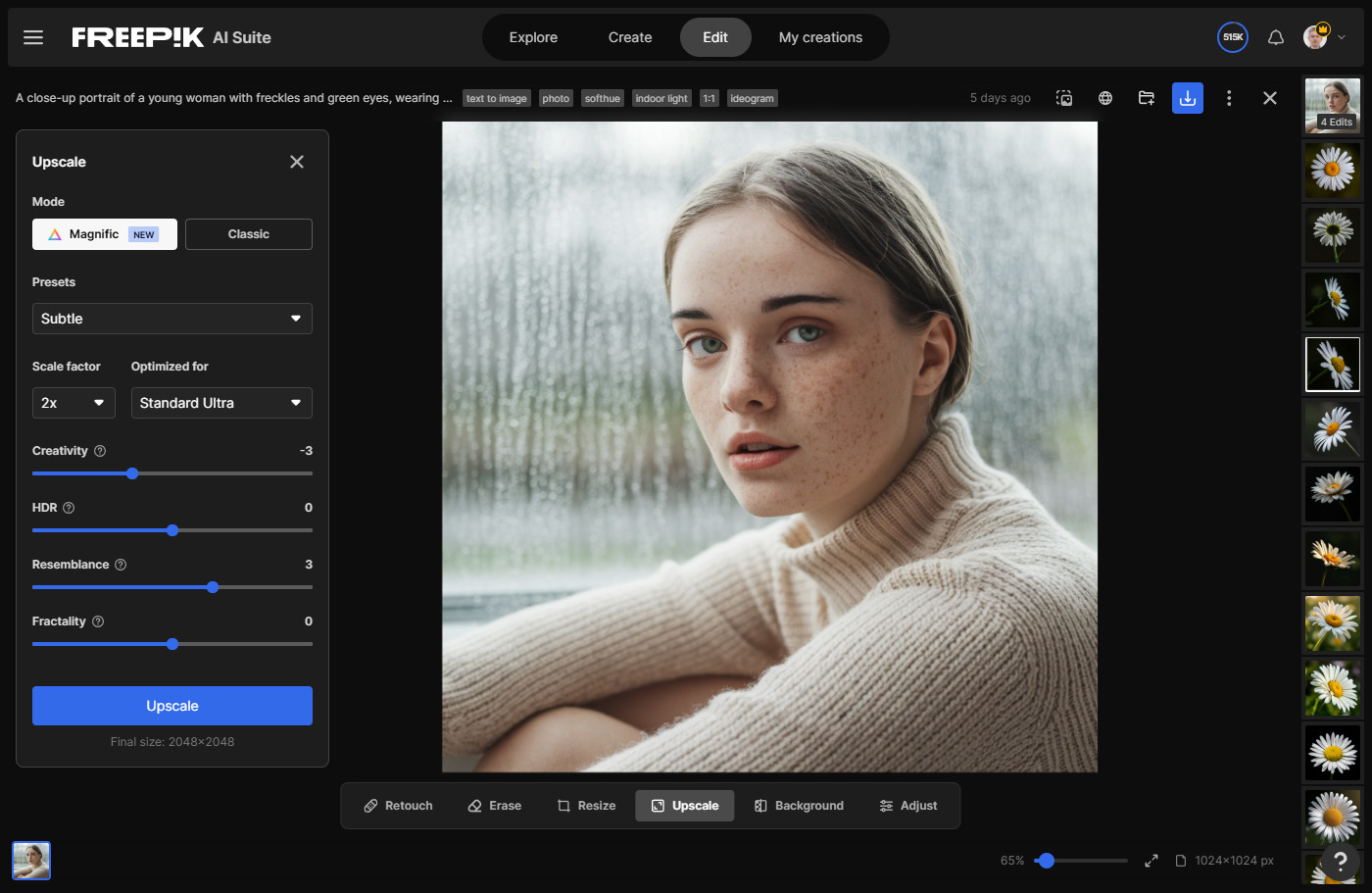
The ordinary generators are capable and broad. Image tools cover text and reference generation, retouching, relighting, camera changes, background removal, character consistency and mockups. Video tools cover text-to-video, image-to-video, motion control, scene stitching, lip sync, style transfer and upscaling. Audio adds voices, cloning, music and effects. The image upscaler can enlarge up to 16x; video output can be pushed to 4K at up to 60 frames per second, depending on the engine.
Shop models by the job
Pick for realism, type, speed or motion instead of maintaining a separate subscription for every model maker.
Edit the useful accident
Relight, remove, restyle, expand, upscale or turn a still into motion without beginning again in a new account.
Keep the messy middle
Spaces holds prompts, references, generations and notes on an infinite shared canvas with live collaborators.
Package the recipe
Flows turns a working node graph into a clean form that a teammate or client can run without touching the wiring.
Spaces is the hinge. It connects text, images, video, audio and utilities as nodes on an infinite canvas. One prompt can feed two generators. A list can produce a batch. An output can move to an upscaler and then into video. Colleagues can edit in real time. Free users can create three Spaces, which is enough to discover whether node graphs feel liberating or like someone put a spreadsheet inside your sketchbook.
reference
variations
retouch
voice
Flows hides that wiring behind named inputs and sensible defaults. A brand manager can upload a new product, choose a market and run the established process. Since an August update, those Flows can also run through MCP from assistants such as ChatGPT and Claude. Plugins extend the same toolbox into Photoshop, Illustrator, Figma, Premiere Pro, After Effects, Final Cut Pro and DaVinci Resolve. Custom agents add project instructions, reference files and memory, then deliver editable Spaces rather than a sealed result.
The suite’s best product is not an image. It is the path from one approved idea to fifty usable variations.YesPress verdict
03 / The catchesCredits turn play into arithmetic
Freepik’s breadth creates its most persistent problem. Each model has a different appetite. A still image can be cheap; a few seconds of current video can be expensive. Some plans advertise unlimited generation on eligible models while keeping premium actions on credits. The live pricing page estimates outputs using particular reference models, not an average of everything you might choose. Read the model-level cost before pressing generate, especially when a fashionable video model has just arrived.
Annual credit pools on the displayed individual plans
At the time of writing, annual individual rates displayed in euros are €12 a month for Premium, €27 for Premium+ and €66 for the base Pro configuration, before VAT and local taxes. Those plans show 240,000, 600,000 and 1.5 million annual credits respectively. Monthly billing costs more. Prices, included models and promotional unlimited access can move, so treat those figures as a dated map rather than a tattoo.
User commentary is mixed in a useful way. One heavy user wrote that direct model sites can sometimes deliver better results, while praising project management and Spaces. Other users say the collection is underrated or single out Magnific upscaling. The recurring negative theme is not image quality. It is trust around the meter: unclear costs before a run, credits lost to bugs and slow support. Trustpilot likewise mixes praise for variety and value with billing and service complaints. These are personal reports, not controlled tests, but the pattern is consistent enough to make a small trial project mandatory.
04 / Buying adviceChoose the workflow, not the buffet
Start with your weekly deliverables. If you make ad variants, ecommerce scenes, storyboards, short social video and localized versions, build one real job in the free tier. Count the generations that failed, the ones you upscaled and the seconds of video you kept. Then price that recipe. Premium suits lighter production and stock-heavy users. Premium+ makes sense when eligible unlimited image work replaces another subscription. Pro is for volume that can justify a larger annual credit pool. Business and Enterprise add the controls that procurement notices: shared credits, roles, SSO, usage visibility, compliance and, on enterprise terms, legal protections.
| Platform | Natural home | Pick it when | Watch for |
|---|---|---|---|
| Magnific / Freepik AI | Multi-model production plus stock | You move one brief across image, video, audio and repeatable workflows | Model-by-model credits and a crowded catalog |
| Adobe Firefly | Creative Cloud and collaborative Boards | Your finishing work already lives in Photoshop, Illustrator or Premiere | Partner models and premium features also use credits |
| Canva AI | Editable layouts and publishing | The final object is a presentation, post, document or campaign package | Less emphasis on deep control for specialist generation |
| Runway | AI-first moving image | Video generation and filmmaking tools are the center of the job | A narrower answer for stock, design and broad campaign assembly |
Adobe Firefly is now a serious parallel: Boards offers an infinite collaborative canvas and multiple partner models, with clean routes into Creative Cloud. Canva is stronger when the destination is a layered, editable design and publishing workflow. Runway remains the specialist comparison for moving image. Krea, Leonardo and Midjourney deserve trials when a particular visual process matters more than consolidation. Freepik’s advantage is not permanent access to a secret model. The same popular engines increasingly appear in rival stores. Its edge is having stock, generation, post-production and repeatable team plumbing on the same receipt.
05 / Name changeFreepik left the building, mostly
The Magnific rebrand is both logical and mildly comic. “Freepik” sounded like a place to download a cheerful vector. The product had become an AI studio with enterprise contracts, agents and motion tools. Magnific was already the name creators associated with high-end upscaling, so the acquired startup’s sign went over the whole shop. Existing Freepik logins, subscriptions, files and licenses carried across. The legal company remains Freepik Company, S.L.U., and old API keys continued to work on both domains during migration.
The company says it does not train on customer inputs or outputs, including through third-party providers. Its F Lite image model, developed with fal.ai in 2025, took another route through the rights question: roughly 10 billion parameters trained on 80 million commercially licensed safe-for-work images using 64 Nvidia H100 GPUs. Enterprise offers add indemnification and formal security controls. Everyone else should still read the current license for the tool and model they plan to use. “Commercial use” is helpful language, not a substitute for checking trademarks, likenesses and the material you uploaded.
Who should actually buy it?
Busy solo creators and small teams who produce related assets across several media, and who will save workflows rather than merely sample models. Skip the paid tier if you generate occasionally, need one model’s newest native controls, or resent keeping a calculator beside the prompt box.
The funny outcome is that Freepik escaped the stock-library label by becoming something like a stock exchange for creative models. You bring the brief. Different engines bid for the job. Spaces moves the winner through production. The result can be efficient, but only if someone remains the adult in the room: naming the deliverable, controlling the references, checking rights, watching credits and deciding when a picture is finished. The platform removes tab-hopping. It does not remove judgment, which is probably the healthiest promise any AI suite can make.