Magnific is for the creator whose browser looks like a casino floor: one tab for image generation, another for video, a third for stock, and a meter running in every corner. It gathers that mess into one account. Photographers can restore a scan. Art directors can build campaign variations. Small studios can storyboard, generate a clip, add a voice, upscale the final frames, and pass the project across a shared canvas. The attraction is continuity, not novelty.
There is a catch. Magnific is also for people willing to learn a credit economy that changes by model and resolution. If you create twice a month, the breadth may be wasted. If your livelihood depends on accurate faces, logos, or products, its playful upscaler can be the wrong instrument unless you choose the faithful mode. This is a capable creative department store, but you should arrive with a shopping list.
First, untangle the name
The original Magnific appeared on November 27, 2023. Javi López and Emilio Nicolás Riquelme, two founders from Murcia, Spain, built an image upscaler with a mischievous premise: a small picture does not merely need more pixels. It may need plausible eyelashes, masonry, foliage, fabric, and film grain that were never recorded in the source. The product let users steer that reconstruction with a prompt and controls including Creativity, HDR, Resemblance, and the memorably strange Fractality.
It spread without paid ads. When Freepik announced its acquisition in May 2024, López said the two-person company had reached 725,000 registered users in five months without outside investment. Spanish reporting called it Freepik's largest acquisition at the time. That alone would make a tidy startup tale. Then the buyer borrowed the purchase's name.
On April 28, 2026, Freepik became Magnific. The current product is therefore two histories sharing a login: the inventive upscaler founded in 2023 and the stock-content company founded in 2010. Existing Freepik accounts, licenses, team seats, credits, and API keys carried across. Legacy magnific.ai subscriptions remain available until they expire, while magnific.com houses the broad platform.
The reason to use it: fewer handoffs
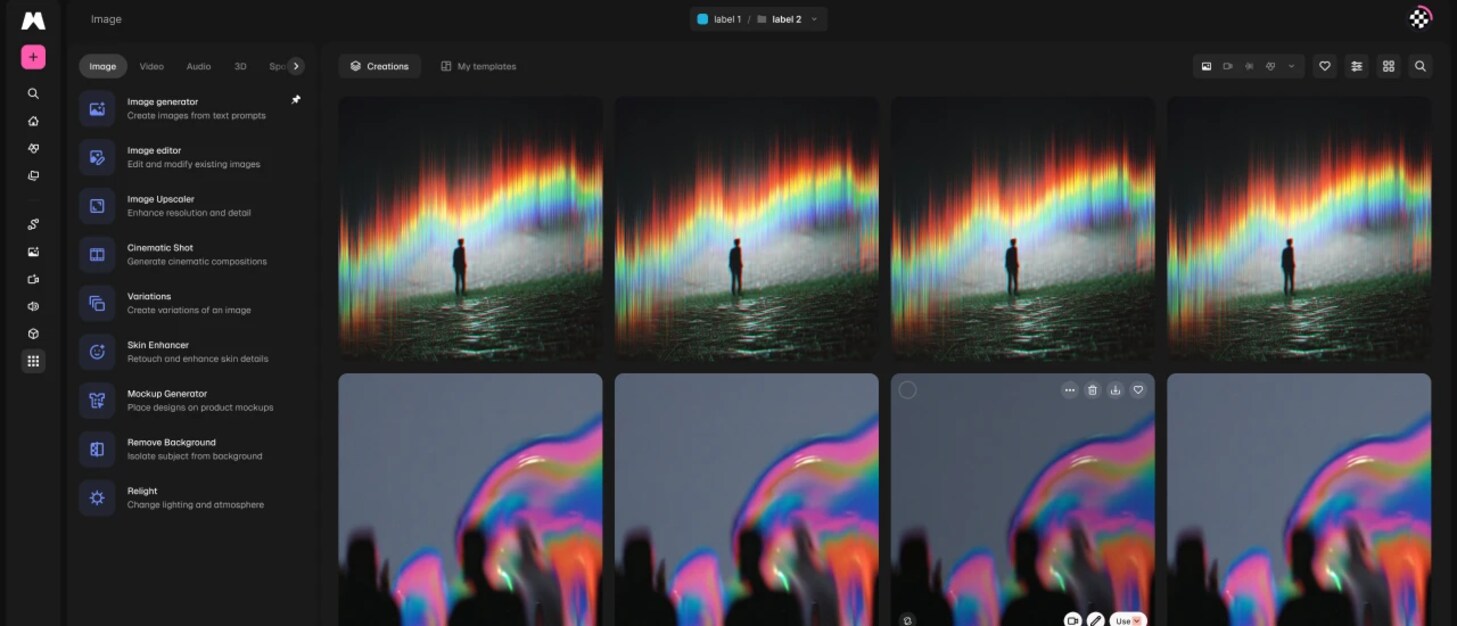
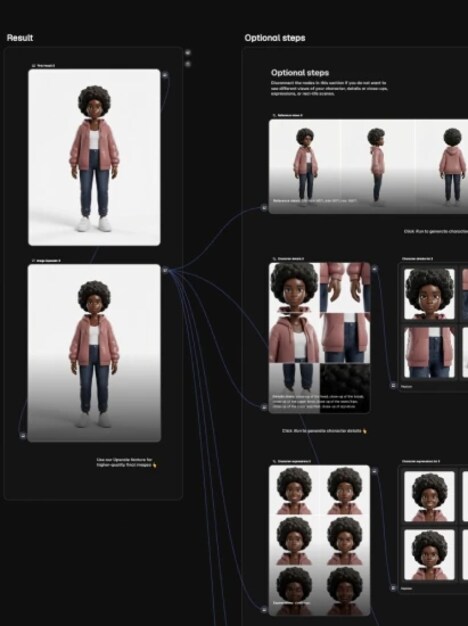
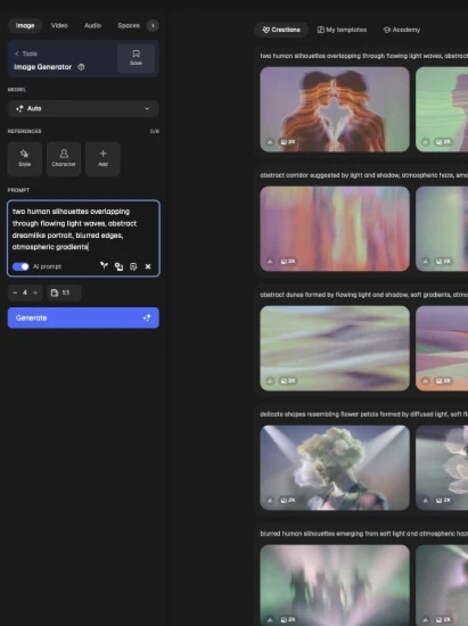
The strongest case is a connected job. Start with a reference board in Spaces, Magnific's collaborative canvas. Generate images with models from Google, ByteDance, Black Forest Labs, Recraft, and others. Change the camera angle, relight a product, remove a background, or produce variations without exporting between services. Move into video generation, clip editing, motion control, voice, music, or sound effects. Pull in a stock asset when generation is the silly solution. Finish with the image or video upscaler.
Flows turn a Spaces process into a repeatable recipe that can be shared or run elsewhere. The API, MCP connection, editor plugins, desktop app, mobile apps, and ComfyUI nodes widen the exits. A recent LinkedIn update described the ComfyUI integration as native image, video, upscaling, relighting, background-removal, stock, and library nodes, with the graph kept locally while Magnific steps travel to the service.
This range matters to agencies, content teams, and solo generalists more than it does to specialists. Magnific names R/GA, Damm, Job&Talent, Delivery Hero, Haworth, GUESS, and BBC among enterprise users. At the rebrand, the company reported more than 290 enterprise teams, one million paid subscribers, 100 million monthly visits, and $230 million in annual recurring revenue. Those are company figures, but they explain the scale of the bet: this is no longer a clever enhancement utility with two people answering the inbox.
“The story, the shots, the emotional beats, that's all us.”Phantom X, in Magnific's enterprise case material
The upscaler still has the best personality
Magnific's defining feature is the choice between invention and obedience. Creative mode can rebuild a low-resolution illustration, game texture, 3D render, or concept frame with new contextual detail. A prompt tells it what it is looking at. Creativity grants latitude; Resemblance pulls it back toward the source; HDR changes tonal drama. This can produce texture where conventional enlargement produces mush. It can also change a face, add fictional architecture, or turn distant shrubbery into botanical fan fiction.
Precision mode is the adult supervision. Magnific Precision v2 offers Sublime for general fidelity, Photo for photographic enhancement, and Photo Denoiser for compressed or low-light sources. Official documentation says Precision can scale as far as 16x, while Creative is intended for 2x or 4x work. For e-commerce products, old photographs, logos, screenshots, technical drawings, and anything evidentiary, begin with Precision and compare at 100 percent. For art, the Creative mode's willingness to improvise is the feature.
| Your source | Start here | Watch for |
|---|---|---|
| Product photo or logo | Precision v2, low grain | Letterforms, edges, exact colors |
| Old family scan | Photo Denoiser | Identity changes and invented jewelry |
| 3D render or game texture | Creative with a specific prompt | Repeating patterns and material swaps |
| Concept art | Creative, then tune Resemblance | Details that fight the intended story |
| UI screenshot | Precision | Small text and icon geometry |
The credit meter deserves its own chair
As of September 2026, annual individual pricing is listed before VAT at €12 a month for Premium, €27 for Premium+, and €66 for the starting Pro option. Those tiers include 240,000, 600,000, and 1.5 million yearly credits respectively. Premium+ and Pro advertise unlimited generations on selected models, not every model. The pricing page gives per-model costs, and the spread is wide: an image can cost tens or hundreds of credits; a short high-resolution video can cost thousands. Annual credits roll rather than resetting monthly, and top-ups are available.
Read “unlimited” with its model list and fair-use terms beside it. App Store reviewers have praised upscaling quality while complaining that credits vanish faster than expected. Reddit threads contain both sides of the bargain: an architectural renderer said the enhancement justified a month of service, while other users reported face changes, pricing frustration, support trouble, and confusion about which operations consumed credits. Trustpilot showed a 4.0 score across more than 3,100 reviews when checked, with positive comments around ease and current models. These are anecdotes, not lab tests, but the pattern is useful. Output quality wins fans. Cost predictability loses some of them.
The sane buying move
Buy one month around a real deadline. Upload the ugliest source files you routinely receive. Run the same ten tasks through Magnific and your current tools. Record credits, retries, export time, and how often a human must repair the result. A cheap generation that needs four reruns is not cheap.
How it compares without a fake horse race
Topaz Gigapixel is the cleaner comparison when enlargement is the whole job; its narrower purpose may suit photographers who want a specialist desktop workflow. Krea competes on fast visual exploration and enhancement. Midjourney remains centered on image making and aesthetic discovery. Runway leans into video production. Adobe Firefly makes sense inside an Adobe-centered pipeline, especially where editing continuity matters. Canva is the familiar choice for templated design, publishing, and broad team accessibility.
Magnific's argument is consolidation: many models, stock, generation, editing, collaboration, and delivery connections under one roof. Consolidation can reduce subscriptions and file shuffling. It can also make pricing harder to model and leave each individual tool competing with a dedicated rival. Choose it when your work crosses media and the handoffs hurt. Choose a specialist when you need one operation, use it heavily, and already like the result.
| Need | Magnific fit | Also compare |
|---|---|---|
| Inventive image enlargement | Core strength | Krea |
| Faithful photo enlargement | Precision v2 | Topaz Gigapixel |
| Mixed image and video campaigns | Broad model catalog and Spaces | Adobe Firefly, Runway |
| Templates and everyday design | Designer plus stock library | Canva |
| Single-model image aesthetic | Many choices, less singular | Midjourney |
A first-week field plan
- Create a small benchmark set: a face, product, landscape, illustration, logo, screenshot, and a deliberately compressed file.
- Run Precision before Creative. The conservative result gives you a baseline for what the imaginative pass changed.
- Use a concrete prompt in Creative mode. Name materials, lighting, era, lens character, and details that must remain untouched.
- Generate at low resolution while exploring. Upscale only the winners, then inspect eyes, hands, type, brand marks, and repeating textures.
- Track the cost of discarded attempts. Compare complete deliverables, not the platform's theoretical image count.
- Keep source files and approved finals outside the service. A creative workspace is useful; it should not become your only archive.
The verdict is pleasantly conditional. Magnific makes sense for an active visual creator who values a broad model menu, uses stock alongside generation, and regularly moves from rough idea to several finished formats. It is especially interesting for lean agencies and brand teams that can reuse Flows and collaborate in Spaces. Occasional users, high-volume bargain hunters, and photographers who need only conservative enlargement should price a narrower option first.
The name swap is more than corporate theater. A stock-search company decided the creative future would be defined by making, directing, and revising, then named itself after the tiny tool it bought. Magnific now has the reach of old Freepik and the useful weirdness of an upscaler with a Fractality slider. Whether it earns your whole desk depends on a less romantic number: how many paid tabs it can actually close.
Keep digging