A familiar software demo trick is to make every product look like the center of your company. The calendar becomes the plan. The plan becomes the database. The database becomes the meeting. By the end, a heatmap has somehow acquired the moral authority to reorganize the business.
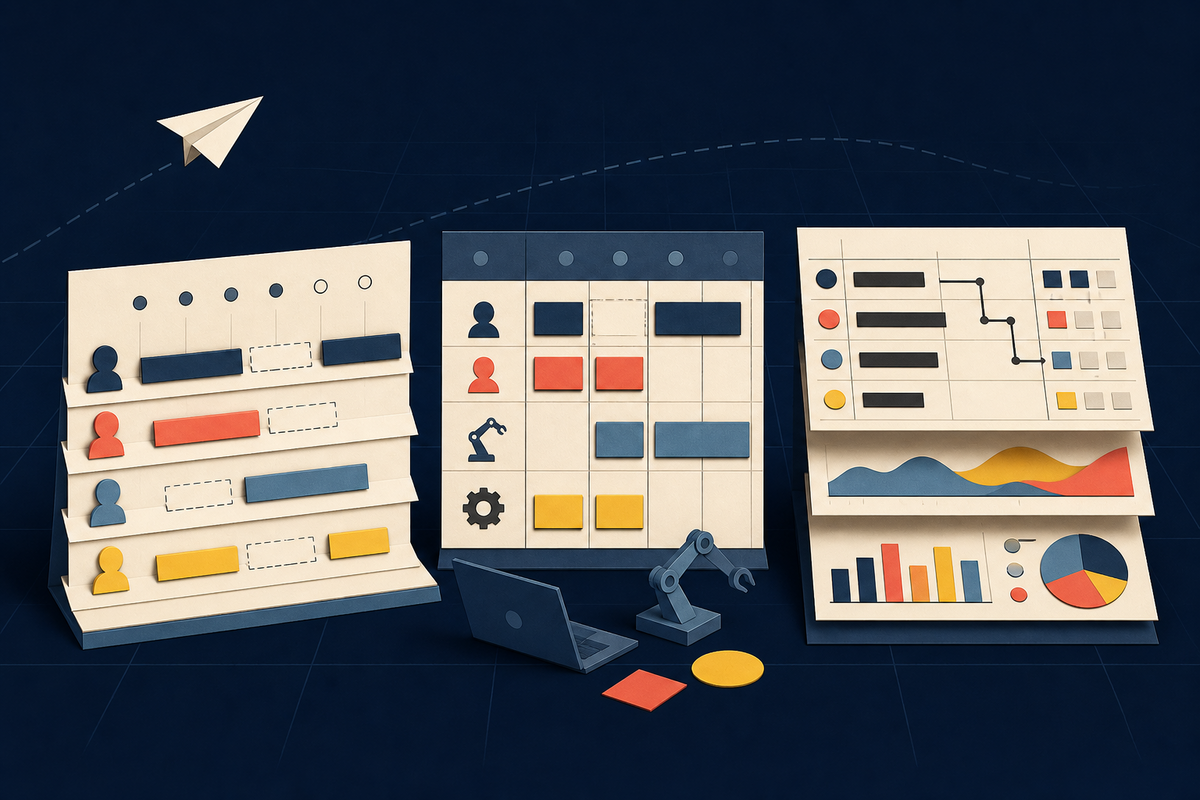
Float, Resource Guru and Smartsheet resist a tidy feature-by-feature comparison because they are designed around different centers of gravity. All three can show work against available people. All three can help expose an overloaded designer or an empty week. But they disagree about what should happen after you notice the problem - and about which system should own the work in the first place.
That disagreement is the useful part. Float is a specialist resource-management layer. It tells an agency, consultancy or delivery team who is available, what is scheduled, whether capacity is tightening and how planned work may affect margin. It integrates with Asana, Monday.com, Jira, ClickUp and Wrike because the tasks are expected to live elsewhere. There is no conventional task-management layer hiding behind the schedule.
Resource Guru is also purpose-built, but it behaves more like an active booking desk. People, equipment, vehicles and meeting rooms can share a schedule. Tentative work, waiting-list bookings, leave and clash management belong to the product's daily rhythm. Smartsheet is broader. It can hold tasks, subtasks, dependencies, milestones, dashboards, approvals and reports, then connect that execution layer to workload and resource views.
The decisive feature is not a feature. It is the boundary each product draws around your work.
Start with the system you refuse to replace
Imagine a 60-person agency already running every brief, comment and approval through Asana. The operations director cannot answer whether the studio has room for a pitch next month. Adding more custom fields to Asana has produced more administration, not a trustworthy forecast. Float fits this shape because it can remain deliberately narrow: allocations and availability in one place, task execution in another.
The tradeoff is equally deliberate. A producer may see an allocation called “Website redesign” in Float, then open the task system to understand what is due today. If the integration is poorly defined, project names drift, dates disagree and people update two tools. Float does not remove that synchronization bill. It makes the bill worth paying when the existing task system works and the missing decision is about capacity, utilization or profitability.
Resource Guru makes a different promise. Its schedule is where booking decisions happen. The system can prevent or queue clashes, use placeholders for work that is not yet confirmed, account for custom availability and bring leave into the same view. Its custom fields can help planners find someone with the right skills. For studios, labs, field teams or organizations that schedule scarce equipment as well as people, that wider definition of “resource” matters.
Smartsheet asks the largest organizational question: should the plan and the work live together? Its project-management tools cover ownership, deadlines, dependencies, critical paths, Gantt and Card views, automation and dashboards. Workload tracking can then calculate allocations from assignments, dates and percentages. For deeper capacity planning, time tracking, skill-based assignments and reporting, Smartsheet says customers need its Resource Management offering, available to Business and Enterprise plans.
Three products, three meetings
A useful buying shortcut is to choose the meeting you want to improve. In a weekly staffing meeting, leaders ask who can take the work, which roles are constrained and whether a future project fits. That is Float's native territory. Its schedule accounts for flexible hours, contractors, time off and holidays, while roles, skills and rates add context to an otherwise empty slot.
In a dispatch or booking meeting, the questions become more immediate: which photographer gets the studio, where should the unresolved booking wait, and can the work move without creating a clash? Resource Guru's scheduling model is built for those moves. Daily dashboards and schedule updates also give individuals a simpler view of what they should focus on.
In a portfolio review, executives want tasks, delivery status, resource pressure, budget and reporting to connect. Smartsheet has the advantage when the organization is prepared to standardize work there. The same breadth can become a disadvantage for a small team seeking a fast capacity answer. A configurable platform needs conventions, ownership and governance. Buying the platform is easier than agreeing how every team will use it.
| Operating question | Float | Resource Guru | Smartsheet |
|---|---|---|---|
| Owns detailed tasks | No - integrates | Limited planning context | Yes |
| Capacity and availability | Core | Core | Yes, plan-dependent |
| Equipment and room booking | Not the focus | Core | Configurable |
| Dependencies and critical paths | No task layer | Project planning | Core |
| Best stack position | Beside PM tools | Scheduling desk | Work system |
The duplicate-work tax
Architecture becomes behavior after launch. If tasks live in one system and allocations in another, someone must decide which dates cross the border, how often they sync and what happens when they conflict. Do not import every task simply because an integration can. Resource planning usually needs project, phase, assignee, planned effort and dates. Comments, subtasks and creative discussion can stay where delivery happens.
The same discipline applies inside a broad platform. Smartsheet can connect more of the operation, but flexibility creates its own tax: inconsistent sheets, private formulas and dashboards that mean different things to different teams. A platform earns its breadth only when leaders are willing to define templates and maintain them.

The safest rollout is to assign one owner to each kind of truth. The task system owns what must be done. The resource system owns who is allocated and for how long. The time system owns actual hours. Finance owns rates and recognized revenue. Some products can own several of those records, but no field should be maintained twice without an explicit reason.
A decision tree without the theater
Choose Float when capacity, utilization and forward staffing are missing, but task execution already works elsewhere.
Choose Resource Guru when conflicts, leave, equipment and rapid schedule changes shape the working day.
Choose Smartsheet when tasks, workflows, reporting and portfolio governance should live in one configurable environment.
Then pressure-test the choice with real work. Build the next six weeks of one team, include a part-time employee and a vacation, add tentative demand, change a deadline and compare planned hours with actuals. Invite the person who updates the schedule and the person who consumes it. A polished executive demo will not reveal whether a producer can fix Friday's collision in 20 seconds.
Pricing should come after that test, not before it. Packaging changes and the products do not expose equivalent units. Float and Resource Guru promote 30-day trials. Smartsheet includes workload tracking in Business plans and positions advanced Resource Management as an additional offering whose price depends on user count. Compare the full operating cost: licenses, implementation, integration maintenance and the weekly labor required to keep the plan honest.
Who should pick what
Pick Float if the missing screen is capacity
Float is the cleanest answer for a professional-services team that already has a task manager and wants a dedicated view of availability, utilization, scheduled versus actual work and financial impact. Its lack of task management is an important constraint. For the right stack, it is also the point.
Pick Resource Guru if the schedule is the operation
Resource Guru suits teams whose daily work is governed by bookings and finite resources. The ability to schedule people alongside equipment, vehicles or rooms separates it from a purely workforce-capacity tool. Clash handling, leave, placeholders and fast drag-and-drop changes make sense when a scheduler is actively steering the day.
Pick Smartsheet if the work itself needs a home
Smartsheet is the broadest choice. It is useful when leaders want project execution, automation, dashboards and resource decisions connected, and when the organization can support the setup. Confirm which capabilities sit in the base plan and which require Resource Management before treating the platform as one bundled purchase.
The winner, then, is not universal. It is structural. Choose the narrowest layer that answers a decision your current stack cannot answer. If that layer must also become the place where tasks are assigned and projects are governed, choose the platform with open eyes. The costliest tool is usually the one that makes the team maintain two truths and trust neither.
Frequently asked questions
Does Float replace Asana or Monday.com?
Usually no. Float is designed as a resource and capacity-planning layer that can integrate with task systems such as Asana and Monday.com.
What is Resource Guru best suited for?
Teams that need quick, conflict-aware scheduling across people and other bookable resources, with leave, placeholders, timesheets and utilization reporting.
Can Smartsheet manage tasks as well as resources?
Yes. Smartsheet supports tasks, dependencies, milestones, multiple project views, automation and reporting. Advanced resource capabilities depend on the selected plan and add-ons.
Which product has the broadest scope?
Smartsheet. It can serve as a work-management platform, while Float and Resource Guru are more specialized around resources and scheduling.
What should we decide before buying?
Decide which system owns tasks, allocations, actual time and portfolio reporting. Clear ownership exposes both the best fit and the integration work.