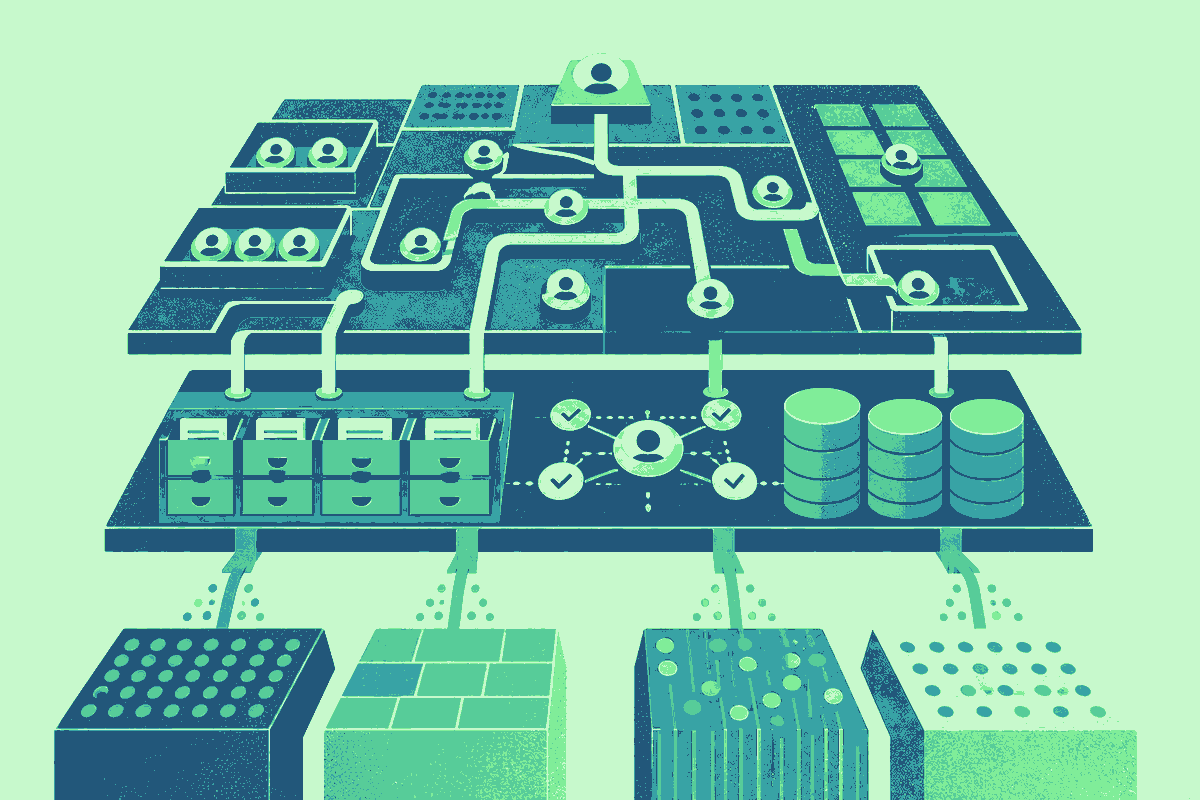
Open a software comparison page and you expect a duel: feature against feature, price against price, one recommendation at the end. Clay and Lusha make that format wobble. They overlap in prospecting and enrichment, but they also connect. A revenue team can sit in a Clay table, choose Lusha as an enrichment, map a LinkedIn URL or company domain, and pull back contact or company data. The supposed rival has become a supplier inside the supposed competitor.
The distinction changes what a buyer should compare. Lusha is principally a B2B data and sales-intelligence system. It supplies names, job information, verified emails, phone numbers, firmographics, lookalikes and business signals. Clay is principally a place to assemble a go-to-market process. It connects sources, lets operators add conditions and transformations, runs research, and moves the finished record toward a CRM or an outreach system.
The overlap is real. Lusha offers prospecting workflows and integrations of its own. Clay provides access to data through its marketplace. Either product may return a useful contact record. But the products exercise control at different depths. Lusha is closer to the record. Clay is closer to the route the record takes.
The logo at the top of the screen tells you where you work. It does not always tell you who found the email.
The stack hiding inside the shortlist
Clay describes a waterfall as a predetermined sequence of providers. A builder chooses the order, and the sequence can stop when a provider returns a valid result. Clay’s current work-email material names Lusha alongside Prospeo, DropContact, Datagma, Hunter, People Data Labs, Nimbler, Apollo, Snov and others. On any given row, Lusha might answer. On another, an earlier source might succeed before Lusha is called.
That sequence is the heart of Clay’s value proposition. The operator is buying the ability to coordinate uncertainty. No contact database covers every person equally well, and no single data source is automatically the right first call for every geography, company size or field. A waterfall turns those differences into routing logic. It can also expose the successful provider as an output, which matters when somebody later asks where a value came from.
Lusha’s value is easier to touch. Its native connector can return role and seniority data, verified contact details, employee count, company type and other firmographics. Its documented signal actions include website-traffic trends, estimated IT spend, headcount growth and recent company news. Lusha also offers lookalike sources that can expand a known set of customers into similar companies or people.
Those figures explain scale, not suitability. A large database can still miss the one market you care about. A broad orchestration system can become needless machinery for a rep who only wants a few direct dials. The honest comparison begins with a real list, not a market-size number.
Follow the credits
Architecture becomes concrete when the bill arrives. Lusha’s connector documentation says that its person and company enrichments deduct from a customer’s Lusha plan credits. Signal enrichments and lookalike sources use Clay credits. Clay’s general enrichment documentation also says users can sometimes bring their own provider account instead of using access supplied through Clay.
So “we use Clay” is not a complete description of cost. The table might consume Clay credits, provider credits, or both, depending on the action. A team that already pays Lusha may prefer to bring that account into Clay. A team that wants a broad waterfall may favor Clay’s bundled access and only add a separate provider contract where the extra coverage proves useful.
There is a small operational lesson here: keep provider provenance visible. Record which source answered, what it cost, when it ran and what validation rule stopped the search. That information helps with budget reviews, debugging and data-governance questions. Without it, a tidy “work email” column conceals the behavior that produced it.
Automation moves the error too
A waterfall can improve coverage without making every returned field correct. A stale title can pass from provider to table to CRM in seconds. A guessed email can look complete while belonging to the wrong person. Faster routing raises the value of validation because it also shortens the time between a bad match and a live sales action. Teams should decide which fields require verification, which can tolerate uncertainty and which should never trigger outreach without review.
The integration also does not settle the legal basis for contacting a person. Data availability, contractual permission and lawful use are separate questions. Geography, channel and the team’s own policies still matter. Clay can encode suppression lists and conditions; Lusha provides compliance information with its records and publishes privacy materials. The buyer remains responsible for configuring a process that fits its obligations. An automated stack should preserve opt-outs, limit unnecessary fields and make deletion or correction requests traceable across every downstream system.
This is another reason to test the whole route instead of judging a sample export. A record that looks fine at enrichment may be reformatted, duplicated or stripped of source information when it reaches the CRM. Quality belongs to the chain. Vendor accuracy is only one link.
Lusha recommends testing the connector on a small batch before processing a full Clay table. That advice deserves a place beside the feature grid. Take a slice of the audience you actually sell to. Measure usable matches, not merely nonblank cells. Check bounce and phone-connect outcomes later. Review credit consumption. Then move the winning configuration into a larger run.
Three defensible buying decisions
Lusha alone
For teams that want direct prospecting, enrichment and signals from one named data provider without designing a multi-source system.
Clay alone
For teams that value routing, research, transformations and access to multiple providers more than a dedicated Lusha contract.
Clay plus Lusha
For teams that have validated Lusha’s data for their market and want to place it inside a larger automated workflow.
Lusha alone is the cleanest choice when the job is direct: search a market, reveal contact details, enrich a CRM, monitor signals. It gives the data supplier a visible place in the workflow, which can simplify training and vendor accountability. The tradeoff is that a single-provider model accepts that provider’s coverage boundaries.
Clay alone makes sense when the problem is coordination. Perhaps an inbound form arrives with only a name and company. The team needs to find an email, verify it, research the account, apply an ideal-customer score, branch by territory and update Salesforce. That chain is larger than contact retrieval. Clay can be the workbench even if Lusha never appears in it.
Using both is reasonable after evidence, not by default. A team may know that Lusha performs well in its target regions and still need Clay to combine that data with first-party context, other providers and downstream actions. The native integration reduces the friction of that arrangement. It does not erase the need to watch two balances or understand two commercial relationships.
This is where the standard “versus” article often fails. It treats software as a row of isolated boxes. Modern business products behave more like layers, marketplaces and dependencies. The better question is not “Which tool wins?” It is “Where should control live, and which data deserves to flow through it?”
A practical test before you buy
Choose one repeatable job. Use a few dozen representative records, including awkward ones: international companies, recent job changers, small firms, sparse domains. Define success before the run. A valid work email might count; a generic inbox might not. A phone number might need a connected call before it earns trust.
Run the simplest version first. If Lusha alone completes the job, additional orchestration needs a specific reason. If the process already spills across spreadsheets, research tabs, a CRM and several provider exports, Clay has a clearer case. If Lusha data wins your sample while Clay removes the manual handoffs, the combined stack has earned its complexity.
Then write down the route. Inputs, providers, stop conditions, validation, credit owner and destination should fit on one page. That document will outlast a glossy comparison table because it describes your system, not somebody else’s category.
Frequently asked questions
Are Clay and Lusha direct competitors?
Only partly. Both can help teams find and enrich prospects, but Clay primarily orchestrates data and workflows while Lusha primarily supplies B2B contact, company and signal data.
Can Clay use Lusha data?
Yes. Lusha is available as a native integration in Clay for person and company enrichment, lookalikes and several business signals.
Do I need both products?
Not always. Lusha may be enough for direct access to its data. Clay can use many other providers. Both make sense when Lusha performs well for your market and the surrounding process needs Clay’s orchestration.
Which credits does the connector use?
Current Lusha documentation says person and company enrichments use Lusha plan credits, while signal enrichments and lookalike sources use Clay credits. Check the live action before a large run because terms can change.
What does a Clay waterfall do?
It queries data providers in a chosen order and can stop after a valid result. This reduces unnecessary later calls and lets teams tune coverage, cost and source priority.