The troublesome thing about a touchscreen pen was once its nose. Put a broad rubber tip on a tablet and it covered the very spot you wanted to hit. A device capable of displaying delicate lines asked its owner to draw while partly blind. Adonit’s answer was a small transparent disc. The surface still registered a touch; the person holding the pen could see its center. An unglamorous piece of plastic had made a rather elegant argument.
- Adonit sells pens for handwriting, sketching, and touchscreen work, plus mobile accessories.
- Its original Jot campaign attracted $168,533 against a $2,500 goal.
- Today’s buying decision starts with your tablet model and app, then the pen.
A little window onto the line
Jot arrived on Kickstarter in 2011. A fine-looking point sat above a clear capacitive disc, giving the user a visible target without abandoning the contact surface the screen needed. The Pro version also offered a grip and magnetic attachment. It looked faintly like a pen wearing a monocle, but the eccentricity had a job. WIRED’s contemporary account described precisely this arrangement.
The campaign ended with 4,975 backers and $168,533 pledged, according to the campaign record. That is roughly 67 times its modest target. These were pledges, not profit, and $2,500 was a fundraising goal rather than the cost of building a company. Still, the response supplied something useful: evidence that people recognized the irritation and would pay for an answer.
Reward pledges, not company revenue. Bars share a linear scale.
Adonit had been founded in 2010 by a team working across the United States and Taiwan. Its first crowdfunded product was Writer, a keyboard and case for the iPad. The stylus came afterward. That sequence is revealing: the company was interested in how people worked around a tablet, before one particular accessory became its calling card.
One founder, Zach Zeliff, brought product design and manufacturing experience from Apple. His later Glydways biography credits Adonit with $26 million in sales volume within three years. That retrospective claim gives the early demand some scale; it should not be mistaken for today’s annual revenue or an audited financial statement.
The pen needed an accomplice
A better tip could solve visibility. It could not, by itself, tell an application how firmly someone was pressing or which touches belonged to a resting palm. The next problem lived on the other side of the glass. A pen, a screen, and an app had to agree about what a hand was trying to do.
In 2013, Adonit and Evernote introduced Jot Script Evernote Edition at $74.95. Its 1.9mm Pixelpoint tip worked with Penultimate, Evernote’s handwriting app. Bluetooth and Adonit’s software kit connected physical position to digital ink. Notes could then enter Evernote’s searchable, synchronized system. The launch announcement shows a company selling a route from handwriting to stored information, alongside the object in someone’s hand.
“We are thinkers, doers and makers.”Adonit’s public company description
Adobe became another collaborator. Its 2014 announcement identified Adonit as the manufacturer behind Ink & Slide, using Pixelpoint technology. For a small accessory maker, these collaborations put its engineering inside recognizable creative workflows. They also made the software relationship harder to dismiss as an optional extra.
A 2014 AAMA Taipei account described the founders’ concern that hardware advantages could be copied, pushing competition toward price. Pressure sensing, palm rejection, and app integration offered a response. That is the documented change in thinking: protecting the usefulness of the whole experience when the physical object alone might become easier to imitate.
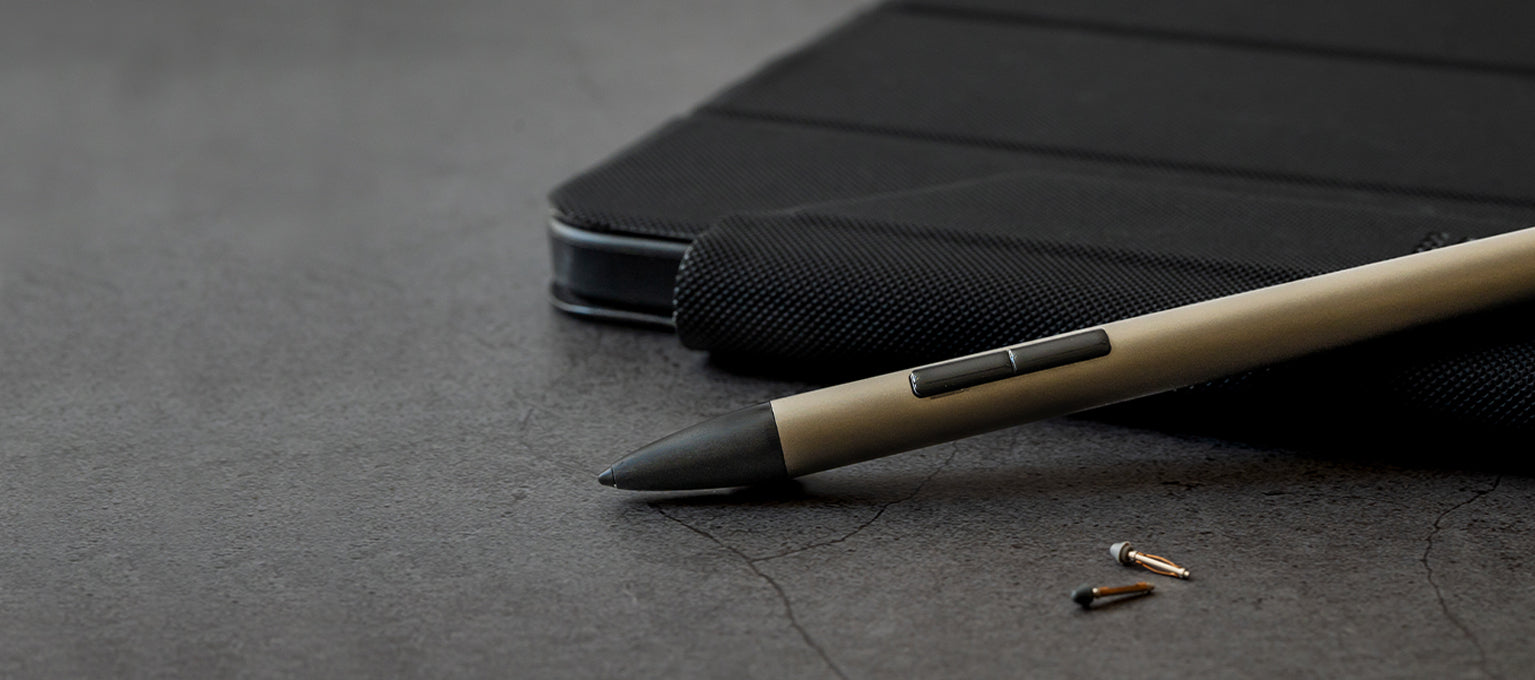
One pen-shaped object, several jobs
The present lineup serves people whose needs overlap without being identical. A student annotating lecture slides wants dependable handwriting. An illustrator may care about changing stroke weight. Someone switching between a phone and tablet may value broad device support more than drawing controls. Similar silhouettes conceal different bargains.
Note 2, listed at $54.99 when researched, emphasizes straightforward iPad writing: native palm rejection, USB-C charging, and a manufacturer-rated 24 hours of use. Note+ 2, listed at $69.99, adds soft, medium, and hard tips. Its supported-app features include pressure sensitivity and programmable shortcuts; its stated continuous-use rating is eight hours. Those are specifications, not independent endurance measurements.
Dash 4 takes another approach. Its green mode supports most iOS and Android touchscreens; its blue mode brings palm rejection to supported newer iPads. It needs no Bluetooth pairing. The distinction matters: broad touchscreen compatibility does not promise every advanced feature on every screen.
The fine print belongs on the shopping list
Adonit sits among third-party alternatives to Apple Pencil. Its argument is choice: simpler writing tools, pens spanning different devices, or more specialized drawing features. The tradeoff is homework. A shopper should match the exact tablet generation and everyday app before treating two styluses as interchangeable.
The Note+ 2 support documentation makes that dependency explicit. Pressure and shortcuts require supported software. Neo Pro offers wireless charging on specified iPads, while its product page excludes magnetic attachment on listed 2024 Pro, Air, and mini models. Attachment and charging deserve separate checks. A magnet is remarkably poor at reading a product listing for you.
A business around the working surface
Adonit earns money selling hardware and replacement accessories through its online store and retail channels. Its store directory spans several regions. The range now extends to Nest USB-C hubs and adapters, plus a $49.99 Qi2 charging stand rated for up to 15W for a phone and 5W for compatible earbuds. These products occupy more of the desk around the screen.
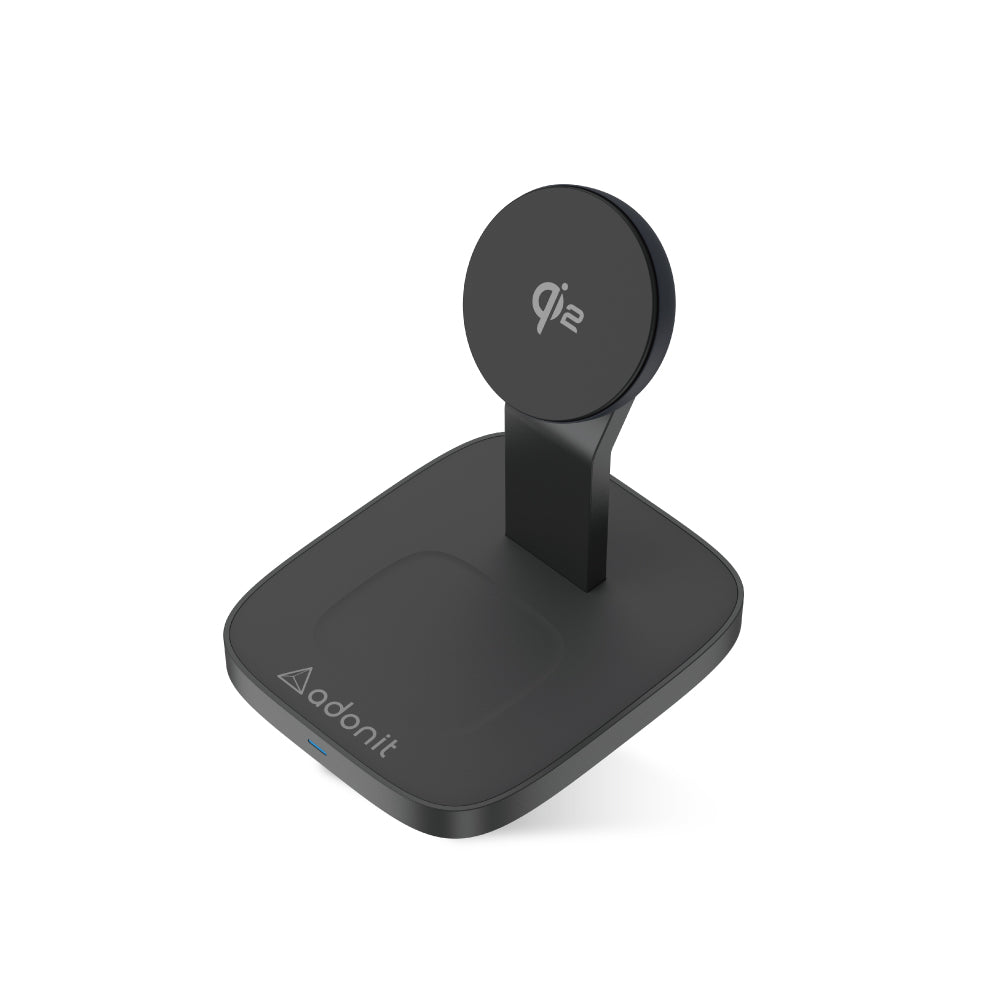
The lesson readers can borrow is smaller than a corporate strategy: watch the moment when a familiar action becomes awkward. Adonit made the landing point visible, then worked on the connection between hand and software. That approach helps when the surrounding device and app cooperate. When they do not, a pleasing pen remains a pleasing object. The next useful mark still depends on the whole arrangement.
Official shop · Company blog · Nest accessories · LinkedIn · Instagram · X · Facebook · TikTok