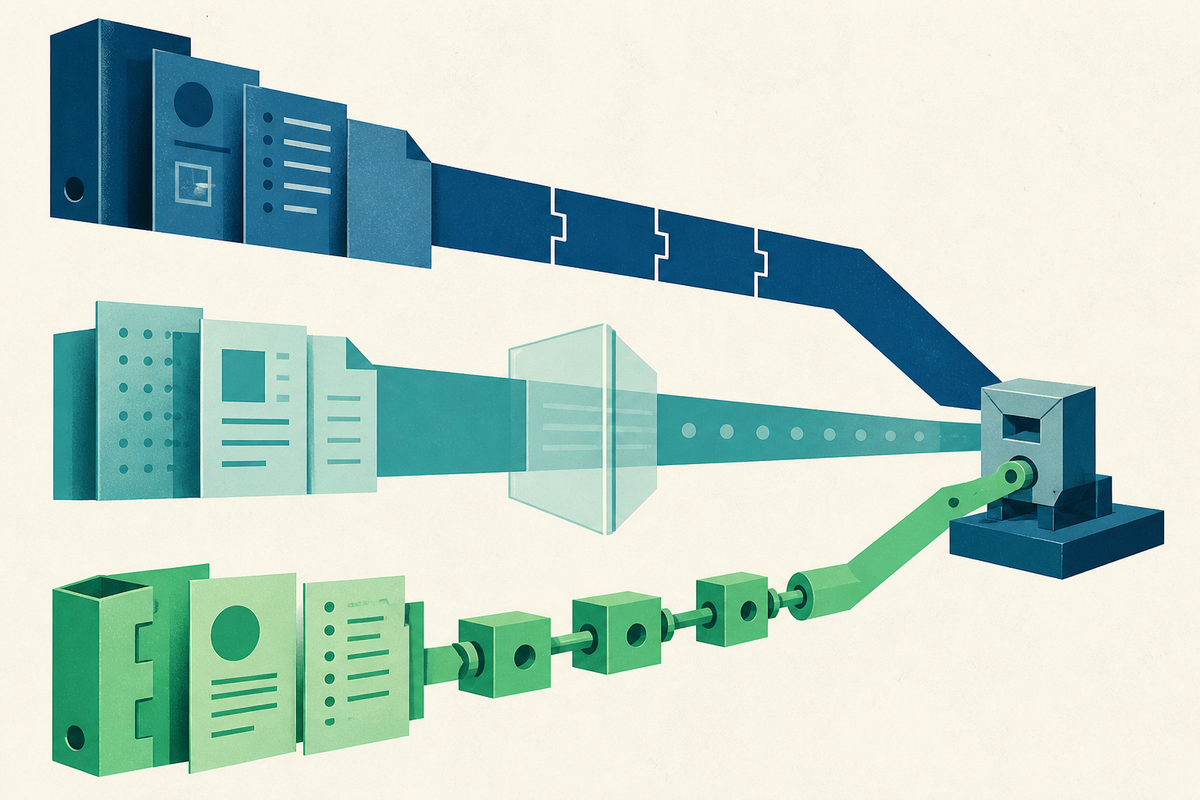
A product manager writes one clean sentence in a spec: customers should be able to export their invoices as CSV files. The sentence is approved. Now somebody has to turn it into a ticket, carry over the context, assign an owner and keep the document honest as the work changes. This modest journey tells you more about a company wiki than a tour of its templates ever will.
Confluence, Notion and Coda can each make the original page look orderly. Their differences emerge at the seam between explanation and execution. Confluence treats Jira as family. Notion brings Jira into a general-purpose knowledge system. Coda treats Jira as data that a team can arrange and act on. Those are product philosophies disguised as integrations.
The common comparison that casts Confluence as the engineering wiki and Notion as the general-docs wiki still contains a useful truth, but one part has expired. Notion no longer needs only a pasted embed or a third-party connector. It has an official Jira connection and a newer admin-token Jira Sync. Coda, meanwhile, offers an official Jira Pack with two-way tables. The gap is now about depth, defaults and governance.
The handoff test
Use a five-minute trial before choosing any of these tools. Write a requirement. Convert it into Jira work. Change the assignee and status. Return from the ticket to the reasoning behind it. Then ask a colleague without a Jira habit to find the current answer. A polished editor helps only at the first step. The rest measures the operating system your team will actually inherit.
The route from context to tracked work
Confluence keeps the seam short
The Confluence advantage is less romantic than better writing software. Atlassian owns both sides of the transaction. In the same cloud organization, links between Jira and Confluence are generated automatically. Paste a Jira URL into a Confluence page and it can become a live work-item macro. Highlight text and create a work item without leaving the page. Mention an item through the macro and Jira creates a link back to that page.
That loop matters during engineering handoff. The ticket carries a route back to the decision, while the spec can show the issue's current state. Confluence also supports Jira lists, JQL-powered views, reports and charts. A release page can display the work rather than rely on somebody to update a copied status every Friday. Atlassian's current support guide describes displaying, reporting on and creating Jira work items from Confluence.
Integration quality is the amount of translation a team no longer has to perform.YesPress analysis
The tradeoff follows from the same design. Confluence is most coherent when Jira is already the center of work. A marketing, legal or recruiting team may find its structure heavier than a blank, flexible workspace. Native proximity can also encourage a company to make every process look like an Atlassian process. That may be sensible for engineering delivery and awkward for the rest of the business.
Notion moved past the embed
Notion's pitch used to weaken at precisely this point. A team could paste Jira links or rely on connective tissue elsewhere. Today, its official Jira connection supports rich previews, and Jira Sync can turn projects and work items into Notion databases with views, filters, relations and rollups. The first setup requires a Notion workspace owner and Jira admin credentials. Once established, members with the right access can create syncs.
Plan and direction matter. Notion's general synced-database documentation places the feature on Business and Enterprise and describes source-to-Notion sync. Its Jira-specific guide adds limited two-way editing on Enterprise. Supported fields include status, assignee and priority, along with comments and small attachments. Titles, descriptions, dates and several custom fields remain outside that write-back path. Two-way mode is unavailable on mobile.
This makes Notion attractive when engineering is one constituency among several. A leader can view delivery alongside goals. Marketing can connect launch notes to relevant issues. A support team can read current status without learning Jira's full interface. Jira remains the detailed work system while Notion becomes the interpretation layer. The cost is another permissions surface and, below Enterprise, a one-way boundary that sends many edits back to Jira.
Coda makes the seam programmable
Coda takes a different route. Its docs combine prose, tables, formulas, buttons and automations, so the Jira Pack behaves like a set of building blocks. A team can sync an Issues table, choose columns, create new Jira issues and update supported fields through two-way sync. The same doc can hold the launch narrative, a filtered bug view and a button that performs a defined action.
This is useful for teams with an operations-minded builder. A product operations lead can make a narrow console for a launch, hiding Jira's irrelevant fields while preserving write-back. Coda also documents separate Packs for Jira Cloud and Jira Data Center, an important distinction for organizations with on-premise deployments. Its Jira guide covers syncing, updating and creating issues.
Programmability creates responsibility. Someone has to decide which tables sync, which buttons may write and how the doc behaves when fields change. Coda can compress a complicated workflow into a calm interface, but the calm is designed, not automatic. A neglected operational doc can become its own species of legacy software.
| Product | Center of gravity | Jira behavior | Watch closely |
|---|---|---|---|
| Confluence | Engineering context | Native display, creation and backlinks | Fit outside Jira-led teams |
| Notion | Company knowledge | Previews and synced databases; limited Enterprise write-back | Plan limits and page permissions |
| Coda | Custom operations | Pack tables, creation and two-way updates | Builder ownership and maintenance |
Three ways the connection fails
The first failure is duplicate truth. A status copied into prose starts aging the moment Jira changes. Live macros and synced tables reduce that decay, but only if teams agree which fields remain authoritative in Jira and which commentary belongs in the doc. A useful rule is simple: operational state lives in the work system; rationale, tradeoffs and decisions live in the document. The integration should display one beside the other without pretending they are the same kind of information.
The second is permission drift. A connector can be technically correct and organizationally surprising. Notion explicitly warns that a synced database follows Notion page access, so a private Jira project can become visible to readers of that page. Confluence and Coda have their own combinations of source access, destination sharing and administrator controls. Use a harmless private project to test what a viewer, editor and guest can see before importing sensitive work. Screenshots are a poor permission audit.
The third is ownerless machinery. Native features can change with product packaging. Admin tokens expire. A renamed Jira site can break a Notion sync. Coda buttons and formulas can outlive the person who designed them. Give every integration a named owner, a small test page and a quarterly check. Record the credential type, the fields that write back and the expected failure signal. This sounds like chores because it is. The payoff is avoiding a dashboard that looks current long after it stopped telling the truth.
Pick the boundary you can govern
There is no abstract winner. A Jira-heavy engineering organization that wants specs and tickets to recognize each other with little ceremony should begin with Confluence. A company seeking an approachable knowledge layer across functions should test Notion, then price and permission the Jira Sync it actually needs. A team willing to design its own operating console should look hard at Coda.
When Jira is already authoritative and the shortest spec-to-ticket loop matters most.
When broad readability and connected company knowledge outweigh universal write-back.
When an owner can build and maintain a tailored workflow around live Jira data.
The key question is where truth is allowed to change. Confluence keeps context beside Jira and can create work directly. Notion often presents Jira inside a wider knowledge graph, with fuller editing reserved for Enterprise and still bounded by supported fields. Coda lets a doc become an active control surface. Each choice redistributes authority.
Before signing a contract, run the handoff test with real permissions and a real private project. Invite the engineer, the product manager and the stakeholder who never opens Jira. Count the copy-pastes. Break the sync on purpose. Find the original decision from the ticket. The winning wiki will reveal itself in the steps nobody has to remember.
Frequently asked questions
Which has the deepest native Jira integration?
Confluence. Jira and Confluence share Atlassian's platform, with documented work-item macros, creation inside pages, reporting and automatic backlinks.
Does Notion need a third-party Jira connector?
No. Notion offers official Jira previews and Jira Sync. The newer sync needs initial setup by a workspace owner with Jira admin credentials.
Can Notion update Jira?
Notion Enterprise supports limited two-way editing for selected fields, comments and small attachments. Other synced-database use should be treated as source-to-Notion.
Can Coda update Jira?
Yes. Coda documents two-way updates and issue creation through its Jira Packs, with separate support paths for Jira Cloud and Data Center.
What is the fairest way to compare them?
Test one requirement end to end: create the ticket, change it, trace it back to context, inspect permissions and identify who maintains the integration.