Roundup · Workspace Software
The Quiet War To Turn Your Documents Into Software
Coda, Notion, and Airtable all sell the same dream - one place to write, plan, and run your team. Look closer and they are three very different bets on what a document is even supposed to be.
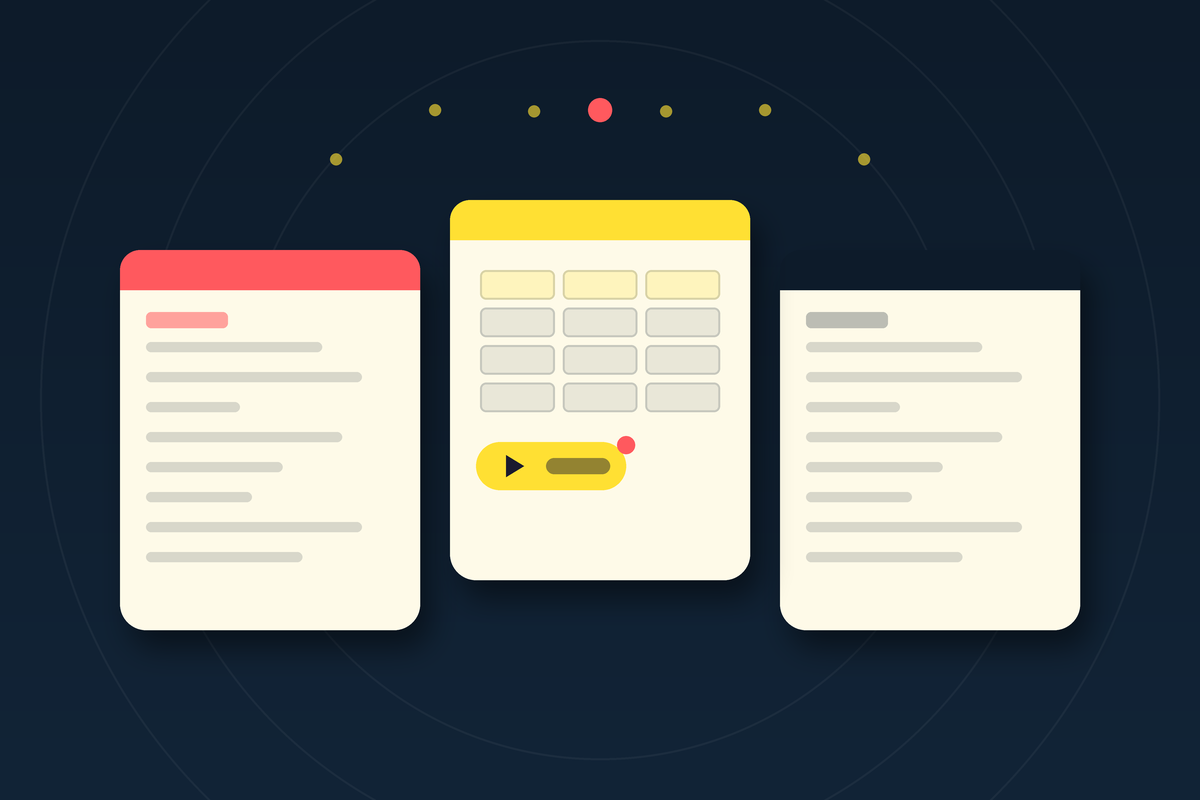
Open Coda, Notion, and Airtable side by side and they look like cousins. Clean pages, colorful tables, a cursor blinking in a blank doc. Spend a week inside each one and the family resemblance falls apart. These are not three versions of the same product. They are three arguments about what a document is for, dressed up to look like a fair fight.
Most comparisons treat this as a feature race - who has the better calendar view, whose templates are prettier, which one is cheaper per seat. That misses the thing that actually decides how far your team can push the tool. The real split is quieter, and it shows up the moment you try to make a page do something instead of just say something.
01Where the building blocks live
Coda's whole premise is that a document and an application should be the same file. Not a doc that links out to an app. The same file. Inside a Coda page you drop tables with real relational data, formulas that read like a small programming language, and buttons that update rows, create records, push data to other tools, and fire multi-step actions - all sitting in the flow of the writing. Press the button and the document changes. That is the point.
Notion supports databases and, more recently, automations too. But it treats a database as a view type - technically a block you embed and switch into, layered on top of a page. In practice that makes Notion feel like an unusually good wiki with structured data attached, rather than something you'd call an app builder. The database is a guest in the document. In Coda, it is the furniture.

Airtable comes at it from the opposite end. It never pretends to be a document. It starts as a friendlier database - the pitch, from the beginning, was a spreadsheet your non-technical coworkers would not run away from - and then wraps interfaces, forms, and automations around the table. If Notion is a document holding a database and Coda is an app pretending to be a document, Airtable is a database wearing just enough of a document to feel human.
02Why the line matters more than the checklist
This sounds academic until you hit the wall. Every team eventually asks a page to do more than describe the work. You want the status to update when someone clicks done. You want a budget model that recalculates live. You want a client tracker where a button sends the next email. That is the moment the underlying philosophy stops being a design detail and starts being your ceiling.
Coda's formula system is the clearest tell. People who have used both describe it as feeling like a real language - you reference tables naturally, build deep relationships between records, and write logic that would need a separate tool in Notion. That power has a cost. It asks more of you upfront, and a blank Coda doc can feel intimidating in a way a blank Notion page never does.
Notion's bet is the opposite and, for most teams, the smarter one. It is the practical default - the best balance of flexibility, price, and ease of adoption, with the deepest template and community ecosystem of the three. You can hand it to a new hire on Monday and have a working wiki by lunch. The tradeoff is that the moment your ambitions outgrow "structured notes," you feel the database sitting one layer away from where you actually work.
There is a familiar arc here. A team starts in one tool because it was easy, builds a workflow around it, and then hits a request the tool was never designed to grant. In Notion, that request is usually a piece of logic - "when this changes, do that" - and you find yourself reaching for a third-party tool to glue it together, the way teams historically leaned on Zapier while Airtable and Coda ran their automations natively. None of that makes Notion wrong. It makes the ceiling real, and worth knowing about before you paint yourself into it.
03The spectrum you are actually choosing on
If you strip away the marketing, the decision lives on a single line. On one end, the document just describes the work - you read it. On the other, the document runs the work - you press it and things happen. Every team sits somewhere on that line, whether or not they admit it. The three tools plant their flags at different points.
Read it that way and the recommendations write themselves. If your team is database-heavy - a CRM, a content pipeline, an inventory or operations system - Airtable's structure pays off fast. If you need something that behaves like an internal app - a client portal, a live budget model, a resource tracker with buttons and automations baked in - Coda is built for that from the first day. And for most small teams who mainly need one tidy place to think, plan, and document, Notion wins on adoption before anyone touches an automation.
04The corporate plot twist
The category got stranger at the end of 2024. Grammarly - the company most people know for fixing typos - agreed to acquire Coda, and Coda's co-founder Shishir Mehrotra became Grammarly's CEO. In October 2025 the parent company rebranded to Superhuman, so Coda now ships as a Superhuman product. A grammar checker, a doc-as-app startup, and an email client are, somehow, the same company now.
Underneath the reshuffle is a real thesis: the AI-native document is the next surface for work, and whoever owns it owns a lot. Notion has moved hard in the same direction, shipping AI Agents in 2025 that can build documents and databases and run multi-step workflows, then Custom Agents in 2026 that run on schedules and triggers. Coda added in-doc AI columns and natural-language table queries. Airtable leaned into AI-generated summaries and smart field population. The document is quietly learning to do the work described inside it.
That shift makes the original question sharper, not softer. When an agent can act inside your files, the difference between a document that describes work and one that runs it stops being a preference. It becomes the thing that decides how much you can safely automate. The tool that always treated the page as executable has a head start most people never noticed they were choosing against.
It also raises the stakes on lock-in. Moving from Notion to Coda is rarely a clean export - the data comes across, but the logic does not, because the two tools disagree about where logic is even allowed to live. You are not migrating a database. You are changing what you believe a document can do, and rebuilding around the new belief. That friction is why so many teams stay put long after they have outgrown the fit, and why picking deliberately at the start is worth more than any feature you can bolt on later.
05How to actually pick
Skip the feature spreadsheet. Ask one question before you commit a whole team to a tool: do we want to describe our work, or run it? If the honest answer is "mostly describe, with some structure," start with Notion and stay there until it hurts. If it is "we are basically building internal software and calling it a doc," Coda will feel like home and Notion will feel like a cage. If your center of gravity is a big living table that everything else revolves around, Airtable is the shortest path.
Whatever you pick, you will slowly start to think the way the tool wants you to. Airtable makes you think in tables. Notion makes you think in pages. Coda makes you think in actions. That is the quiet cost and the quiet gift of these tools - the shape of the software becomes the shape of how your team works. Choose the shape on purpose, because it will outlast every feature war that comes after it.
Where to go next
- Codacoda.io — docs that behave like apps, now a Superhuman product
- Notionnotion.so — all-in-one workspace, pages first
- Airtableairtable.com — the friendly database and its interfaces
- Superhumansuperhuman.com — Coda's parent after the Grammarly rebrand
- Deep diveCoda vs. Notion, feature by feature
FAQQuick answers
What is the real difference between Coda and Notion?
Coda embeds live building blocks - buttons, automations, and rich formulas - directly inside the document, so a page can behave like a small app. Notion supports databases and automations too, but treats the database as a separate view type layered onto pages, which makes it feel more like a wiki with structured data than an app builder.
When should a team choose Airtable instead?
Airtable is the strongest pick when your work is fundamentally database-heavy - a CRM, a content pipeline, an inventory or operations system. It starts from the table and builds interfaces around it, with robust native automations.
Is Coda still independent?
No. Grammarly agreed to acquire Coda in December 2024, and Coda's co-founder Shishir Mehrotra became Grammarly's CEO. In October 2025 the parent company rebranded to Superhuman, so Coda is now a Superhuman product.
Which tool is easiest to start with?
For most small teams Notion is the practical default - it balances flexibility, price, and ease of adoption, and has the largest template and community ecosystem. Coda and Airtable reward teams willing to invest more upfront to build something closer to a custom app.
Do all three now have AI?
Yes. Notion ships AI Agents and Custom Agents that build docs and databases and run workflows; Coda offers in-doc AI columns and natural-language table queries; Airtable has AI-generated summaries, smart field population, and natural-language querying.