A meeting rarely dies when everyone clicks Leave. It lingers as handwritten scraps, half-filled CRM fields, promises in somebody’s head, and a follow-up email that arrives two days late. tl;dv is built for that untidy afterlife. It records the call, writes the transcript, pulls out decisions, and sends the useful bits where work is meant to continue. For a solo user, that means searchable notes and clips. For a sales or customer success team, it can mean a working archive that answers questions across hundreds of conversations.
That distinction matters. Most meeting assistants can summarize one call. tl;dv’s better argument is that a company should be able to ask, “Which objection appeared most often this month?” or “What did customers say about the new pricing?” and get an answer drawn from many calls. The product is no longer merely a stenographer. It is trying to become the memory between the meeting and the next move.
Who should put this in the room?
The clearest fit is a customer-facing team with lots of calls and a recurring problem after them. Sales representatives who resent CRM admin, customer success managers watching for churn, researchers collecting interviews, and consultants who need an audit trail all have obvious uses. A meeting can be captured on Google Meet, Zoom, or Microsoft Teams. The desktop app can record system audio without adding a visible bot, which also opens the door to other call platforms and in-person conversations.
A small team can get value without designing a grand knowledge system. Search a transcript, mark a moment, and send a link to the colleague who skipped the call. One Product Hunt reviewer put the benefit neatly: “You can skip to the interesting parts.” That is the humane version of meeting software. Nobody needs another 53-minute recording. They need minute 31, where the buyer finally explained the problem.
What it actually does
Capture
Video through a meeting bot, or audio through the bot-free macOS and Windows app. Automatic calendar rules can stop “forgot to record” from becoming a weekly ritual.
Explain
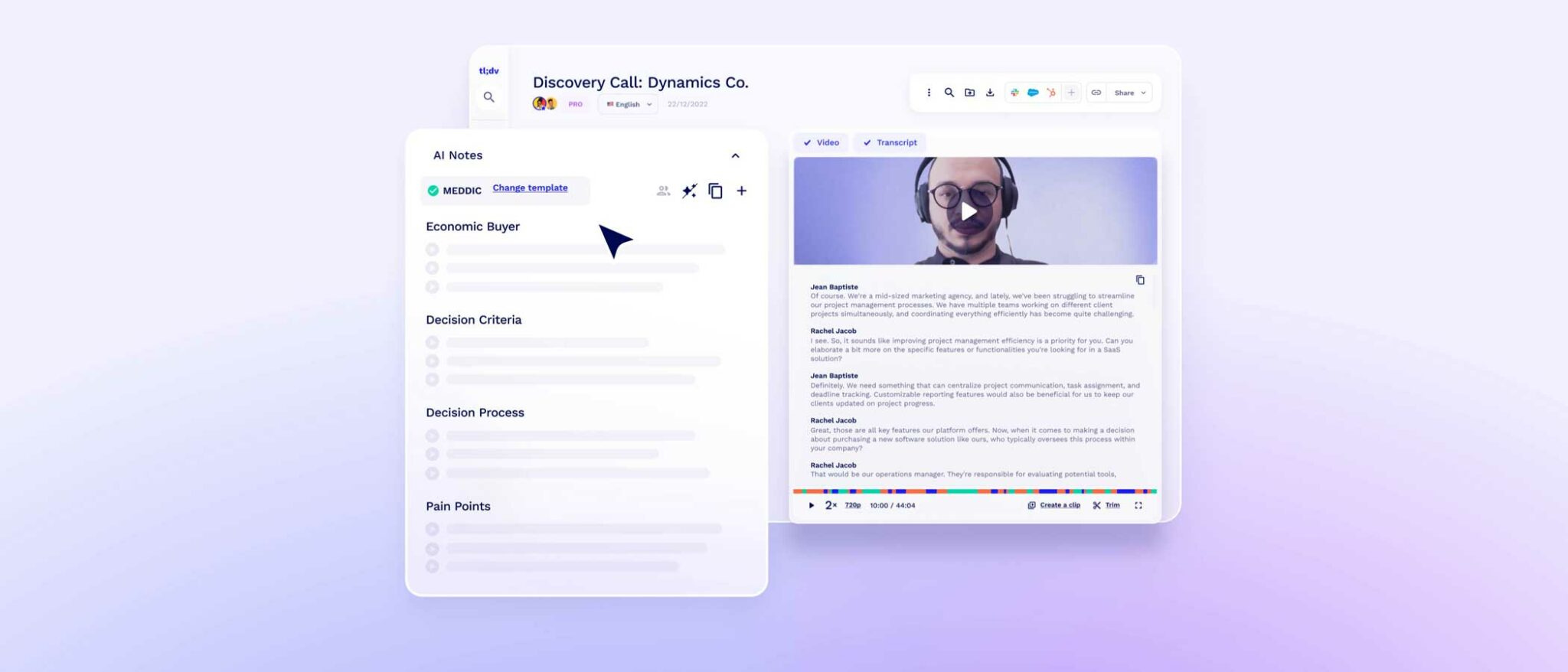
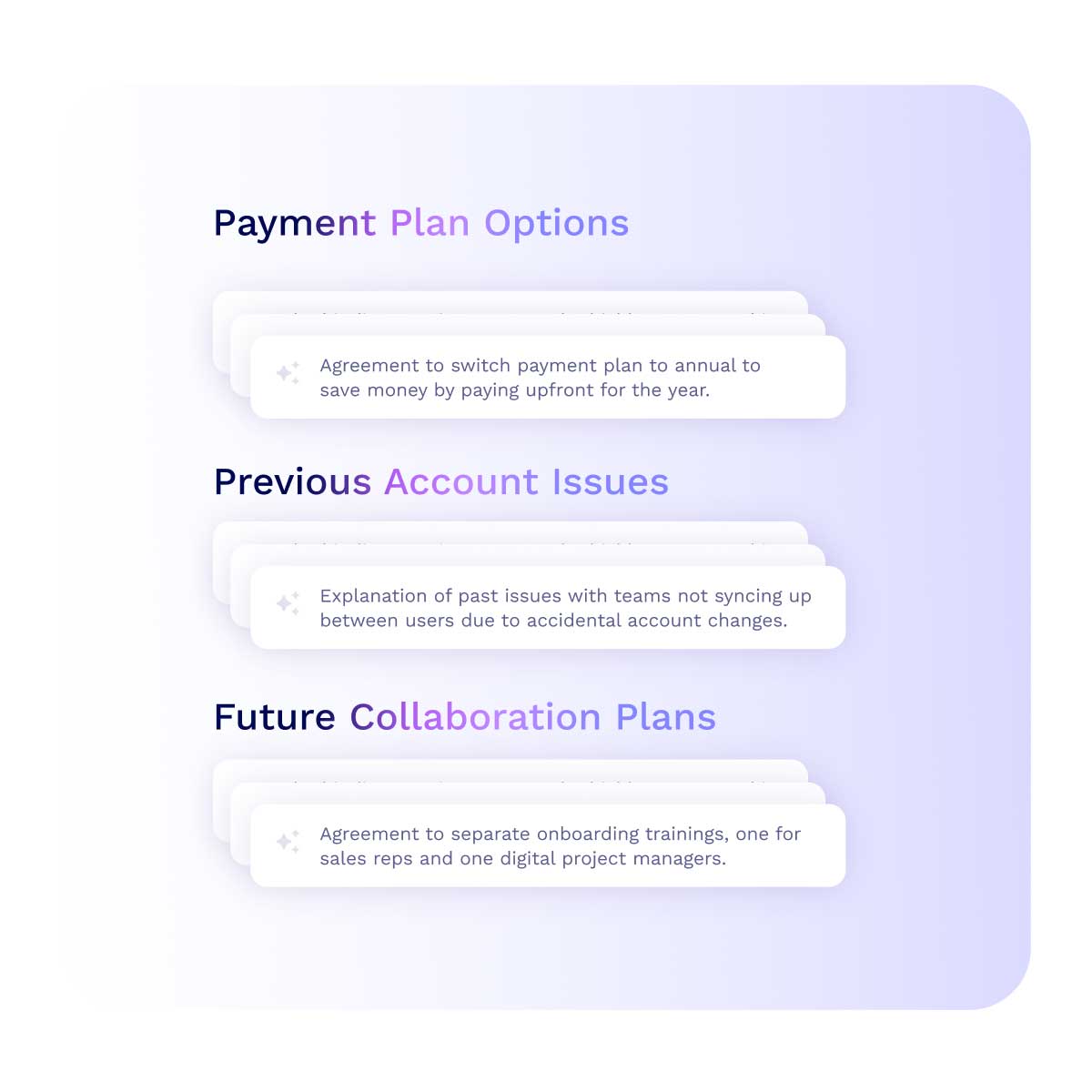
Speaker-labeled transcripts, summaries, decisions, objections, pain points, and action items can follow a built-in or custom template.
Connect
Notes can populate HubSpot, Salesforce, Pipedrive, Slack, Notion, and thousands of other destinations through native links, Zapier, webhooks, and an API.
Compare
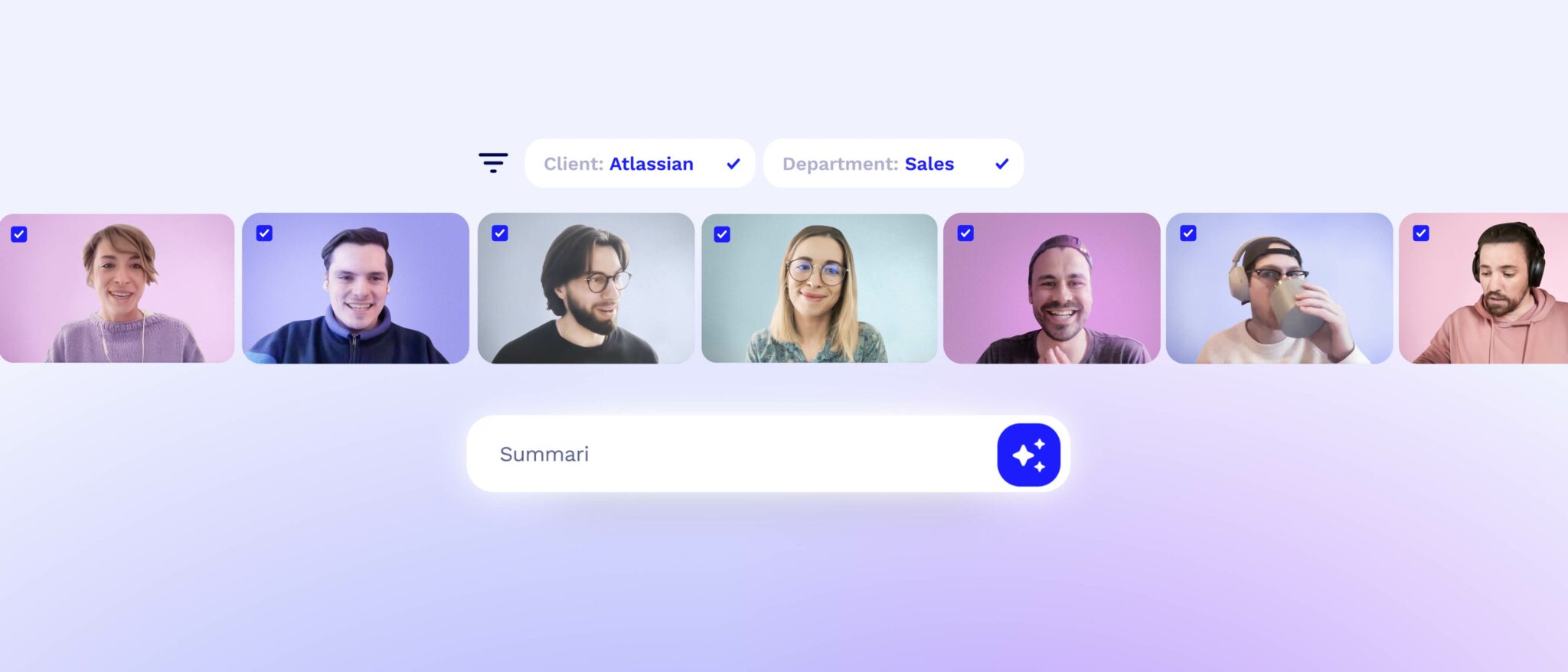
Ask tl;dv searches across calls. Scheduled reports can track themes, playbook adherence, competitor mentions, and customer signals over time.
The single-call experience is familiar. After the meeting, you get video or audio, a transcript, and AI notes grouped into topics. You can edit, comment, tag a teammate, make a clip, or assemble several highlights into a Reel. Custom templates are important for teams that have already agreed what a useful call record looks like. A MEDDIC sales note should not look like an engineering stand-up, and tl;dv does not force them into the same beige summary.
The workflow layer is where the product earns its keep. A note template can map into CRM fields. Follow-up emails can be drafted from the conversation. Managers can score calls against a playbook and inspect recurring objections without listening to each representative in full. In 2025, the company expanded multi-meeting reports, Ask tl;dv, admin controls, SSO, and SCIM. In 2026, its MCP connectors made the archive queryable from Claude and ChatGPT for Pro accounts and above.
The price of remembering
The free tier is useful: unlimited recordings and transcripts, with AI notes for up to 10 meetings each month. That is enough for an individual to test the capture quality on real work instead of a staged demo. Pro was publicly listed in July 2026 at $18 per seat monthly on annual billing, or $29 month to month. It adds unlimited AI notes, custom templates, broader search, CRM integrations, API access, webhooks, and MCP.
| Plan | Public price | The practical reason to choose it |
|---|---|---|
| Free | $0 | Unlimited capture and transcripts; test whether the habit sticks before procurement appears. |
| Pro | $18 annual / $29 monthly per seat | Unlimited AI notes, templates, search, integrations, API, webhooks, and MCP. |
| Business | $29 annual / $39 monthly per seat | Cross-meeting reports, playbooks, objection monitoring, and team automation. |
| Enterprise | Custom | Procurement, deeper administration, security requirements, and scaled deployment. |
Business was listed at $29 per seat monthly when billed annually, or $39 monthly. That tier is aimed at managers who want insight across a group rather than better notes for one person. Enterprise is quote-based. Prices move, regional taxes differ, and sales promotions come and go, so confirm the current checkout before building the spreadsheet.
Where tl;dv wins, and where it nags
Its differentiator is not transcription accuracy in isolation. The category is crowded with Fathom, Fireflies, Otter, Granola, Read AI, MeetGeek, Avoma, Krisp, Gong, and the assistants already bundled into Zoom, Meet, and Teams. tl;dv stands out when a team wants video clips, configurable sales notes, CRM automation, and questions across a shared call library in one system. A 2026 Reddit comparison singled out its clip-sharing, while another user praised searching by client to recover past conversations.
The rough edges are also familiar. Reviews on G2 and Product Hunt praise easy capture, fast summaries, and the freedom to focus on the conversation. Complaints cluster around transcription mistakes, occasional recording failures, library organization, exports, billing friction, and support. The visible bot can feel awkward. The invisible option avoids that awkwardness but moves the burden of disclosure onto the person pressing Record. Accuracy also falls when audio is poor or several people speak at once. Treat names, prices, dates, and contractual promises as facts to verify, not prose to admire.
The security question is now part of the demo
tl;dv says it is SOC 2 Type II certified, GDPR compliant, encrypts stored data with AES-256, keeps EU data in Europe, and does not use customer calls to train AI models. It offers roles, SSO, consent controls, and regional AI hosting. Those are substantive controls. They are not a reason to stop asking questions.
August 2026 incident
A security researcher reported that an authenticated user could query meeting metadata across accounts through a Firebase access-control weakness. tl;dv said recordings, transcripts, notes, passwords, and billing data were not accessible, and that the exposed set was limited to identifiers, conference IDs, and participant email information. The company said it closed a newly discovered attack path within 24 hours, would remove Firebase from its stack, and acknowledged that it should have kept the researcher better informed after an earlier report.
The researcher and company disagree on whether one issue remained open or two separate paths appeared. A buyer does not need to resolve that argument alone. Ask tl;dv for the independent penetration-test attestation it says is available, request the incident timeline, verify tenant isolation, define retention, restrict public sharing, and test what happens when an employee leaves. If calls contain legal strategy, health information, board matters, or unreleased financials, include security and privacy owners before rollout. Meeting intelligence concentrates sensitive context by design. Convenience raises the standard rather than lowering it.
A sensible trial, in five meetings
Start with one real workflow, not a company-wide mandate. Pick five calls that represent the mess: a clean customer demo, a noisy internal sync, overlapping speakers, an accent the team hears often, and a call with jargon. Tell every participant what is being recorded. Compare transcript errors, summary omissions, speaker labels, and time saved. Then try to recover one decision a week later. If search cannot find it, the prettiness of today’s summary is beside the point.
Next, send notes into a sandbox CRM and check every mapped field. Build one custom template with the people who will use the output. Test a short clip on someone who missed the call. Ask a cross-meeting question whose answer you already know. Finally, have an administrator inspect sharing defaults, recording ownership, retention, deletion, integrations, consent, and offboarding. The product should survive both the enthusiastic representative and the skeptical security lead.
The buy / skip call
Try it if your team loses customer detail between calls and systems, shares meeting moments often, or needs themes across a large archive. The free plan makes the experiment easy.
Pause if you only need an occasional personal summary, already get adequate notes from your meeting platform, or cannot establish clear recording consent and data governance. The tool saves admin only when the resulting record can be trusted and used.
tl;dv began in Germany in 2020 with Raphael Allstadt, Carlo Thissen, and Allan Bettarel. The company raised €4.3 million in 2022, grew to a company-reported three million users, and placed third in the 2025 Sifted 250 with roughly 737 percent two-year revenue growth. Its name means “too long; didn’t view,” but its future depends on something less playful: whether companies trust it to remember on their behalf.
For the right team, the answer may be yes. The clips are quick, the free tier is generous, and cross-call intelligence solves a problem that native meeting summaries rarely touch. Just do not buy it as a magic notebook. Buy it as a workflow system, configure it like a data system, and review its output like a junior colleague who is fast, helpful, and occasionally wrong.