There is a particular kind of meeting where everyone stares at a chart and nobody quite trusts it. The product manager asks when it refreshed. The customer asks to click into one region. Someone admits the slide is a screenshot. Then an analyst opens a laptop and the room waits. Polymer is built for the people who would like that ritual to end.
The New York company sells business intelligence with the ceremonial robes removed. Connect a source, let its software interpret the columns, build or accept a suggested visualization, and share the result. The current pitch goes one step further: developers can place those reports inside their own applications, styled for their brand and governed by their permissions. Customers see analytics where they already work. The vendor does not have to invent charts, filters, access rules, exports, and an AI assistant from scratch.
Polymer is for SaaS teams that have promised customers better reporting, agencies that are tired of rebuilding decks, and business teams whose data is already useful but badly dressed. It is less convincing for organizations that want an elaborate semantic layer, complex joins, or a mature enterprise BI ecosystem. The appeal is speed and presentation. The compromise is that a deliberately approachable tool cannot be every kind of analytical workshop.
Who should invite it in?
The clearest buyer is a software company with an analytics-shaped hole in its product. Its engineers know that a chart is never merely a chart. It needs a pipeline, a query, a loading state, permissions, filters, responsive behavior, downloads, and someone to answer the inevitable request for “just one more breakdown.” Polymer bundles that unglamorous list behind an API and an embeddable interface.
Agencies are the second natural constituency. Polymer’s most detailed case study follows an unnamed 126-person digital marketing agency. Twenty-five people were using the product, while its technical team sent Snowflake data through short-lived S3 URLs into separate workspaces. Account managers and analysts then worked on the same boards. Clients logged into the agency’s own interface to see white-labelled reports rather than receiving another fossilized slide deck.
Marketers, ecommerce operators, founders, and spreadsheet-capable generalists fit too. They can connect campaign or sales data, start from a template, and ask PolyAI for a chart or explanation. If your team can describe the business question but does not enjoy SQL, Polymer is speaking directly to you. If your company has a dedicated analytics engineering group and a heavily modeled warehouse, bring that group into the trial. Convenience should not become a detour around data governance.

From spreadsheet search to embedded BI
Polymer was founded in 2019 by Ash Gupta and Yasser Ansari. Gupta had worked as a machine-learning tech lead on Google AdWords and as a quantitative developer at D. E. Shaw. He has said the idea came from seeing capable business people struggle to answer questions without SQL or statistical training. Ansari brought product and design experience from Qualcomm and his own studio, plus an earlier education company that became a National Geographic joint venture.
The first version was charmingly direct. Upload structured data and Polymer would turn it into a searchable, explorable web app. Early users made public curiosities with it: more than 20,000 Product Hunt listings became a filterable database; seven movie APIs fed FlixGem, a guide to well-rated Netflix titles. Polymer called the concept “Google for your own data.” The phrase captured the pleasure of poking around a dataset without fighting the spreadsheet.
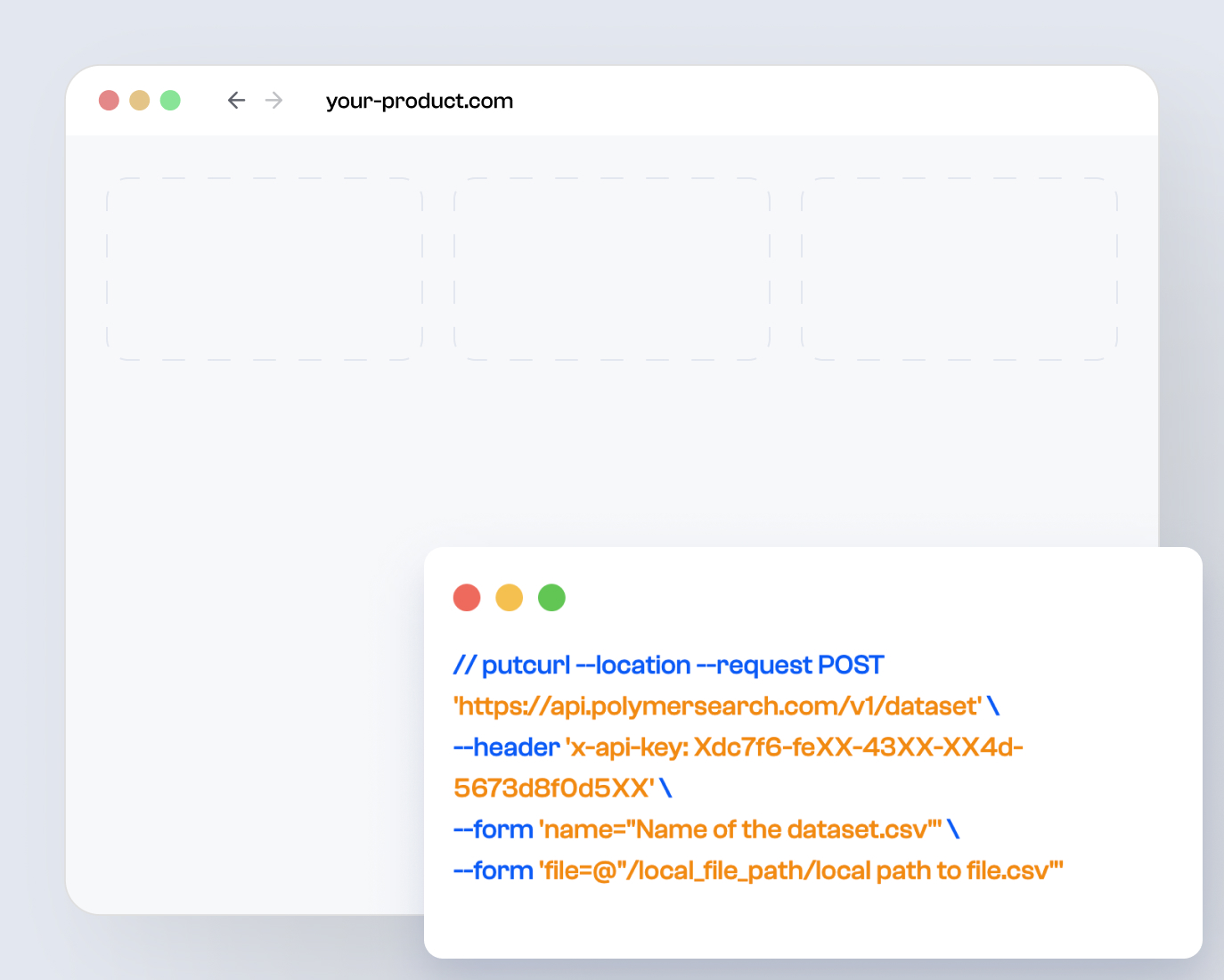
The product kept moving. Dashboards, reusable views, connectors, custom metrics, presentations, and PolyAI pushed it toward broader BI. A public API arrived in July 2021. By 2023, its V3 API could create datasets, boards, and workspaces, while token authentication let someone edit and save an embedded board without holding a Polymer account. The 2024 changelog added incremental updates, custom DNS, image and map blocks, time zones, tighter sharing controls, merged datasets, and more flexible text filters.
apps + files
datasets + boards
customer explores
That history matters because “easy dashboard builder” and “embedded analytics layer” are different buying decisions. The former helps an operator finish this afternoon’s report. The latter becomes a dependency inside a product. Polymer now presents the API use case first, with self-serve, secure, branded analytics as the main event. Buyers should test both halves: can business users shape a useful board, and can engineers integrate it cleanly?
What you actually get
AI-generated dashboards and templates replace the intimidating blank canvas. PolyAI can suggest visuals, answer questions, and explain charts.
Boards support themes, imagery, context, presentation mode, exports, and more than the usual row of anonymous bar charts.
Token access, workspace isolation, guest controls, editing roles, custom branding, and API-managed content make analytics feel native.
Files, spreadsheets, marketing tools, ecommerce services, business apps, databases, and third-party ETL routes can feed the system.
The dashboard editor covers practical forms including tables, pivots, scorecards, maps, time series, bars, columns, pies, images, and presentation blocks. A data manager handles types, headers, filters, custom calculations, and refresh settings. For a client-facing team, the small details matter: a board can have its own time zone; a workspace can suppress sharing; read-only access can limit PolyAI; and templates can be applied repeatedly across customer datasets.
“For me, a solo startup founder, Polymer is like having my own data scientist.”Kirsten Lambertsen, Patron Hunt founder
Public review volume is modest, so the quotes deserve context rather than a victory parade. G2 shows one verified review, posted in 2022. That reviewer praised the fast, intuitive interface, array parsing, and shareable dashboards, while wishing for more connectors. A 2021 Reddit user said the analysis was easier to set up than Smartsheet and liked the bird’s-eye view. Those comments are old enough that they describe an earlier Polymer, but the recurring theme survives the product’s evolution: people notice how quickly raw rows become something navigable.
The buying questions that matter
| Question | Polymer answer | What to test |
|---|---|---|
| Can customers explore? | Interactive embeds, filters, guest access, PolyAI, edit or read-only roles. | Use your messiest real customer permissions. |
| Can it look native? | White-label fonts, colors, logos, custom DNS, board themes. | Compare mobile states and loading behavior with your design system. |
| Can data stay fresh? | Connectors, API uploads, incremental updates, scheduled sync options. | Measure end-to-end latency, not the dashboard refresh alone. |
| Can analysts go deep? | Custom metrics, pivots, filters, charts, AI explanations. | Recreate three trusted reports and reconcile every number. |
Start with pricing. Polymer’s present homepage says API access begins at $500 per month, offers a seven-day trial, and points larger needs toward a custom plan based on data volume and access. Its separate pricing page still exposes overlapping generations of self-service tiers. That is an untidy storefront. Treat the homepage figure as the current entry point for embedded analytics, then get a written quote covering editors, viewers, accounts, sync frequency, AI usage, support, and overages.
Do not upload a polite demo CSV. Rebuild one report customers already complain about. Add two tenants, three permission levels, a late-arriving data update, a mobile screen, and an export. Then ask a non-analyst to answer a question nobody rehearsed.
Next, inspect the data model. Polymer is attractive when the source is already reasonably tidy and the goal is exploration, reporting, or embedded customer intelligence. If the business logic depends on many joined tables, disputed metric definitions, row-level security spread across systems, or elaborate transformation, the hard work has not disappeared. It has merely moved upstream. A traditional stack such as Power BI, Tableau, Metabase, ThoughtSpot, Sisense, or Looker may offer more modeling depth, governance, or ecosystem breadth.
Then test AI with skepticism and good humor. An explanation can help a client understand why a line bent downward, but it should not grant itself authority. Check calculations, vague questions, missing values, and edge cases. Decide which users may see PolyAI and whether an answer should be treated as a clue or a conclusion. Polymer provides controls for its availability in read-only contexts; your team still owns the policy.
Where Polymer earns its keep
The product’s strongest idea is organizational, not graphical. Analysts often own the answer while account managers own the conversation. Product engineers own the application while customers own the questions. Polymer creates a shared surface between those roles. A board can be built by one person, refined by another, embedded by a developer, and explored by a client. That shortens the distance between “What happened?” and “Let me show you.”
Its taste for presentation helps. Many BI tools behave as if looking respectable in a meeting is a frivolous request. Polymer treats narrative blocks, images, themes, goals, and presentation mode as part of the job. The dashboard can carry context instead of arriving as an unexplained grid of widgets. For agencies, that is not decoration. Reporting is part of the service the customer believes they bought.
There are still reasons to pause. Public independent reviews are scarce. Current customer totals are not published. The official API changelog’s latest dated entries are from September 2024, even though the service remains online and the site continues to market the product. Procurement teams should ask for a recent roadmap, security material, uptime history, support terms, data-location options, and references from customers with similar architecture.
The YesPress take
Polymer is easy to understand once you stop thinking of it as a prettier place to visit your data. Its job is to bring the data into a product, a client portal, or a conversation without dragging the user through the machinery behind it.
Choose it when speed, embedded exploration, and presentation quality are the constraint. Keep looking when your central problem is complex data modeling or enterprise-wide governance. The sensible test is small and real: one customer, one troublesome report, one engineer, one account manager, and enough awkward questions to make the dashboard sweat.
Read, click, interrogate
The useful links, including the pages that reveal both the current pitch and the product’s earlier personality: