Captions is for the person staring at forty-seven seconds of decent footage and dreading the next two hours. The fitness coach has a point to make. The founder recorded a product update. The estate agent walked through a sunny kitchen. None of them woke up hoping to nudge subtitle keyframes. Captions takes that raw material, makes editorial choices, and returns something shaped for a feed. It can tighten pauses, lay in captions, add B-roll, clean sound, correct a wandering gaze and resize the result. If the camera never came out, it can also generate an avatar to read the script.
That breadth explains why the name feels like a relic. Captions still handles captions, in more than 100 languages according to its current site, but the product now sits closer to an automated production desk. Its maker, Mirage, describes the goal as an agent that plans, creates, edits and designs every layer of a video. The practical value is less grand: it shortens the distance between “I should post this” and “this is posted.”
Who should actually use it?
The obvious customer is a solo creator making direct-to-camera videos for TikTok, Reels, Shorts or LinkedIn. The sharper answer includes anyone whose work produces repeatable video: coaches, educators, podcasters, sales teams, local businesses and lean marketing departments. A recurring format suits automation. Record the lesson, apply the house style, check the transcript, publish. The saved time compounds when that cycle happens three times a week.
Captions is less persuasive for an editor who wants exact control over a layered commercial, a documentary cut or a project moving among several specialists. Conventional editors expose every seam and support mature review workflows. Captions deliberately hides much of that machinery. Its interface invites a direction such as “add B-roll” or a preset such as Focus, then asks you to judge the result. That is liberating until the desired fix is three frames wide.
From subtitle helper to video factory
Gaurav Misra and Dwight Churchill founded the company in New York after working together at Snap. Misra had watched the “talking video” become its own format: one person, one camera, one concentrated idea. Captions launched in 2021 around that behavior. Automatic subtitles were a sensible wedge because they made speech legible with the sound off and gave a plain clip a graphic rhythm.
The roadmap kept swallowing adjacent chores. A teleprompter helped record the take. Eye-contact correction hid the glance toward the script. Denoising rescued the room tone. Lipdub translated speech and adjusted mouth movement. AI Edit handled pacing, inserts and graphics. Avatars removed the recording step. In September 2025 the company renamed itself Mirage, signalling that it intended to build models and an enterprise platform as well as a creator app. Captions kept its product name and its place at the front of the shop.
By March 2026, Mirage said Captions had passed 20 million users and 250 million created videos. TechCrunch reported an Appfigures estimate of 3.2 million downloads and $28.4 million in in-app revenue over the preceding year. The company also added $75 million in growth financing from General Catalyst's Customer Value Fund, taking disclosed funding above $175 million. Those numbers explain the pace of shipping, though they cannot predict whether the next set of jump cuts will land.
What happens after you tap Edit
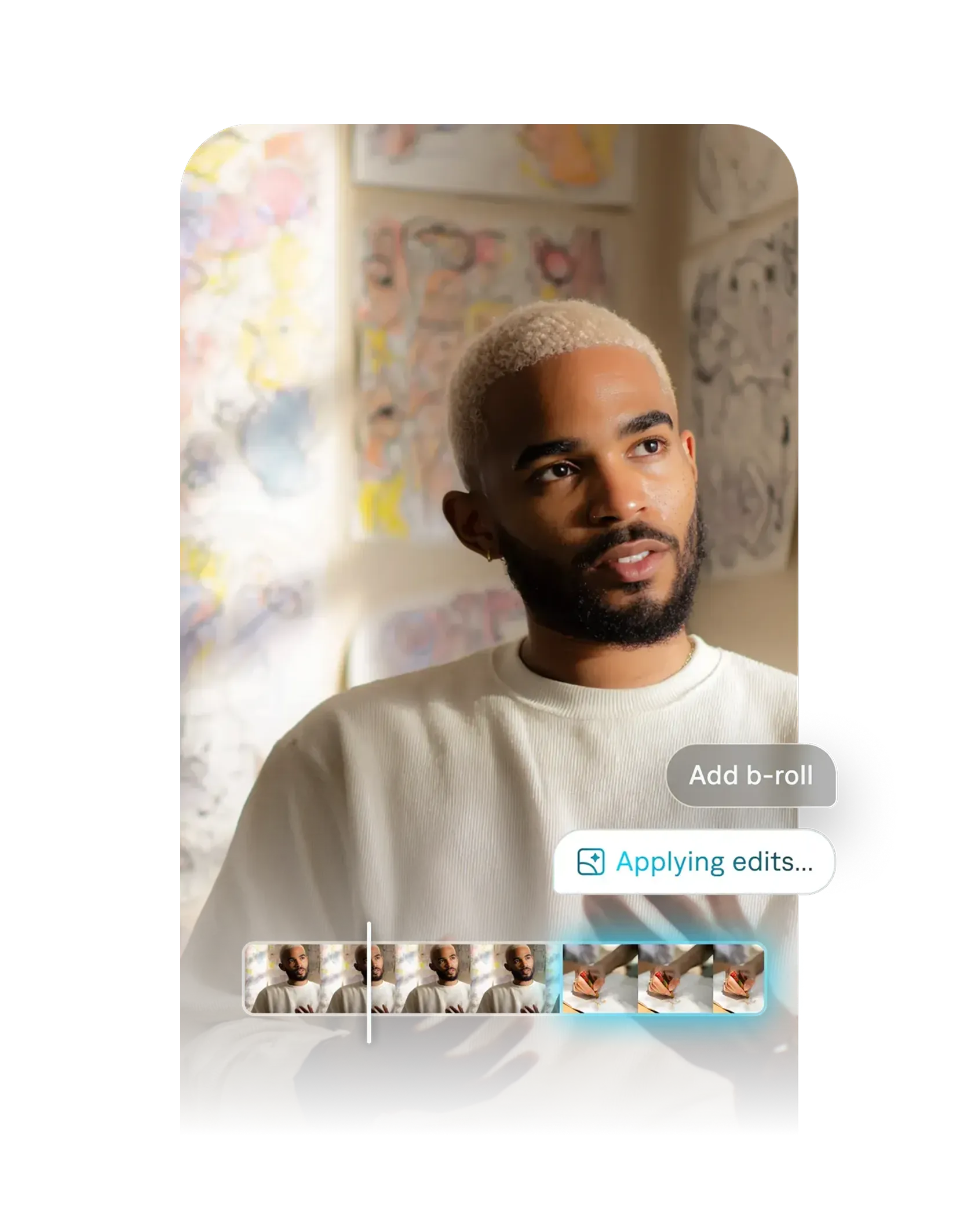
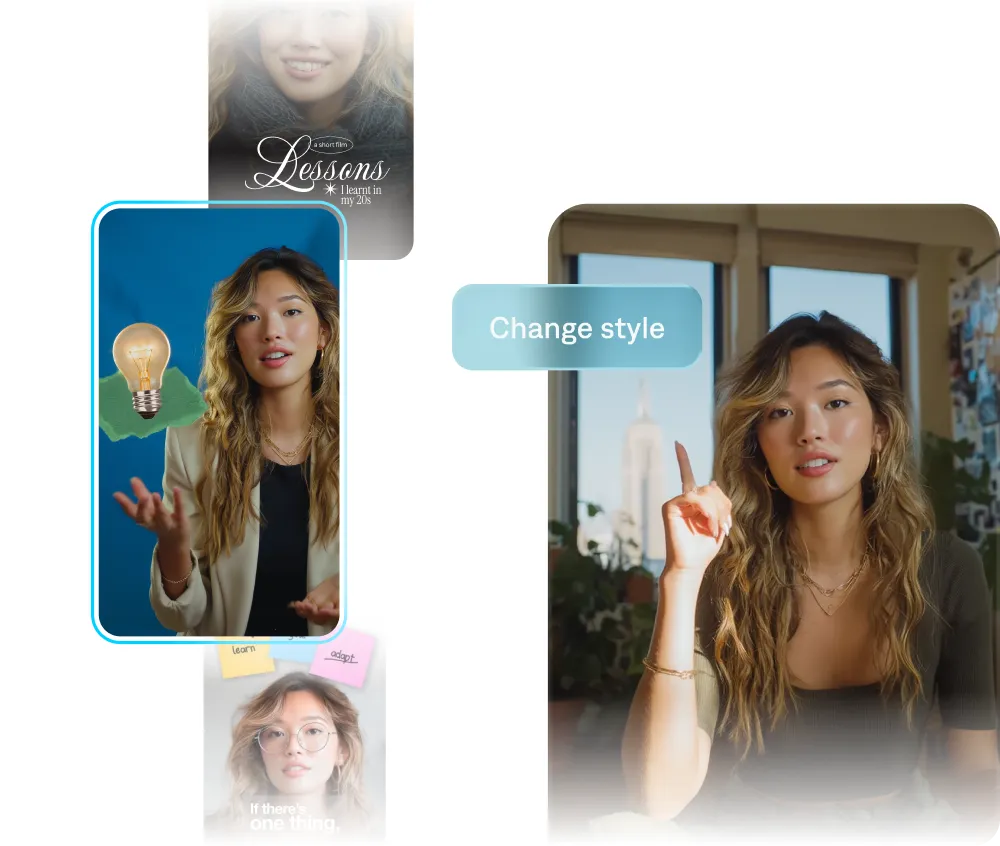
AI Edit is the center of gravity. Choose a style and it can cut scenes, tighten pacing, create captions, place overlays, generate music and insert B-roll. The newer Evo, Focus and Core styles aim at business footage: energetic promotion, restrained talking-head explanation and clean professional updates. A chat-based editor accepts revisions in ordinary language. Longer footage can become a batch of short clips, which is useful for podcasts and webinars that would otherwise fossilize in an archive.
The July 2026 Avatar X release pushes the other direction, from no footage to a finished performance. A user selects an avatar or creates a personal twin, supplies a script, and the model generates voice, movement, expression, lip movement and gaze together. Mirage says a personal twin starts with ten seconds of source footage. The attraction is continuity: the same presenter can appear across many scripts, backgrounds and outfits without another shoot. The risk is also continuity. A synthetic spokesperson can become repetitive, uncanny or simply too smooth, so disclosure and a human review remain part of the job.
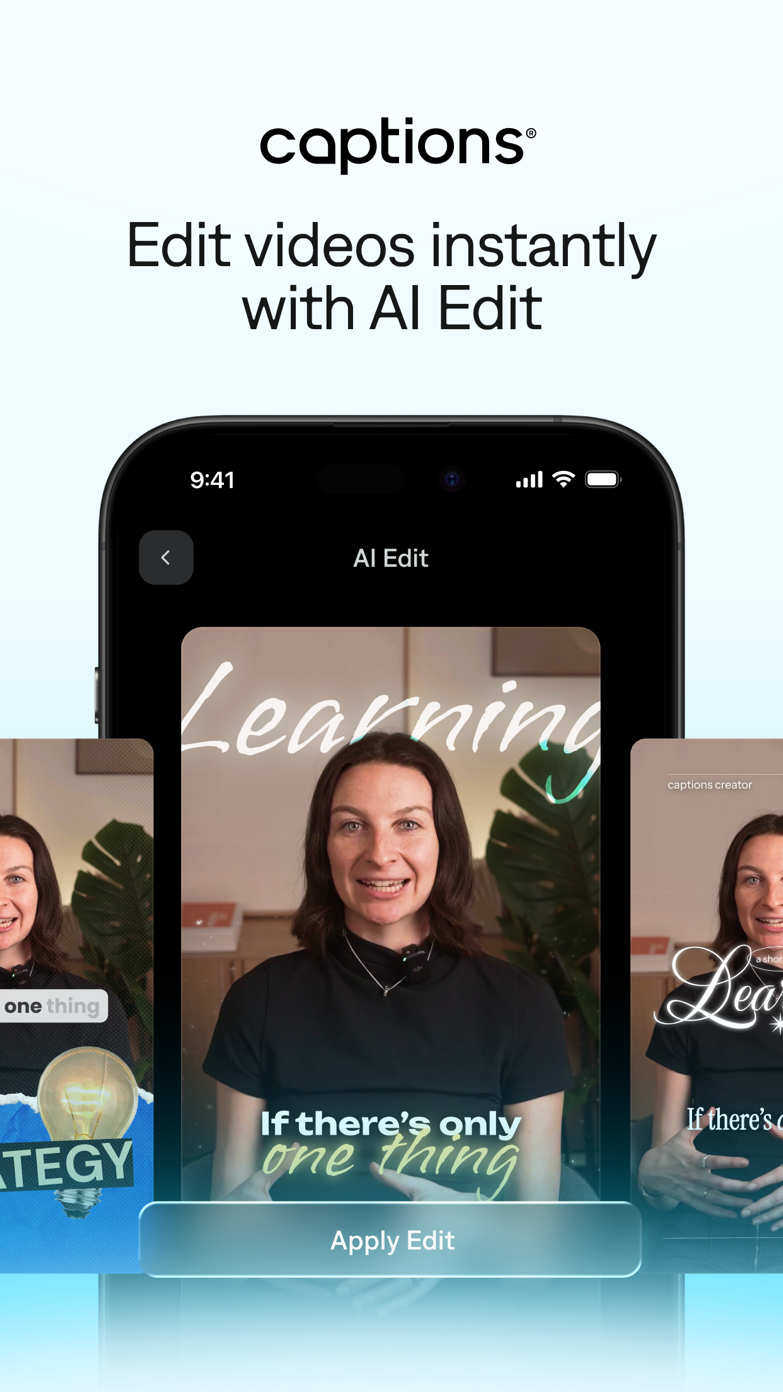
The clever bit is making the boring decisions disappear before anyone generates more footage.
The machinery has real edges
Mirage says its rendering engine has a Rust core and uses Metal, Vulkan and WebGPU. The point of that plumbing is unusually concrete: captions, graphics, performance and audio stay as editable layers across the browser, iPhone and cloud instead of collapsing into one mysterious output. Its proprietary models handle video and audio, while the agent can direct those models and outside ones. That combination makes Captions more interesting than a template picker, but it does not turn every prompt into a clean edit.
Public reviews land in a recognizable middle. An App Store reviewer wrote that the auto-captions were “insanely accurate” and saved hours. A recent Trustpilot reviewer said adding captions took “a few clicks.” Other users complain about prompts being misunderstood, audio drift, exports and finding that a chosen effect belongs to a higher tier. The App Store currently shows 4.7 from roughly 37,000 ratings; Trustpilot shows 4.4 from more than 400 reviews, with a visible pocket of one-star experiences. Ratings move, but the split is instructive: the core convenience delights people, while billing and failed automation create sharp frustration.
Our read
Use Captions to produce a credible first cut quickly. Keep responsibility for names, numbers, translation, timing and brand tone. The product removes labor; it does not remove editorial accountability.
Pricing: mind the credit meter
The free plan is useful as a compatibility test. It includes basic trimming, transitions, some media assets and one caption template, but it has no generative AI credits. The current US pricing page lists Max at $24.99 per month with 500 credits. Scale starts at $69.99 for 1,400 credits, then rises to $139.99 for 2,800 and $279.99 for 5,600. Enterprise is custom. The company notes that these displayed prices are in US dollars and reflect iOS plans, so confirm the figure on the device and in the country where you will pay.
Credits are the part to model before subscribing. Generation is usage-based, so a month of avatar experiments behaves differently from a month of manual caption edits. Unused credits can roll over for two additional months, up to three times the monthly allowance. Run two representative projects during the trial: one routine clip and one demanding clip. Count the credits, revisions and failed generations. A low sticker price is irrelevant if the real workflow needs repeated attempts.
| Option | Pick it when | Watch for |
|---|---|---|
| Captions | You publish talking-head or social video often and want editing, captions, dubbing and avatars together. | Credits, tier-gated tools, local projects and less frame-level control. |
| CapCut | You want a broad social editor, trend-friendly templates and a familiar manual timeline. | A sprawling interface and a different balance of automation and control. |
| Descript | You edit podcasts, interviews and screen recordings by working from a transcript. | Generated presenter workflows are not the central idea. |
| HeyGen | Your priority is avatar-led marketing and multilingual presenter video. | Traditional editing breadth may matter more once footage gets complex. |
| Premiere | You need exact craft control, collaboration and a mature production ecosystem. | Time, training and the temptation to polish forever. |
A buyer's one-hour test
Start with a real assignment, not a demo script written to flatter the tool. Record sixty seconds in the room where you normally work. Include a proper noun, a number, a pause and one moment where you glance away. Apply a restrained style. Then check the transcript word by word, listen for audio drift, inspect every generated insert and export at the aspect ratio you actually publish.
- Confirm that names, prices and claims survived transcription.
- Check whether captions obscure faces, products or platform controls.
- Test one revision through chat and one through manual controls.
- Record the credits spent from upload to acceptable export.
- Open the export on a second phone with sound muted.
- Save source files and finished exports outside the app.
That last habit matters. Captions' help center warns that some projects are stored locally, do not sync across devices and can disappear after logout. The web and mobile experiences also differ; Android may offer the streamlined Captions Lite feature set, and the help center does not list a current native Windows or macOS download. Treat the browser as the desktop route and verify platform-specific features before moving a team.
The odd little future in your texts
Cappy, introduced in beta in April 2026, may be the clearest statement of Mirage's ambition. You text a clip, photographs, a product page or a voice note. The bot asks questions, proposes creative direction, assembles a video and accepts feedback in the same thread. No timeline, new interface or editing vocabulary is required. It sounds almost silly until you picture a café owner making the weekly specials between deliveries.
That is why Captions is worth watching even if you never generate a synthetic presenter. It reframes editing as direction. The user says what the piece should do, the software handles a growing portion of how, and the final taste check stays human. For frequent, practical video, that bargain can be excellent. For precious footage, nuanced narrative or exact brand work, keep an editor nearby.