Chuck Culver had a perfectly serviceable way to install software: sit down at a computer, load it, and move to the next one. At Sussex County Technical School in New Jersey, the trouble was the next one. And the one after that. A room of 30 machines could consume a week. By the time the work was finished, another update was waiting.
This is an awkward problem for a software company to put on a billboard. Nobody wakes up longing for endpoint inventory. They do, however, long to stop spending their week carrying an installer around a school. PDQ built a business in that gap between an unromantic technical function and a very human waste of time.
- The job: discover devices, deploy software, keep it patched, and handle exceptions.
- The choice: on-premises Windows tools or a cloud console for Windows and Macs.
- The catch: cloud reach comes with per-device pricing; automation still needs judgment.
01 / Thirty installations, one technician
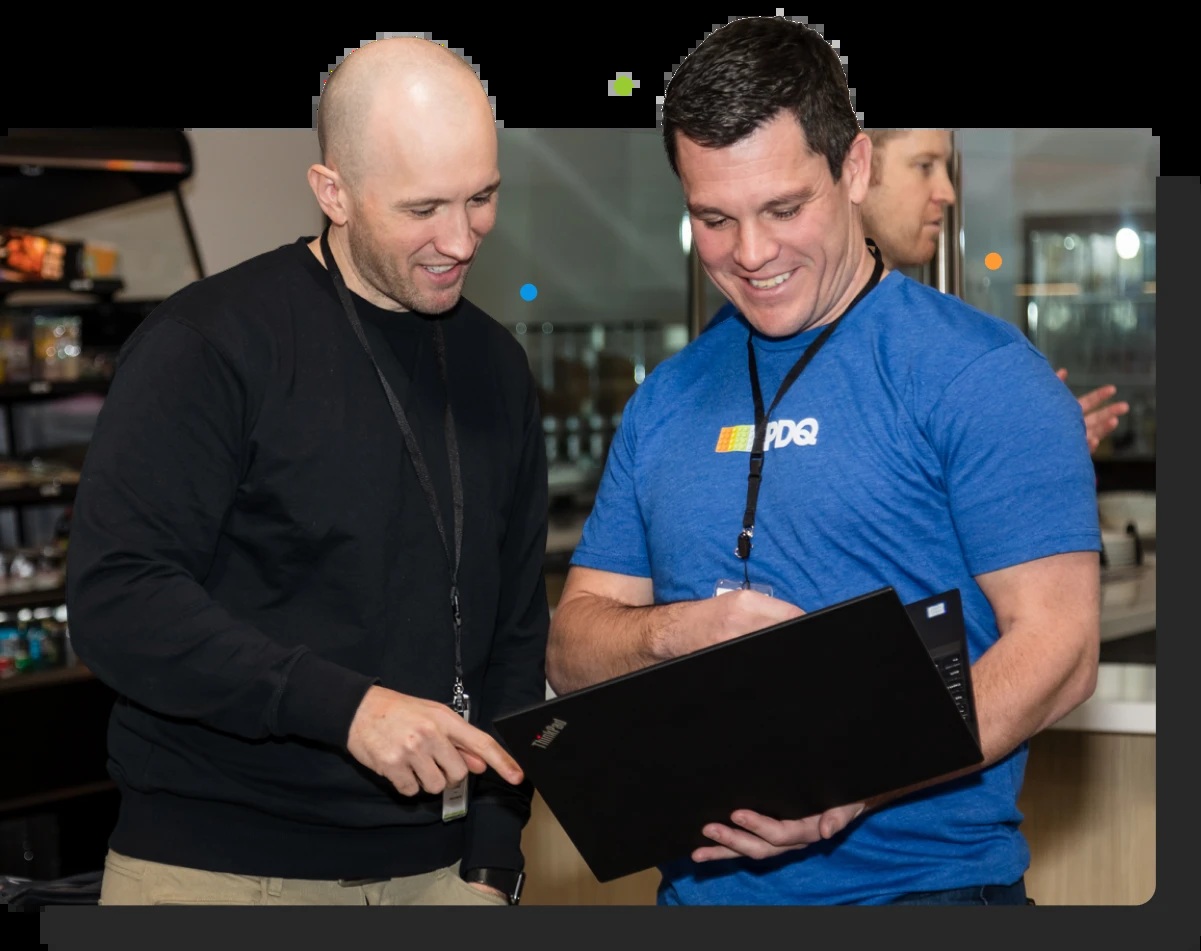
In PDQ’s account of Sussex, Culver’s earlier patching product repeatedly crashed computers during updates. Colleagues recommended PDQ. With Deploy & Inventory, he could select machines and send software to the group, then check the following day for devices that still needed it. The installation had become a repeatable operation with an exception list.
The distinction mattered in a technical school. A class needing Adobe software should receive it; every student in the building need not. Grouping computers made that decision easier to execute. The case study describes roughly 30 hours of individual installation work replaced by a bulk deployment workflow. It is a customer account, not a universal performance benchmark. Still, the mechanism is refreshingly legible: fewer visits, fewer repeated actions, a clearer view of unfinished work.
“For me, being a one man shop, time is so valuable.”
Chuck Culver · Sussex County Technical School
A useful buying question follows. How much of the team’s week consists of performing the same action again? Before admiring a dashboard, count the repetitions.
02 / The sandwich-sized ambition
PDQ’s founders had seen the other end of the market. Shawn Anderson and Shane Corellian worked with large organizations, where systems management could involve cumbersome software and specialist consultants. Smaller businesses inherited the machinery without inheriting the staff. In a 2025 retrospective, PDQ describes its desired first win as something a sysadmin could achieve in about five minutes, roughly a sandwich’s worth of time.
The twins’ route into computers was pleasantly crooked. An earlier company profile recalls their ambitions in Hollywood; Shane learned about computers while doing temporary office work before becoming an assistant systems administrator in 1995. That same profile names a third founder, programmer Adam, alongside Shawn and Shane. The company’s archive identifies its early Inventory author as Adam Ruth. Practical experience, friendship, and software development were the ingredients.
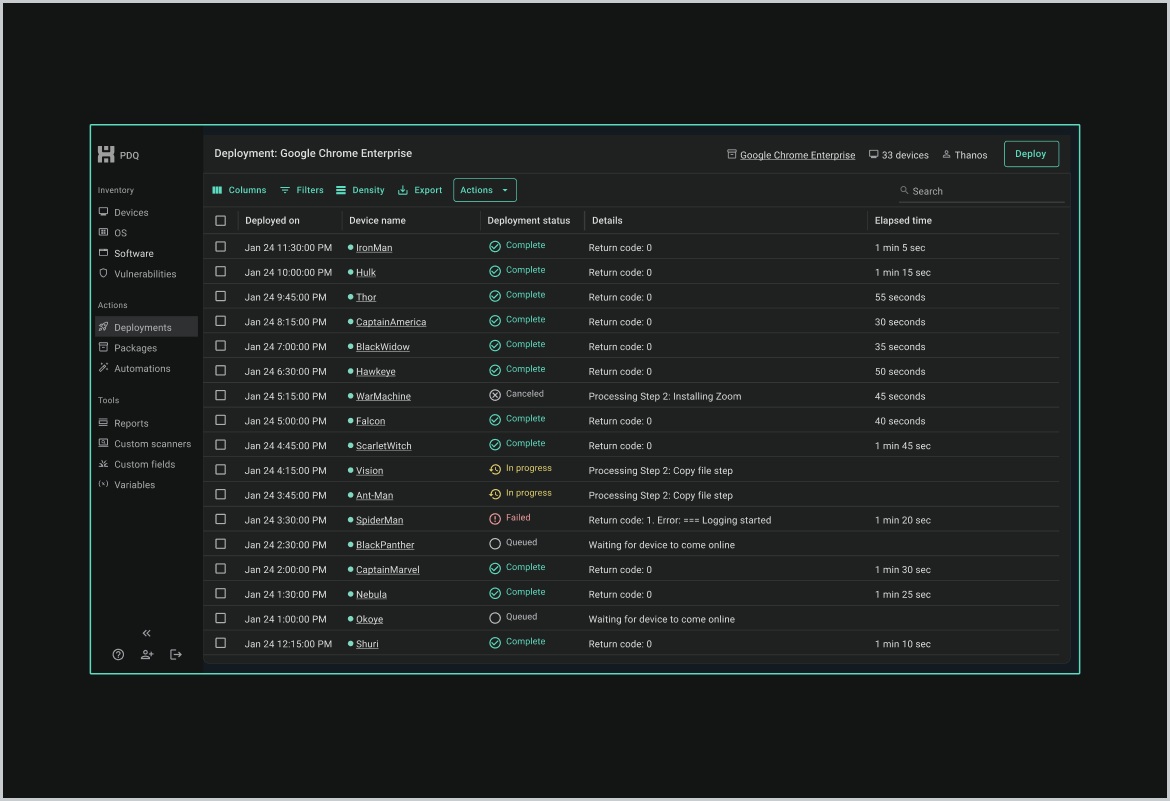
Deploy and Inventory make a sensible pair. Inventory collects hardware, software, and Windows configuration information. Deploy handles installations, updates, scripts, and scheduled work. Knowing which machines need something is useful only if you can act on the answer. The company’s expertise sits in joining those two operations without making the administrator build the whole process from scratch.
03 / A fleet that left the building
An office network gives an administrator a boundary. Remote work rearranges it. PDQ Connect, publicly launched in March 2023, uses an installed agent and an internet connection to reach devices through a cloud console. A laptop can receive software away from the office without returning through a VPN. Connect also provides inventory, custom packages, and remote commands; automation, remote desktop, and vulnerability features depend on the subscription tier.
The design was informed by PDQ’s own IT team. Its account of building Connect describes testing filters to give administrators precise targeting. This is a small detail with large consequences. The hard part of bulk action is often choosing the right bulk.
At AnTek Consulting in South Florida, Andrew Ames had found his previous package builder so cumbersome that manually installing software remotely could feel easier. PDQ’s February 2026 customer story describes a 250-device operation organized into servers, workstations, and remote systems, with customer environments separated through multitenancy. AnTek reports saving approximately eight to ten hours each week on routine deployments and updates. The company’s broader business results involve more than a software subscription, so the weekly maintenance figure is the cleaner claim.
AnTek’s reported reduction in routine deployment and update work. A customer result, not a promised return.
PDQ now reports more than 33,000 customers worldwide, with 40 percent outside the United States. Its audience includes schools, manufacturers, government departments, and service providers. What connects them is a maintenance obligation, often carried by a small team, that grows with every additional computer.
04 / Two bills for two kinds of work
PDQ’s business model makes the deployment choice unusually concrete. At public list prices checked in October 2026, Deploy & Inventory costs $1,950 per administrator per year, with unlimited endpoints. Connect charges annually per device: $12 for Basic, $18 for Plus, and $28 for Premium, with a 100-device minimum. These are different meters running on different things.
Connect: 100-device minimum. Discounts and volume terms may apply. Prices checked October 2, 2026.
A single administrator managing 500 devices would face $1,950 for the on-premises pair or $9,000 for Connect Plus before discounts. That arithmetic does not make the products interchangeable. It prices the choice. The on-premises option suits reachable Windows environments, including tightly controlled networks. The cloud option buys reach to internet-connected machines and a different set of capabilities. A fleet’s location can matter more than its headcount.
PDQ competes in a crowded market. Microsoft Intune addresses endpoint and policy management; NinjaOne offers a broader endpoint platform across Windows, macOS, and Linux; Action1 focuses on cloud patching. PDQ’s distinctive proposition is its combination of a maintained on-premises route, a separate cloud product, and a portfolio built around familiar administrator tasks. Whether that combination is economical depends on the jobs you actually need done.
05 / Buying the next job on the list
The acquisition history reads like a technician’s expanding task list. SimpleMDM joined in 2021 for Apple device management. SmartDeploy followed in January 2022 for Windows imaging, separating a common image from hardware-specific drivers. In April 2024, PDQ introduced Detect after acquiring CODA Intelligence, adding vulnerability discovery and prioritization. ISL Online, a remote desktop partner from 2024, became an acquisition in September 2025.
Investors backed that expansion. TA Associates announced its investment in August 2021, describing an already profitable business. Berkshire Partners joined in October 2023. Financial terms were undisclosed. TA’s responsible investment report adds a less routine detail: eligible employees received cash payouts through PDQ’s equity plan following the recapitalization.
PDQ also advertises a four-day workweek, fully paid healthcare, and flexible time off. A company selling time savings has an unusually easy way to make its own working arrangements relevant. Those policies belong beside its stated values of honesty, ownership, collaboration, and improvement, rather than beside a claim that every employee has a perfect Tuesday.
06 / The computers that missed the update
There are boundaries worth understanding before buying. Connect’s Mac agent manages macOS computers; it does not use Apple’s MDM framework or manage iPhones, iPads, and Apple TVs. Apple policy and enrollment requirements call for an MDM such as PDQ’s SimpleMDM. Likewise, a device without an internet connection cannot immediately receive a cloud deployment.
The more general boundary is judgment. Automation repeats your decision efficiently, including a poor one. An administrator still needs sensible test groups, deployment timing, and a review of failures. That is an editorial recommendation, not an extra feature hiding in a price tier.
Readers can copy the underlying method without copying the whole purchase: inventory what exists, group devices by need, package the repeatable job, test it, and inspect the exceptions. PDQ’s public PowerShell scanner repository offers reusable examples for the discovery side. A trial is most informative when it tackles one actual recurring task.
Return to Culver’s school. The significant change was that a roomful of computers could be treated as a roomful of computers. The technician could make one decision, execute it widely, and come back to the machines that missed it. For the person responsible for all thirty, that is a rather good use of software.