The person who will get the most from Ocoya is easy to picture: one hand on a client calendar, another in a design template, and seventeen browser tabs quietly eating the afternoon. Ocoya gathers that scattered job into a single web workspace. You can draft a caption, make the visual, adapt the post for several networks, ask for approval, schedule it, and later inspect the response. For a solo marketer or a small agency, that consolidation is the real product. The AI is the loudest label, but fewer handoffs are the useful bit.
Ocoya is less compelling for a creator who lives happily inside one network, or for an enterprise that needs deep listening, complex governance, and someone on the phone when a campaign breaks. It is a broad toolkit. Broad toolkits save money when their pieces are good enough; they frustrate when one weak link controls the whole workflow. That is why this review begins with fit, not fireworks.
Why Ocoya exists
Co-founders Aivaras Tumas and Joe Sutcliffe launched Ocoya from Vilnius in 2021. The early framing was unusually plain: Canva plus Hootsuite plus Copy.ai. Its writing assistant was called Travis AI, a charmingly human name for software hired to fill empty caption boxes. On Product Hunt, Ocoya 2.0 finished first for the day on August 27, 2021, collecting more than 420 points. Startup Wise Guys SaaS Milan backed the company at pre-seed stage.
The current product keeps the same all-in-one logic and adds a more ambitious layer. Ocoya now promotes AI agents for automatic post creation, direct-message chatbots, engagement, and comment-to-DM campaigns. Think of the progression as desk, then conveyor belt: first the software helped prepare the work; now it also wants rules for moving that work along.
What you can do before lunch
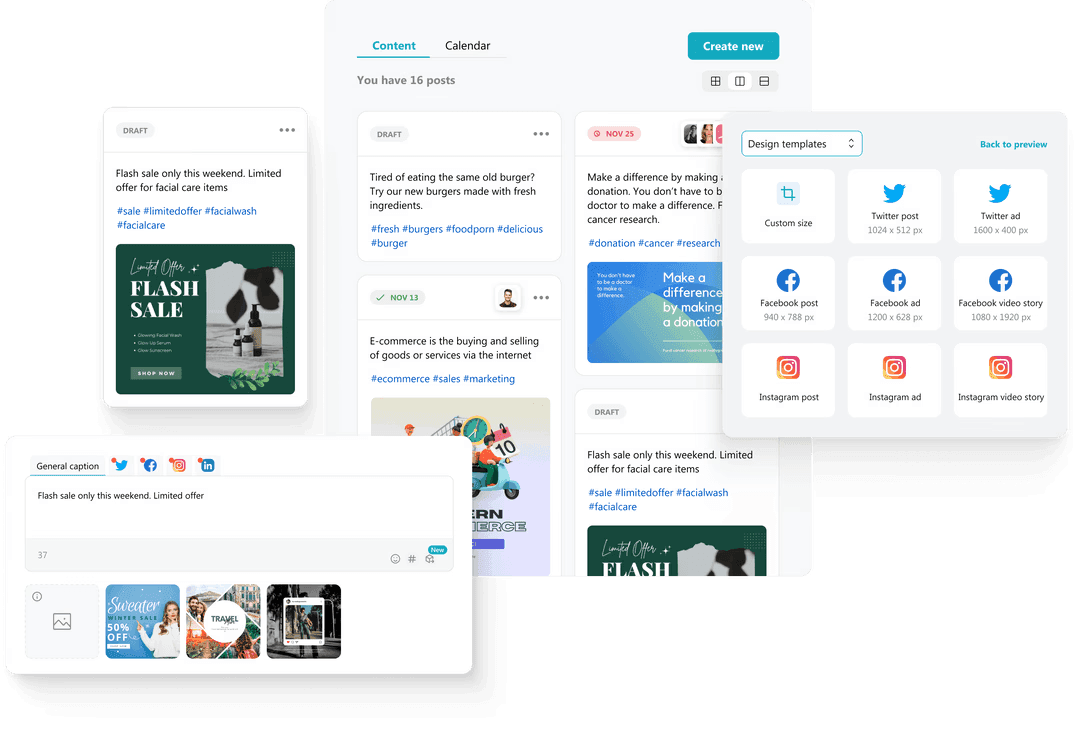
Start with a campaign idea and Ocoya can help turn it into captions, hashtags, translations, images, or video assets. The post editor supports network-specific versions, which matters because a LinkedIn paragraph rarely belongs unchanged beneath a TikTok. Assets live in a reusable media library; Unsplash and Giphy are among the libraries named by Ocoya. A calendar holds the queue, while best-time recommendations use audience behavior and publishing history to suggest a slot.
For teams, workspaces separate brands or clients. Roles and approval flows keep a junior draft from becoming a midnight announcement. Email presets let an agency customize approval requests for internal colleagues or external clients. Higher plans increase the number of workspaces, users, social profiles, storage, and AI credits. Gold adds scale and plan-dependent features such as RSS feeds; Diamond advertises unlimited workspaces and credits plus REST API access.
The network list has widened since Ocoya's early years. Its help center now documents connections or publishing for Facebook, Instagram, X, LinkedIn, TikTok, Pinterest, YouTube, Google Business, Threads, Bluesky, Mastodon, and Discord. That does not mean every content format works identically. Business-account rules, video constraints, and platform API limits still apply. Check the exact post type you need before migrating a calendar.
“Being able to post across several platforms, with the ability to tailor images, hashtags and messaging simply for each platform is great.”Verified marketing reviewer on G2, 2023
The AI agent question
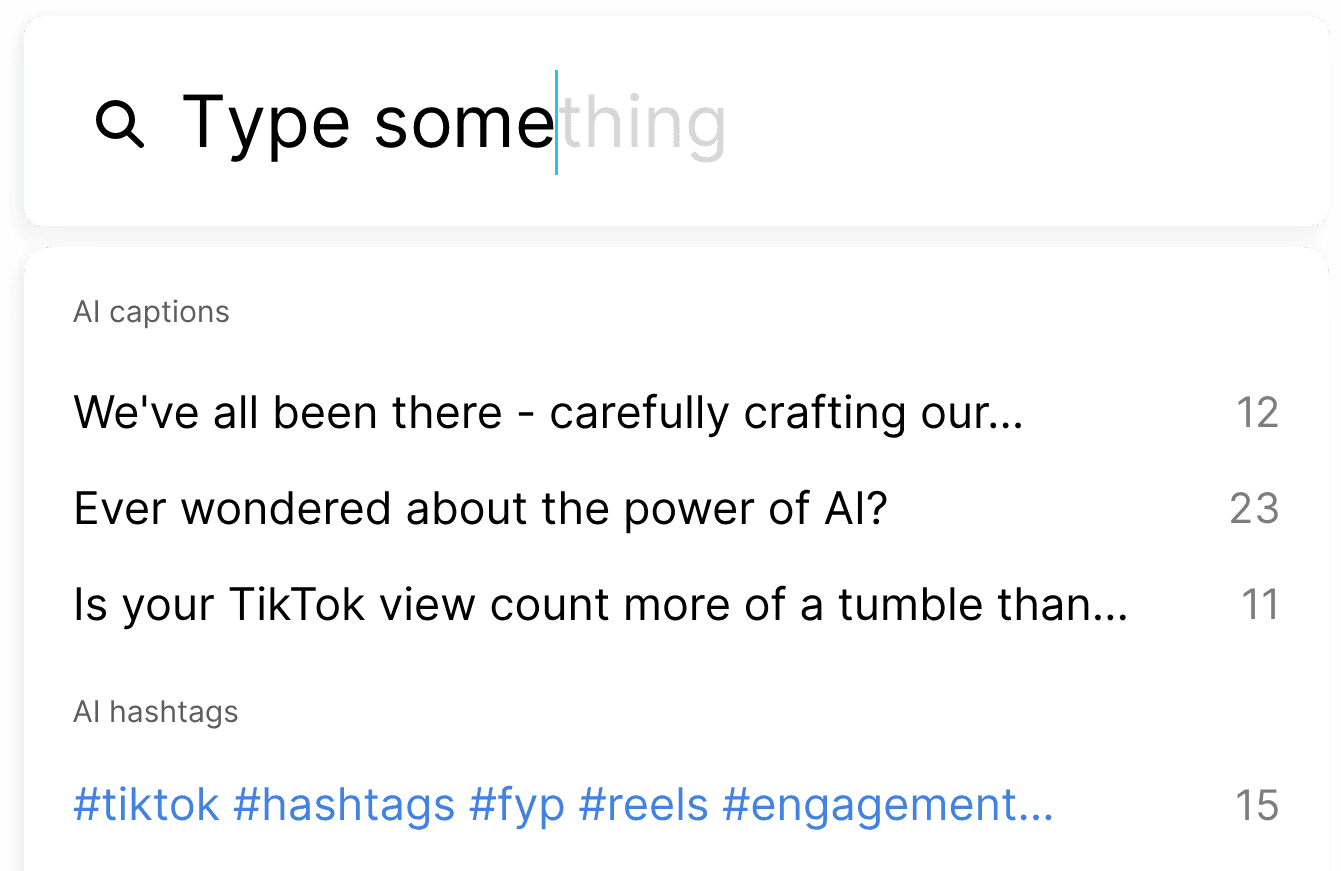
Agent-style automation is Ocoya's newest headline. Templates include a social poster, DM chatbot, and comment-to-DM workflow, with an option to build a custom agent. The sensible use is narrow and supervised: turn an approved source into a scheduled draft, reply to a predictable support question, or deliver a link when someone comments with a keyword. These are repeatable chores with visible outputs.
Handing over an entire brand voice is a different bet. AI credits are Ocoya's shared meter across automation runs, text generation, translation, rephrasing, image generation, and background removal. A busy workflow can therefore compete with the creative tools for the same allowance. Begin with one automation, review its logs and outputs, then estimate the monthly credit appetite. “Always on” sounds grand; a well-bounded Tuesday recipe is easier to audit.
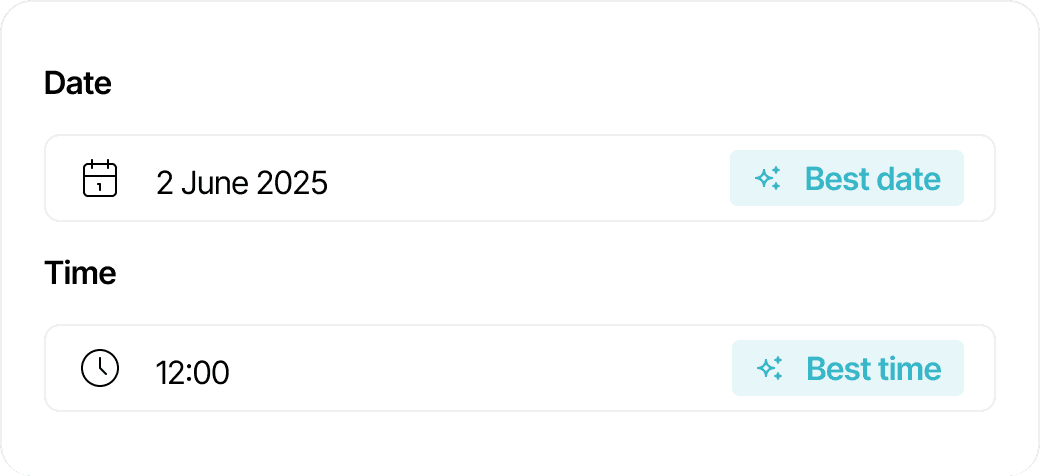
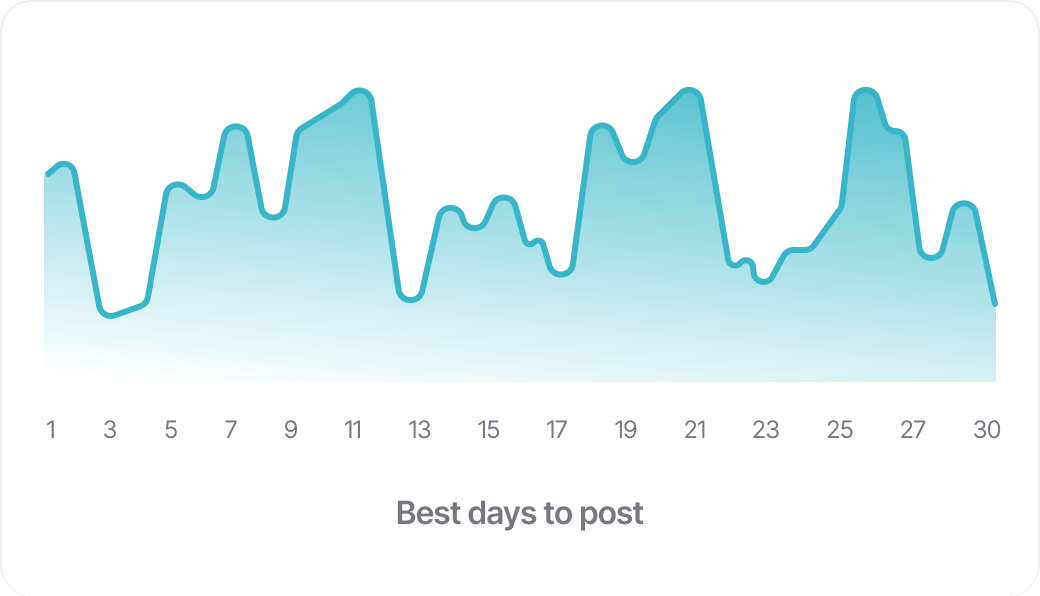
Timing advice deserves a small reality check. A recommendation built from audience behavior can improve a routine, but it cannot rescue dull work or predict the news cycle. Treat the suggested slot as a hypothesis. Keep a record of reach, clicks, replies, and conversions by format, then compare several weeks rather than one lucky spike. Ocoya's calendar makes that habit easier because planning and performance live near each other. The important move is closing the loop: publish, read the response, adjust the next batch. A colorful line chart is evidence to inspect, not an oracle with Wi-Fi.
Prices, without the confetti
Ocoya has no permanent free plan on its current pricing page. It advertises a seven-day trial and four paid levels. Monthly list prices are $19 for Bronze, $49 for Silver, $99 for Gold, and $199 for Diamond. The site also displays lower effective monthly figures of $15, $39, $79, and $159 on annual billing, described as a 20 percent saving.
| Plan | Monthly | Workspaces / users | Profiles / credits | Natural fit |
|---|---|---|---|---|
| Bronze | $19 | 1 / 1 | 5 / 100 | Solo scheduling |
| Silver | $49 | 5 / 5 | 20 / 500 | Small brand team |
| Gold | $99 | 20 / 20 | 50 / 1,500 | Freelancer or growing agency |
| Diamond | $199 | Unlimited / 50 | 150 / unlimited | Large agency and API use |
Those limits make the plan decision more concrete than the feature parade. Count clients as workspaces, coworkers as users, and every connected account as a profile. Then sketch two weeks of AI usage. Bronze is cheap only if five profiles and 100 credits are genuinely enough. Diamond is valuable only if its capacity and API remove labor you would otherwise pay for.
The review split matters
Ocoya's public reviews tell two stories. When researched, G2 displayed 170 reviews and a 4.6 rating. Users repeatedly liked the clean interface, central schedule, Canva connection, and the ability to create and publish without bouncing among tools. A 2026 small-business reviewer said the unified workflow saved time, while also noting that advanced customization could feel limited and that loading or generation sometimes slowed a batch.
The harsher story concerns failed posts, slow support, roadmap promises, and billing or cancellation. Older G2 reviews and Trustpilot complaints deserve attention even though experiences and the product may have changed. Review sites also collect different kinds of customers, so their scores should not be blended into one magic number. The practical conclusion is simpler: publishing reliability and account service are part of the product. Test both while the trial clock is running.
Good reasons to try it
You manage several networks or clients, want creation beside scheduling, and can benefit from reusable approvals and simple automations.
Reasons to pause
You need enterprise listening, phone support, deep bespoke analytics, or absolute certainty around unusual post formats and edge cases.
How it compares
Buffer is the cleaner benchmark for straightforward publishing. Hootsuite, Sprout Social, and Agorapulse lean toward mature management, monitoring, and reporting. Canva is the stronger dedicated design room. Zapier and similar automation tools offer a bigger box of connecting wires. SocialPilot and Metricool compete on practical multi-account management, while Simplified also chases the create-and-publish bundle.
Ocoya's case is not that each module defeats the specialist. It is that the modules sit close enough together to shorten a workday. That is attractive when the same person writes, designs, gets sign-off, and schedules. A larger team with dedicated analysts and designers may prefer deeper tools joined by a formal process. Count the handoffs you remove, then compare that value with the compromises you accept.
Trial assignment: break it politelyYour seven-day field test
- Connect two real accounts, including the network with your trickiest permissions. Confirm every required post format.
- Create five posts from scratch. Use the writer, a template, your own media, and a network-specific edit.
- Invite one colleague or client. Run a draft through approval and check the email they receive.
- Schedule a small batch, then edit and reschedule one item. Verify every live post on the native network.
- Build one narrow automation and watch its credit use. Keep human approval on until the output is boringly predictable.
- Ask support a real question, export anything you may need, and locate the cancellation controls before day seven.
The verdict: Ocoya makes sense for the overextended generalist. Its greatest trick is not generating a caption; plenty of tools can do that. It is keeping the caption, creative, client note, date, and destination in the same room. The agent features extend that promise, provided you give them small jobs and inspect the result. Buyers should arrive with a checklist, not a crush. If Ocoya reliably publishes your actual content and the team workflow feels lighter by the end of the trial, the bundle has earned its tab.