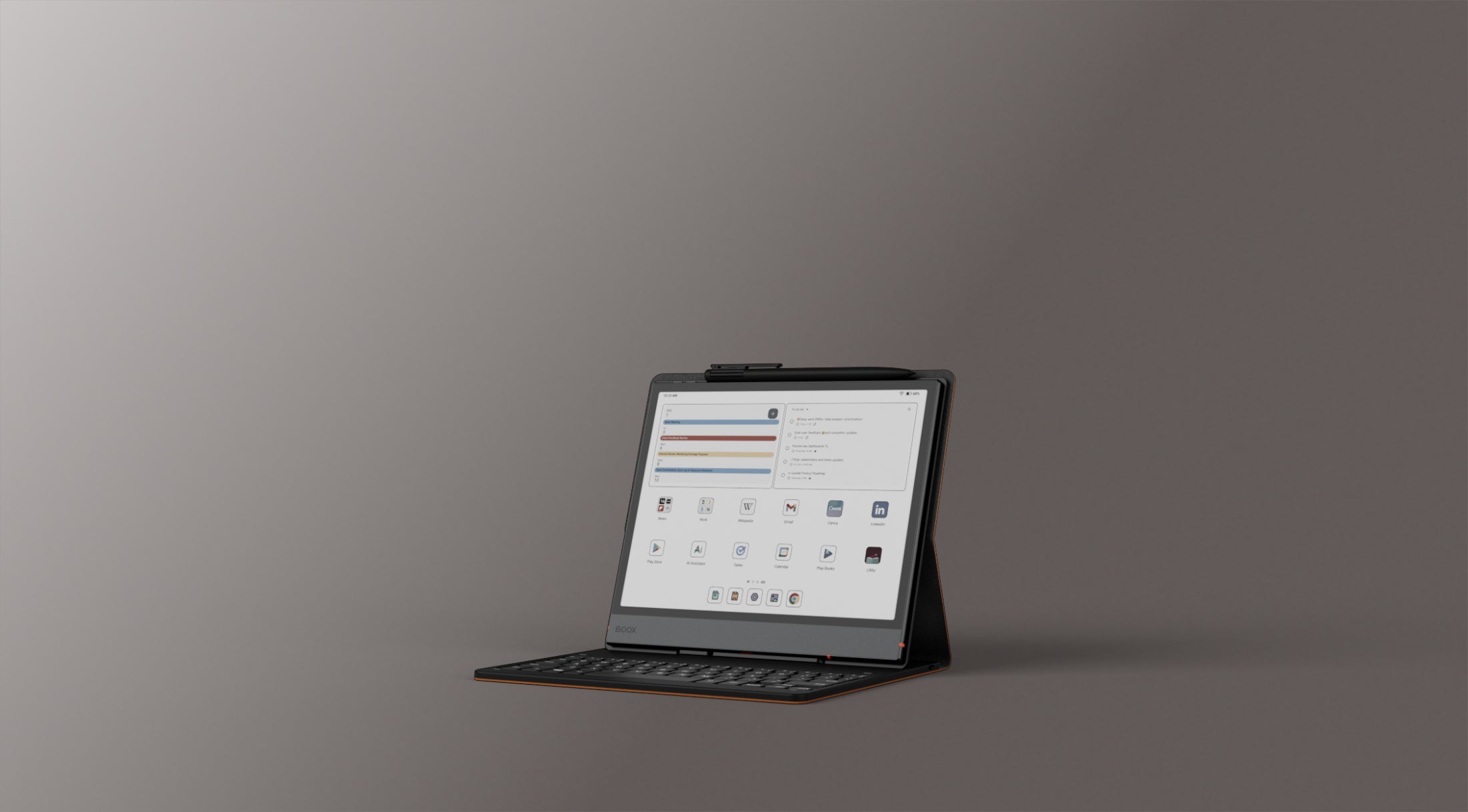
The pitch is almost suspiciously simple. Take a piece of glass thinner than a pencil, give it a screen that reads like a paperback, add a light you can dial from cold morning to warm midnight, and then - the part nobody else quite dares - let it run the actual Google Play Store. That is the BOOX Go 10.3 (Gen II) Lumi, and it is aimed squarely at the person who keeps promising to read more and scroll less, then loses the fight to a glowing rectangle every single night.
So let's start with why and who, because that is where this device earns or loses you. If you want a tablet for video, games and colour, keep walking - this is a monochrome E Ink slab and proud of it. But if you are a reader, a note-taker, a student drowning in PDFs, a writer who thinks better on a page, or simply someone trying to claw back attention from a phone, the Go 10.3 Lumi is built for you specifically. It reads books, marks up documents, holds handwritten notes, and - crucially - does not ping, autoplay, or tempt you toward a feed unless you deliberately install one.
01 / The backstoryA refresh that grew a light
The Go line has always been the slim, travel-minded corner of the BOOX family, made by Onyx International, the Chinese company that has spent a decade turning E Ink from single-purpose e-readers into full Android machines. The first Go 10.3 was well liked for a screen reviewers called some of the sharpest they had seen. This Gen II, released in March 2026, keeps that panel and adds the two things people kept asking for: a front light and a newer version of Android.
The "Lumi" name is the tell. It is simply the version with the light built in. Its near-identical twin ships without one for about thirty dollars less. Everything else - the 10.3-inch display, the 4.8mm chassis, the roughly 364-gram weight - carries across both. Onyx jumped the software from Android 12 to Android 15 in the process, which matters more than it sounds: it is the difference between a device that ages gracefully and one that starts refusing apps in a year.
02 / The screenPaper you can read at 1am
The headline act is that light. Behind the 10.3-inch, 2480x1860 panel sits a row of white and amber LEDs you can mix to taste - cool and bluish for a bright room, warm and low for bed. That amber end is the reason to buy the Lumi over its cheaper sibling. Reading in a dark room without dumping blue light into your eyes is the whole point, and E Ink's matte, non-emissive surface means the glow washes across the page rather than firing straight at you like a phone.
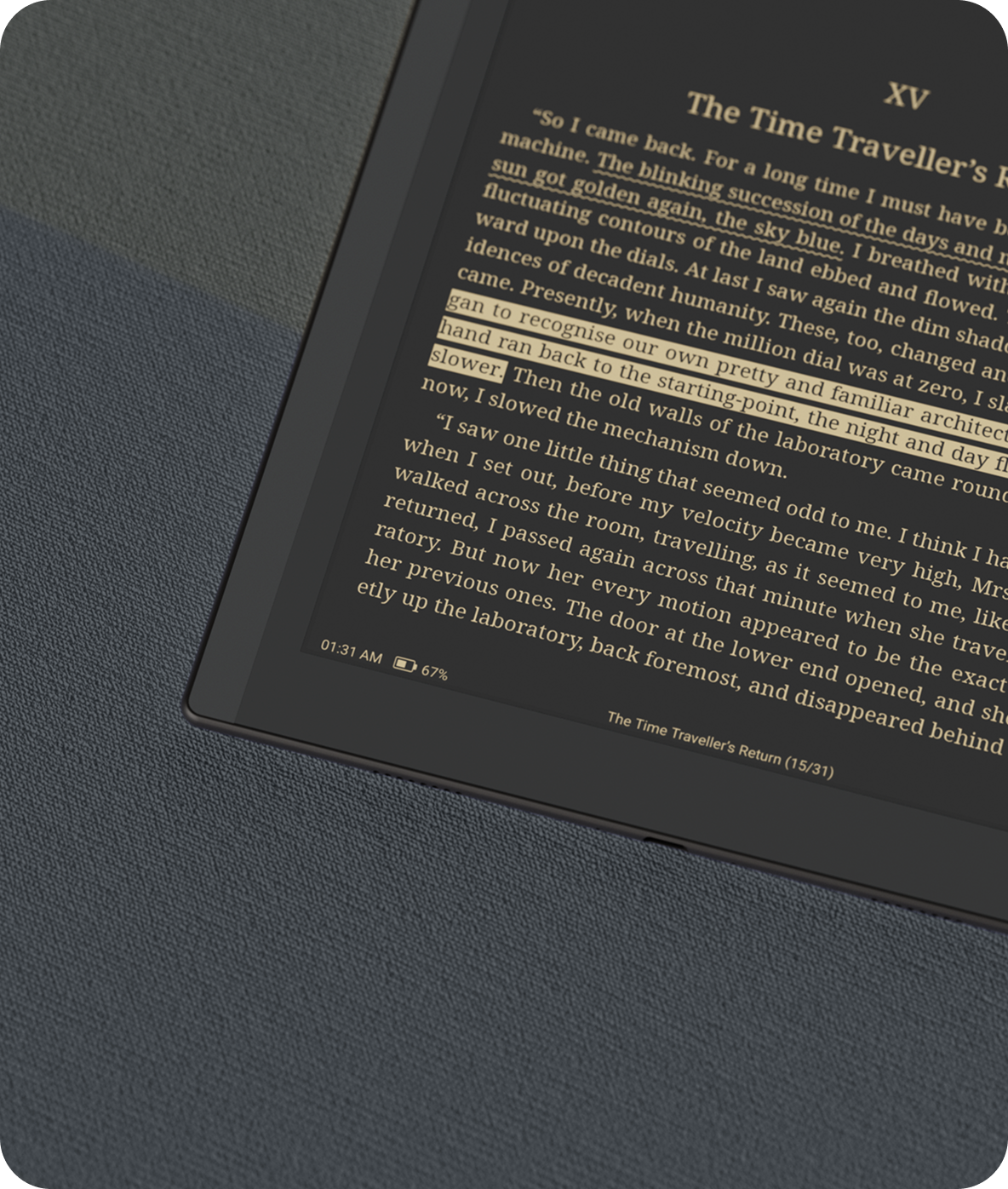
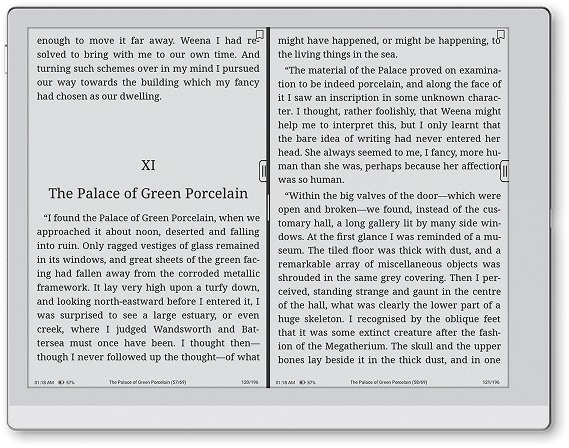
Sharpness is the other half of the story. At 300 ppi, individual letters have the crispness of printed type, and the black ink lands genuinely dark rather than the washed grey older e-readers settled for. Open a book and you get the two-page spread of a real paperback; open a PDF and the fixed layout holds up without endless pinch-zooming. This is a screen made for text first, and it treats text with respect.
03 / The whole trickAn e-reader that runs your apps
Here is the line that separates BOOX from nearly every rival: full Android 15 with the Google Play Store. A reMarkable makes you convert files and live inside its own walls. The Go 10.3 Lumi lets you install Kindle, Libby, Google Play Books, Notion, an email client, even a browser, straight onto the device. Your existing library, your existing highlights, your existing borrowing card - all of it just shows up.
"The Boox Go 10.3 is an excellent tablet for note-taking, but it's designed for much more than that."XDA Developers - 8/10
That openness is a double-edged blade, and it is worth being honest about. Android on E Ink can be quirky; some apps animate in ways a slow-refreshing screen was never built for, and BOOX's own tuning menus can feel deep. But it also means the device bends to your habits instead of forcing new ones. Handwriting-to-text conversion is baked in, the bundled InkSense Plus stylus offers 4,096 pressure levels for notes and sketches, and the whole thing reads 26 file formats, from EPUB novels to CBZ comic archives.
Any library you already own
Kindle, Libby, Play Books and Kobo all install from the Play Store, so you are not locked into one shop.
Notebook with a memory
The InkSense Plus pen handles handwriting and sketches, and BOOX converts scrawl to typed text on demand.
PDFs without the squint
Mark up documents, sign contracts and annotate research on a sheet that fits a jacket pocket-ish bag.
Amber for after dark
Warm front light lets you read at midnight without the blue-light jolt of a phone or backlit tablet.
04 / The catchThe pen took a step back
No honest review skips this. In gaining a light and newer software, the Gen II quietly swapped its stylus technology. The first generation used a Wacom EMR pen, the kind note-takers tend to prize for its precise, batteryless feel. The Gen II ships with the capacitive InkSense Plus instead. It works, it recharges over USB-C, and casual note-takers may never notice - but reviewers who have written thousands of words on EMR screens describe the change as a real, if narrow, downgrade in writing feel.
Whether that matters depends entirely on you. If handwriting is the main reason you are buying an E Ink tablet, this is the sentence to reread. If you are here mostly to read, with note-taking as a bonus, it is a footnote. Either way, it is the "uncomfortable trade-off" that runs through the launch coverage, and pretending otherwise would do you a disservice.
| Feature | Go 10.3 Lumi | reMarkable Paper Pro | Kindle Scribe |
|---|---|---|---|
| Runs Android apps | Yes - Play Store | No | No |
| Adjustable front light | Warm + cool | Yes | Yes |
| Thickness | 4.8mm | 5.1mm | 5.8mm |
| Handwriting feel | Good (capacitive) | Excellent (EMR) | Good |
| Open file formats | 26 formats | Limited | Limited |
| Starting price | ~$430 | ~$650 | ~$400 |
Comparison figures are approximate and drawn from launch coverage; prices shift with promotions.
05 / Living with itWeeks between charges, days of quiet
Battery is where E Ink still humbles glowing tablets. The 3,700mAh cell does not push pixels between page turns, so a single charge stretches into days or weeks depending on how hard you lean on the front light, Wi-Fi and Bluetooth. Reviewers who read nightly with the light on still reported going a long stretch before reaching for the USB-C cable. Under the hood sit an octa-core chip, 4GB of RAM and 64GB of storage - modest by phone standards, plenty for reading and notes.
"Sleek, slim and suddenly indispensable."Creative Bloq
What surprised reviewers most was not any single spec but the way the device slips into a routine. Notebookcheck framed it as a lightweight ePaper tablet that happens to run Android apps; Creative Bloq admitted it became something they reached for without thinking. The recurring note is that it disappears - into a bag, into a hand, into the background of a workday - and only reappears when you actually want to read or write. For a category that often shouts about features, "you forget it is there" is high praise.
06 / The verdictWho should actually buy one
Buy the Lumi if you read in bed, travel light, and want one calm surface for books, documents and notes that can also, quietly, become a Kindle or a Notion page when you need it. The warm light alone justifies the small premium over the light-free model. Skip it if colour, video or games matter to you, or if pixel-perfect EMR handwriting is your non-negotiable - in that last case the trade-off will nag at you.
For everyone in between - the readers, the markers-up of PDFs, the people quietly trying to spend less of the evening inside a feed - the Go 10.3 (Gen II) Lumi makes a genuinely rare offer. It is a piece of glass that helps you pay attention, and then gets out of the way. In 2026, that is worth more than another screen begging to be watched.
Go deeper
What makes the Lumi different from the standard Go 10.3 (Gen II)?
The Lumi adds a built-in front light with adjustable warm and cool tones for reading in the dark. The standard model is otherwise nearly identical but has no light and costs about $30 less.
Can it run Kindle and other apps?
Yes. It runs Android 15 with the Google Play Store, so you can install Kindle, Libby, Google Play Books, Notion, email clients and most Android apps directly.
Does it come with a pen?
Yes, it includes the BOOX InkSense Plus stylus with 4,096 pressure levels and USB-C recharging. Note it is a capacitive pen rather than the Wacom EMR stylus used on the first generation.
How is the battery life?
The 3,700mAh battery lasts days to weeks depending on how much you use the front light, Wi-Fi and Bluetooth, thanks to E Ink's low power draw.
How does it compare to a reMarkable?
Reviewers say it matches the reMarkable on reading and note-taking versatility while adding full Android apps and an optional front light, usually at a lower price. The reMarkable is often described as having a slightly better handwriting feel.