The E-Reader That Runs Away From Home
Onyx put the whole Google Play Store behind a sheet of E Ink, shaved it to 4.8mm, and pointed it at everyone who ever wanted to leave the Kindle walled garden without giving up their books.
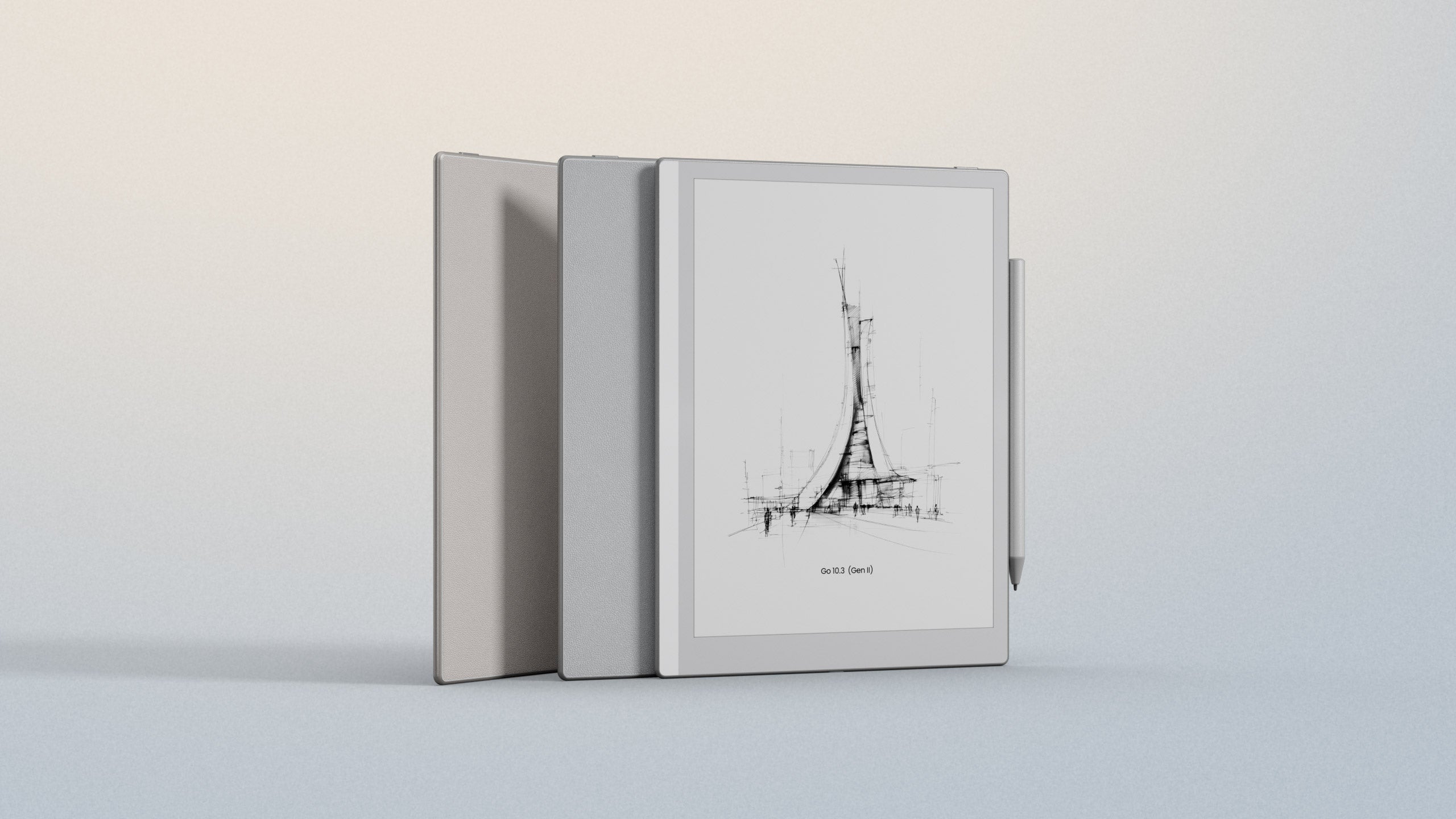
There is a specific kind of reader who owns three e-readers and is happy with none of them. One holds their Kindle library, one holds their PDFs, one takes notes, and all three sit in a drawer arguing about who gets carried on the trip. The BOOX Go 10.3 (Gen II) is built for that person. It is a 10.3-inch monochrome E Ink tablet, about as thick as a few sheets of card at 4.8mm, and instead of locking you into one bookstore it runs full Android 15 with the Google Play Store. Kindle, Kobo, Google Play Books, your own EPUBs, a note app, a browser - all on one glare-free screen you can read on a beach.
So the "why" is simple: this is the device you buy when you are done choosing. And the "who" is broad - students drowning in lecture PDFs, writers who draft longhand, researchers who annotate, and the growing crowd of people quietly walking out of Amazon's walled garden. If you have ever wanted a Kindle Scribe that did not answer only to Amazon, or a reMarkable that could also just be an e-reader, this is the pitch aimed squarely at you.
01 / The BackstoryAn E Ink veteran, not a newcomer
BOOX is the consumer brand of Onyx International, a Chinese company that has been shipping electronic-paper hardware since 2008. Its first reader, the A60, arrived in 2009 with a 6-inch screen and a stylus - the same two-ingredient recipe it is still refining. Onyx has since become one of the larger E Ink device makers in the world, reporting revenue of roughly 1.02 billion yuan in 2024, and in January 2026 it filed to list on the Hong Kong Stock Exchange. This is a company that has made a lot of e-paper.
The original Go 10.3 landed in late 2024 and was well received as an iPad-alternative for productivity. The Gen II is a refinement rather than a reinvention: same sharp panel, but a thinner and lighter body, a jump to Android 15, and - the headline change - an optional front light on the new Lumi model. It is the sort of update that fixes the two complaints everyone had.
"As Amazon's Kindle ecosystem increasingly feels designed to keep users within its walls, BOOX continues to carve out a very different niche."Android Authority
02 / The ScreenPaper you can read in the dark
The core of any E Ink tablet is the panel, and here it is a 10.3-inch monochrome ePaper display at 2480×1860, or 300 pixels per inch. That is the density where individual pixels stop being visible and text simply looks printed. It is glare-free and readable in direct sunlight, which is the whole reason people choose E Ink over an iPad in the first place - no backlight bouncing off a glossy sheet at noon.
The most useful change in Gen II is the front light on the Lumi model. Traditional E Ink has no light of its own, so once the sun goes down you need a lamp. The Lumi adds an adjustable dual-tone light - cool for daytime, warm for the hours when blue light keeps you up - layered above the screen so it lights the page rather than shining into your eyes. The standard model skips it to stay lighter and cheaper. Worth knowing: the Lumi actually weighs slightly more (364g) than the plain model (350g), because that light layer adds a little mass.
03 / The TrickIt is a real Android tablet
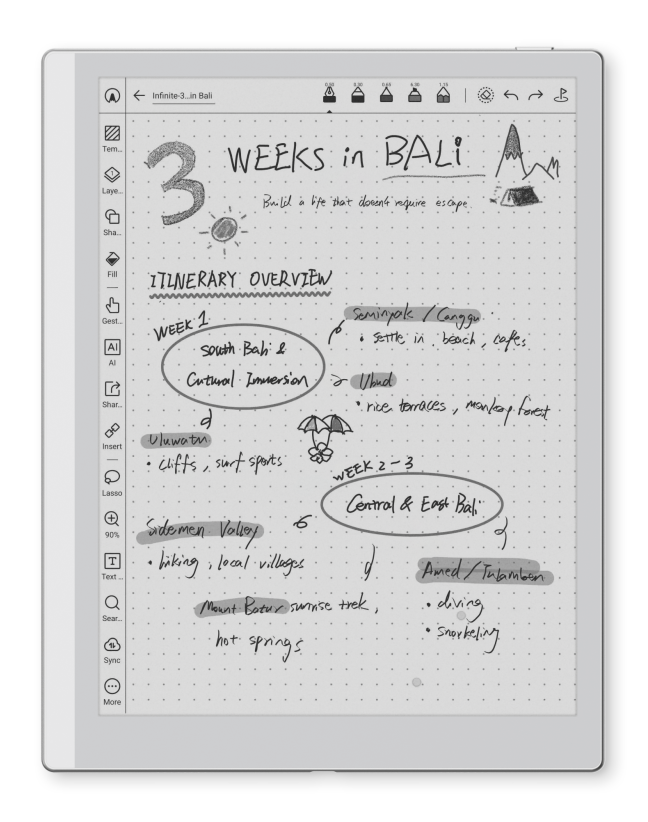
This is the part that separates BOOX from most of its rivals. The Go 10.3 (Gen II) does not run a locked reading OS - it runs Android 15 with the Google Play Store. In practice that means you install apps the same way you would on a phone. Put the Kindle app, Kobo and Google Play Books on one home screen and read across all three libraries. Add a note app, a PDF annotator, a to-do list, a browser, even a music app for the dual speakers. The device stops being "an e-reader" and becomes a small, calm computer that happens to be made of e-paper.
Driving all of that is an octa-core processor, 4GB of RAM and 64GB of storage, with dual-band Wi-Fi and Bluetooth 5.1. The bundled InkSense Plus stylus offers 4,096 levels of pressure sensitivity and charges over USB-C, and the built-in NeoReader handles 26 file formats including PDF, EPUB and AZW3, with its own dark mode and layout controls. Notes live on an "Infinite Notes" canvas that expands as you write and syncs to Onyx Cloud, Google Drive, Dropbox or OneDrive.
"The Boox Go 10.3 is an excellent tablet for note-taking, but it's designed for much more than that, and its multipurpose approach make it the obvious choice."XDA Developers · 8/10
04 / The FieldHow it stacks up
The two devices people cross-shop against are the Amazon Kindle Scribe and the reMarkable Paper Pro. Both are excellent at what they do and both are more expensive. The trade is straightforward: they are simpler and more polished for one job, while the BOOX does far more jobs on one charge. XDA put it plainly - "Unlike the ReMarkable tablets, which are only for taking notes, this one is very multipurpose."
| BOOX Go 10.3 (Gen II) | Kindle Scribe | reMarkable Paper Pro | |
|---|---|---|---|
| Software | Full Android 15 + Play Store | Locked Kindle OS | Locked reMarkable OS |
| Reads | Kindle, Kobo, EPUB, PDF + more | Kindle store mainly | PDF / EPUB, no stores |
| Front light | Yes (Lumi model) | Yes | Yes (color) |
| In the box | Stylus + magnetic case | Pen (case extra) | Pen (case extra) |
| Rough price | ~$400 - $450 | ~$630 | ~$630 - $650 |
Buyer's cheat sheet
- Buy the Lumi if you read in bed, on planes, or anywhere the light is unreliable. The dual-tone front light is the upgrade you will use every night.
- Buy the standard model if you only ever read in daylight or at a lit desk, and want the lightest, lowest-cost version.
- Skip it if your single priority is the most cushioned, pen-on-paper writing feel - reviewers still give a slight edge there to reMarkable.
05 / The Honest PartWhat reviewers dinged
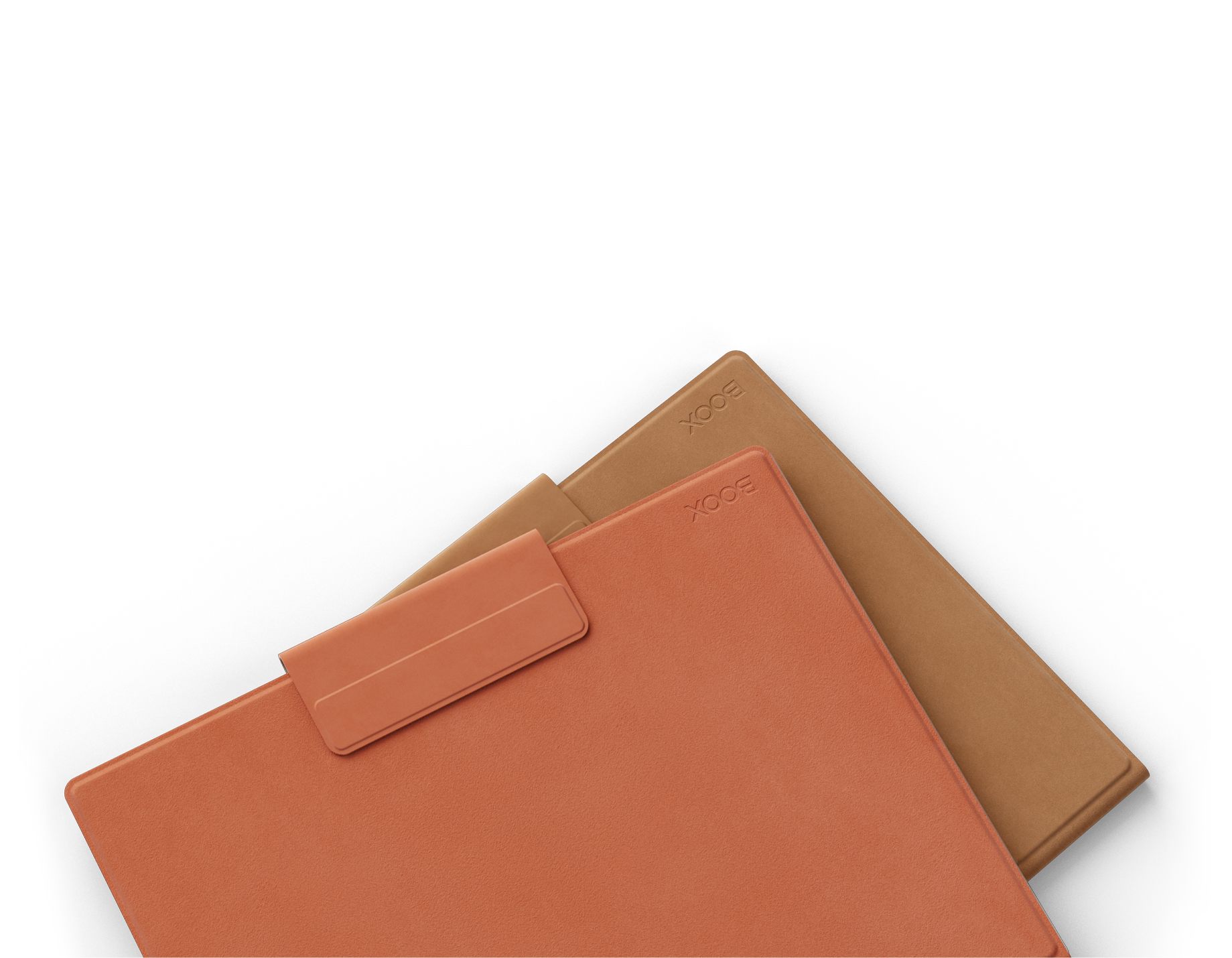
No device is all upside, and the critics were consistent about the soft spots. The active stylus needs charging, where some rivals use battery-free pens you never think about. BOOX's software is powerful but dense - there are a lot of menus, and newcomers can feel the learning curve. The front light is a paid upgrade rather than standard. And the folio case drew the most complaints: Android Authority found it felt cheap with an unreliable magnetic closure. XDA also noted occasional palm-rejection hiccups when gestures are enabled and you first rest your hand on the screen.
None of that is a dealbreaker for the target buyer - they are the kind of trade-offs you accept in exchange for a device that refuses to be just one thing. But it is worth knowing the case is the weak link and the stylus is one more thing to charge.
Thin and light, in context
Approximate device weights. The Go 10.3 (Gen II) is one of the lighter 10-inch E Ink tablets you can carry all day.
06 / The VerdictWho should actually carry one
The BOOX Go 10.3 (Gen II) is for people who treat reading and note-taking as one continuous activity, not two apps. If you annotate PDFs, keep a longhand journal, and read across more than one bookstore, this collapses your whole paper-and-glass workflow onto a single slab thinner than a legal pad. Android Authority handed it a "Recommended" award; XDA gave it an 8/10 and called it "the obvious choice" for anyone who wants a note-taker that doubles as an e-reader.
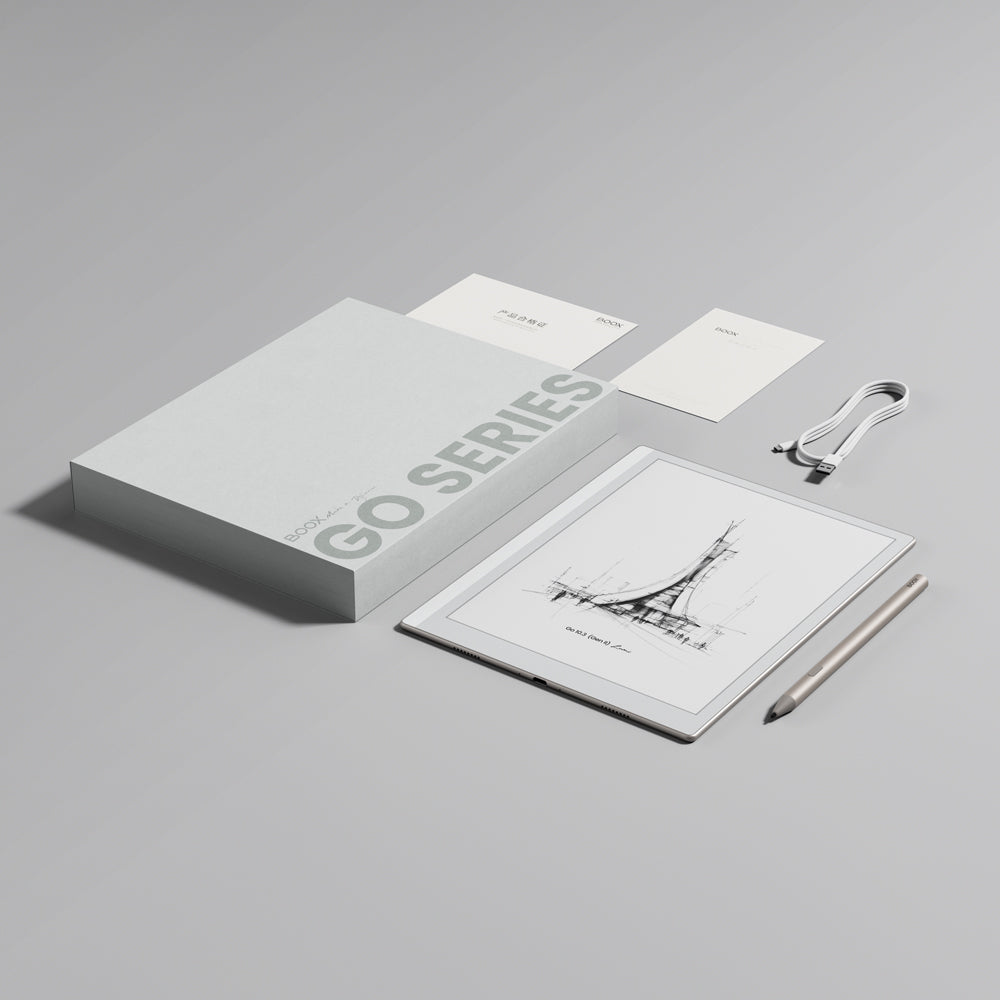
The tagline BOOX prints on the box is "Ideas that travel light," and for once the marketing matches the hardware. At 4.8mm and roughly 350g, with weeks of standby on its 3,700mAh battery, this is the tablet you toss in a bag and stop thinking about - which, for a device meant to hold your reading and your notes, is exactly the point.
Read & follow
- Official: shop.boox.com
- EU store: euroshop.boox.com
- Company: onyxboox.com
- Review: Android Authority
- Review: XDA Developers
- Review: Notebookcheck
- YouTube: @BOOXofficial
- Instagram: @boox_official
- LinkedIn: Onyx International