If you own books in more than one place - a few Kindle purchases, a library card feeding Libby, a Kobo account you started and never finished - most e-readers make you pick a side. Amazon's Kindle only opens Amazon books. Kobo only opens Kobo. The BOOX Page, a 7-inch E Ink reader from Onyx International, was built for the people who refuse to choose. It runs open Android 11 and the full Google Play Store, so every one of those apps can live on the same glare-free screen.
That single decision is the whole story here. The Page is not trying to be the simplest reader on the shelf - it is trying to be the one that carries your entire reading life without asking who sold you the book. It arrived in mid-2023, priced against a mid-range Kindle, and it has quietly become a favorite recommendation for anyone whose reading habits do not fit inside one company's walled garden.
01 / THE WHYWho this little slab is really for
Think about how you actually read. Maybe your book club uses Kindle, your public library lends through Libby, and a friend keeps sending you EPUB files and PDFs. On a normal e-reader, that is three devices or a lot of emailing files to yourself. On the Page, it is three app icons. You install Kindle, Libby, Kobo, Google Play Books, Audible, Moon+ Reader - whatever you already use - and they all render on the same paper-like display.
This is the reader for the person who values their existing library more than a frictionless first-time setup. It rewards a little tinkering. In exchange, you stop paying the "which store did I buy this from" tax that every locked e-reader charges.
There is a quieter audience too: the reader who has been burned by a store closing an account, or by a title vanishing from a library because a licensing deal lapsed. Owning your files - EPUBs, PDFs, side-loaded purchases - and reading them in the app of your choice is a kind of insurance. The Page is one of the few mainstream readers that treats that as a feature rather than a threat.
A little backstory
Onyx International has been building Android-powered E Ink devices under the BOOX name for years, mostly larger note-taking tablets aimed at students and professionals. The Page, released in June 2023, took that same open-Android approach and shrank it into a pocketable reader - the size class Amazon and Kobo had mostly kept sealed. It was a bet that a meaningful slice of readers would trade simplicity for freedom, and the steady stream of recommendations in reading forums suggests the bet paid off. Onyx has since kept the compact line moving with the Go 7 family, but the Page remains the reference point for "an open Kindle alternative that fits in one hand."
★ Buy the Page if you are…
- A Kindle-and-library dual user who wants both on one screen
- A PDF, manga or comic reader who needs real format support
- Someone who missed the physical page-turn buttons of the old Kindle Oasis
- A reader who wants a tablet's flexibility without a tablet's glowing LCD
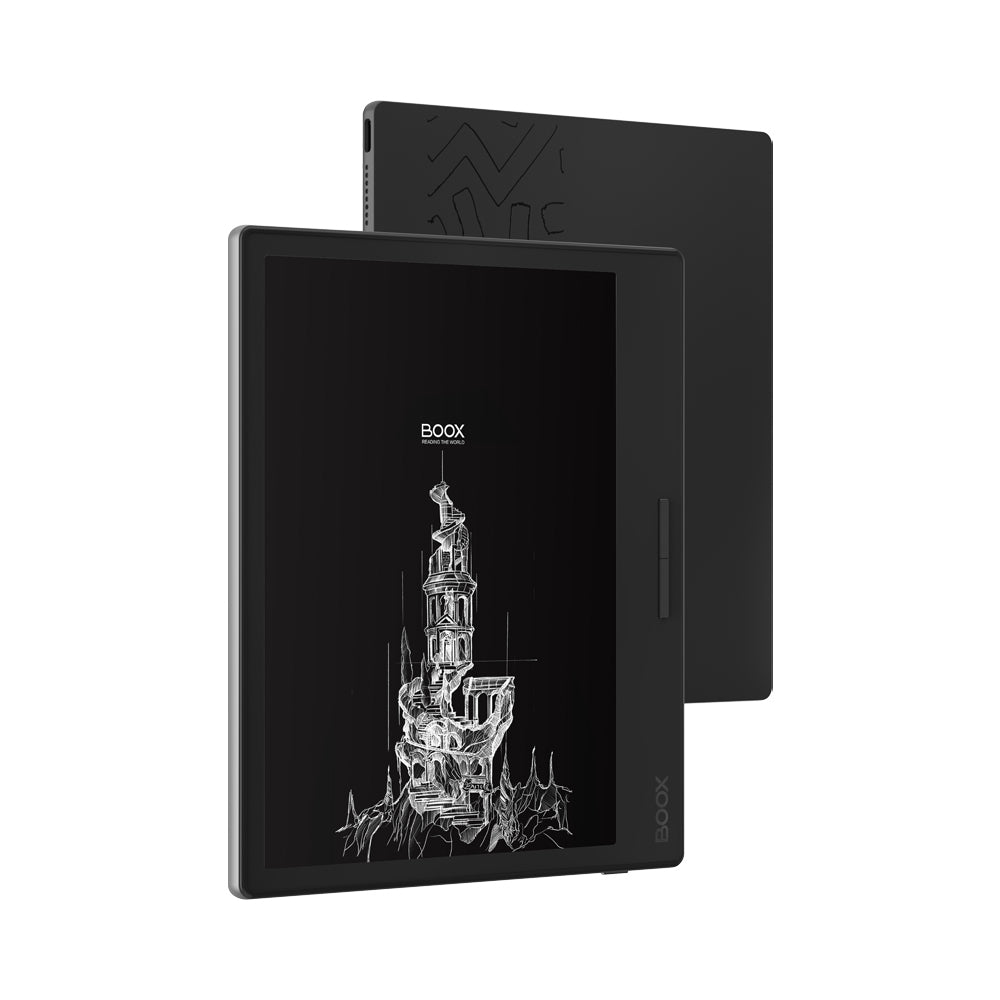
02 / THE HARDWAREPaper on the front, a tablet underneath
The screen is a 7-inch E Ink Carta 1200 panel at 1680 by 1264 resolution, which works out to 300 PPI - the same pixel density Amazon and Kobo use on their sharpest readers. Text is crisp, the flat anti-glare glass kills reflections, and the adjustable front light shifts between cold white and warm amber, so the page reads the same at noon or at midnight.
Underneath that calm gray page sits real hardware: an octa-core CPU, 3GB of LPDDR4X RAM and 32GB of storage, expandable with a microSD card. That is why the Page can juggle a stack of Android apps without the sluggishness E Ink is famous for. Round it out with USB-C, Bluetooth 5.0, dual-band Wi-Fi, a speaker and a microphone, and you have a device that reads books, plays audiobooks, and reads documents aloud through text-to-speech.
The buttons nobody else will give you
Two physical page-turn buttons sit on one edge, and you can remap them for left- or right-handed reading. It sounds small until you have held a reader one-handed on a train and realized you never have to reach across the glass to move forward. Amazon put buttons like these on the Kindle Oasis and then discontinued the line. The Page brings them back on a device that costs less.
"The Onyx Boox Page is a powerful and versatile 7-inch E-Ink eReader that provides a viable alternative to Amazon Kindle devices."
— How-To Geek, 8/10 review03 / THE COMPARISONPage vs. the readers it is up against
The Page's closest rivals are the readers people already know. Here is where it lands against them on the things that actually change how you read.
| Feature | BOOX Page | Kindle Paperwhite | Kobo Libra 2 |
|---|---|---|---|
| Runs Google Play apps | Yes | No | No |
| Physical page buttons | Yes | No | Yes |
| Screen / PPI | 7" / 300 | 6.8" / 300 | 7" / 300 |
| Warm + cold light | Yes | Warm only | Yes |
| Expandable storage | microSD | No | No |
| Waterproof | No | Yes | Yes |
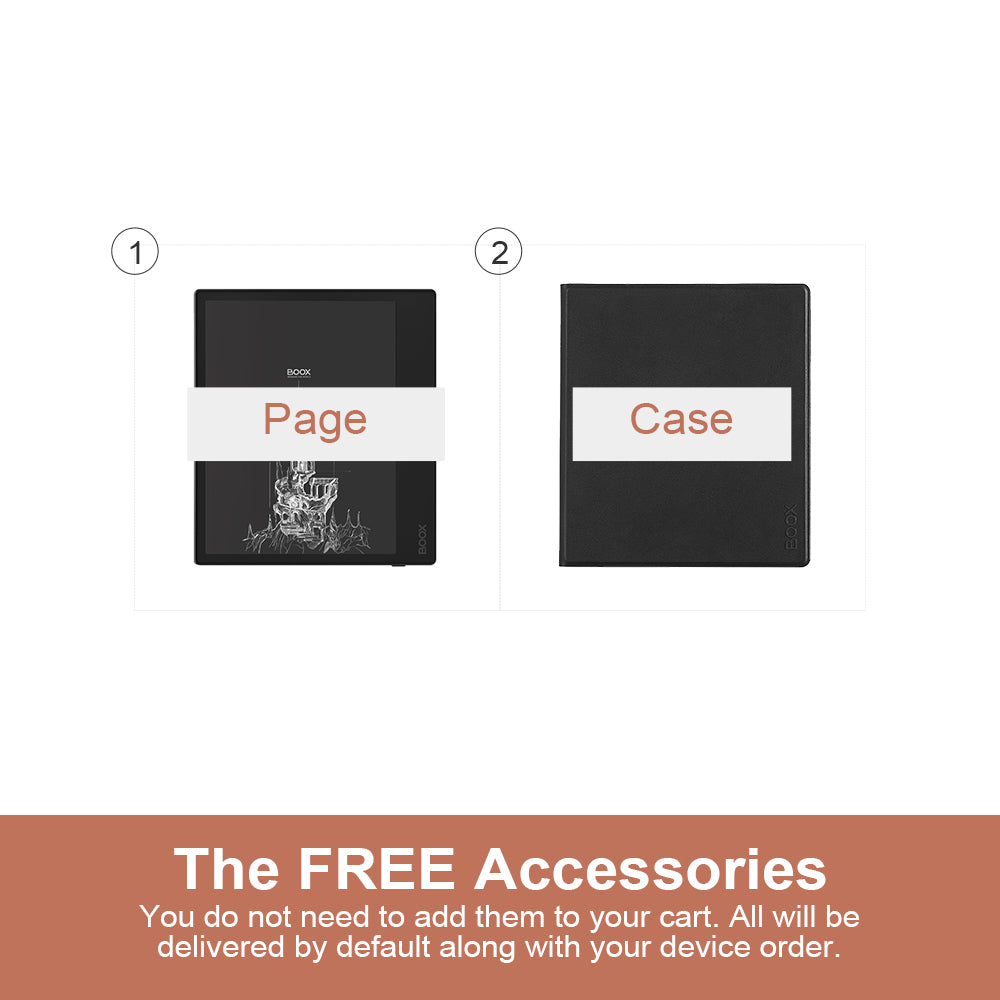
| Case in the box | Yes | No | No |
The pattern is clear: the Page wins wherever openness and control matter, and gives ground on the two things a sealed appliance does well - waterproofing and a setup that just works out of the box. If you want to read in the bath, buy a Kobo. If you want to read everything you own, keep reading.
04 / THE HONEST PARTWhere the Page asks something of you
Reviewers who liked the Page were also frank about its rough edges, and it is worth repeating them. The interface is less hand-holding than a Kindle's. The default settings are not tuned for reading, so you will spend an evening adjusting refresh, contrast and app behavior before it feels right. It is not water-resistant. And there is a slow cold-start after the device fully powers down.
None of these are dealbreakers - they are the cost of an open device. The trade you are making is a little setup time now for years of not being locked in later.
What reviewers weighted most
Illustrative weighting drawn from published third-party reviews.
05 / THE VERDICTWhat you can actually do with it
Day to day, the Page collapses several devices into one 6.9-ounce object. You can read a Kindle novel on the couch, switch to a library loan through Libby, mark up a PDF for work with the built-in NeoReader, and let text-to-speech read a chapter aloud while you cook. Load a manga collection off a microSD card. Sync notes to the cloud. Charge it once or twice a month.
The habit it tends to change first is impulse buying. When every store lives on the same device, price and availability start to matter more than which ecosystem a book happens to sit in - you check the library first, then Kobo, then Kindle, and read whichever lends or sells it fastest. That is a small shift, but over a year of reading it adds up to real money and a lot less friction.
"Battery life is excellent - even with the Page in frequent use I only charged it twice during testing."
— The GadgeteerIt is not the reader to hand someone who wants to press one button and be done. It is the reader for someone who has opinions about how they read and wants a device that respects them. For that person, the Page is one of the few E Ink devices that says yes instead of no.
"A powerful and versatile 7-inch E-Ink eReader that provides a viable alternative to Amazon Kindle devices."
— Good e-Reader06 / ASKED & ANSWEREDQuick questions before you buy
Can the BOOX Page run the Kindle app?
Yes. It runs open Android 11 with the Google Play Store, so you can install Kindle, Kobo, Libby, Audible, Google Play Books and most other Android reading apps side by side.
Does it have physical page-turn buttons?
Yes - two customizable hardware buttons on one edge, remappable for left- or right-handed reading. It is the feature Amazon dropped when it retired the Kindle Oasis.
Is the BOOX Page waterproof?
No. It is not water-resistant, so it is not built for bath or poolside reading the way some Kindle and Kobo models are.
How much does it cost?
It launched around $249.99, with the official BOOX Store price typically in the $219.99 to $239.99 range depending on promotions - and a magnetic case is included in the box.
What screen does it use?
A 7-inch E Ink Carta 1200 touchscreen at 1680 by 1264 (300 PPI), with adjustable warm and cold front lights and an anti-glare flat glass lens.