A customer opens a support ticket on Tuesday. The bug is real, the reply is polite, and the case is closed by Thursday. In the support system, this looks like a small success. In the customer's account, it may be the fourth interruption in a month, two weeks before renewal, following a steep drop in product use. Nobody is hiding the truth. The truth is simply distributed across tools and teams.
That is the mundane problem the Gainsight-Zendesk integration tries to solve. Zendesk holds the close-up view: tickets, people, priorities, replies, and resolution. Gainsight holds the wider account story: health, usage, risk, renewal work, and the calls to action assigned to a customer-success manager. Connecting them turns support activity from a departmental record into shared context.
This integration dates to 2015, which is useful perspective. The need is older than today's language of agents and customer intelligence. Gainsight's original announcement described a two-way system: a Gainsight widget next to the Zendesk ticket, Zendesk data brought into Gainsight, and linked calls to action that could keep an escalation visible. The plumbing has become more configurable, but the human problem is recognizably the same.
The useful part is the handoff
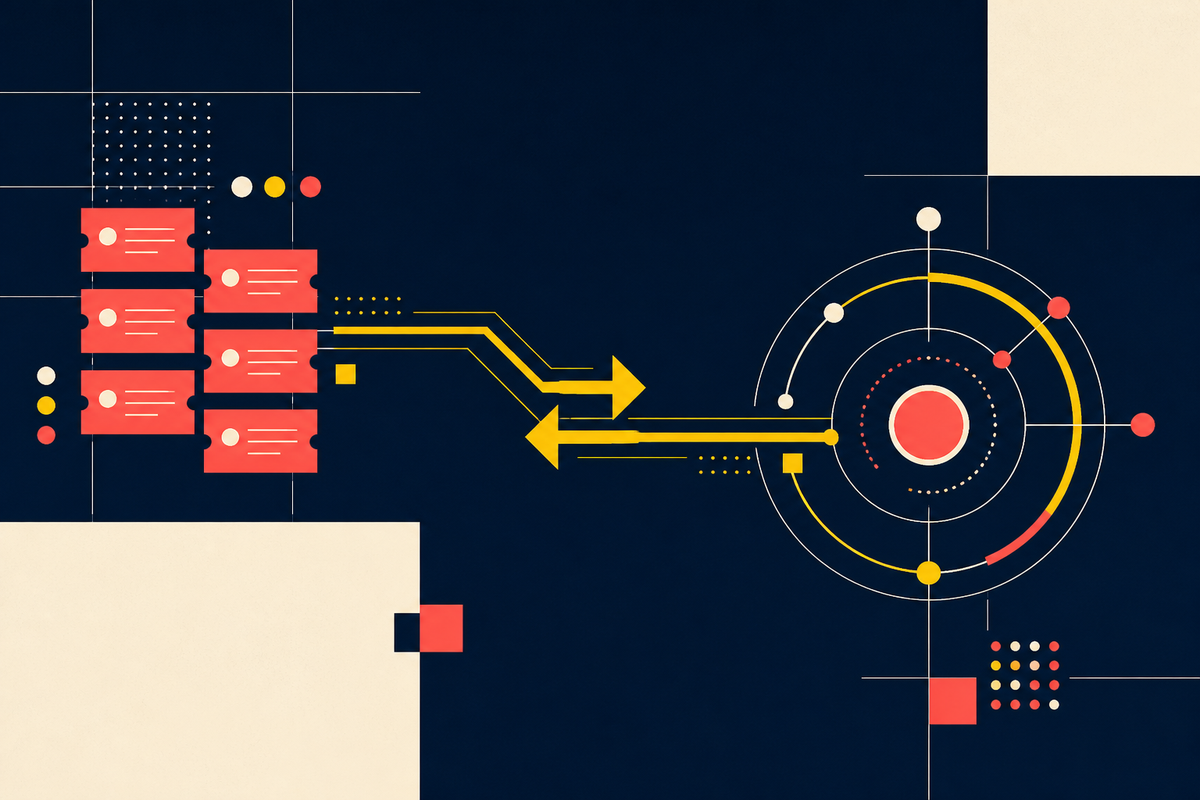
Enterprise software is very good at showing that two boxes can exchange data. An arrow leaves Zendesk and arrives in Gainsight. The demonstration ends. Yet a synchronized ticket does not save an account. Someone must decide that a cluster of high-priority cases matters, see the account history, contact the customer, involve the right product owner, and record what happened.
This is why the bidirectional design matters. Support agents can use the Gainsight widget to see a company summary, attributes, usage information, organizational mapping, and calls to action without leaving their Zendesk workflow, according to the current connector documentation. Customer-success teams can work with ticket status and priority inside Gainsight. Each side gets context from the other without being told to adopt the other team's home screen.
“Support should be the natural best-friend to Customer Success.”Gainsight, announcing the integration in 2015
The phrasing is cheerful; the underlying claim is serious. A customer does not distinguish between the support promise, the product promise, and the renewal promise. The org chart creates those borders. The customer experiences one company.
What the connector actually carries
The Zendesk marketplace listing says the connector can access objects including brands, organizations, tickets, users, and agents. Customers configure the objects and fields they select, beyond minimum identifiers needed for the connection. This detail is more important than it sounds. Support tickets may contain candid descriptions of product failures, internal processes, or customer circumstances. Useful context should travel with deliberate permissions, not casual appetite.
Inside Gainsight, teams can use synced information for reports, scorecards, trends, and calls to action. The original product post suggested tracking ticket counts by severity and type, plus average resolution time. It also described mapping more than one Zendesk organization to a single Gainsight customer, a practical accommodation for companies whose billing accounts, business units, and support instances do not align neatly.
The same principle now extends to education data. Gainsight's Customer Education documentation explains how learning progress can be pushed into Zendesk user profiles as custom fields. An agent may see whether the person asking for help has completed relevant training. That can change the response from a generic instruction to a more precise explanation. It can also reveal a broader adoption problem that belongs with customer success.
A health score is an editorial choice
Once ticket data arrives, teams face a tempting mistake: treat every case as risk. A busy customer can file many tickets because it uses the product deeply. A quiet customer can disappear without complaint. Volume needs context. Severity, repetition, affected users, recent usage, sentiment, resolution quality, account value, and renewal timing may all change the meaning of the same ticket count.
A health score edits those facts into a point of view. The weights express what a company believes about risk. That belief should be testable. If a threshold produces constant false alarms, customer-success managers learn to ignore it. If it waits for a crisis, the dashboard becomes a record of regret. Teams should review which signals preceded real escalations and renewals, then revise the rules in plain language.
Resolve in support. Preserve the record. Avoid creating account work by default.
Look for adoption friction, documentation gaps, or a product pattern.
Alert the account owner and share immediate business impact.
Create a coordinated response with an owner, deadline, and executive visibility.
Build the operating loop before the automation
A team can steal the useful part of this integration before touching a settings screen. Take five recent account escalations and trace how each signal traveled. Who noticed first? Where was account context missing? When did the customer-success manager learn about it? Which handoff depended on a private message? That exercise exposes the workflow the software needs to support.
Map identities
Decide how Zendesk organizations and users correspond to Gainsight companies and people. Test subsidiaries, shared domains, and duplicate records.
Define the signal
Write the rule in a sentence. Include severity, recurrence, timing, and exceptions. “Three urgent cases” is clearer than “bad support activity.”
Name the owner
Choose who receives the call to action, the expected response time, and when support retains control.
Return the context
Give agents enough account history to respond intelligently without exposing unrelated or sensitive data.
Close and learn
Record the intervention and outcome. Review false alarms, missed risks, and recurring product causes on a fixed cadence.
Only then should a team automate. Start with a narrow trigger whose owner agrees it is useful. Measure acknowledgment time, completed actions, and whether customers actually recover. More alerts are not evidence of better listening.
Where the integration can disappoint
The first failure mode is identity. If Zendesk organizations do not map cleanly to Gainsight companies, a tidy chart can describe the wrong account. The connector supports manual, derived, bulk, and automatic organization mapping, but flexibility does not remove the need for stewardship.
The second is alert inflation. When every priority ticket opens a call to action, the customer-success cockpit becomes another queue. Triage rules need a budget for human attention. The third is context dumping. Giving every user every field can make the widget slower to scan and harder to govern. Good context is selective.
Selection begins with purpose. A renewal owner may need to know that an enterprise account has several unresolved critical cases; that person probably does not need the full text of every exchange. A support agent may benefit from an adoption trend and an open risk action; the agent may not need commercial notes unrelated to the case. The marketplace description says customers configure the fields the connector accesses. That control is an invitation to document why each field crosses the boundary, who can see it, and how long it remains useful.
Small setup choices can also reshape the record. In the education integration, administrators can create Zendesk end users when a Gainsight learner has no match, or ignore unmatched learners. Either option may be sensible. Automatic creation improves coverage but can add profiles; ignoring them protects a cleaner directory but leaves gaps. Teams should test both paths on a sample, count mismatches, and assign someone to review exceptions. Integration quality is partly exception management.
The final failure is cultural. Support may feel that customer success parachutes into visible escalations while ignoring the steady work that prevented them. Customer success may receive tickets without enough technical detail to help. Shared software works better when both teams agree on credit, ownership, and escalation etiquette.
The quieter promise
The most persuasive case for Gainsight plus Zendesk is not that it can predict an exit from a pile of tickets. The public documentation makes no universal promise of automatic churn prediction. The value is more modest and more credible: it can make relevant support behavior available to the people managing the commercial relationship, while giving agents a view of the account behind the case.
That shared memory can prevent awkward moments. A CSM need not open a renewal call by asking whether everything is fine when an urgent escalation closed yesterday. A support agent need not explain a feature as if the customer were new when the usage history shows years of experience. A leader can ask whether a recurring defect is concentrated among accounts approaching renewal.
Software does not create empathy, but it can reduce the amount of rediscovery required before a person acts with it. The support queue already knows quite a lot. The work is making sure the right colleague learns it in time.
Frequently asked questions
What does the Gainsight-Zendesk integration do?
It brings configurable Zendesk support data into Gainsight and can show Gainsight account context inside Zendesk, helping support and customer-success teams coordinate.
Which Zendesk data can Gainsight use?
Official listings identify tickets, organizations, users, agents, and brands. Documented workflows use fields such as ticket status and priority, while customers configure the selected access.
Can agents see Gainsight information inside Zendesk?
Yes. Gainsight documents a widget that can show company summaries, attributes, usage information, calls to action, and organization mappings.
Does the connector predict churn automatically?
It supplies support signals that can inform scores, reports, and alerts. Reliable risk decisions still depend on configuration, data quality, and the team's operating rules.
What should a team decide before setup?
Define account mappings, permitted fields, risk thresholds, alert owners, response deadlines, and how actions will be recorded and closed.