
The most revealing moment in a project-software trial often arrives late on Friday. A program manager asks for status. The scheduler has a precise plan. The people doing the work have updates scattered across chat, email and a private spreadsheet. The winning product is not necessarily the one with the longest feature list. It is the one that gets those three versions of reality to meet.
Smartsheet and Microsoft approach that problem from different histories. Smartsheet made the shared, browser-accessible sheet its center of gravity. Microsoft built a famous specialist planning tool, later added a web product and has now folded those web capabilities into Planner. Yet Microsoft still sells and supports a separate Project desktop client. The result is a choice between one cloud-centered service and a family of connected planning surfaces.
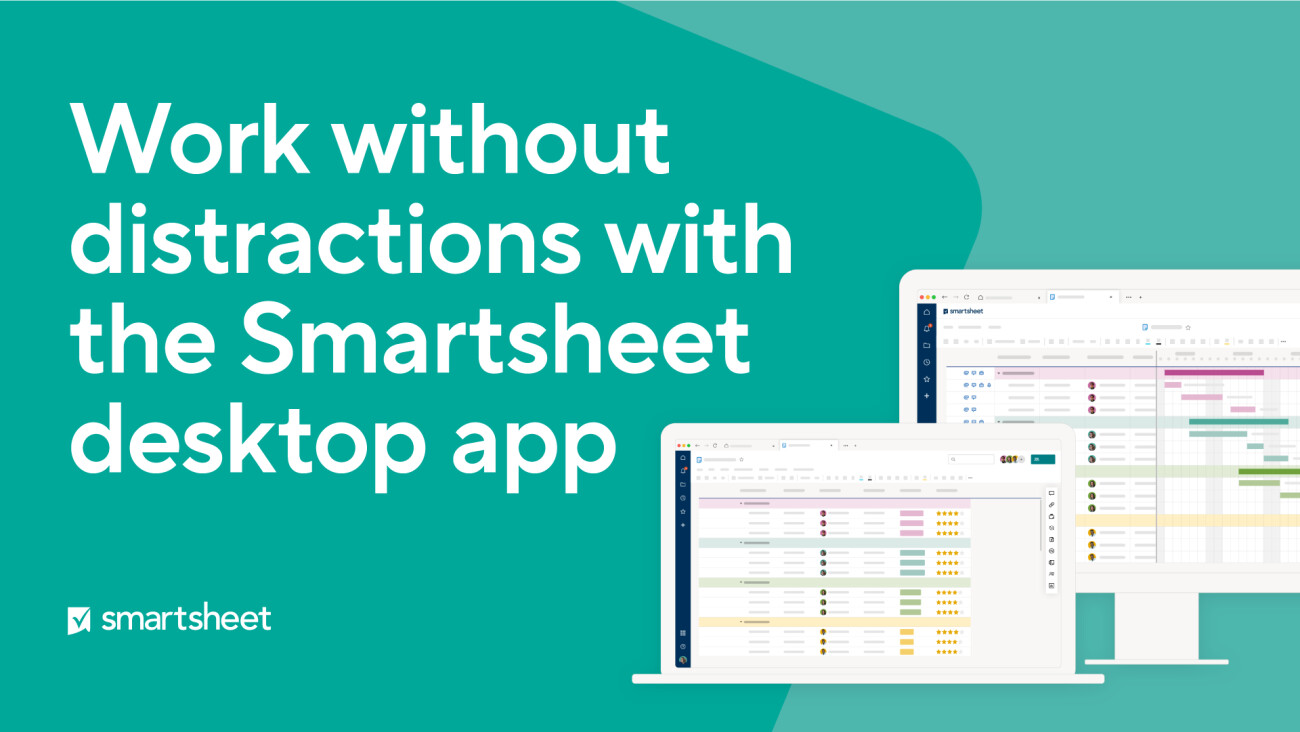
There is an important correction to the usual shorthand. Smartsheet does have a desktop app for Windows and Mac. Its own description is exact: it is “the same Smartsheet web application, now on your desktop.” The app adds a focused window, tabs, multi-window support and notifications. It does not create a second, desktop-only planning engine. Smartsheet’s product logic remains cloud-first even when the icon sits on a taskbar.
The desktop survived for a reason
Microsoft’s path is less tidy, but the mess carries information. In August 2025, the company retired Project for the web as a destination and redirected users to Planner for the web. Premium plans and familiar Project for the web capabilities moved with them. Microsoft says no migration or licensing change is required to reach those plans in Planner.
At the same time, Project desktop remains a product, not a nostalgic download hidden in support pages. Planner and Project Plan 3 includes the Project Online desktop client, with up to five concurrent installations per licensed user. Microsoft’s lifecycle page lists Project 2024 Professional and Standard support through October 2029. A cloud transition happened, but it did not erase the desktop.
The browser won the front door. Microsoft still reserves a side entrance for the people who build the schedule.YesPress analysis
Why keep it? Because an expert scheduler’s work can involve baselines, lead and lag, critical paths, costs, resources and portfolio controls. Microsoft’s own comparison material separates those advanced disciplines from the lighter grid, board and timeline experience created for the web. A mature capital program or engineering portfolio can contain years of practice built around that depth. Replacing the interface is easy compared with replacing the operating knowledge around it.
Smartsheet makes participation the feature
Smartsheet’s wager is that most work-management failures begin before advanced scheduling matters. A person will update a row that looks familiar. They will answer a form that arrives with clear prompts. A leader will scan a dashboard that does not require opening the planner’s source file. Automations can chase approvals and notifications. Multiple views can turn the same underlying work into a grid, board, timeline or report.
That model can reduce the translation tax between contributors and the project office. It is useful for marketing operations, launch calendars, intake queues, content production, event planning and cross-functional programs where participation matters more than a scheduler’s private control. The cloud service becomes the shared room, while the desktop app simply offers a quieter door into it.
The tradeoff is equally concrete. A flexible grid can become a junk drawer when ownership is vague. Teams can multiply sheets, dashboards and automations faster than anyone governs them. Cloud-native does not remove complexity. It moves complexity into information architecture, permissions, templates and the discipline to retire obsolete assets.
Where each architecture puts the weight
Editorial model, not a benchmark: yellow represents Smartsheet’s design emphasis, coral Microsoft Project desktop, and navy the value of consolidation.
Microsoft makes room for different jobs
Microsoft’s layered approach can be valuable when the organization already lives in Microsoft 365. Contributors can meet work in Planner and Teams. Premium users can reach former Project for the web capabilities in Planner. Specialist planners can keep the desktop client. Project data and extensions can connect through the Power Platform and Dataverse lineage of the web experience.
The downside is seam management. Buyers must understand which plan includes which capability, where a plan is stored, who needs a premium license and which workflows still depend on Project Online or the desktop client. The familiar Microsoft environment can lower adoption friction while its product family raises architecture questions. Both things can be true on the same deployment.
The invoice misses the expensive part
License price matters, but it rarely captures the largest cost of either decision. Smartsheet can be quick to start because a team can shape familiar rows and columns around an existing process. That speed creates its own bill later if every department invents a different naming convention, access model and dashboard. Someone must own templates, workspace boundaries, archival rules and automation standards. Otherwise the platform’s flexibility becomes a collection of local dialects.
Microsoft’s costs show up differently. An organization may already own parts of the surrounding environment, and identity, Teams and Microsoft 365 habits can make the first mile feel cheap. Then the specialist requirements arrive. Some users need premium capabilities. Some need the desktop client. Administrators must explain where work lives and how information moves between the collaborative and expert layers. Training is not simply “how to use Project.” It is deciding which Project-shaped surface a person should use for a particular job.
There is also a cost to the wrong kind of standardization. Forcing a complex scheduler into a lightweight shared view can flatten information that protects deadlines and budgets. Forcing every occasional contributor into a specialist client can make the official plan pristine and chronically late. A good system does not make every role use identical controls. It gives each role the least complicated interface that preserves the information others depend on.
Procurement teams should therefore price the operating model beside the licenses. Include platform administration, solution design, integration maintenance, contributor training and the time spent producing executive reporting. Add the cost of duplicated updates during transition. Then estimate the work that disappears if the chosen model succeeds: fewer status meetings, fewer manual reminders, fewer slide decks rebuilt from stale exports. Those figures will be imperfect, but they make the hidden wager visible.
| Decision | Smartsheet | Microsoft stack |
|---|---|---|
| Center of gravity | Shared cloud service | Planner plus premium and desktop layers |
| Desktop presence | Focused shell for the web app | Separate Project planning client |
| Natural strength | Flexible participation and workflow | Microsoft 365 fit and specialist scheduling |
| Governance risk | Sheet and automation sprawl | Licensing, storage and handoff complexity |
Run the Friday test
A useful evaluation should avoid the polished demo. Pick one live project with dependencies, an executive sponsor, occasional contributors and at least one difficult resource decision. Build it in both systems. Invite the people who will update it, not only the people buying it. Then count the handoffs.
Watch where someone exports to Excel, pastes a screenshot into a deck or asks a planner to make an update on their behalf. Measure the time needed to answer a basic status question and a hard scheduling question. Test permissions with an external collaborator. Ask what happens when the portfolio grows from ten projects to a hundred. The shadow workflow will tell you more than the feature matrix.
Choose Smartsheet when a shared operating surface, flexible intake and easy contribution carry the most value, and when your team is prepared to govern what it creates. Choose Microsoft’s family when Microsoft 365 alignment and advanced scheduling justify multiple surfaces, and when you have clear owners for the seams. A mixed answer can also be rational, but only if the integration and reporting burden is named in advance.
The larger lesson is that migration is not a moral achievement. Full cloud centralization can make work more legible. Preserved desktop depth can protect valuable practice. The right architecture is the one that exposes reality soon enough for a team to act on it, without asking every participant to become a project-management specialist.
Questions buyers keep asking
Does Smartsheet have a desktop app?
Yes. It offers Windows and Mac apps, but describes them as the same web application in a focused desktop experience rather than a separate planning engine.
What happened to Project for the web?
Microsoft retired it in August 2025 and redirected users to Planner for the web. Familiar premium project capabilities continue there.
Can teams still use Microsoft Project desktop?
Yes. Eligible subscriptions include the Project Online desktop client, and Project 2024 Professional and Standard have listed support through October 2029.
Which is better for advanced scheduling?
Microsoft’s desktop client is the clearer fit when baselines, resource and cost controls, and other specialist scheduling practices are central. Test the exact requirements rather than relying on the category label.
Which is easier for occasional contributors?
Smartsheet’s grid and forms can be approachable, while Planner may be equally natural inside a Microsoft 365 organization. A short pilot with real users is more reliable than an administrator-only review.