If you can remember that a client approved the blue version sometime before the offsite, but not who said it or what the subject line was, Shortwave has found its opening. The email app turns a Gmail archive into something closer to working memory. Ask for the decision in plain English, pull the right threads into view, draft the follow-up, check the calendar, and keep moving. For founders, operators, salespeople, support teams, and anyone with a high-volume Google Workspace account, that sequence is far more interesting than another coat of paint on Gmail.
The less glamorous half matters just as much. Shortwave groups newsletters and notifications into bundles, divides mail into focused splits, lets a thread behave like a todo, and provides a dense set of keyboard commands. These ideas descend from Inbox by Gmail, the fondly remembered Google experiment shut down in 2019. Shortwave did not merely borrow the mood. Its founders, Andrew Lee and Jonny Dimond, came from the Firebase team at Google, and several early colleagues shared that history.
The result is best understood as two products occupying one window: a brisk, opinionated Gmail client and an AI agent with permission to rummage through the filing cabinet. The first lowers the daily tax of triage. The second tries to recover facts and act on them. You should want both before paying for either.
Who should put it in the dock
Start with the obvious filter: Shortwave is a Gmail creature. It works directly with Gmail and Google Workspace, keeping your messages and labels tied to the underlying account. Documentation describes forwarding routes for Outlook and POP3 mail, but this is not the clean, native multi-provider home that an Outlook, iCloud, or IMAP collector may want. People juggling unrelated providers should look at Spark, Superhuman Mail, or another broad client before trying to bend Shortwave around the problem.
Inside that boundary, the fit is unusually clear. Choose it if email is where projects arrive, customer history accumulates, meetings get arranged, and decisions go to hide. A solo consultant can use bundles and natural-language search without adopting team machinery. A sales group can share a live thread, leave private comments, assign an owner, and inspect read status without circulating screenshots. An operations lead can ask the assistant to find complaints, turn them into tasks in Asana, and prepare a status note in Notion through connected tools.
The ordinary inbox is the secret weapon
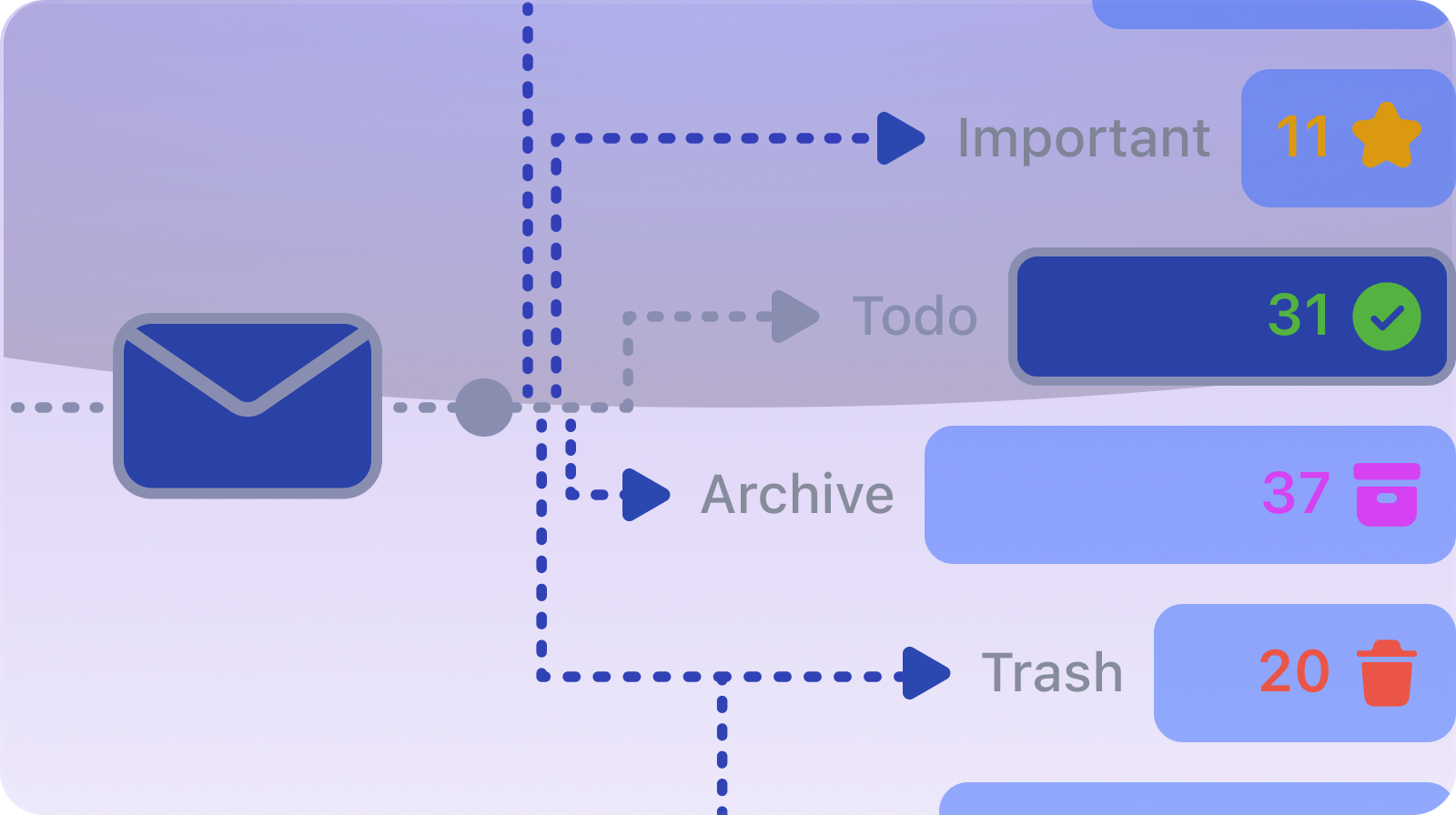
AI gets the billboard, yet bundles may save more time on an average Tuesday. A collapsed row can hold promotions, receipts, GitHub alerts, or mailing-list traffic, ready to be cleared together. Splits carve the inbox into tabs based on a sender, label, priority, or search query. Delivery schedules make a bundle wait until the hour you choose. Marking a thread done removes it from the active pile; snoozing returns it later; pinning keeps it in sight. Email finally admits that much of it is unfinished work wearing a message costume.
This is also why Shortwave feels more coherent than an AI plug-in bolted onto somebody else's interface. Search, composition, organization, and calendar actions share context. A prompt can refer to the thread on screen, previous messages, a draft, or availability. Ghostwriter studies sent mail for patterns in tone and phrasing. Autocomplete can suggest real links and facts drawn from history rather than generic pleasantries. You remain responsible for reading the result, which is not a small footnote when prices, dates, or promises are involved.
“Shortwave is great at doing all the things you wish Gmail did. I love using bundles to sift through all the junk in my inbox.”Brett Bates, Foursquare, testimonial published by Shortwave
Public reviews echo the split personality. Fans on Product Hunt and the app stores praise bundling, inbox-zero routines, search, and a feeling of calm. A Google Play reviewer said scheduled delivery stopped the inbox filling all day. Critical reviews report filters behaving unpredictably, mobile rough edges, and calendar mistakes such as a wrong time zone. A Reddit user praised the drafting but disliked jumping from an individual plan to a pricier business tier for AI labeling. These are not contradictions. Automation feels magical right until it files the one message you needed.
Search is where the engineering shows
Shortwave's most defensible trick is not text generation. It is retrieval. The company has described an AI search system that blends full-text and metadata queries with embeddings, a Pinecone vector database, reranking models, and rules. The assistant can reformulate a fuzzy request, extract names or dates, run several searches, then fit useful messages into the model's context. In product terms, “What did we decide about the renewal?” is allowed to work even when nobody used the word renewal in the subject line.
That architecture explains both the value and the trust question. Shortwave indexes email history and attachments on its infrastructure to make the archive searchable by meaning. The company says its backend runs on Google Cloud, is written in Kotlin, talks directly to the Gmail API, and uses React and React Native in client apps. Current model tiers use Claude Haiku 4.5, Sonnet 4.6, and Opus 4.6; Gemini 2.5 Flash handles lightweight summaries. A buyer in a regulated company should route this through normal security review, not wave it in because the interface is cheerful.
The agent has acquired hands
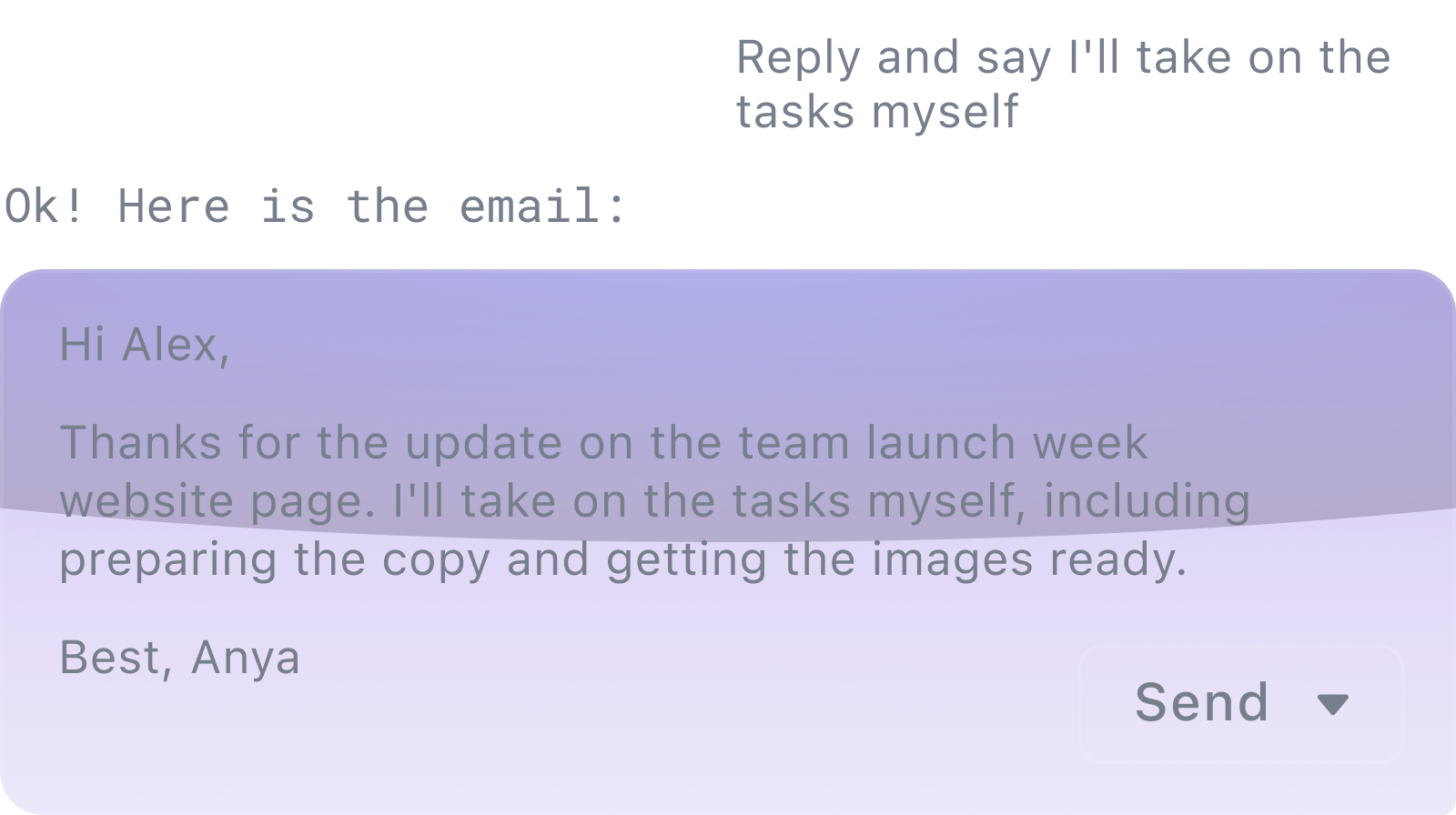
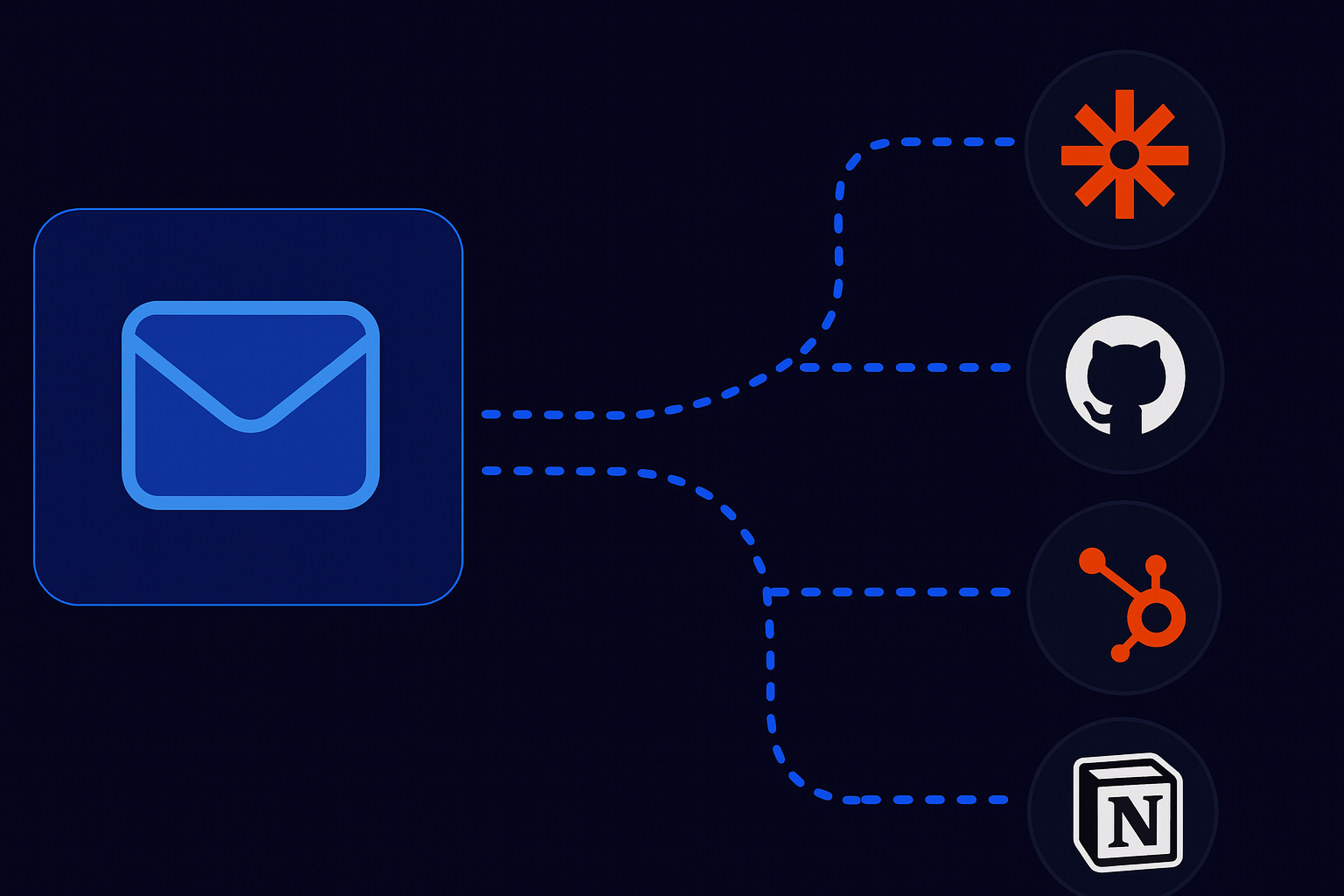
The newer story is action. Plain-English AI filters can label, star, archive, or delete incoming messages. The assistant can create and edit calendar events. Built-in integrations reach Notion, Asana, HubSpot, GitHub, Linear, Zapier, and the web. Model Context Protocol support lets desktop users attach local servers over stdio and supported clients connect to remote servers over HTTP. Shortwave limits the number of exposed MCP tools and calls the feature beta, fair warning that a universal plug socket still needs circuit breakers.
In January 2026, Shortwave connected its sister product Tasklet for triggered, round-the-clock workflows across thousands of apps. In February, it moved its higher intelligence levels to Claude Sonnet 4.6 and Opus 4.6 with adaptive thinking. The direction is plain: the inbox is becoming a control surface for work that begins elsewhere. Useful, yes, but each connected service enlarges the blast radius of a bad instruction. Keep confirmation enabled for actions, begin with reversible jobs, and inspect filter history until the system earns boring confidence.
What the bill is buying
Shortwave is free to start and offers a 14-day trial. The free tier covers much of the everyday email client and limited AI. At research time, the public business view listed Business at $30 per seat each month, Premier at $45, and Max at $120. Those tiers step up model intelligence, AI allowance, search history and context, and the number of AI filters. Business includes five years of AI search and three filters; Premier moves to unlimited history and ten; Max raises the ceiling to fifty filters and its strongest model tier.
Individual pricing is presented through a separate toggle. Public 2026 references put Pro at $18 monthly, while older annual and legacy figures remain scattered around review sites. Treat the checkout screen as the authority. The more important calculation is personal: if bundles and search remove twenty minutes of daily clerical work, the price may disappear into the week. If you mainly want occasional summaries, Gmail's own tools or a free plan may be enough.
| Choice | Best for | Watch closely |
|---|---|---|
| Shortwave | Gmail-heavy people who want deep search, bundles, and agent actions | Provider lock-in, indexed mail, paid automation tiers |
| Superhuman Mail | Fast keyboard triage across supported Google and Microsoft accounts | Premium price and a different emphasis on workflow |
| Spark | Mixed-provider users wanting smart organization and collaboration | AI and search depth differ from Shortwave |
| Gmail + Gemini | People who prefer to remain in Google's native interface | Less opinionated triage and team workflow design |
| Front / Missive | Teams operating shared addresses as queues | Heavier team setup than a personal inbox client |
A seven-day test that tells the truth
Do not judge Shortwave from an empty demo inbox. Import enough history to make search meaningful, then give it a week of ordinary mess. On day one, build only two splits and two bundles. On day two, recreate three searches you recently struggled with. Ask questions whose answers you already know, checking the cited threads. On day three, let Ghostwriter draft replies, but compare every fact and promise against the conversation.
Later in the week, connect the calendar and try a disposable meeting. Add one AI filter that labels rather than deletes. If you work with a team, share a live customer thread and assign it instead of pasting it into chat. At week's end, count fewer things: inbox passes, missed messages, manual searches, and minutes spent composing routine mail. The point is not to admire the assistant. The point is to see whether it quietly removes a repeated annoyance.
Shortwave is easiest to recommend to a demanding Gmail user who thinks in projects, not folders. Its best ideas are humane: batch the noise, expose the work, retrieve by meaning, and keep context beside the reply. The AI layer becomes compelling when email is already the richest record of your working life.
The caveats are equally concrete. Native provider support centers on Google, meaningful automation costs real money, and agent actions require supervision. If those constraints fit, Shortwave is more than a nostalgia act for Inbox by Gmail. It is a practical argument that your oldest work database should finally be able to answer back.
Keep reading and clicking
- Shortwave product site, plus the current pricing page and release changelog
- AI Assistant guide and MCP integration guide
- TechCrunch on the launch and funding and its first AI summaries
- Follow Shortwave on LinkedIn, X, Instagram, or Threads
- Read user reactions on Product Hunt, Google Play, and the App Store