Smartlead is for the moment when cold email stops feeling like writing and starts feeling like air-traffic control. One campaign becomes twelve. Two mailboxes become forty. Replies hide in separate accounts, a domain starts coughing up bounces, and somebody asks for a client report before lunch. The product gathers that mess into one operating surface. It connects and rotates sending accounts, warms them, schedules sequences, watches replies, and gives the technically inclined an API and command line. If your outbound operation has become an organism, Smartlead offers it a nervous system.
That tells you who should pay attention. Lead-generation agencies, growth shops, GTM engineers, and sales teams with a deliberate multi-domain setup are the natural crowd. Smartlead's central economic trick is unlimited connected mailboxes on every core plan. Contacts and monthly sends remain capped, but adding another sender does not trigger another mailbox fee. At small scale, that distinction is trivia. At agency scale, it can redraw the budget.
01 / Why it existsThe inbox sprawl tax
Cold email has awkward physics. Sending too much from one account can damage its reputation, so serious operators distribute volume across secondary domains and multiple mailboxes. That creates a different problem: setup, authentication, rotation, warm-up, monitoring, and reply handling all multiply. Smartlead began with that infrastructure problem. Its company profile dates the business to 2022; founder Vaibhav Namburi describes the mission around making cold email produce revenue, while the company now calls the product an “AI-native Outbound OS.”
The old core still earns its keep. Smartlead can rotate a campaign across Gmail, Outlook, and SMTP accounts; automate warm-up; help configure SPF, DKIM, and DMARC; vary sending patterns; and centralize replies in the Master Inbox. SmartDelivery sells placement testing separately. SmartServers adds dedicated infrastructure and IPs. SmartSenders sells domains and fresh or pre-warmed mailboxes through partners. Each name is cheerfully literal, as if a hardware shop hired a brand strategist.
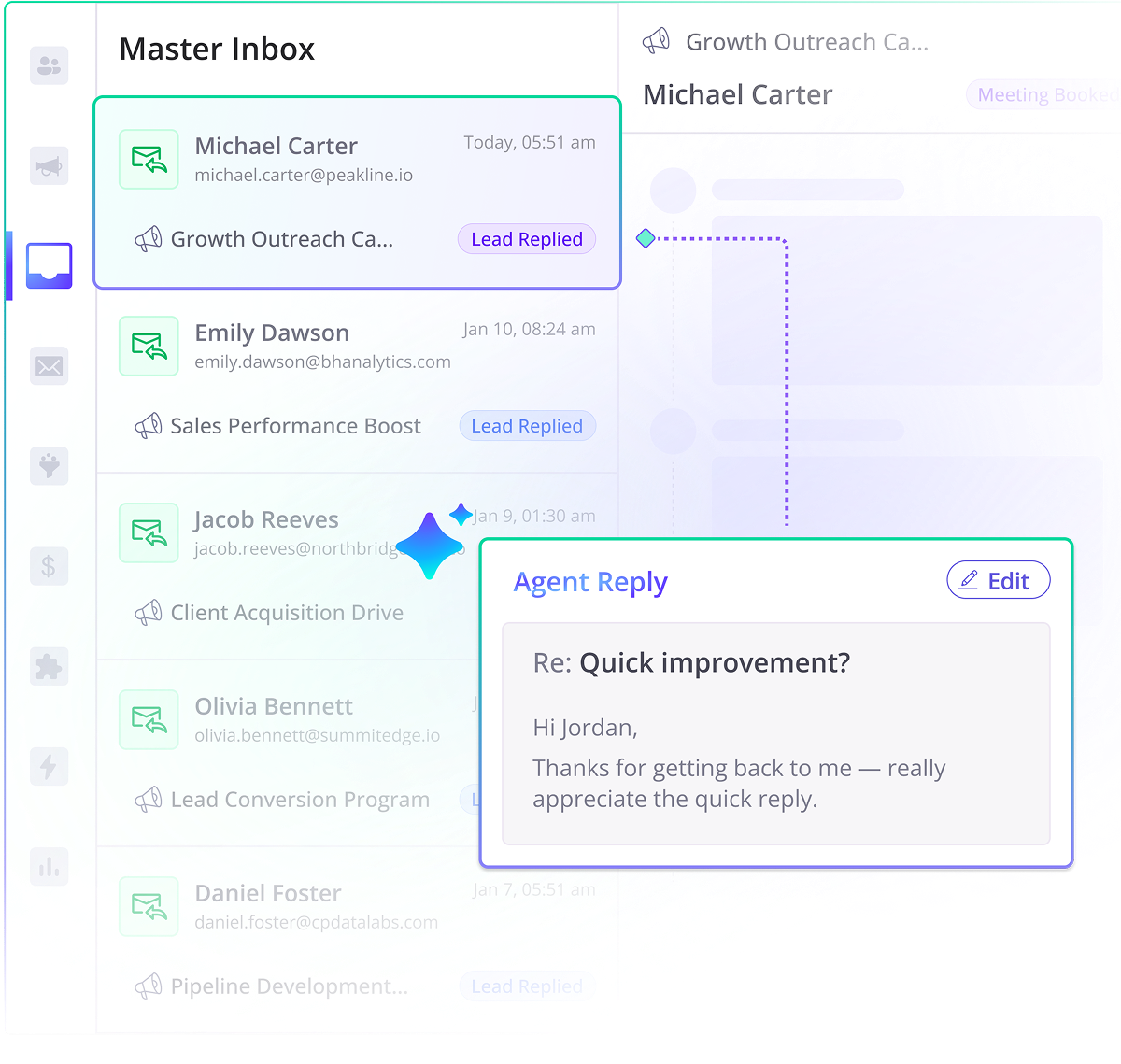
The outbound conveyor belt
02 / What you can doFrom email cannon to sales desk
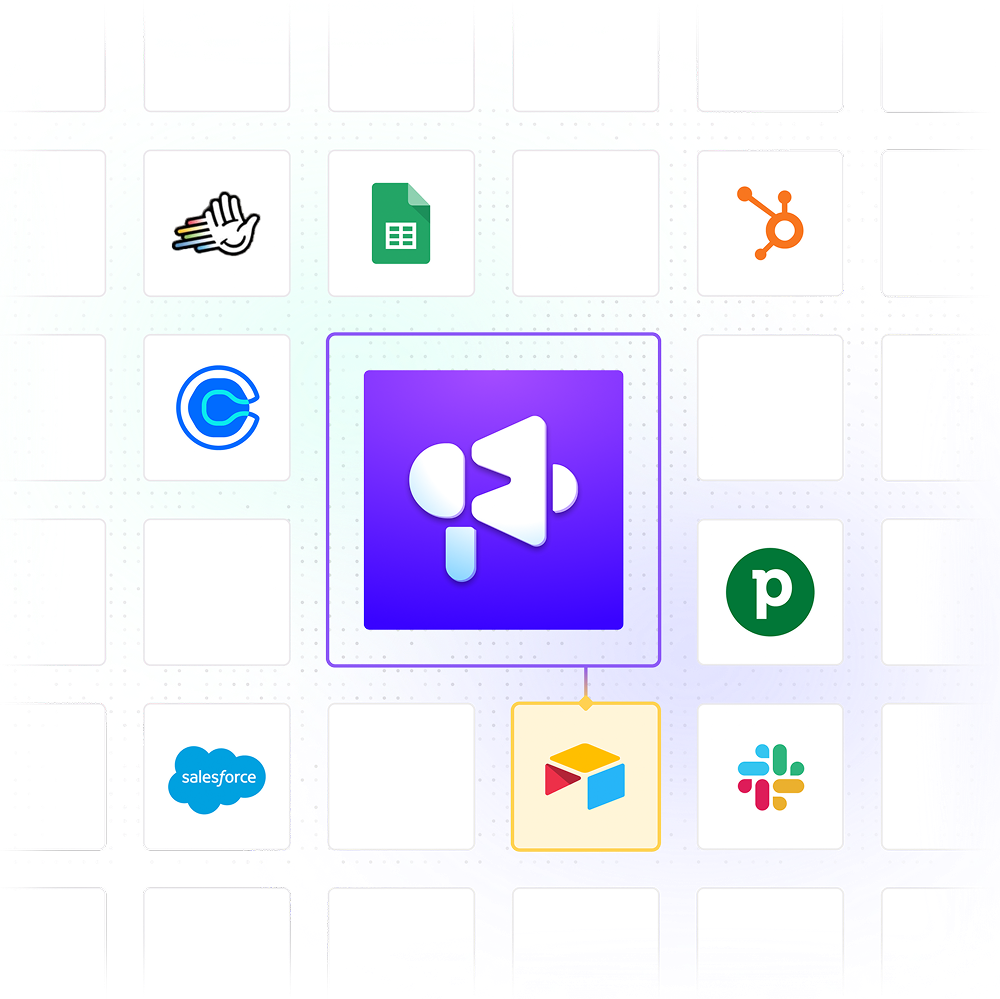
Campaign building covers the expected jobs: import leads, add custom fields, write multi-step sequences, test variants, schedule around time zones, cap daily volumes, and branch into subsequences after a reply. The Master Inbox categorizes intent, supports notes and assignments, and can feed a lightweight Kanban deal board. Native connections include HubSpot, Clay, Slack, Zapier, Listkit, Sendspark, and others. Webhooks and the REST API let an operations team assemble its own stack.
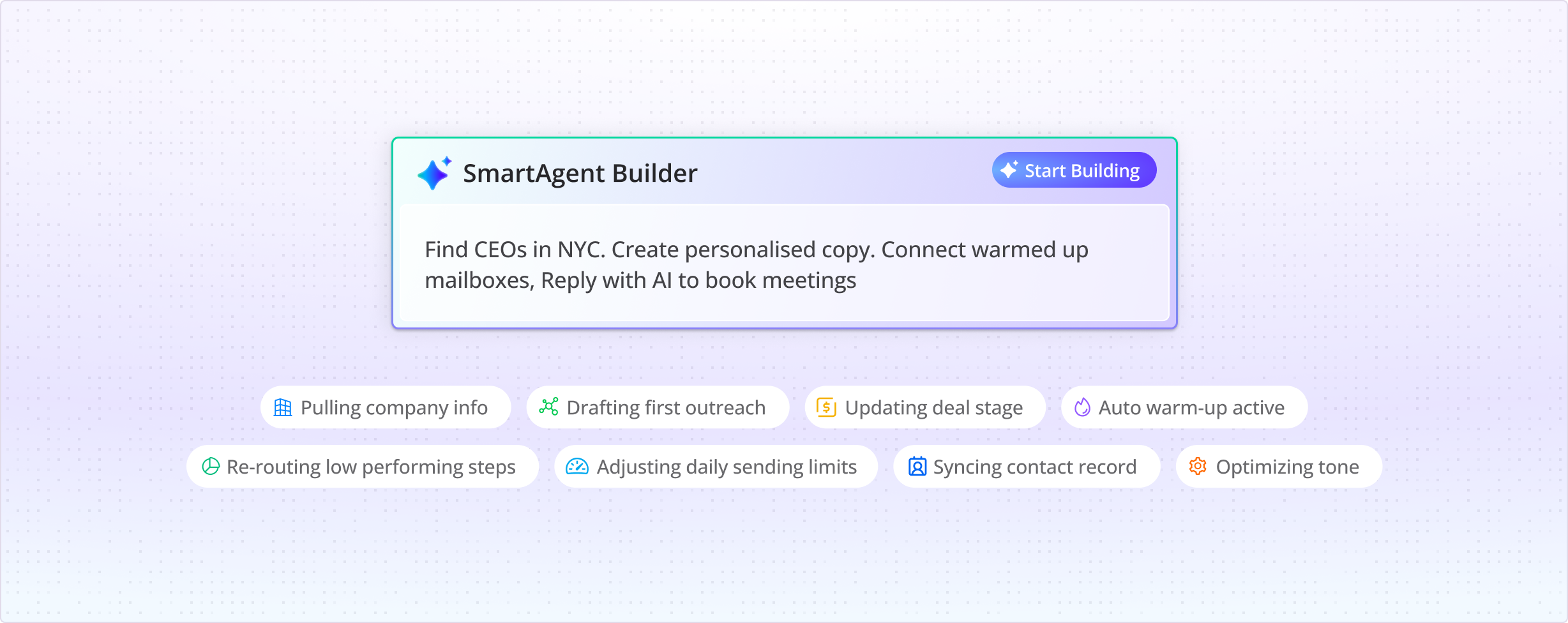
The newer suite pushes beyond email. SmartProspect adds business-contact data and intent filters. SmartAgents can research prospects, draft copy, classify replies, and update connected systems. SmartDialer now places calls inside the same sequence, opening with the email thread in view and recording transcripts, summaries, and notes. In March 2026, Smartlead also shipped an npm CLI for campaigns, leads, mailboxes, analytics, inbox actions, and scripts. The product is plainly courting the GTM engineer who would rather pipe JSON into a workflow than click through another dashboard.
| Job | Smartlead's answer | Operator's responsibility |
|---|---|---|
| Protect sender health | Warm-up, rotation, placement tests, authentication help | Use sound domains, clean lists, modest volume, and relevant copy |
| Manage replies | Master Inbox, categories, reminders, assignments | Respond quickly and check sync accuracy |
| Scale client work | Workspaces, white labeling, API, unlimited inboxes | Set permissions, reporting rules, and billing ownership |
| Add channels | SmartDialer, LinkedIn-capable SmartAgents | Respect local consent, privacy, and outreach laws |
“We came for the unlimited inboxes, and we stayed for the API.”Eric Nowoslawski, Growth Engine X, quoted by Smartlead
03 / The billCheap mailboxes, expensive complexity
Monthly pricing currently starts at $39 for Base, with 2,000 contacts and 6,000 sends. Pro is $94. Unlimited Smart is $174 with 150,000 sends and 50,000 verified emails, while Unlimited Prime is $379 with 500,000 sends and 170,000 verified emails. Annual billing is advertised at 17 percent off, and the 14-day trial needs no card. The names make the upper tiers sound uncapped; the important noun is mailboxes, not everything.
Then come the satellites. White labeling costs $29 per client workspace. SmartDelivery starts at $49 per month. SmartServers are $39 per server per month. Domains, mailboxes, calling, and verification carry separate charges. Build a spreadsheet with the whole system before comparing Smartlead with Instantly, Lemlist, Saleshandy, QuickMail, or Woodpecker. A $39 subscription attached to thirty paid mailboxes is not a $39 outbound operation.
Where the machine earns its floor space
04 / The alternativesChoose the operating style
Instantly is the obvious head-to-head comparison: both court high-volume cold-email operators with mailbox rotation, warm-up, lead data, and inbox management. Smartlead's case gets stronger when an agency wants an API-heavy control layer, separate client spaces, white labeling, and pricing that does not climb with every connected sender. Instantly may feel friendlier to a newcomer who wants prospecting and sending under a simpler commercial roof. Test the same list and reply workflow in both; feature grids do not expose sync failures or the daily texture of campaign work.
Lemlist leans further into creative personalization and multichannel sales engagement. Saleshandy and QuickMail often appeal to smaller or budget-conscious teams. Woodpecker favors a more traditional cold-email workflow, while Apollo combines a large prospect database with broader sales engagement. Outreach serves a more conventional enterprise sales organization and brings heavier administration. None is a universal upgrade. Count the inboxes, clients, integrations, and approvals your team actually carries. Then decide whether you need a sender, a prospecting database, or the control plane Smartlead is becoming.
05 / The reviewsTwo ratings, one useful warning
Public opinion splits by venue. G2 showed 4.5 out of 5 across 325 reviews when checked in September 2026. Reviewers commonly praise mailbox scale, automation, warm-up, and campaign management. Product Hunt's smaller set sat at 4.9 across 18 reviews, with recurring requests for better dashboards and a more modern interface. Trustpilot told a harsher story: 3.0 out of 5 across 130 reviews, with recent complaints about slow support, bugs, billing, and cancellation friction.
Do not flatten that disagreement into one magic average. G2 contains invited and validated business reviewers; Trustpilot often catches customers who arrive because a support or billing problem is already burning. Both reveal something. The consistent positive is operational leverage at volume. The consistent negative is what happens when infrastructure software misbehaves: a disconnected inbox or delayed reply is not cosmetic. It stops work.
The mobile story deserves its own caution sticker. Smartlead has iOS and Android apps for reply alerts, categorization, reminders, quick responses, and lead status changes. It is a companion, not the full web studio. Apple's listing showed 2.1 out of 5 from eight ratings, including reports that read states or replies did not persist. Version 1.7.0 arrived in August 2026 with a SmartAssistant message fix, but a team that lives on phones should test its exact workflow before committing.
06 / Buying guideRun the trial like a fire drill
Start with a small, real campaign, not a polished demo list. Connect mailboxes from the providers you actually use. Confirm authentication. Seed the list with addresses your team controls, then check primary, promotions, and spam placement manually. Reply from several accounts and verify that messages, read states, categories, and assignments appear correctly in the Master Inbox and any CRM integration. Export your leads and analytics. Ask support one ordinary question and one technical one. Finally, locate the cancellation path and read the terms for every add-on you buy.
- Map every mailbox, domain, workspace, and owner.
- Price the core plan and all infrastructure together.
- Test inbox placement outside Smartlead's own dashboard.
- Measure positive replies, not decorative open rates.
- Verify webhook retries and API limits for production flows.
- Keep suppression lists and exports under your control.
Also, resist the warm-up halo. Warm-up can support reputation, but it cannot guarantee the primary inbox, repair a poor list, or make a vague pitch interesting. Open tracking is noisy because privacy systems and security scanners can create false signals. Judge campaigns by qualified replies, meetings, pipeline, bounces, and spam complaints. Smartlead can make sending orderly. It cannot supply judgment on your behalf.
The verdict
Smartlead is a strong fit when mailbox count, client separation, and automation matter more than having the prettiest interface. Its unlimited-mailbox model and API are the sharpest reasons to choose it. Small teams may be buying a control room for a bicycle, while mobile-first users should wait outside until they have tested the door handles. For serious outbound operators, the trial is worth running - with billing, support, and reply sync treated as test cases, not footnotes.