A client writes, “The button is wrong.” Five ordinary words can produce an expensive afternoon. Which button? On what page? At what screen size? Wrong in Chrome, or wrong everywhere? The account manager forwards an email, a designer annotates a screenshot, and a developer opens a task whose first job is to recover the context that disappeared in transit.
BugHerd and ProProfs Project both sell relief from this kind of disorder. Their screens even share familiar furniture: comments, tasks, dashboards, cards. It is tempting to line up the features and announce a winner. That would miss the useful distinction. BugHerd begins with the place where feedback happens. ProProfs Project begins with the body of work that must be planned and delivered.
In other words, one product is strongest when the sentence begins, “Here, on this page.” The other is strongest when it begins, “For this project, by this date.” A team choosing between them should diagnose which sentence it says more often.
The pin is the product
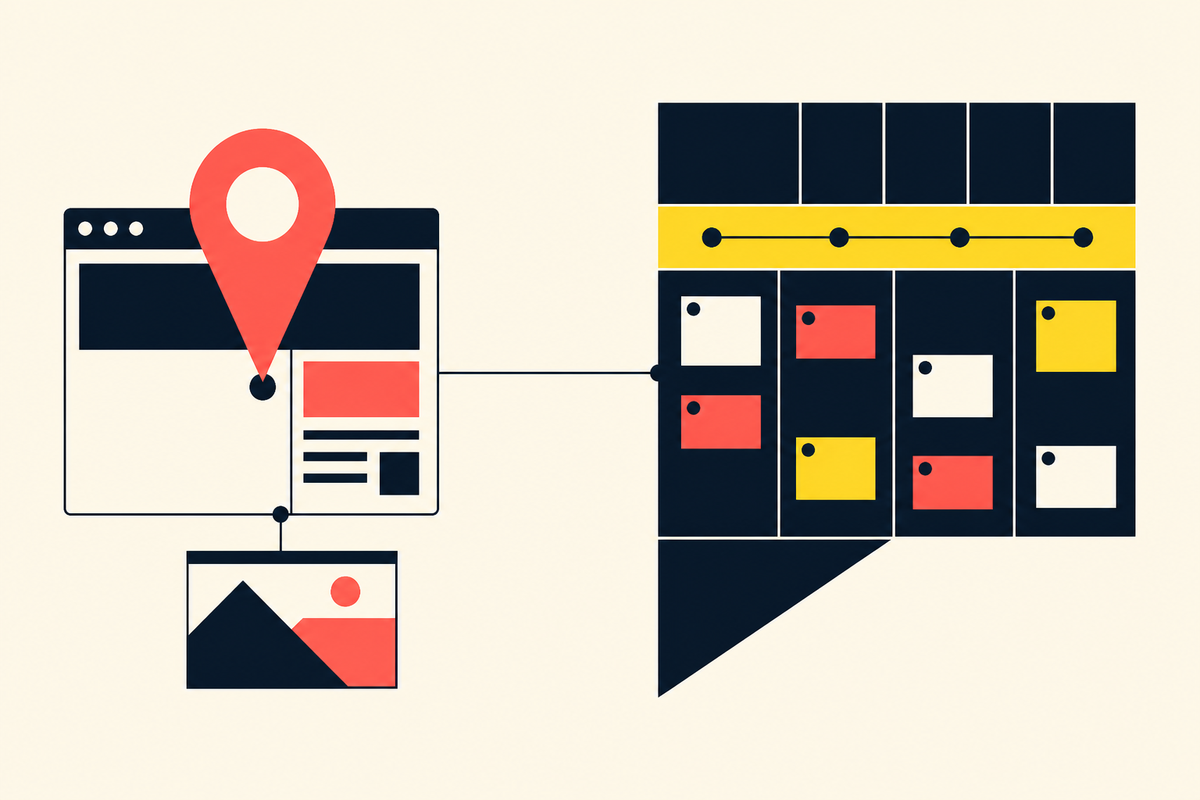
BugHerd’s central gesture is deliberately small. A reviewer points at an element on a website, clicks, and leaves a comment. The service attaches that note to the element and captures a screenshot plus technical information, including the browser, operating system, screen resolution, and URL. The comment becomes a task on a Kanban-style board. The reporter does not need to speak developer.
That last point is the real product. “The hero looks broken on my laptop” is weak bug data. A screenshot and environment details turn it into something a developer can attempt to reproduce. BugHerd reduces the work of translation between the person who notices a problem and the person who fixes it.
The idea came from that exact difficulty. Alan Downie and Matt Milosavljevic co-founded BugHerd in Melbourne in 2010 and launched it to the SaaS market in 2011. The company went through Startmate and 500 Startups, raised $500,000 in 2012 and another $1 million in 2014. It later tried to broaden its range with task-management product Stack and client-management product Brief. BugHerd’s own account says those investments failed, layoffs followed, and the company nearly sold. Customers kept asking for the original tool. The team bought out most investors and returned to the narrower problem.
The reason we are still here today is that at the beginning phase of the business BugHerd created something that solved a customer problem.Stephen Neville · BugHerd CEO
Neville became CEO in 2018 and worked with Downie on the reset. Today BugHerd says it serves more than 10,000 companies and 350,000 users across 172 countries. Those figures are company-reported, but the survival story is instructive on its own. A specific pain endured where a broader suite did not.
The project is the product
ProProfs Project starts one level up. It is part of ProProfs, the Santa Monica software company founded by Sameer Bhatia around the idea of building and sharing knowledge. ProProfs now markets a large suite spanning training, quizzes, surveys, knowledge bases, customer support, CRM, performance management, and project work. The company says its products reach 15 million users a month in more than 150 countries.
Inside Project, feedback lives as task comments and threaded replies. But the product’s center of gravity is planning: assignments and subtasks, start and end dates, dependencies, priorities, notifications, templates, and four views of the same work - List, Gantt, Kanban, and Calendar. It also tracks billable and non-billable time, produces timesheets and invoices, and generates project and financial reports that can be shared with stakeholders.
This is operational context rather than visual context. If BugHerd remembers where a comment appeared, ProProfs remembers where the task sits in a schedule, who owns it, what blocks it, how long it took, and whether the work can be billed. A project manager running several clients may care about all of those facts even when no website is involved.
The overlap can fool you
Both products can collect comments, make tasks, and display work on boards. Both promise fewer email threads. Both now advertise AI assistance. BugHerd lists an MCP connection for AI agents, auto-generated task titles, and, on higher plans, auto-tagging and similar-task detection in beta. ProProfs markets an AI project designer that builds a project structure from a prompt, an assistant that can add tasks and flag blockers, and AI summaries for reports.
The overlap matters, but it should not drive the decision. A Kanban board is a way to display work, not a definition of the product. BugHerd’s board is downstream of a visual reporting moment. ProProfs’ board is one lens inside a system that also needs to think in calendars, Gantt charts, reports, and invoices.
Pricing reveals the difference in scope. As checked in August 2026, BugHerd’s Standard plan is listed at $50 a month for five members, or $42 a month when billed annually, with unlimited clients and projects. Premium integrations and advanced client collaboration sit on higher tiers. ProProfs Project lists a free plan for up to three users and an unlimited-user Business plan at $39.97 a month when billed annually. Prices change, and buyers should verify current pages before deciding. More important, a cheaper tool that solves the wrong layer is still expensive.
Choose the missing context
Choose BugHerd when clients or non-technical colleagues review websites, staging builds, Figma files, PDFs, or images and regularly struggle to describe what they see. It is particularly suited to agencies, web teams, QA, and user-acceptance testing. Reviewers can comment without an account, while the implementation team gets evidence attached to the task.
Choose ProProfs Project when the larger difficulty is coordination across a job: building the schedule, allocating people, tracking dependencies and hours, reporting progress, or invoicing a client. Its project-wide views make more sense when feedback is only one event in a longer operating cycle.
Some agencies will reasonably want both layers. BugHerd already connects deeply with Jira, Asana, ClickUp, Monday.com, Trello, Linear, Productive, and Teamwork, and it offers API and webhook routes for custom automation. It does not publicly list a native ProProfs Project integration. A team pairing the two would need to design that handoff through automation, API work, or a small manual ritual. That seam deserves a test before either subscription becomes standard.
Watch the guest experience
The person who reports an issue is often the least represented person in a software purchase. Developers assess technical data. Project managers assess dashboards. Finance asks about price. The client, meanwhile, is handed a login and told to learn a new vocabulary. BugHerd makes a conspicuous bet on reducing that burden: clients can review a site or file without an account, and unlimited client users are included in its published plans. The act of reporting stays close to pointing at the thing itself.
ProProfs Project asks more of a participant because the participant is entering a project space. That can be appropriate. A client who needs to see milestones, discuss tasks, review files, and follow delivery may benefit from the wider frame. ProProfs also offers client, time, and billing functions, plus white-label options on its paid plan. The guest is not merely reporting a flaw; the guest may be participating in the engagement.
This suggests another practical test. Observe a new reviewer without coaching. Note where they hesitate, which fields they skip, and whether their first report contains enough information to act on. Then count the administrative work required to turn that report into scheduled delivery. The better system is the one that lowers the combined effort for reporter and team. Saving a developer five minutes by costing a client twenty is not an efficient workflow.
A five-minute buying test
Count the questions in your last ten feedback threads.
If most ask “where?”, “which browser?”, or “can you send a screenshot?”, test BugHerd. If most ask “who owns this?”, “what is blocked?”, “how many hours?”, or “when can we invoice?”, test ProProfs Project.
Run the trial on one real project, not a polished demo. Invite the least technical client. Ask a developer to reproduce a reported issue. Ask a project manager to produce a status report and a bill. Then measure the number of clarifying messages that remain. Collaboration software earns its place by removing explanation, not by accumulating features.
The distinction is plain once the tools are placed next to the failures they address. BugHerd turns a point on a screen into a useful task. ProProfs Project turns a collection of tasks into a managed engagement. The better choice is the one that preserves the context your team currently pays people to reconstruct.
Frequently asked questions
What is the main difference between BugHerd and ProProfs Project?
BugHerd specializes in contextual visual feedback on websites and design files. ProProfs Project manages broader planning, assignments, schedules, time, billing, and reporting.
Which is better for website client feedback?
BugHerd is more purpose-built because reviewers can point, click, and comment while the service captures a screenshot and technical environment details.
Which is better for an entire client project?
ProProfs Project has the broader operations scope, including dependencies, multiple project views, timesheets, invoices, reports, and client administration.
Can BugHerd replace project management software?
It has a task board and integrations, but teams needing resource planning, financial reporting, dependencies, or invoicing may still need a broader project system.
Can the products be used together?
Yes in principle, though BugHerd does not advertise a native ProProfs Project integration. Test the handoff through API, webhooks, automation, or a defined manual process.