Raycast AI is for people who consider reaching for the mouse a minor administrative failure. If your day begins with Command-Space, a filename, and Enter, the appeal arrives immediately: ask a question, rewrite selected text, inspect the open window, or send an instruction to an installed extension without first finding a chatbot tab. The language model may come from OpenAI, Anthropic, Google, Perplexity, or elsewhere. Raycast's actual product is the trapdoor beneath your keyboard.
That distinction matters. A dedicated AI client can offer a deeper chat workspace. Raycast wins on placement. Quick AI appears from the launcher for a one-off answer. AI Chat handles the longer exchange. A useful answer can become a command; a command can act through Calendar, Linear, Finder, Slack, Notes, and community extensions. The result feels less like visiting an oracle and more like adding a suspiciously capable action to the right-click menu.
Who should put this behind Command-Space?
The cleanest customer is an existing Raycast devotee: a developer moving between code, Linear, GitHub, documentation, and terminal windows; a designer hunting files and polishing copy; a founder who wants calendar, notes, snippets, and quick research in one keyboard loop. For these people, AI is not the reason to install Raycast. It is the extra gear on a machine they already drive.
Newcomers should start with the free launcher. Learn Root Search, Clipboard History, Quicklinks, Snippets, window management, and a few extensions. If those become muscle memory, the Pro trial has a fair chance of making sense. Buying Pro first and hoping the AI chat alone earns the fee reverses the logic. Dedicated ChatGPT and Claude apps are built around conversation; Raycast is built around getting in, doing the thing, and disappearing.
The useful trick is context, not conversation
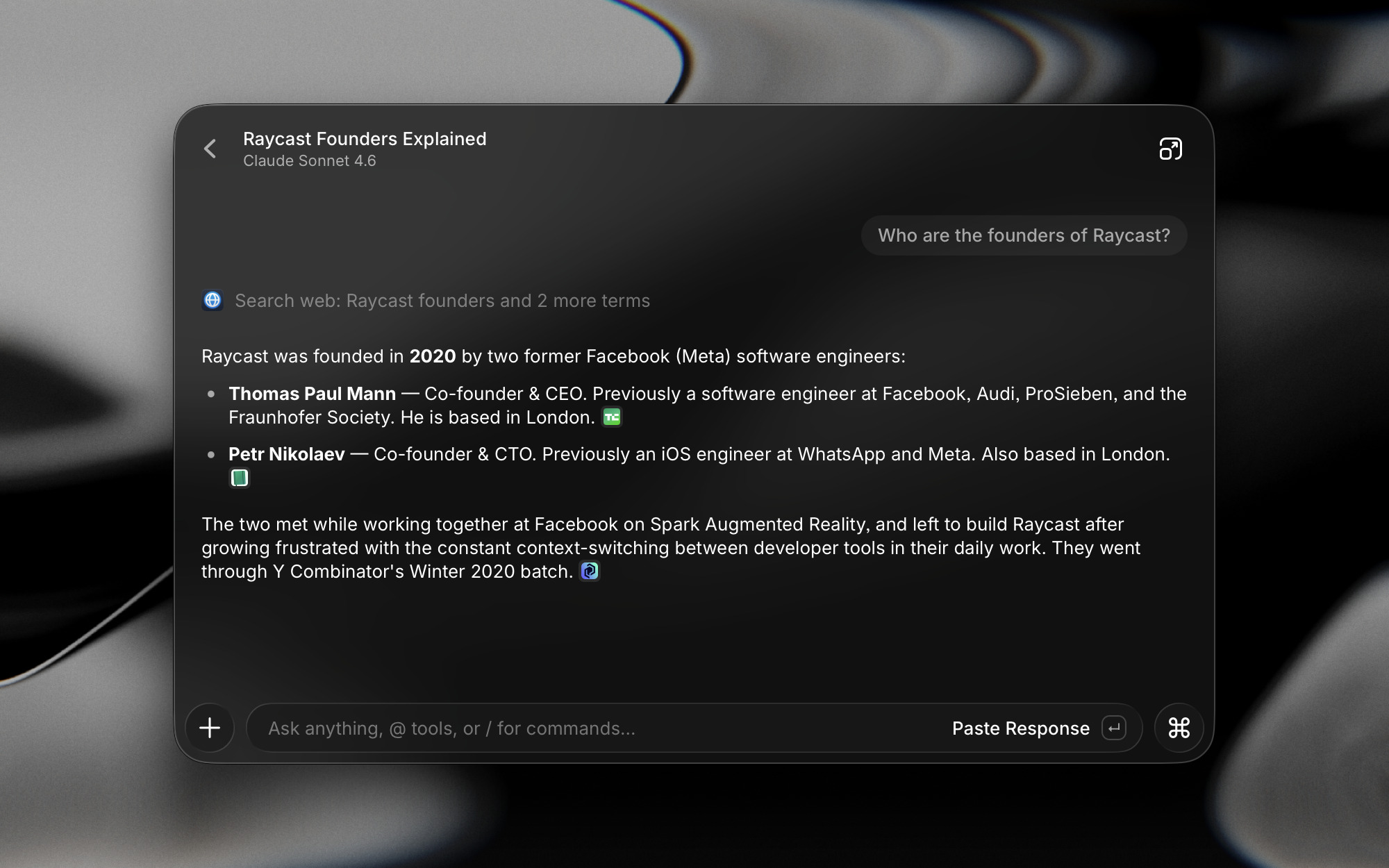
Raycast 2 closes the gap between its two AI surfaces. Type a question in Root Search and press Tab for Quick AI; carry the exchange into Chat when it deserves follow-ups. Attach a PDF or CSV, drop in a file from Finder, search the web with inline references, or regenerate the answer with another model. Screen Awareness can pass the focused window, selected material, or a screenshot into the prompt. That removes the dull preamble where you explain what is already glowing on the display.
The three-keystroke economy
text, file, or window
Quick AI or a saved command
replace, copy, or call an extension
AI Commands are the sleeper feature. Save “fix grammar,” “turn this into release notes,” or “explain this error” as a command, bind a hotkey, and stop rewriting the prompt. Since June 2026, a custom command can replace selected text in place. That is gloriously mundane. The best automation often looks like nothing happened, except the clumsy paragraph is now clean and nobody visited a website.
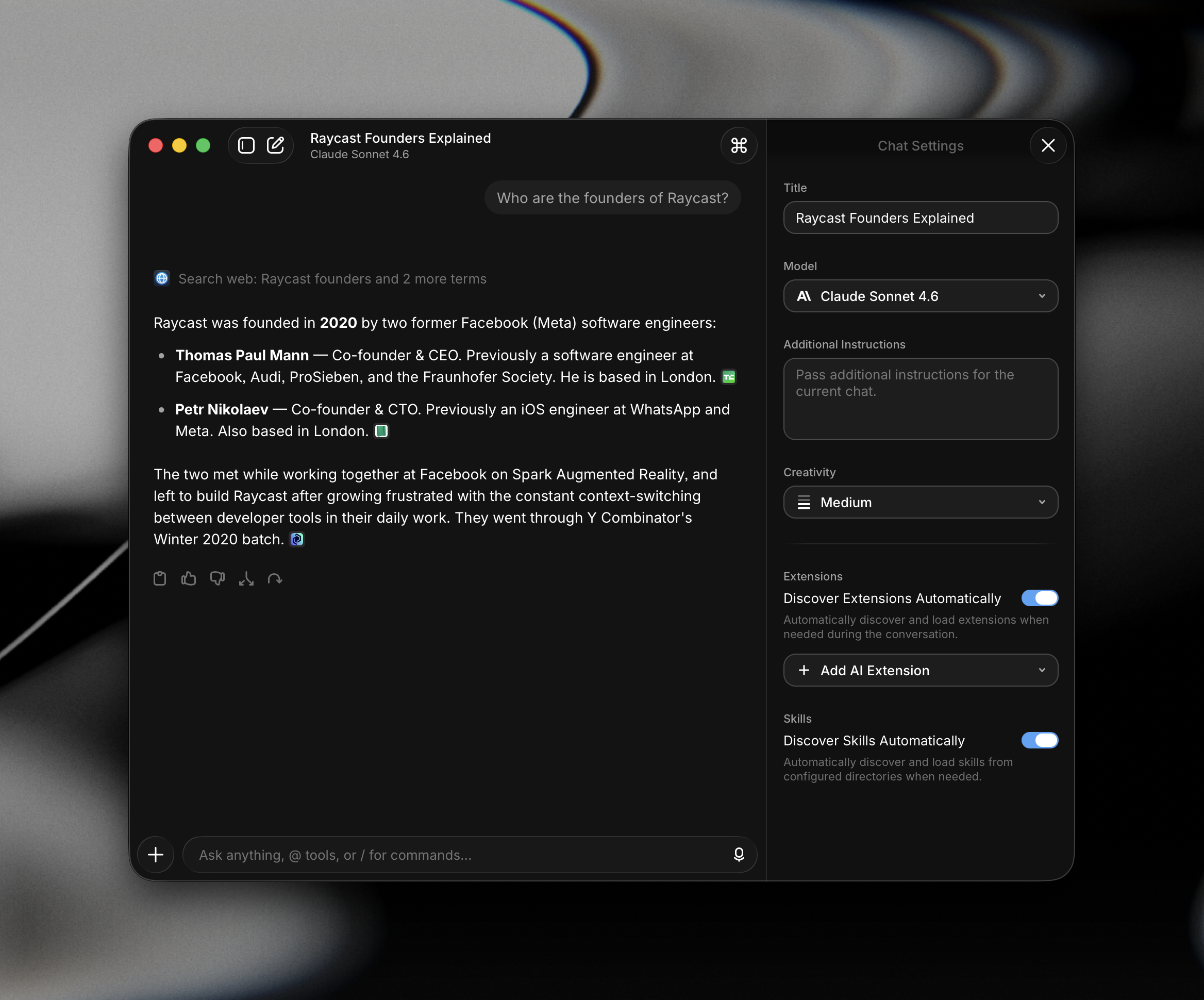
AI Extensions push further. Natural language can invoke tools exposed by installed extensions: check high-priority Linear issues, block time on a calendar, move desktop PDFs, read a grocery list, or start a focus session. MCP connections broaden that action layer, while Agents package a model, instructions, and tools for a recurring job. Skills provide reusable instructions and knowledge. Profile stores facts you deliberately provide; Memory picks up context from conversations.
“Raycast is incrementally turning my Mac into an AI-native operating system.”Guillermo Rauch, CEO of Vercel
One counter, many model menus
Raycast does not ask for monogamy. Its catalog spans models from OpenAI, Anthropic, Google, Perplexity, Mistral, DeepSeek, xAI, Alibaba, Moonshot AI, Z.ai, and others. The list changes quickly. At the time of this review, the official model page included the GPT-5.6 family, Claude Sonnet 5 and Opus 5, Gemini 3-series models, and several open models delivered through partners. Advanced models marked in the catalog require the $8 monthly add-on.
Raycast 2.2 also restored the tinkerer's routes: OpenAI-compatible custom providers, OpenRouter keys, direct keys for supported providers, and local Ollama models. There is a barb. In version 2, those bring-your-own-model options require Pro. Co-founder Thomas Paul Mann acknowledged on Reddit that paying Raycast to use your own key “feels strange,” explaining that the company is moving away from a simple all-you-can-eat token bundle as model and agent costs diverge. The explanation is coherent. The sting remains.
The bill, without interpretive dance
Raycast's core launcher is free. Pro is $10 month-to-month or $8 per month billed annually. It bundles AI with Cloud Sync, Dictation, Translator, unlimited Notes and Clipboard History, custom themes, and custom window commands. Advanced AI adds $8 per month. Teams Pro costs $15 per user monthly or $12 on annual billing. A seven-day Pro trial is available to eligible new accounts, and verified students can receive 50 percent off Pro, though not the Advanced AI add-on.
| Choice | Best at | The catch |
|---|---|---|
| Raycast AI | Fast, contextual actions across the desktop and extensions | AI and BYOK require Pro; deep chat is not its only job |
| ChatGPT or Claude | Long conversations, richer native AI workspaces | Less integrated with launcher habits and community extensions |
| Alfred | Mature Mac automation with a paid Powerpack | AI setup is less central and often more hands-on |
| Spotlight | Built-in search with no new habit or subscription | Fewer programmable workflows and cross-app actions |
The bundle is either the point or the problem. If you use dictation, sync, translation, and AI Commands every day, eight annualized dollars can feel tidy. If you only want a keyboard shortcut for your own API key, the same price looks like a tollbooth. Recent Reddit discussions are blunt about that split. Some subscribers say they pay because Raycast as a whole supports their daily workflow. Others have dropped Pro because native chatbot apps now handle long-form AI better for them.
A rewrite with fingerprints
Raycast 2.0, released in August 2026 after a public beta, is more than fresh paint. The Mac host uses Swift and AppKit; Windows uses C# with .NET 8 and WPF. Both load a shared React and TypeScript frontend. A long-lived Node process owns business logic and extension runtime, while Rust handles performance-sensitive, portable work. Raycast also built its own file indexer after deciding Spotlight could not deliver the consistency it wanted.
That hybrid stack explains both the ambition and the anxiety around the rewrite. Raycast wants one product across Mac and Windows without turning the launcher into oatmeal. Version 2 adds branching chat, conversation folders, notifications, context summarization, Profiles, Memory, Agents, Skills, screen context, and Dictation. Early releases have also carried the ordinary bug-fix trail of a large migration. The September changelog includes fixes for AI tool runs, image generation, text scaling, dropped dictation audio, and file indexing. Software remains stubbornly made of software.
Privacy has switches, so use them
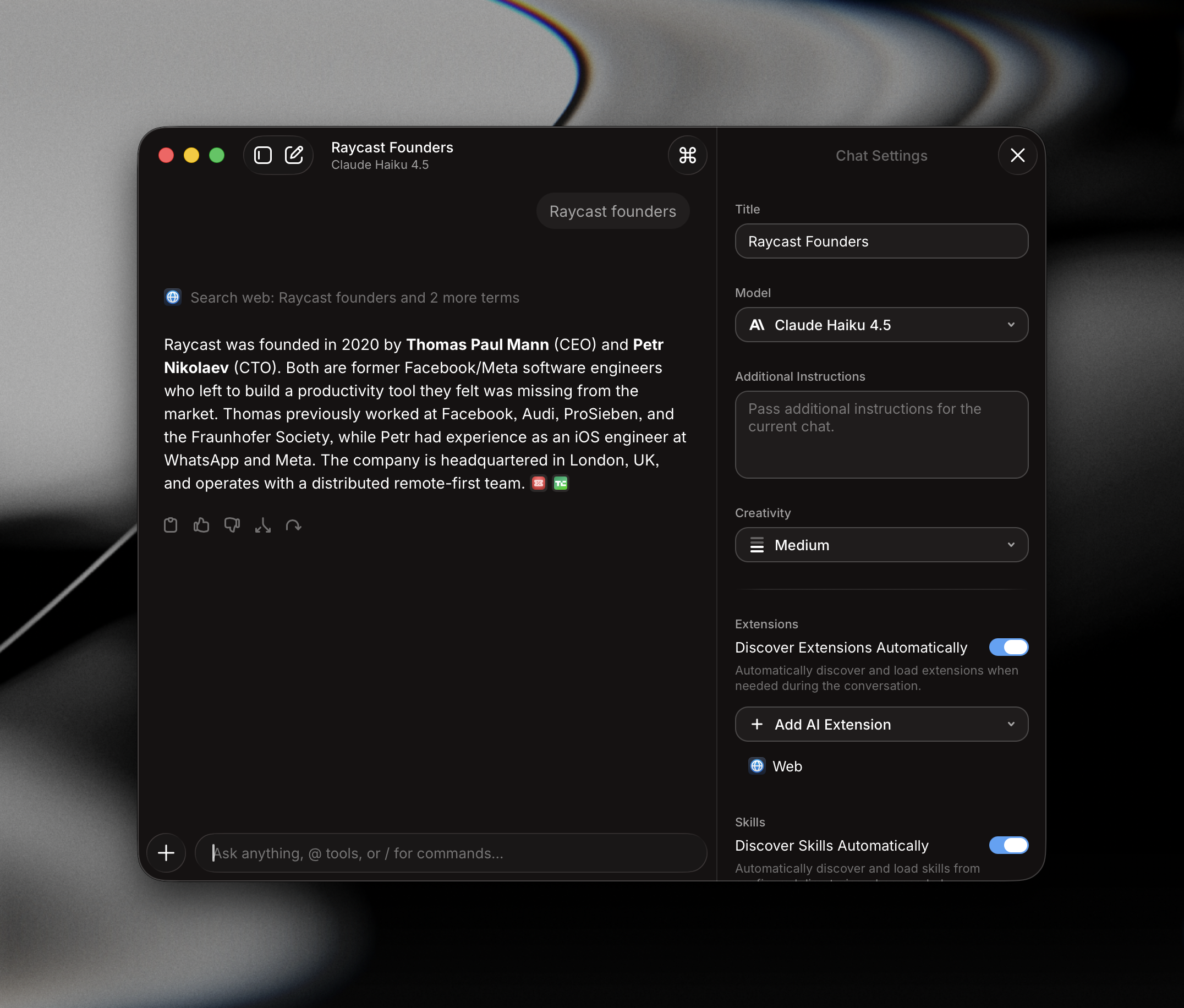
Raycast says AI chats are stored locally by default. Enable Cloud Sync and the conversations are stored on Raycast servers, encrypted in transit and at rest, so they can appear on your other devices. The company also says its provider agreements prohibit AI interactions from being used for model training. For more control, a local model through Ollama can keep inference on the machine, though local and custom model connections now require Pro.
Memory deserves a deliberate look. Raycast periodically sends recent conversations and the existing memory to a model to update what it remembers. That can make replies less repetitive, but convenience should not become accidental autobiography. Review the memory, keep secrets out of prompts, and disable features that do not fit your workplace rules. Enterprise plans add provider allow-lists, organization-wide AI controls, custom keys, and administrative controls. Sensible defaults are useful; conscious settings are better.
The customer verdict
Public reviews consistently praise speed, keyboard shortcuts, customization, and the extension community. One Product Hunt reviewer described the magic as going from Command-Space to a prompt and then Tab. Another said Raycast had become the app used most in their daily workflow because it could reach contacts, Notion, PDFs, files, and ChatGPT from the same place. Product Hunt showed a 4.9 rating across 160 reviews and 35,000 followers when checked for this guide.
The criticism is just as useful. Some longtime users want Raycast to polish launcher fundamentals instead of stretching toward every AI trend. Others find AI Chat behind dedicated clients in editing, branching, memory, and canvas-style work - although version 2 has now addressed branching and memory. Pricing lands harder outside the United States, and there is no cheaper sync-plus-BYOK tier. These are not edge complaints. They define who should buy.
Pay for it if
Raycast already anchors your day, selected-text commands sound irresistible, and AI plus dictation, sync, translation, and extensions form one useful bundle.
Skip Pro if
You mainly want long-form chat, rarely automate desktop work, or resent paying a platform fee before connecting your own model key.
The final call: Raycast AI is not a reason for everyone to replace a favorite chatbot. It is a reason for committed Raycast users to stop visiting one. Its sharpest moments are tiny: selected prose repaired in place, an open window understood without a screenshot shuffle, a calendar block made from a sentence, the right model swapped into the same conversation. Try the free launcher first. Build the habit. Then use the Pro trial on real work and count how often the trapdoor saves you a trip.