The person who needs Fliki is rarely dreaming of becoming an editor. She has a product update to explain before lunch, a training deck with all the charisma of wet cardboard, or fourteen solid blog posts sitting quietly while the social calendar flashes red. Fliki takes that existing thought and runs it through a compact production line: script, scenes, voice, pictures, music, captions, export. The attraction is not cinematic control. It is getting from words to watchable without booking a studio, learning keyframes or recording the same sentence nine times.
That makes the browser-based tool a sensible fit for solo creators, marketers, teachers, course makers and lean learning teams. It also explains why Fliki says more than 12 million people have used it and 100 million videos have been created. Those are company figures, but the shape of the demand is easy to understand. Organizations keep asking people who write slides and posts to make video too. Fliki offers them a bridge that looks more like a form than an editing suite.
For the deadline, not the director's chair
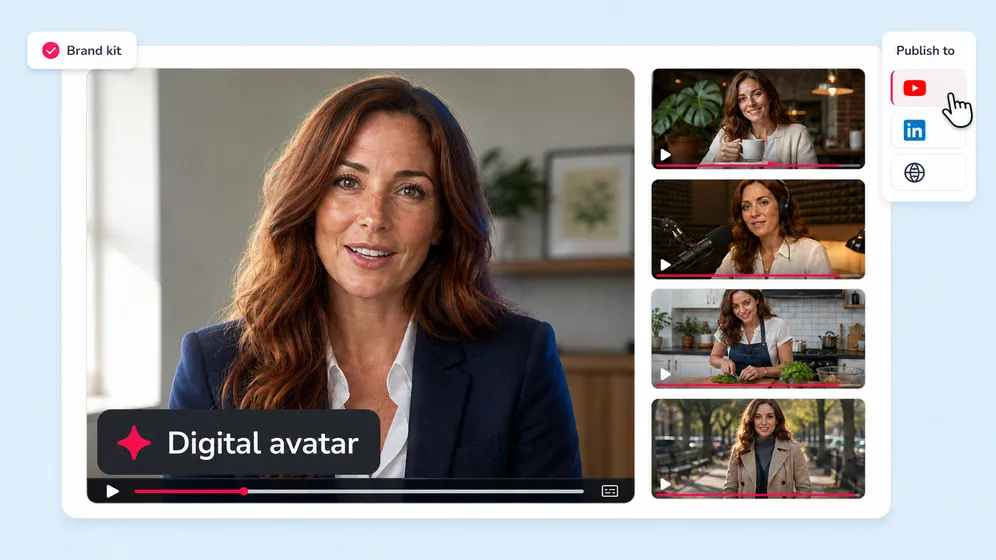
Fliki works well when the message already matters more than the shot. A YouTuber can turn a researched script into a faceless explainer. A dentist can make a narrated patient guide. A trainer can upload a PowerPoint and stop rerecording the whole lesson each time policy changes. A shop can make product clips in several languages. A consultant can create an avatar version of herself for recurring how-tos. The same logic runs through all of them: repeatable communication with fewer production chores.
The wrong buyer is equally clear. If you want to grade every shot, build delicate sound design, export 4K masters or cut a short film with frame-level rhythm, use a full editor. Fliki's value comes from making many choices on your behalf. Accepting those choices is the bargain. You can change the script, media, voice and layout, and the rebuilt editor now includes a scene rail plus a conventional timeline. Yet a prompt-first studio remains a prompt-first studio. Taste still arrives manually.
Give it a spine, then check its wardrobe
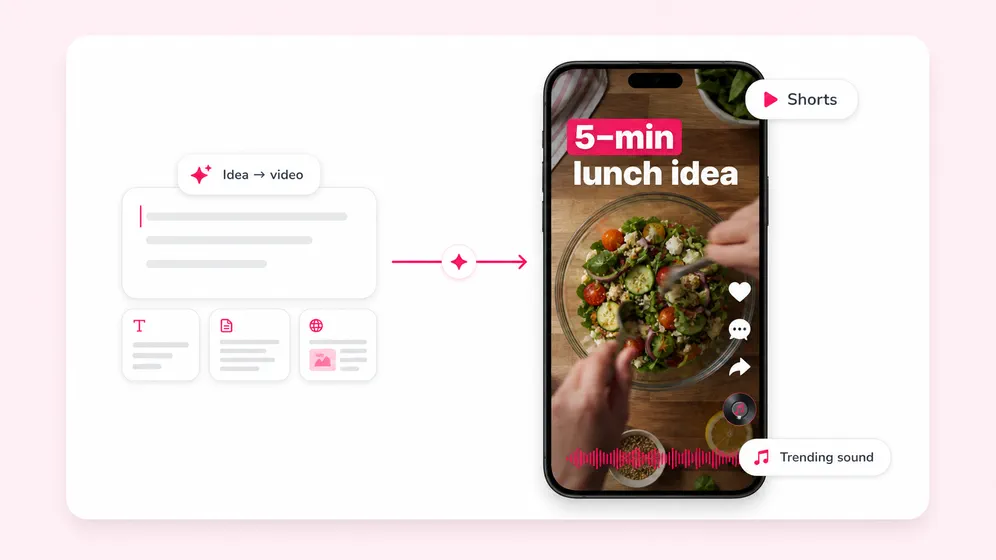
A useful Fliki session begins before the Generate button. Start with a clear audience, one promise and a target length. Feed it a clean script if accuracy matters. A one-line idea is faster, but it also gives the system more room to invent structure, tone and emphasis. For factual training or product work, that is a larger editorial surface to inspect.
Choose the raw material
Paste a script or article URL, upload a deck or recording, or describe the idea. Select the aspect ratio and intended format before scenes multiply.
Cast the voice
Preview several voices with the actual names, acronyms and numbers in your copy. Adjust pronunciation, pace and emphasis before rendering the long version.
Audit every scene
Replace literal, bland or incorrect stock selections. Watch for hands, signs, maps and product details in generated media. Captions need a human read too.
Export a private draft
Check transitions, music level and the first three seconds on a phone. Only then spend the credits on final versions and alternate ratios.
The voice catalog can win over a skeptical first-time user. Fliki's main pages advertise more than 2,000 voices in 80-plus languages, while its larger searchable directory displayed 3,819-plus voices across 91-plus languages and 153 dialects when we checked. The different totals reflect catalogs and plan access, so do not treat the directory number as a promise that every voice lands in your subscription. Listen first. A broad menu does not guarantee the right narrator for a dry compliance module or a warm children's story.
“Really easy to use, good results although not very natural sometimes.”Sérgio Barroso, Trustpilot review, November 2025
That compact verdict catches the product's bargain. Reviewers repeatedly praise the simple setup, speed and voice selection. The recurring complaints are just as consistent: limited credits, occasionally synthetic speech, generic visuals and slow support when exports or billing go wrong. A 2026 TechRadar test liked the natural-language Copilot and customization, while criticizing the narrow free plan and 1080p limit. On Reddit, creators have described quick voiceovers as useful while calling the automatic visuals generic. None of this is fatal. It means the trial should resemble your real job, not a 20-second toy prompt.
One crowded toolbox, three different jobs
| Job | Fliki's route | Watch closely |
|---|---|---|
| Social video | Prompt, template, vertical format, captions, direct publishing | The opening hook and overfamiliar stock clips |
| Training | PPT or script, avatar or voiceover, brand kit, translated versions | Technical pronunciation and policy accuracy |
| Content reuse | Blog URL or RSS feed becomes a planned video series | Summaries that flatten nuance or repeat themselves |
| Localization | Translate subtitles and dub audio while preserving a speaker's voice | Names, regional phrasing and speaker consent |
Fliki has grown beyond its original text-to-speech and text-to-video pitch. It now covers thumbnails, image generation, AI video clips, talking photos, screen recording, cleanup of filler words and silences, video translation, bulk creation, brand kits and reusable characters. AI Copilot accepts plain-English edit requests. Standard and Premium add Make and Zapier connections; Premium and Enterprise carry API access. The product is web-based, and Fliki says its 2026 editor works responsively on phones, though we found no native iOS or Android app.
Its model shelf changes quickly. In September 2026 the public catalog named Veo 3.1, Kling 3 Pro, Seedance 2, PixVerse V5, Nano Banana 2, GPT Image 2, FLUX 2 and Seedream 4.5, alongside voice and generation technology from providers including Google, OpenAI, ByteDance and ElevenLabs. The useful fact is not which logo wins this month's model race. Fliki's role is the switchboard: it puts several generators inside a production workflow and lets the user finish the piece in the same place.
Three free credits disappear faster than you think
The free plan is a fit check, not a production plan. It supplies three credits each month, 300 voices, 720p exports up to one minute and a watermark. Standard has been listed at $28 per user monthly, with 2,160 credits allocated annually, 1080p output up to 15 minutes, voice cloning, commercial rights and one brand kit. Premium has been listed at $88 per user monthly, with 7,200 annual credits, videos up to 40 minutes, more voices, avatars, brand kits, team collaboration, faster exports and API access. Annual billing and promotions can lower the effective price, so confirm the live checkout rather than budgeting from an old review.
Credits are not simply minutes. Stock-footage video with voiceover may consume far less than scenes built from generated clips or avatars. Fliki's estimator gives a five-minute example at 2.5 credits when AI media and an avatar appear for roughly a quarter of the runtime, but settings and models change the total. Build one representative project, note the cost, then multiply by the number of monthly versions and aspect ratios. That dull little calculation is more valuable than any feature checklist.
The little converter grew conveyor belts
Fliki began life as Awedio, and an Indie Hackers preview from co-founder Sabir Ahmed appeared in December 2021. The company lists 2022 as its founding year and names Ahmed and Atul Yadav as co-founders. By its own count, 2024 ended with 6.5 million users and 24 million videos. The leap since then has been from making single assets to running repeatable systems.
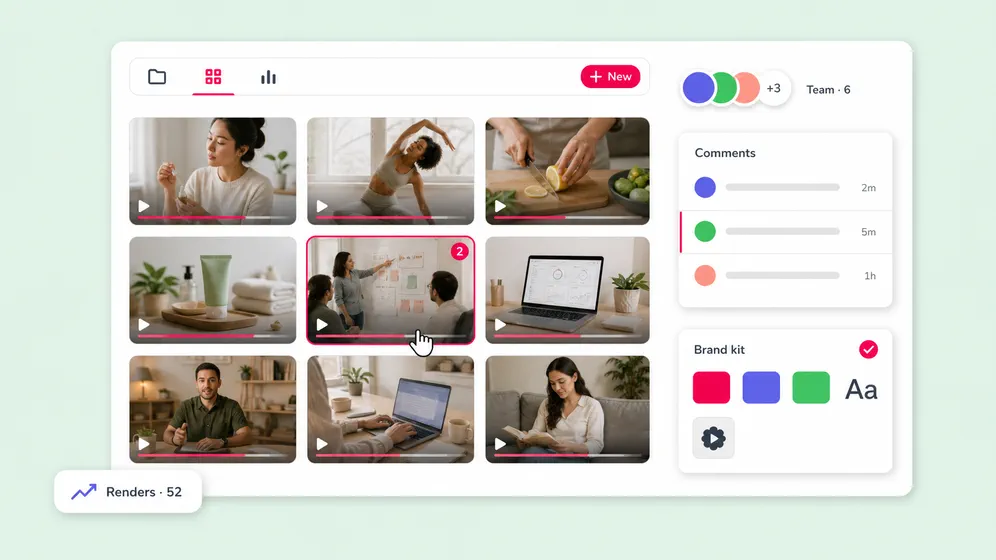
The August 2026 Blog to Video Series release makes the shift obvious. Point Fliki at a blog page or RSS feed and it can map posts into episodes, write scripts, render two-minute animated explainers in one of 17 styles, then schedule them. Another August release added separate workspaces with owner-controlled view and edit roles. July brought custom visual styles trained from up to three reference images, plus editable dubbing in more than 30 languages. The rebuilt editor added snapping, zooming, multi-select and purpose-built media, subtitle and audio panels. TikTok auto-publishing and drip scheduling arrived earlier in the summer.
Automation deserves an editor with a red pencil. A feed that continuously turns posts into video can save days, and it can also publish yesterday's mistake in three new formats. Assign someone to approve scripts, pronunciations, rights and final cuts. For cloned voices and digital twins, get clear consent from the person being replicated and keep a record of where the asset is allowed to appear. Convenience does not outsource accountability.
The verdict
Use Fliki when volume, language coverage and turnaround matter more than bespoke motion craft. It gives writers and subject experts a plausible path to video without forcing them through a professional editor's cockpit. Budget for a paid tier, expect to replace a few visuals, and keep a human on the last pass. If your organization owns a cupboard full of stale decks and a blog full of useful explanations, Fliki may be the quickest way to make both move and speak.
Run this test before the card comes out
Make a complete video in a language your team finds challenging, using a messy acronym and a real brand name. Export it. Check the voice on headphones and a phone speaker. Replace two stock scenes. Try a correction after generation. Ask a colleague who has never seen the script to summarize the result. Then inspect the credits used and send one support question. That exercise tests the actual product: not its gallery, but the distance between a rough source and something you would publish under your own name.