Buy the BOOX Go Color 7 (Gen II) if your reading life is a small administrative crisis. Your novels are in Kindle, your library loans live in Libby, your saved articles go to Readwise, and somebody emailed you a CBZ. This little slab puts those apps and files on one paper-like screen without making you choose a new religion. It is for the reader who values access more than polish.
Skip it if all you need is black text, a quiet interface and a charger you forget exists. The color layer makes the display darker and grainier than a monochrome E Ink panel. Android brings freedom, but also menus, app tuning and battery measured in days of active use rather than the folklore of “weeks.” BOOX has built a capable compromise, and the important word is still compromise.
Why this reader exists
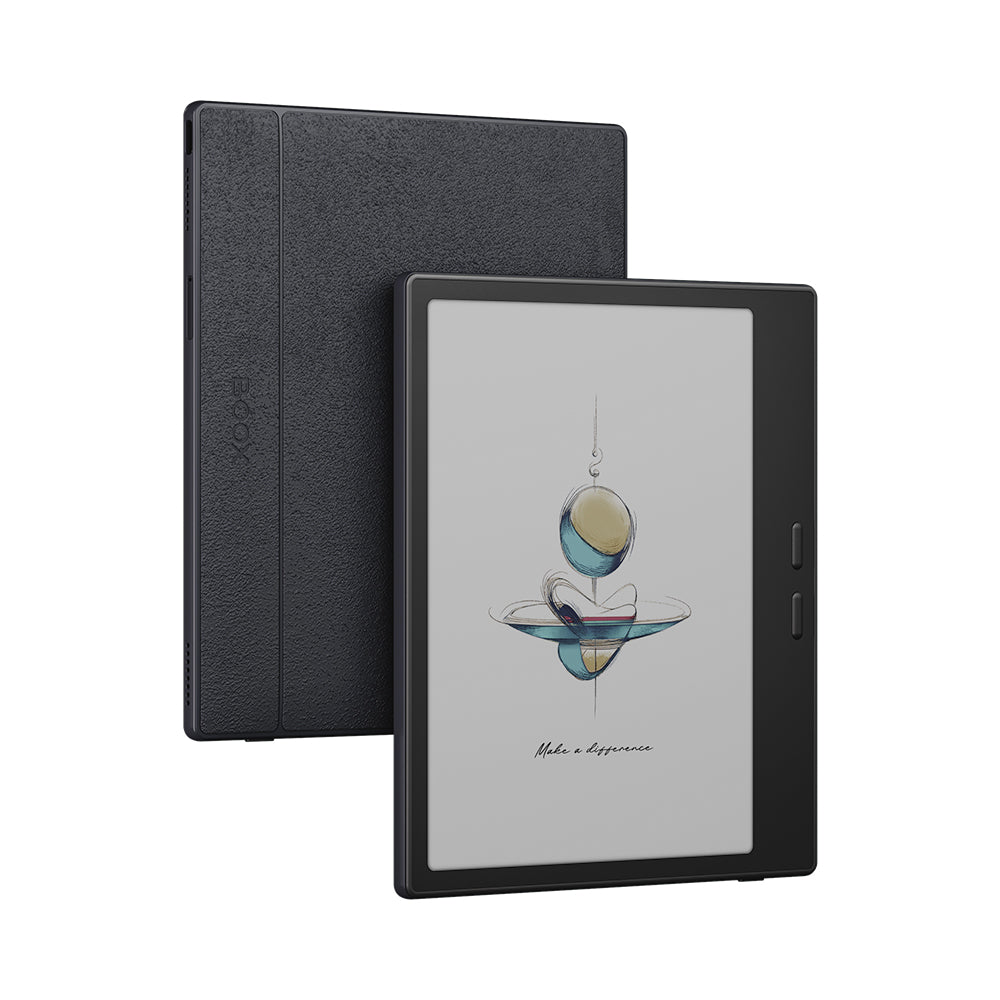
Amazon and Kobo make excellent appliances. Their trick is subtraction: one store, one library, one path from buying to reading. BOOX takes the opposite bet. The Go Color 7 runs Android 13 and includes Google Play, so its shelves can hold competing apps without a diplomatic incident. Kindle, Kobo, Google Play Books, Libby and specialist comic services can sit beside BOOX’s own NeoReader.
That openness matters more than the novelty of pastel book covers. It means a commuter can download manga from a subscription app before leaving Wi-Fi, a student can open an EPUB and mark a PDF on the same device, and a multilingual reader can install the service that actually carries the right catalogue. The built-in reader handles 20 document formats, plus common image and audio files. A microSD slot expands the 64GB storehouse. This is less a bookstore with a screen than a small reading computer.
The color is ink, not light
The 7-inch Kaleido 3 screen has a 1680 by 1264 resolution and can show 4,096 colors. Black-and-white text uses the panel’s full 300 pixels per inch; the color filter resolves at 150 ppi. Those numbers explain the personality. Type can look crisp. Cover art, charts and comics gain useful color coding, but the palette resembles newsprint left near a cafe window. It is gentle, slightly dusty and nowhere near an OLED tablet.
There is another cost. A Kaleido color filter sits above the monochrome layer, so the background looks darker than on a plain E Ink reader. The adjustable front light often earns its keep indoors. Reviewers disagree sharply about the result. AppleInsider called the screen crisp and rated the device four out of five. TechRadar found the Gen II’s contrast and color disappointing beside both its predecessor and the Kobo Libra Colour. That split is more useful than a consensus: some eyes read the texture as paper; others see a gray veil.
Think map highlights, comic panels and book covers, not summer photos and cinema.
YesPress buyer’s rule for Kaleido 3
Ghosting is part of the bargain too. E Ink can leave a faint memory of the previous frame. BOOX exposes refresh modes and dark-color controls through its E Ink Center, and a long button press can be assigned to a full refresh. This is powerful after you learn it and fiddly before you do. Fast scrolling and video are possible in the literal sense, but they are poor reasons to buy a reader whose particles physically rearrange to draw each page.
A body designed around one thumb
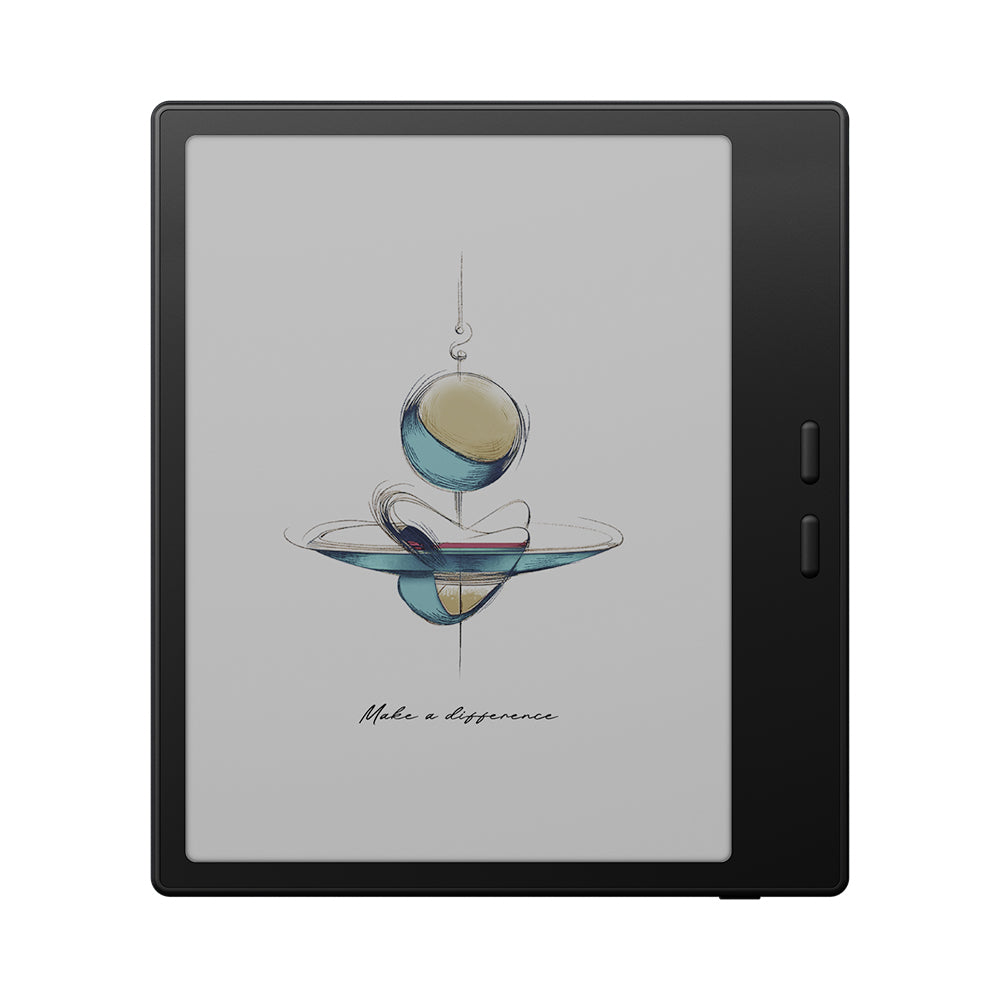
At 156 by 137 by 6.4 millimeters, the Go Color 7 is squarer than a paperback and easy to hold one-handed. Three bezels stay narrow; the fourth widens into a grip with two separate pill-shaped buttons. Those buttons are the quick visual check when shopping used: Gen I has adjacent rectangular controls, while Gen II leaves a clear gap. The reader rotates automatically, so left-handed use is possible by flipping the device.
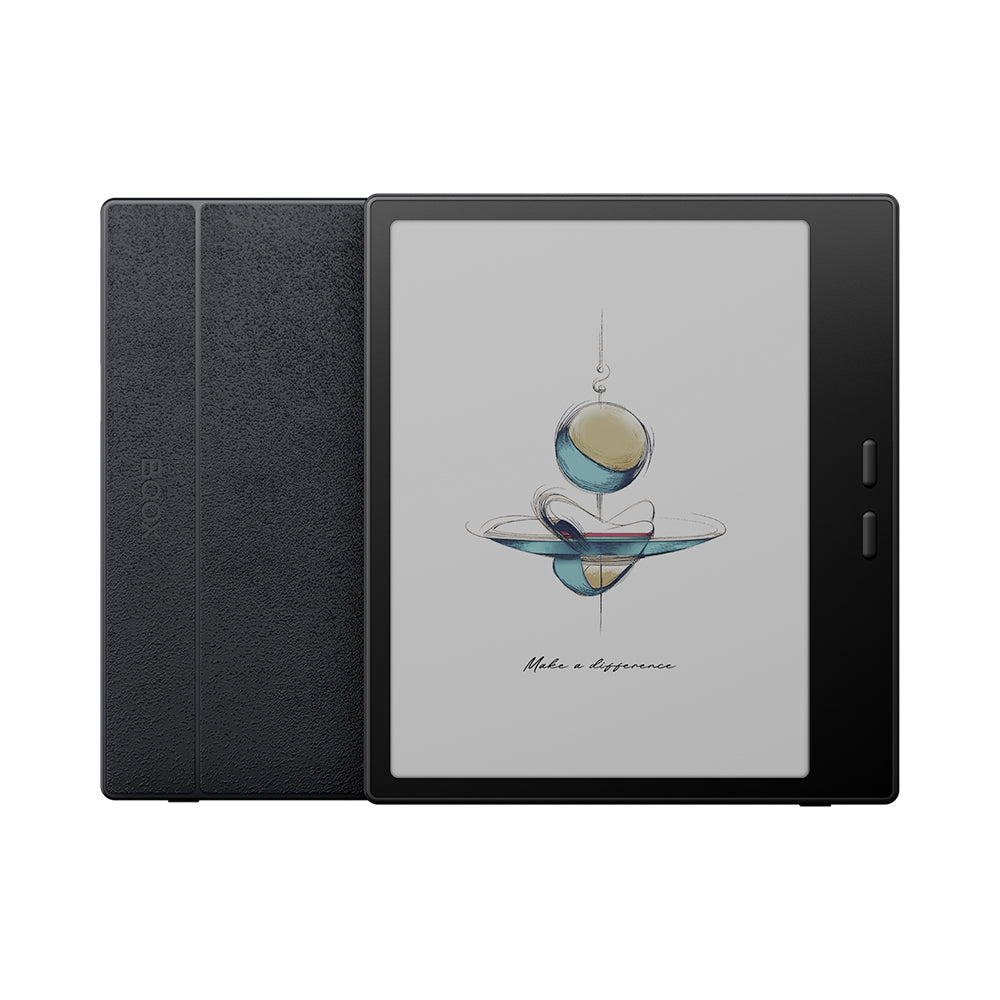
The plastic shell and textured rear keep weight to about 195 grams. USB-C handles charging, data, OTG accessories and wired audio with an adapter. There is Bluetooth 5.1 for headphones or a keyboard, dual-band Wi-Fi, plus a basic speaker and microphone. BOOX says the chassis is water-repellent against spills, splashes and light rain. It is not waterproof, so the bath remains Kindle territory.
The pen is a margin tool
Gen II adds handwriting with BOOX’s InkSense family, an active USB-C stylus system with 4,096 pressure levels. It can annotate books, mark PDFs and make quick notes in BOOX’s Notes app. The pen is optional, and compatibility is narrower than the phrase “stylus support” suggests: BOOX specifies InkSense or InkSense Plus, not the passive EMR pens common on larger E Ink notebooks.
Treat this as a reader that can catch a thought, not a pocket sketchbook. The glass surface has little friction, the seven-inch canvas is cramped for full-page notes, and third-party Android apps may not match the low latency of BOOX’s native software. For underlining, grocery lists and the occasional margin argument, it is useful. Heavy note-takers should look at a 10.3-inch model.
| Choice | What it does better | What you give up | Best for |
|---|---|---|---|
| BOOX Go Color 7 Gen II | Android apps, file freedom, microSD, light annotation | Simple setup, bright white background, long standby | Multi-app readers and tinkerers |
| Kobo Libra Colour | Cleaner reading experience, Kobo ecosystem, integrated pen workflow | Full Google Play app choice | Kobo and OverDrive loyalists |
| Kindle Colorsoft | Amazon integration and low-friction buying | Store and app independence | Readers already all-in on Kindle |
| BOOX Go 7 | Brighter, higher-contrast monochrome reading | Color covers, charts and panels | Mostly prose and manga readers |
Battery math without fairy tales
The 2,300mAh battery is modest. E Ink uses little power while a page sits still, but Wi-Fi, Android apps, front lighting and repeated refreshes change the equation. AppleInsider’s reviewer got several days. In eWritable’s measured test, plain reading used roughly one percent per hour, medium front light added about one point, and full front light added eight. Mixed reading and note-taking produced an estimate of roughly four days, depending on lighting.
Your result will depend on what you ask this almost-tablet to do. Airplane mode, downloaded books and restrained lighting stretch a charge. News apps, cloud sync and bright illumination shrink it. The honest expectation is several active days, with the possibility of much longer standby, rather than a guaranteed number of weeks.
The setup that steals back the calm
The most reusable idea here is to make Android behave like a reading room. Install only the services that contain books. Disable noisy notifications. Set one button to page forward, the other to page back, and use a long press for refresh. Tune each app once in the E Ink Center, choosing a cleaner mode for novels and a faster mode for scrolling feeds. Download tomorrow’s reading on Wi-Fi, then switch it off.
Also choose the screen for the material. Raise dark-color enhancement for faint text, knowing it may swallow shadow detail in illustrations. Use warm light at night and little or no front light outdoors. Keep full-size research PDFs for a larger screen; seven inches invites zooming and panning. These habits turn a busy Android device into the focused reader BOOX’s hardware suggests.
Who should actually buy it?
Buy it when…
- Your books are spread across several Android apps.
- You read comics, covers, maps or charts where restrained color helps.
- You want page buttons, microSD and occasional pen marks.
- You enjoy tuning a device to your habits.
Skip it when…
- You mostly read prose and prize bright, high-contrast pages.
- You want weeks of active use with almost no settings.
- You need waterproofing for pool or bath reading.
- You expect a fluid tablet or a serious notebook.
Owners of the first Go Color 7 have the easiest decision. Android 13, improved buttons and InkSense support are meaningful refinements, but not a wholesale reinvention. If your current reader works and you do not need handwriting, keep it. New buyers should compare the Gen II directly with the monochrome Go 7. Color earns its darker screen only when your actual library uses color.
The Go Color 7 (Gen II) succeeds by refusing to make reading tidy. It accepts that modern libraries are messy, rented, sideloaded and scattered across corporate borders. In exchange, it asks you to accept print-like color and learn a few controls. For the right reader, that is a very adult trade: less magic, more ownership.