Most people do not want to edit video. They want the video edited. There is a small but expensive canyon between those two sentences, traditionally filled with software panels, codec lore, giant file transfers, and the cold discovery that your export has no captions. VEED built a bridge in the browser. Upload a clip, clean it, caption it, resize it, add the house colors, and send a link. The pitch lands because the deadline is usually closer than the desire to learn keyframes.
That makes VEED most useful for the accidental editor: a marketer turning a webinar into social cuts, a founder making a product update, an educator fixing a training video, or a sales team recording personal outreach. Professional editors can work here, but they will notice the boundaries sooner. The sweet spot is frequent, short-to-medium business and creator video where legibility, pace, and brand consistency matter more than microscopic control.
Who should open this tab?
Choose VEED when your work repeats. Weekly clips, captioned explainers, internal updates, training modules, product demos, and platform-specific crops reward templates and saved branding. A team can keep projects online instead of passing enormous files around. Reviewers on G2 repeatedly point to ease and fast subtitle generation; its 2026 review summary also flags slow performance with larger files. That is a neat description of the deal: VEED removes procedural weight, but the browser still has to carry the media.
Skip it, or at least test hard, if you are finishing a color-critical film, mixing dense audio, animating complicated graphics, or juggling a feature-length timeline. Adobe Premiere Pro and DaVinci Resolve trade approachability for control. Descript is a closer rival for spoken-word editing. CapCut has a stronger mobile-social accent. Canva makes sense when video is one item inside a larger design system. VEED wins when the browser workspace itself is the convenience.
From weekend project to video department
Sabba Keynejad and Timur Mamedov started VEED in London in March 2018. Keynejad had studied interaction design and found existing video tools clunky; Mamedov supplied the engineering. The first two years were less victory lap than improvised survival. The founders have said Mamedov took a job and shared part of his salary so Keynejad could keep building. They answered editing questions on Quora, Reddit, and Facebook groups, recorded tutorials, and spoke directly with users. Automatic subtitles emerged as the thing customers especially valued, so they leaned in.
The company reached $1 million in annual recurring revenue roughly a year after it began charging, while bootstrapped. In February 2022, Sequoia supplied VEED's first outside capital: $35 million. TechCrunch reported that the company was profitable, had one million users, and was running at $7 million ARR. A March 2024 company post later claimed 10 million monthly active users, 100,000 active paying users, and one export every second. Treat the recent numbers as company-reported, but the direction is plain. A utility became a workplace.
“I used Loom to record, Rev for captions, Google for storing and YouTube to get a share link.”Cedric Gustavo Ravache, in a VEED customer testimonial
His next sentence said he could do it all in one place. That consolidation is more revealing than any AI demo. VEED saves attention by putting recording, transcription, editing, storage, review, and export behind the same login. The product does not need to beat a specialist at every stage if the handoffs were the real nuisance.
The jobs it does well
| Job | What VEED brings | Where to watch closely |
|---|---|---|
| Caption a social clip | Automatic transcription, editable text, animated styles, and vertical presets. | Names, jargon, timing, and translation still need a human pass. |
| Repurpose a webinar | Transcript editing, silence cleanup, clip extraction, resizing, and brand assets. | Long source files can expose preview and processing lag. |
| Make a training video | Screen and webcam recording, teleprompter, voice tools, subtitles, and shared review. | Plan separate projects if a course needs modular exports. |
| Generate a talking video | Scripts, AI characters, voice generation, Fabric animation, and lip sync. | Faces, voices, claims, consent, and credit usage require review. |
| Automate video in a product | Fabric, Lip Sync 2.0, subtitle, and background-removal APIs. | API capabilities, formats, latency, and pricing differ from the editor. |
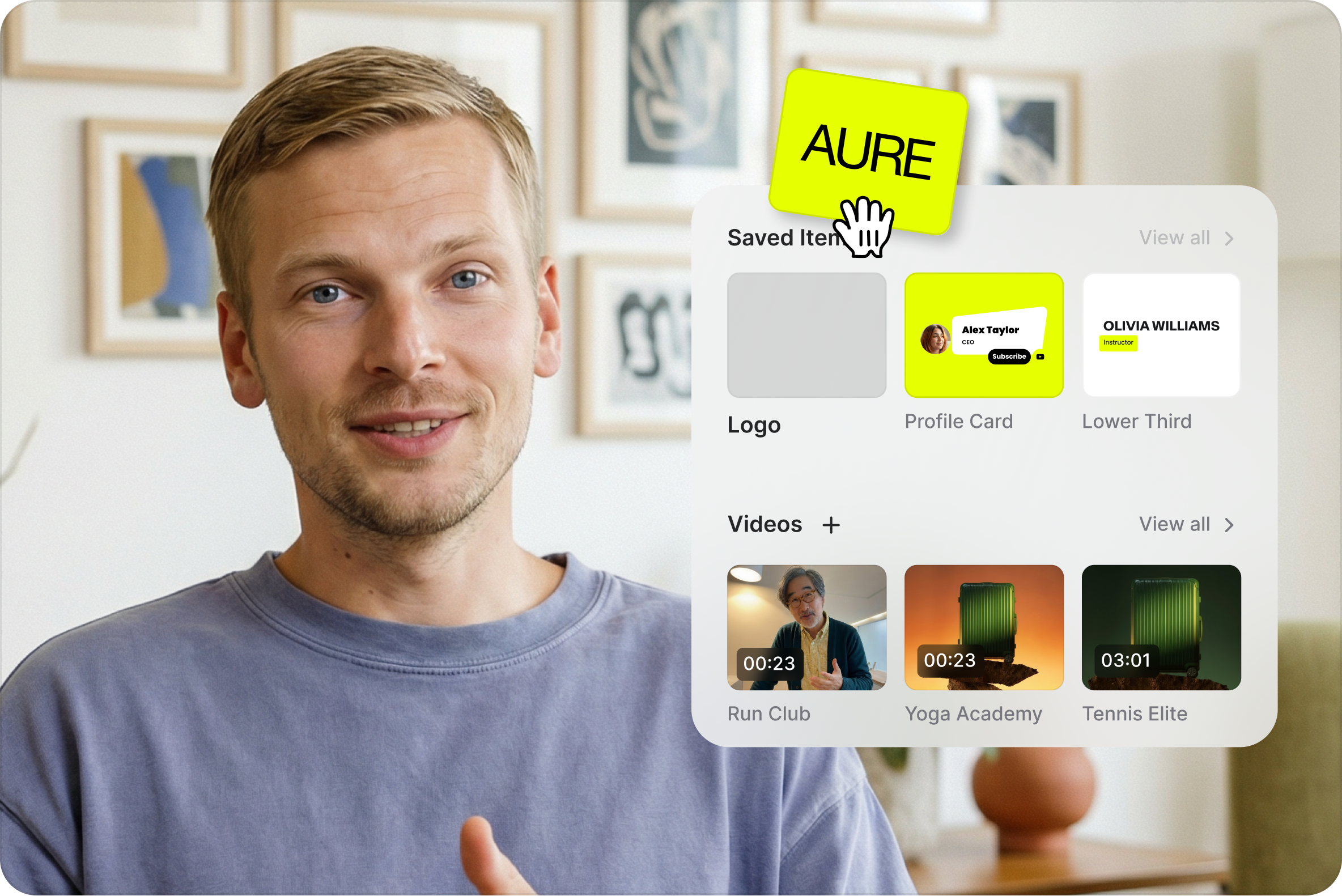
Subtitles remain the cleanest entry point. You can generate them, correct the transcript, style the result, and burn it into the export. The editor also handles trim, crop, transitions, stock footage, text, music, background removal, noise cleanup, filler-word removal, dubbing, voice cloning, and platform resizing. Brand kits and templates are the grown-up features: they turn one successful video into a repeatable production recipe.
AI moved from garnish to the menu
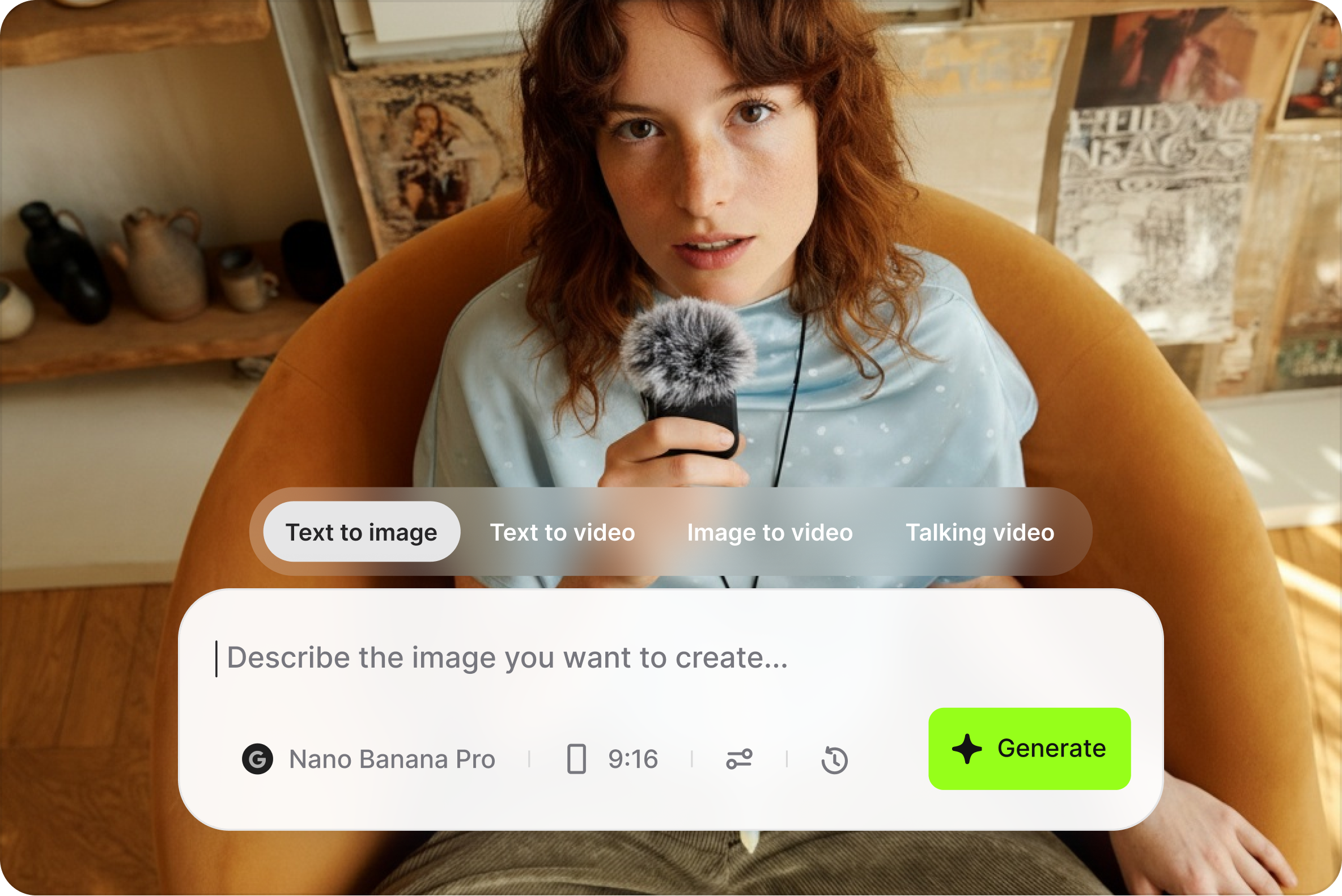
VEED now describes itself as an AI video creation platform, not merely an online editor. A prompt can become a script, voice, image, avatar, B-roll, music, or talking-character video. Its Fabric 1.0 model animates a still face from audio. Lip Sync 2.0, released through fal.ai in July 2026, accepts your own audio, outputs Full HD, and supports videos up to an hour. The Subtitle API accepts a video URL, transcribes it, applies a visual preset, and returns a rendered MP4.
The newest and oddest branch is OpenEdit. Released in August 2026, it lets an AI coding agent cut, reframe, caption, layer motion graphics, and turn slides or webpages into video. Composition happens in HTML and CSS, while VEED Engine renders locally without a headless browser. The pipeline is Apache-2.0; the renderer binary is closed source but free to use. At launch it requires an Apple Silicon Mac running macOS 26, so this is an intriguing side door, not the default entrance.
Where VEED earns its keep
Generative convenience has a meter attached. Paid editing and AI credits are related but not interchangeable. A plan can remove the watermark and raise export quality while a particular generation still consumes credits. Generated B-roll can be wonderfully specific or comically wrong. Voice and face tools create obvious consent and brand-risk questions. Budget for rejected generations, check every factual claim, and never assume a convincing mouth movement means the words are approved.
The honest review column
What users like
Ease, quick captions, a shallow learning curve, and having common jobs together. Trustpilot's current summary mentions intuitive editing, accurate subtitles, and useful background-noise cleanup. One 67-year-old novice wrote that three shorts took about an hour.
What breaks the spell
Reviewers mention lag, upload delays, occasional bugs, lost work, AI output that misses the brief, and confusion about credits or renewals. Capterra users also cite limited elements and awkward project splitting.
The ratings disagree in instructive ways. At the time of review, G2 showed 4.6 from 1,999 reviews, Trustpilot showed 4.2 from 3,833, and Capterra showed 3.2 from 62. The sample sizes, prompts, and reviewer populations differ, so averaging them would manufacture precision. Read the nouns instead: subtitles, ease, lag, limits, price, and support. Those recurring topics tell you what to test.
Support is not round-the-clock. VEED's help center says email is available to all users, live chat to paid users, and priority channels to enterprise accounts, Monday through Friday. It lists typical email replies within three business days and paid live-chat replies in four to eight business hours. That may be fine for a content calendar. It is less comforting when a campaign export is due Saturday morning.
A buying test that costs less than regret
The free editor covers basic trimming, cropping, resizing, text and music, with 720p watermarked exports and limited AI trials. VEED says paid plans begin at $9 per month billed yearly or $19 month-to-month. Paid tiers remove the watermark, offer higher export resolutions, and expand AI access; larger team and enterprise arrangements add collaboration, branding, allowances, and support. Prices and inclusions move, so read the live checkout rather than a screenshot from somebody's tutorial.
- Upload the ugliest real file you expect to use: long, high-resolution, badly lit, and full of awkward pauses.
- Generate captions, correct five mistakes, change the style, and translate a sample. Measure editing time, not demo time.
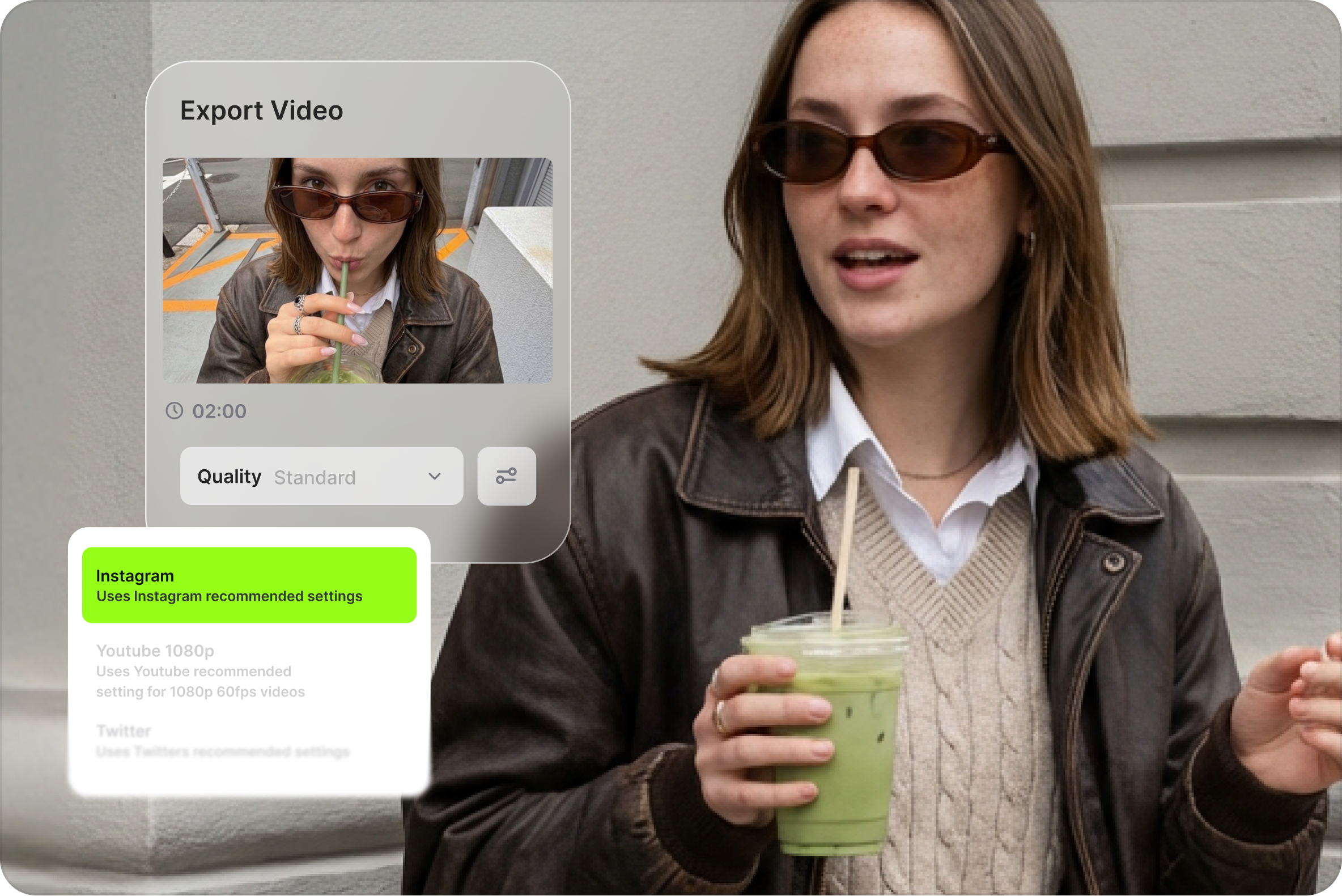
- Create the three aspect ratios your channels require and check whether faces, text, and logos survive the crop.
- Run one AI generation you actually need. Record the credits consumed, including retries and unusable output.
- Export, re-open the file on a phone, inspect audio sync, then locate cancellation and renewal settings before paying.
If that rehearsal works, VEED can replace a messy row of single-purpose tools and make a small team feel less like a file-transfer cooperative. If preview playback stutters, the export queue drags, or AI retries eat the allowance, believe the test. The right video editor is not the one with the most boxes on its pricing page. It is the one your team can finish with on a normal Tuesday.
VEED is for people whose video is due today, and whose patience expired yesterday.
The final verdict is pleasantly specific. VEED is a strong first stop for caption-heavy social, marketing, education, and internal video, especially when several non-editors need a shared, branded workflow. It is less persuasive as a replacement for deep post-production, and its AI layer deserves the same skeptical review you would give a junior freelancer with excellent speed and unusual taste in B-roll. Use it for the boring cuts, the repeated formats, and the accessibility work. Keep your judgment in the chair.