Consider Microsoft Word. You want it to open a document. You probably do not want that document to turn Word into a launching pad for PowerShell, the powerful scripting tool administrators use to manage computers. Yet both programs may be legitimate, installed and trusted. The trouble begins in the relationship between them. A guest list tells you who belongs at the party. It says remarkably little about who should have the keys to the drinks cabinet.
- Approve the software. Unapproved code is blocked when enforcement is active.
- Constrain the approved software. Trust comes with boundaries.
- Budget for decisions. Someone must handle legitimate changes.
The app gets in. Then what?
ThreatLocker, the Orlando cybersecurity company, sells controls for precisely this awkward situation. Application Allowlisting determines what may execute. Ringfencing determines what an approved application may touch, launch or contact. Privileged Access Management can elevate a particular application without making its user a permanent local administrator. Each answers a different question about permission. Combining them makes the familiar word “trusted” considerably less generous.
Buyers have alternatives. Airlock Digital also specializes in application control; Microsoft offers App Control for Business for Windows. ThreatLocker’s pitch combines allowlisting with application containment, privilege controls and human support in a broader platform. The practical comparison is therefore about the controls your team needs and the effort to operate them. A longer feature list alone cannot answer either question.
Imagine an office where Word may open documents but cannot start PowerShell. PowerShell may remain available for legitimate administration, subject to its own restrictions. That is the distinction ThreatLocker emphasizes: malicious activity can involve perfectly respectable software. Recognizing an application’s name does not settle whether its next action belongs in your business.
A phishing attack changed the question
The company traces its origin to Danny Jenkins witnessing the aftermath of a severe phishing attack. Operations were disrupted; the business nearly failed, according to ThreatLocker’s account. The lesson Jenkins drew was about the starting assumption of security. If unfamiliar activity gets permission until someone identifies it as dangerous, defenders inherit an enormous recognition problem.
In 2017, Jenkins, Sami Jenkins and John Carolan incorporated ThreatLocker and launched Allowlisting. Their alternative was to identify the software an organization needs and deny other execution by default. Application control already existed as a category. ThreatLocker’s commercial challenge was to make this stricter approach manageable for organizations whose employees still needed to install, update and use things.

“We believe the better model is to define what is allowed and deny everything else by default.”
Danny Jenkins / July 2026
The inconvenient work of saying yes
Here is the complication. Most organizations do not possess a perfect list of everything their computers need. Software has dependencies. Employees have specialized tools. Updates arrive. A tidy policy can become an untidy working day if nobody has accounted for the application that makes payroll possible.
ThreatLocker starts with discovery. Its onboarding documentation describes computers entering learning mode, during which applications are not blocked while the system learns their files. Administrators can then decide what belongs. The distinction matters: observing activity and enforcing a restriction are separate stages. A rollout needs an explicit transition between them.
For unfamiliar requests, the company offers an isolated testing environment to inspect software before approval. Users can request access; administrators can approve internally or use Cyber Hero approval services. A catalog of preapproved applications offers another route. These features address the same operational bottleneck: an employee needs a legitimate tool, and someone must make a defensible decision promptly.
The bill also requires a conversation. ThreatLocker publishes custom pricing based on endpoint count, application landscape and control requirements, alongside a 30-day trial. Buyers should ask for a scoped quote and measure the approval workload during the trial. License cost and the time spent maintaining permissions belong in the same budget.
There are concrete compatibility questions, too. ThreatLocker’s Windows elevation documentation says the feature requires User Account Control to be enabled and can cause issues where legacy applications depend on it being disabled. A sensible evaluation includes those awkward applications early. They are where a general promise meets a particular office.
The customer is the person with the queue
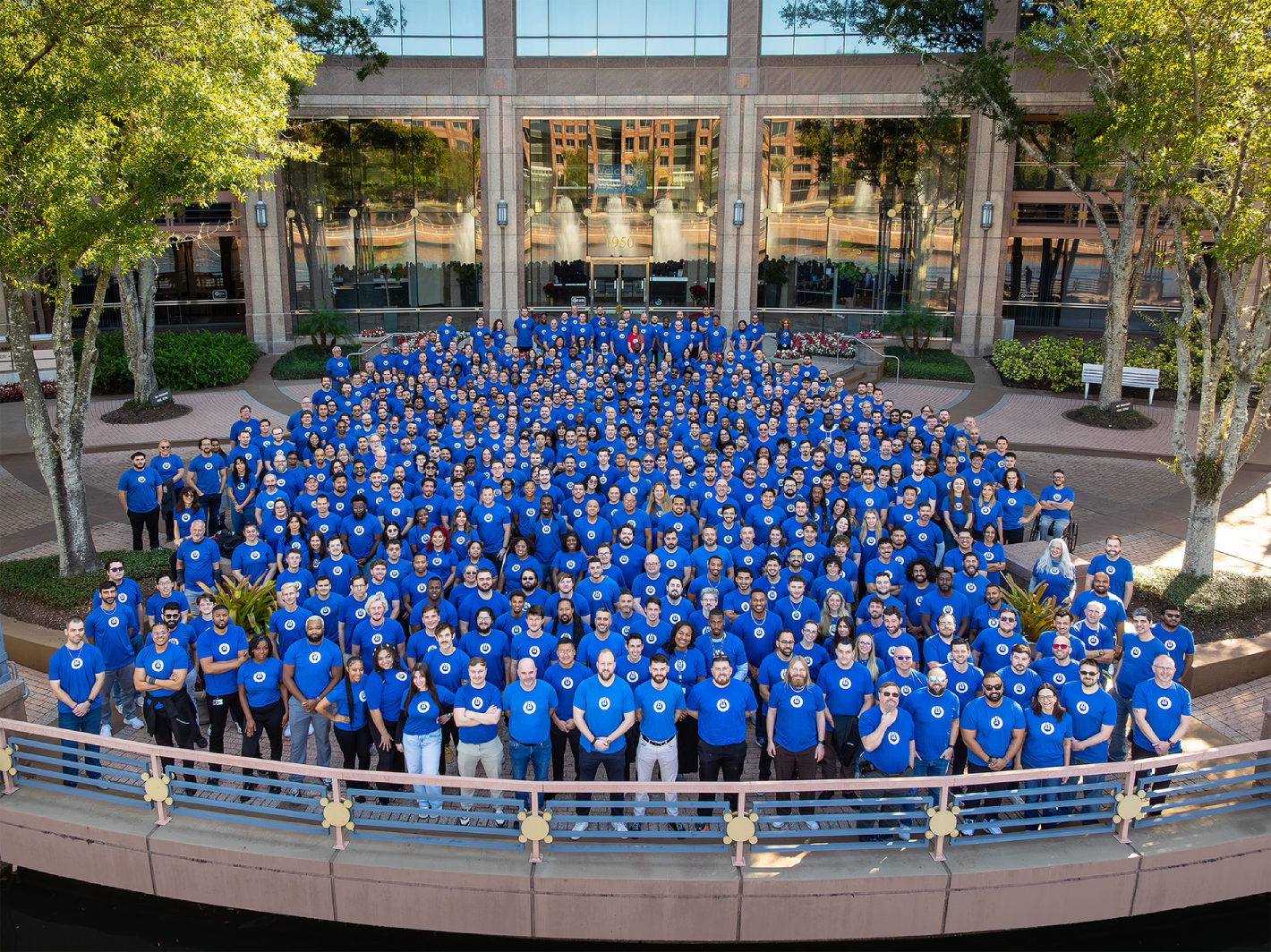
ThreatLocker sells to enterprises and through managed service providers, the firms that run technology for other businesses. Its public customer stories range from Heathrow Airport and the Orlando Magic to the City of Champaign and TLG Peterbilt. These are organizations with quite different operations, connected by the need to keep necessary software available while restricting unnecessary access.
Champaign’s network engineer Brian Perkinson described an unexpected benefit in a company-published testimonial: “Learning mode helped us to figure out what is our allowlist”. Discovery also produced a software inventory across departments. Before the policy could become useful, the organization became more legible to the people responsible for it.

That human layer is part of the product’s economics. ThreatLocker offers 24/7 Cyber Hero support and managed detection and response. Its ConnectWise integration can turn requests into service-desk tickets and update license counts on customer agreements. For an MSP, the value includes getting the security decision into the workflow already used to serve customers.
A bigger perimeter for a smaller permission
By July 2026, ThreatLocker said it protected more than 70,000 organizations worldwide. That month it announced $190 million in Series F funding led by Elephant, with D. E. Shaw Ventures, Arthur Ventures and Koch Disruptive Technologies participating. Announced priorities included AI security controls, platform development and international expansion.
Company-reported scale and announced financing. Organizations include those served through partners.
The perimeter has widened. March 2026 brought Zero Trust Network Access and Zero Trust Cloud Access, requiring valid credentials, an approved device and a ThreatLocker-managed broker connection. The expanding platform also includes patching, web controls, detection and managed response. Its position now reaches across several security categories, while its most recognizable idea remains the control of execution and behavior.
The useful habit travels well: inventory what runs, separate permission to execute from permission to interact, and give exceptions an owner. This approach becomes less effective when approvals turn into rubber stamps or nobody can maintain the rules. The interesting test is whether the next necessary change can happen safely, without teaching everyone to ask for unlimited access.