Every workplace has a person who knows which tiny checkbox makes the report reconcile, where the expense form hides, and why the CRM refuses to save on Fridays. Tango is for that person first. It watches them complete a software task, catches the clicks, and produces a visual guide before the next “quick question” lands in chat.
The proposition is easy to understand because the pain is so ordinary. Traditional process documentation begins after the useful work is finished. Someone opens a blank document, reconstructs the routine from memory, takes screenshots, crops them, adds arrows, and discovers the interface changed yesterday. Screen recordings are quicker, but a seven-minute video is a poor answer when the viewer only needs step six. Tango captures the process during the work itself, when the details are still on screen.
That makes it useful for operations, IT, enablement, HR, support, finance, and any team rolling out software to people who did not choose it. A solo consultant can use it for client handoffs. A clinical research coordinator on Reddit recommended it for automatically making web-based guides. A large employer can layer the same captured knowledge into live software with on-screen help. If your work has no repeatable path, or depends mostly on judgment and conversation, Tango has less to grab.
The magic trick is mostly good timing
Install the browser extension, press capture, and do the task. Tango turns each action into a numbered step with a screenshot, a visible highlight, and a generated description. You can tidy the language, remove irrelevant steps, redact sensitive details, and share the result as a link. Pro users can also export PDF, HTML, or Markdown, capture desktop applications, add voice or video, and see viewer activity.
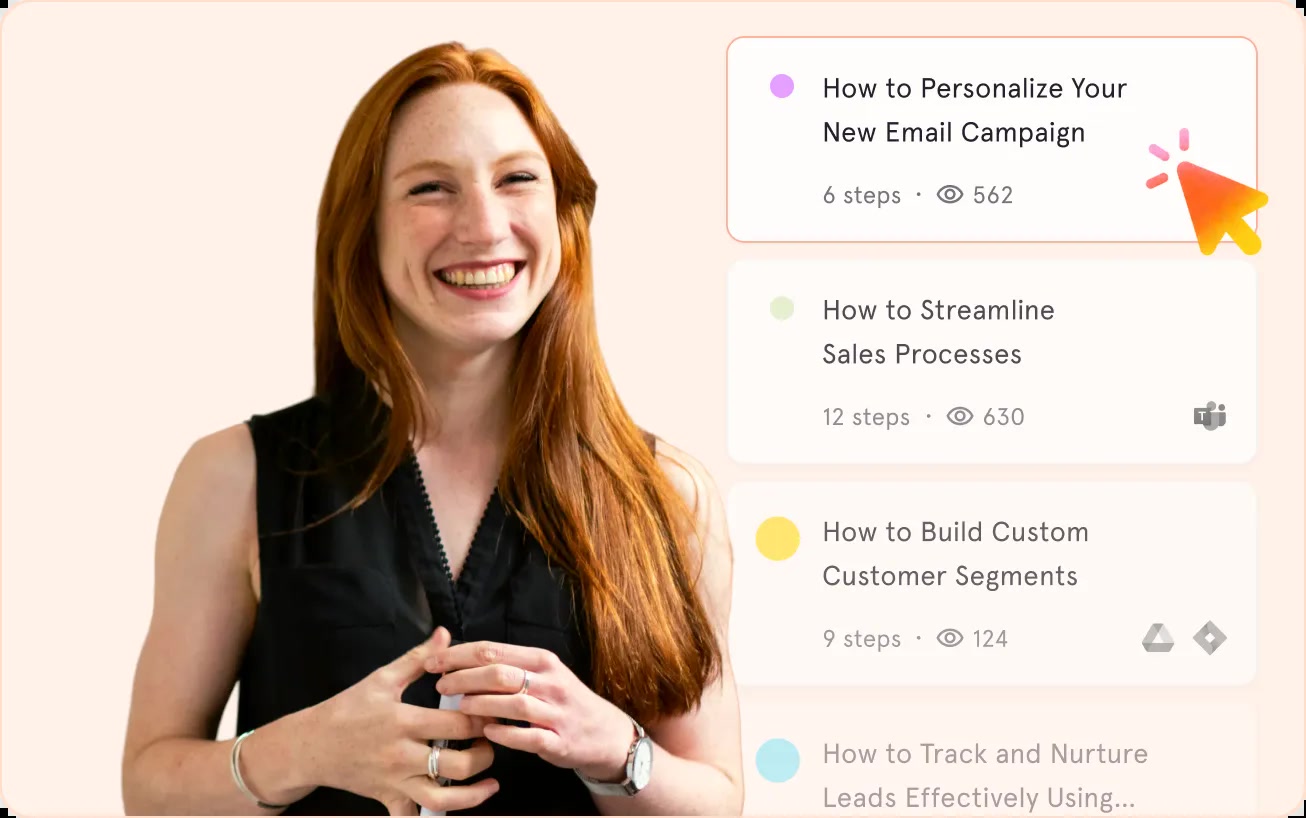
The output is deliberately less expressive than a video. That is a strength when the job is procedural. Readers can scan, pause, search, copy a field name, or jump straight to the troublesome step. It is also easier to amend a screenshot guide than to re-perform a flawless narration because one menu moved. The creator avoids “presentation mode” and the learner moves at their own pace.
“Videos fail for both the creators and consumers of knowledge.”Ken Babcock, speaking to Forbes in 2022
That quote is pointed marketing, but it captures the choice. Use Tango when the answer should be a durable reference. Use video when tone, rationale, motion, or improvisation matters. A good customer-support team will probably keep both. The mistake is forcing every explanation into the same container because the company already pays for it.
From capture tool to workplace layer
Tango launched its Chrome extension publicly in September 2021 after founders Ken Babcock, Dan Giovacchini, and Brian Shultz left Harvard Business School during the first pandemic spring. Remote work had removed the casual shoulder tap. Their first product converted the substitute - awkward remote screen sharing - into reusable instructions. It reached 100,000 users within eight months, then the company raised a $14 million Series A led by Tiger Global in 2022, bringing announced funding to $19.7 million.
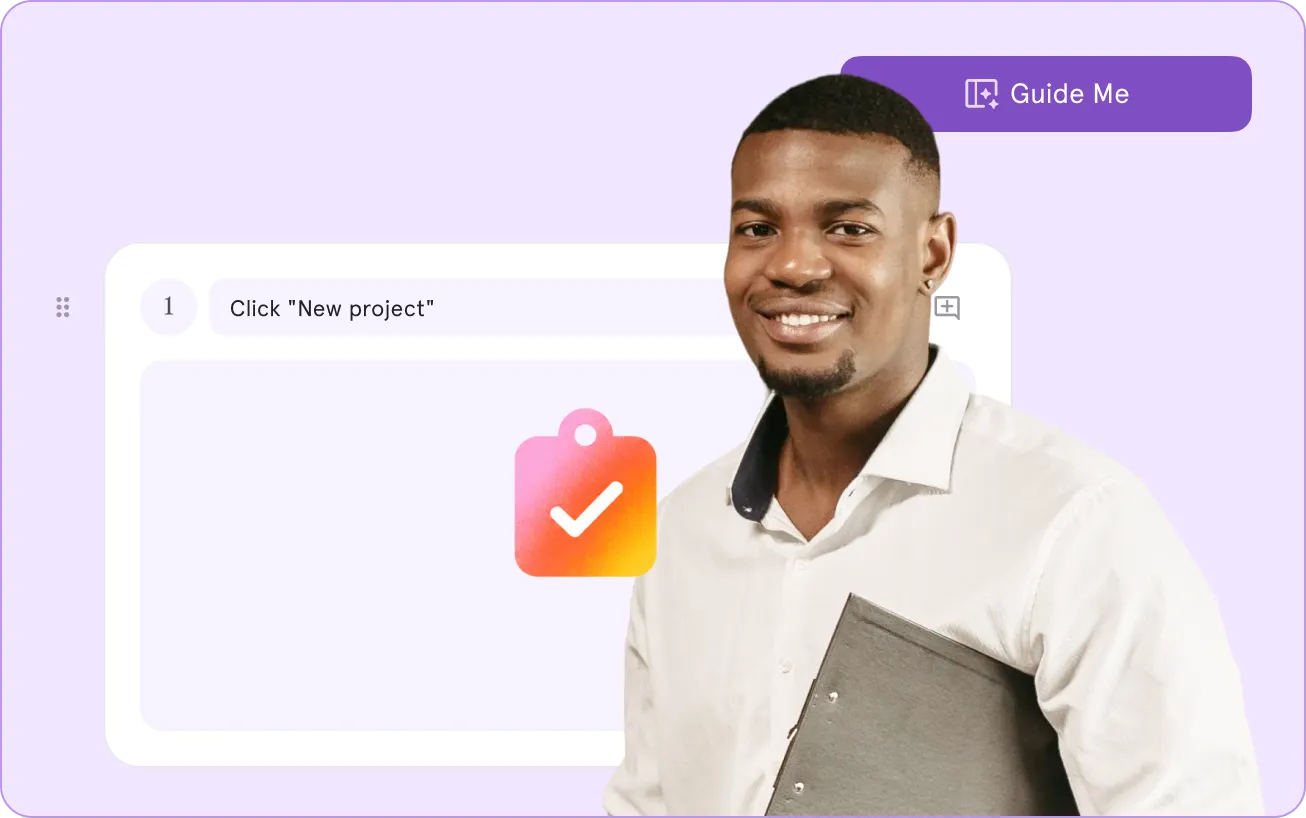
The current product is wider. “Guide Me” plays a captured process back as an interactive walkthrough, showing a user where to click inside the live application. Pins and Nuggets put a tip, link, or piece of reusable knowledge next to the work. Workflow Branching handles different permissions or starting conditions. Enterprise customers can translate guides into 15 languages and apply identity, provisioning, audit, and analytics controls.
Click once, document once
Browser and desktop recording produce the first draft while the expert performs the real task.
Talk while you work
Voice Transcription turns narration into written context tied to the appropriate steps.
Bring help to the screen
Guide Me and Pins put instructions inside the software instead of sending learners hunting through a wiki.
Redact and govern
Manual blur is available on Pro. Automatic PII detection, SSO, SCIM, and audit logs sit in Enterprise.
Then comes the bigger move: automation. Tango’s Enterprise AI Agent can extract information from call transcripts, emails, and business apps, apply plain-English pipeline rules, and update systems such as Salesforce or HubSpot. A creator can mark steps as manual, and a person can take control during a run. This is still sold through a demo, so buyers should evaluate it as a separate operational project, not assume every neat guide will instantly become a reliable robot.
What the reviews quietly say
Tango’s Chrome listing showed a 4.8 score from 346 ratings and 400,000 users in August 2026. On G2, the recurring praise is unsurprising: ease of use, time saved, and quick tutorial creation. The recurring complaints matter more to a buyer. Reviewers mention limited editing, capture options, customization, and advanced features, particularly when guides grow complicated. Auto-capture gets you to a first draft quickly; it cannot decide whether your first draft is sensible.
There is also a packaging wrinkle. The free plan allows up to ten workspace users but only five shared workflows. That is enough to test the capture loop with real colleagues, not enough to become the operating manual for a busy team. Pro removes the workflow limit and adds the exports and editing features that make documentation portable. Enterprise contains the capabilities that distinguish Tango from a plain guide maker: Guide Me, Pins, automation, branching, translation, automatic redaction, and deeper governance.
| Choice | Pick it when | Watch for |
|---|---|---|
| Tango | You want fast screenshot SOPs now and may later need in-app guidance. | The guidance and automation features that set it apart require Enterprise. |
| Scribe | Your center of gravity is a large documentation library and packaged process pages. | Compare export, desktop, and enterprise terms feature by feature. |
| Loom | Nuance, commentary, and showing motion matter more than scan speed. | Videos date quickly and make one buried step expensive to retrieve. |
| WalkMe / Whatfix | You are running a formal, large-scale digital adoption program. | Expect a heavier implementation and buying process. |
The buyer’s five-workflow test
Do not start with your company’s grand onboarding journey. Use the free allowance on five small routines that cause actual interruptions. Pick a task performed at least weekly, a task done by more than one person, a task with a costly mistake, a task that crosses two tools, and a task a new hire recently asked about. Capture each with a person who knows a reliable path.
The person following the guide should be your real judge. Watch where they hesitate. A technically accurate screenshot can still be useless if it assumes a permission they do not have, a vocabulary they do not know, or a clean starting state they never see. Add the reason for consequential choices, not a novel beside every button. Tango can capture the visible path; your team still has to supply the exceptions, ownership, and judgment that turn a click trail into an operating procedure. Assign someone to review popular guides after major software releases, too. A beautifully formatted wrong answer travels farther than a scruffy note.
- Count how many edits the automatic draft needs before it is safe to share.
- Ask a colleague to follow it without the creator sitting nearby.
- Check every frame for customer names, tokens, addresses, and private tabs.
- Change one step and measure how painful the update and redistribution feels.
- Track whether the same question disappears from chat over the next two weeks.
That test exposes the value better than a polished demo. It also catches the privacy problem inherent in screen capture. Tango offers blurring and says it is SOC 2 Type II compliant, but it does not claim formal HIPAA compliance. Regulated teams should map what the extension can see, where captures are stored, which plan supplies automatic PII redaction, and who can publish or update a guide. “We blurred it later” is not a data-handling strategy.
Tango earns its place when repeated software questions are stealing time from the people equipped to answer them. Its capture loop is approachable, the guide format respects a reader’s time, and the path from document to in-app assistance is coherent. Small teams should price Pro against the hours they recover. Larger teams should buy Enterprise only after testing guidance and automation inside the messy applications, permissions, and exceptions they actually use.
The product’s cheekiest achievement may be linguistic. A guide is a “Tango,” so the office can now answer “How do I do this?” with “I’ll send you a Tango.” Beneath the branding sits a worthwhile management habit: turn private competence into shared infrastructure. The software makes that habit easier. It cannot make the expert slow down, remove the mystery steps, or admit that a workflow is absurd. Sometimes the useful result of recording a process is discovering that nobody should have to perform it in the first place.