The work between the work
Imagine a supplier review on a Friday afternoon. The spreadsheet is ready. The presentation is almost ready. The meeting is booked. Then someone asks whether the delivery figures include the latest delay, whether finance has approved the revised terms, and whether the supplier has answered the question from Tuesday.
Suddenly the review is a small detective story. The answer lives partly in an email, partly in a Teams thread, partly in the head of a colleague who has already signed off for the weekend. A person has to connect those pieces. After that, someone has to remember to ask again on Monday.
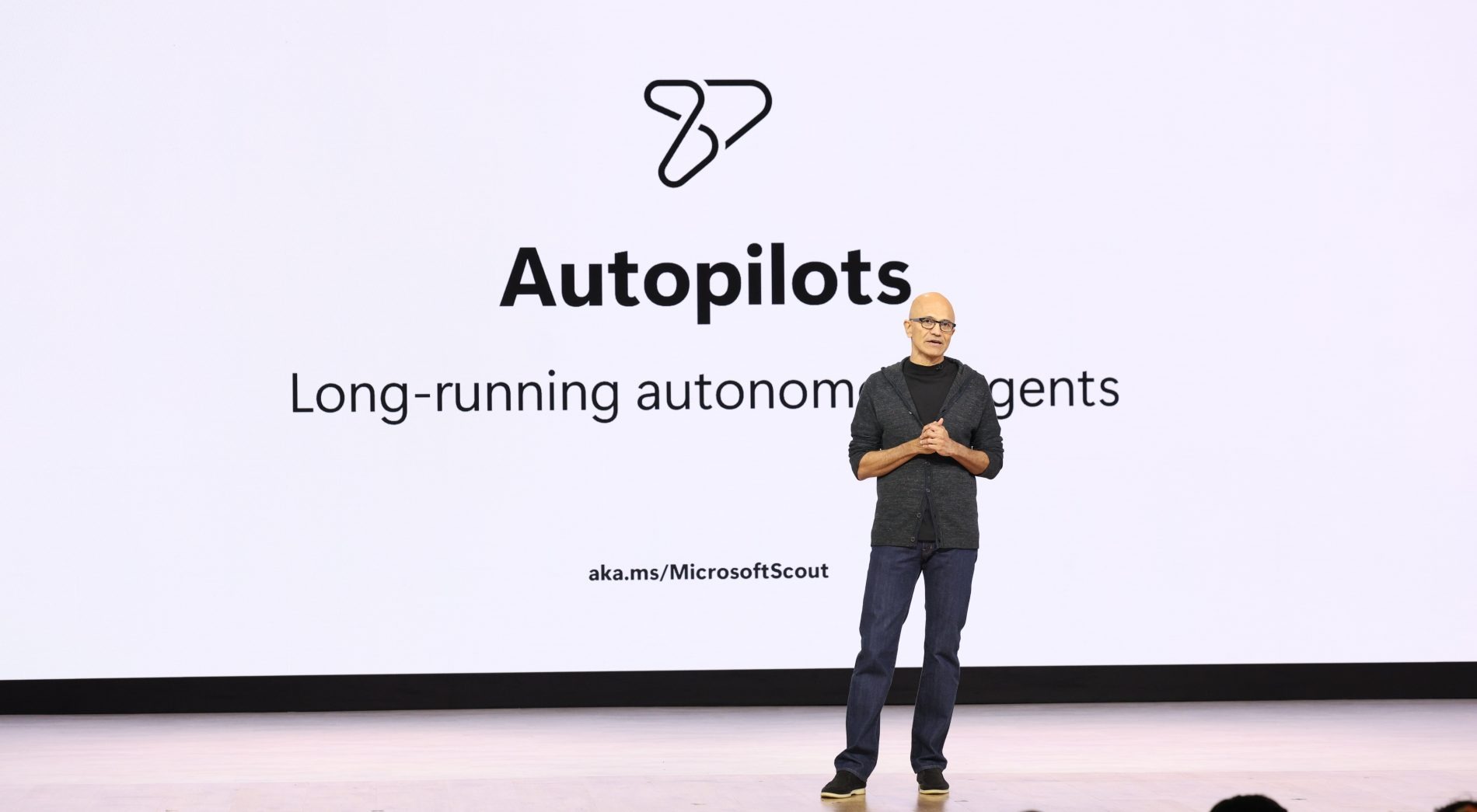
This is an illustrative office scene, but it captures the problem behind Microsoft’s September 25 Copilot announcement. The company introduced Home, Code and Autopilot: a place to work with documents, a way to build small applications, and an agent intended to keep pursuing goals over time. The three names describe a widening assignment. Answer the question. Make the tool. Keep the job moving.
The last step changes the relationship. A chatbot can be useful for ten minutes and then disappear from your day. A persistent agent has to be useful tomorrow, after the conversation has ended and the circumstances have changed. It needs a longer brief. It also needs boundaries.
Ask and delegate. Work with live Office files.
Describe the tool. Build an app, widget or workflow.
Set a recurring goal. Keep work moving across time.
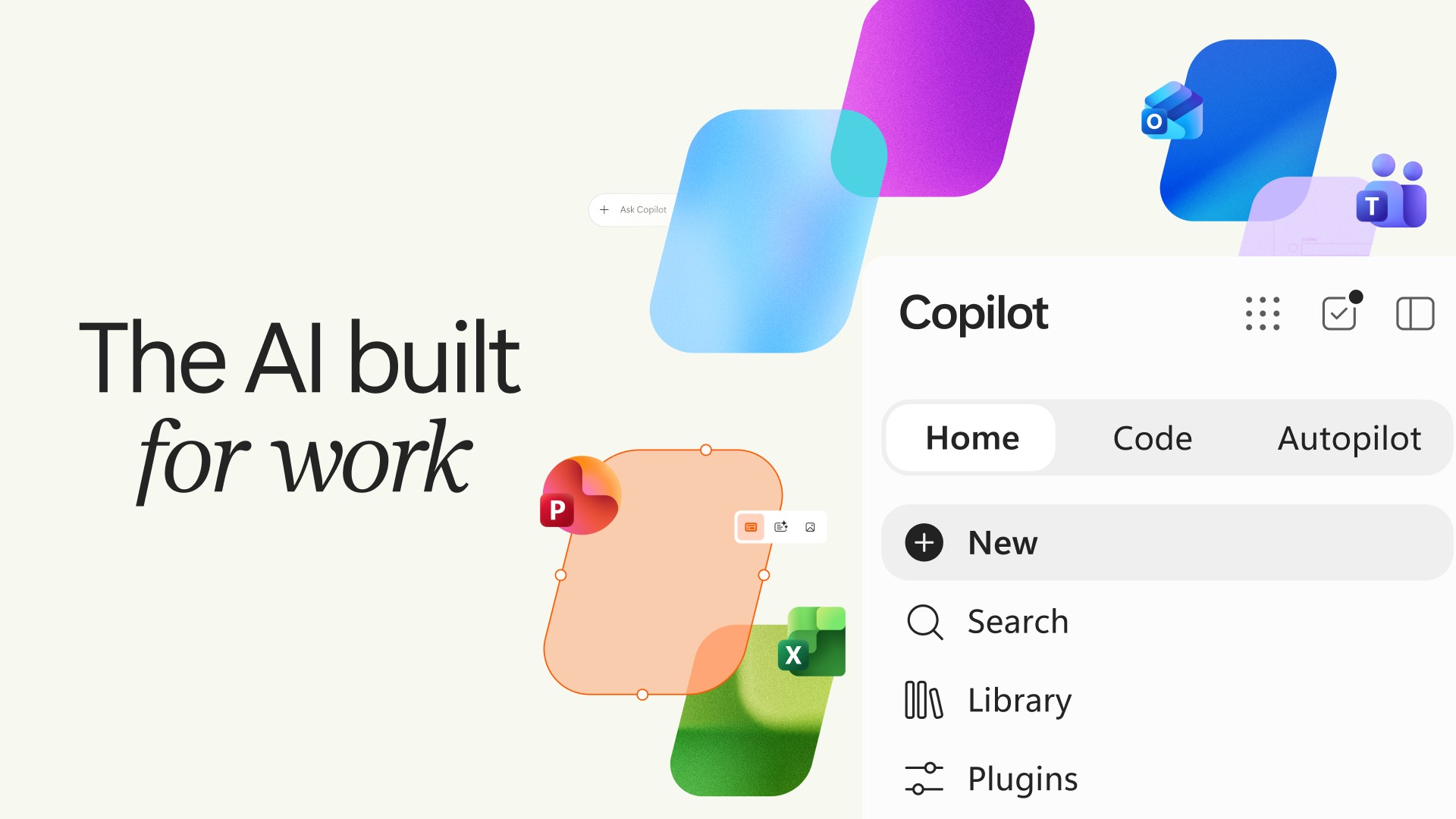
Home brings the file into the conversation
Consider the familiar journey of an AI-generated draft. You ask for a briefing. A block of text appears. You copy it into a document, fix the formatting, send a link, and discover that a colleague has been editing another version. The writing was fast. The handoff was still work.
Home brings Chat and Cowork together and lets people create or edit live Word, Excel and PowerPoint files inside Copilot. The difference is tangible: an editable workbook is something a team can use. A paragraph describing a workbook still leaves somebody with a construction job. Microsoft is moving the conversation closer to the object people actually need.
That matters because office work has two clocks. One measures how long it takes to produce something. The other measures how long it takes to get everybody working from the same thing. A faster first draft helps the first clock. A shared file can help the second. Confusing the two is how a dazzling demonstration becomes an ordinary afternoon of copying, pasting and checking.
For our hypothetical supplier review, the useful result would be a working briefing and budget sheet that the team can examine together. The review still requires judgment: which delay matters, which number belongs in the budget, which promise is credible. But the person doing that thinking would spend less time carrying text between windows.
This is the least theatrical part of the announcement. It may also be the easiest to understand. People already know what a document is for. The pitch is to shorten its journey from request to shared work.
Code adds something the spreadsheet cannot quite do
Now suppose the supplier review happens every month. The team maintains a spreadsheet with dates, owners, risk scores and comments. It works until everyone needs a different view. Someone wants overdue actions. Someone wants a chart. Someone wants a button that reminds the person responsible.
At that point the spreadsheet is being asked to behave like an application. Code offers a different route: describe an app, dashboard, widget or workflow in natural language, and Copilot builds it in a sandboxed environment. The attractive customer is the person who understands the recurring problem but cannot justify a software project to solve it.
Think about the economics of that tiny project. A bespoke supplier tracker might save a few minutes for several people each week. That can be valuable, yet still too small to compete with a company’s main engineering priorities. Lower the effort needed to make it and the calculation changes. A tool that was never going to reach the development queue might become worth trying.
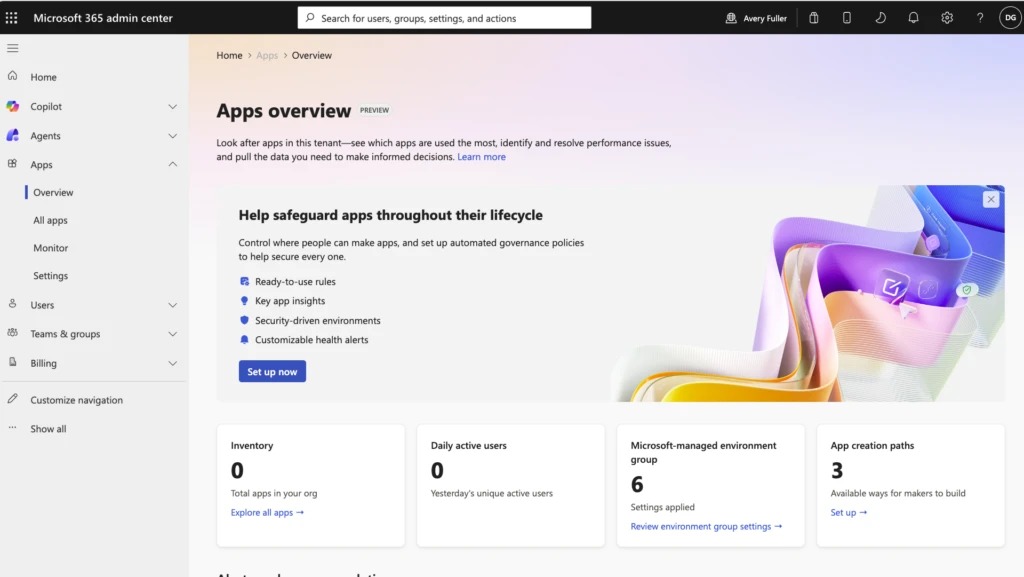
The next problem arrives immediately. Who can open it? What data can it see? Who fixes it when the underlying process changes? A working prototype does not settle those questions. In its separate Managed Runtime announcement, Microsoft describes public-preview hosting within the Microsoft 365 tenant, with Entra identity, organizational policies, versioning and an admin inventory. That is the proposed operating foundation for these little tools.
The implication is a new kind of office artifact. Alongside the briefing and the budget, a team could have a purpose-built tracker. Its author would still need to decide what counts as overdue and which numbers deserve attention. Easier construction makes those decisions more visible; it does not make them disappear.
Autopilot inherits Monday
A tracker can tell you that an answer is missing. Somebody still has to chase it. This is where Autopilot enters the story.
Microsoft describes an agent that can pursue recurring goals across Teams and Outlook, with its own identity, memory, workspace and permissions. Its private preview is expanding. The promise is continuity: work can continue while the person who assigned it is occupied elsewhere.
Return to Friday’s supplier review. A narrowly framed assignment might be to watch for the missing delivery update, prepare a summary when it arrives, and flag any unresolved question before the next meeting. Those are hypothetical instructions, not a report of a tested deployment. They show why a recurring goal differs from a one-off request. The agent has to recognize a future event, relate it to an earlier objective, and decide what action fits its authority.
The phrase “always-on coworker” makes that sound wonderfully simple. A human coworker, however, brings a store of unwritten knowledge to the job. They know which manager needs a gentle nudge, which deadline is flexible, and which change warrants a phone call. Turning any of that into an assignment requires choices that a prompt for a summary rarely demands.
A manager might allow an agent to prepare a follow-up but reserve sending it for approval. Another might permit routine reminders while requiring escalation for changed terms. The useful boundary depends on the job. The point is that delegation becomes an ongoing design decision: what should proceed automatically, and what should return to a person?
The test will be the unremarkable Monday morning. Did the missing answer arrive? Did the right person hear about it? Did the agent stop when the objective was complete? Continuity is valuable when it closes a loop. Activity by itself is easy to produce.
Continuity is valuable when it closes a loop. Activity by itself is easy to produce.
From this feature
The meter is part of the product
There is a second continuity problem: the bill.
Microsoft distinguishes subscription access from usage-based billing. Cowork, Code and Autopilot run on usage-based billing, with new spending controls for administrators. Buying access and funding ongoing execution are therefore separate decisions. A familiar subscription price cannot, on its own, tell a manager what a recurring assignment will cost.
That changes the question at the buying meeting. “How many people need this?” is still relevant. So is “How much work will they delegate?” A department experimenting with occasional tasks and a department running persistent processes may have very different consumption patterns, even if they have the same headcount.
The right comparison is the result of a task against its total cost, including the human effort required to check and correct it. A cheap run that creates another hour of cleanup is expensive work. A more costly run that closes a useful loop may earn its place. Without observing both the execution and the review, a team cannot tell which it bought.
Spending controls belong in that conversation from the beginning. They determine how far an experiment can travel before somebody must make another decision. For a recurring goal, a budget is part of the brief, alongside the deadline and permission to act. An agent that can keep working needs a clear answer to how long it should keep spending.
Access ≠ execution
Cowork, Code and Autopilot run on usage-based billing. A subscription alone does not tell you the cost of recurring delegated work.
Three doors, three different arrival times
The announcement is also a schedule. Home and Code are headed to Frontier users; Autopilot is expanding in private preview. Those stages matter. A feature being announced does not establish that every employee can open it today.
Microsoft’s Frontier page describes early access to preview capabilities before general availability. At work, access depends on organizational participation, licensing and administrative settings; availability and usage costs vary by feature. That makes the first practical step a conversation about eligibility and deployment, rather than an assumption that all three experiences arrived together.
For an organization evaluating the new Copilot, the smallest useful trial is a complete piece of work with a visible finish. One briefing. One tracker. One recurring follow-up with defined authority and a spending limit. Measure the handoffs it removes and the corrections it creates. Then decide whether the assignment deserves to grow.
Our imagined supplier review began with a missing answer. Microsoft’s bet is that more of the hunt for that answer can happen inside Copilot: the shared file, the little application, the follow-up that survives the weekend. The company is asking for a larger role in the office. Whether it earns that role will become clear when Monday arrives and somebody opens the review.
Before you delegate
What did Microsoft announce on September 25, 2026?
Home, Code and Autopilot: capabilities for working with live Office files, building apps and pursuing recurring goals.
Can everyone use the new features now?
The announcement puts Home and Code on a Frontier rollout path and Autopilot in an expanding private preview. Access varies by feature and organizational settings.
What can Copilot Code build?
Apps, dashboards, widgets and workflows from natural-language descriptions, with code running in a sandboxed environment.
How is Autopilot different from chat?
It is designed to keep pursuing recurring goals across Teams and Outlook, using its own identity, memory, workspace and permissions.
Are Cowork, Code and Autopilot covered by a flat subscription alone?
Microsoft says these capabilities use usage-based billing. Subscription access and ongoing usage charges are distinct.
Read the announcements
Microsoft’s September 25 Copilot announcement ↗Copilot Managed Runtime public preview ↗Frontier eligibility and access ↗