
An app can obey its maker beautifully and still fail to impress the person holding the keys. That is the awkward little drama behind Anything’s App Store dispute: software creation has become conversational; permission to distribute it remains a separate negotiation. A working screen is a splendid beginning. It is a poor substitute for a release decision.
On April 14, 2026, TechCrunch reported that Apple had removed Anything’s builder app twice, with a brief reinstatement between the removals. Read the report
The calendar matters. AppleInsider’s April 6 account places the first removal on March 26, the return on April 3, and another disappearance by April 6. So this was an April news story about a dispute that crossed two months. A victory lap had barely begun before the track was closed again. The dated chronology
First removal
Brief return
Absent again
A rule with a very particular exception
The governing text is less theatrical than the quarrel. Apple’s current guideline 2.5.2 says apps must remain self-contained within their bundles and respect their designated data containers. It bars downloading, installing or executing “code which introduces or changes features or functionality of the app, including other apps.”
There is an educational exception. Apps intended to teach, develop or let students test executable code may download it in limited circumstances, provided it serves no other purpose. The source supplied by those apps must be fully visible and editable to the user. That is a conditional allowance, not a general licence for every builder. Apple’s guideline 2.5.2
The distinction is consequential. Calling a product a development tool does not, by itself, settle how Apple applies that exception. Equally, describing the rule as a blanket prohibition on all downloaded code erases the qualifications Apple actually wrote. The dispute concerns where a particular implementation fits; the policy text does not adjudicate Anything’s case for us.
Two apps, two decisions
Apple’s position, in a statement reported by 9to5Mac in March, was that the issue concerned violations of its guidelines and developer licence rather than vibe coding as a category. Anything’s account centred on its attempts to satisfy the restrictions and preserve a useful development workflow. Those are the parties’ positions, not interchangeable descriptions of a settled technical finding. Apple’s reported position and Anything’s response
Then comes the easy mistake: treating the builder’s removal as a verdict on everything built with it. A tool that generates and previews changing software poses a different review question from a finished app submitted under its owner’s account. The reported removals concern Anything’s builder. They do not establish that every customer-built app was banned.
On October 13, 2026, Anything’s mobile documentation still described routes to both stores. That verifies the documented workflow on that date; it does not verify that the disputed builder has returned to the App Store. A set of instructions is evidence of a proposed journey, not evidence that every traveller has arrived. Current mobile documentation
A working screen is a splendid beginning. It is a poor substitute for a release decision.From this story
First, put it in your own hand
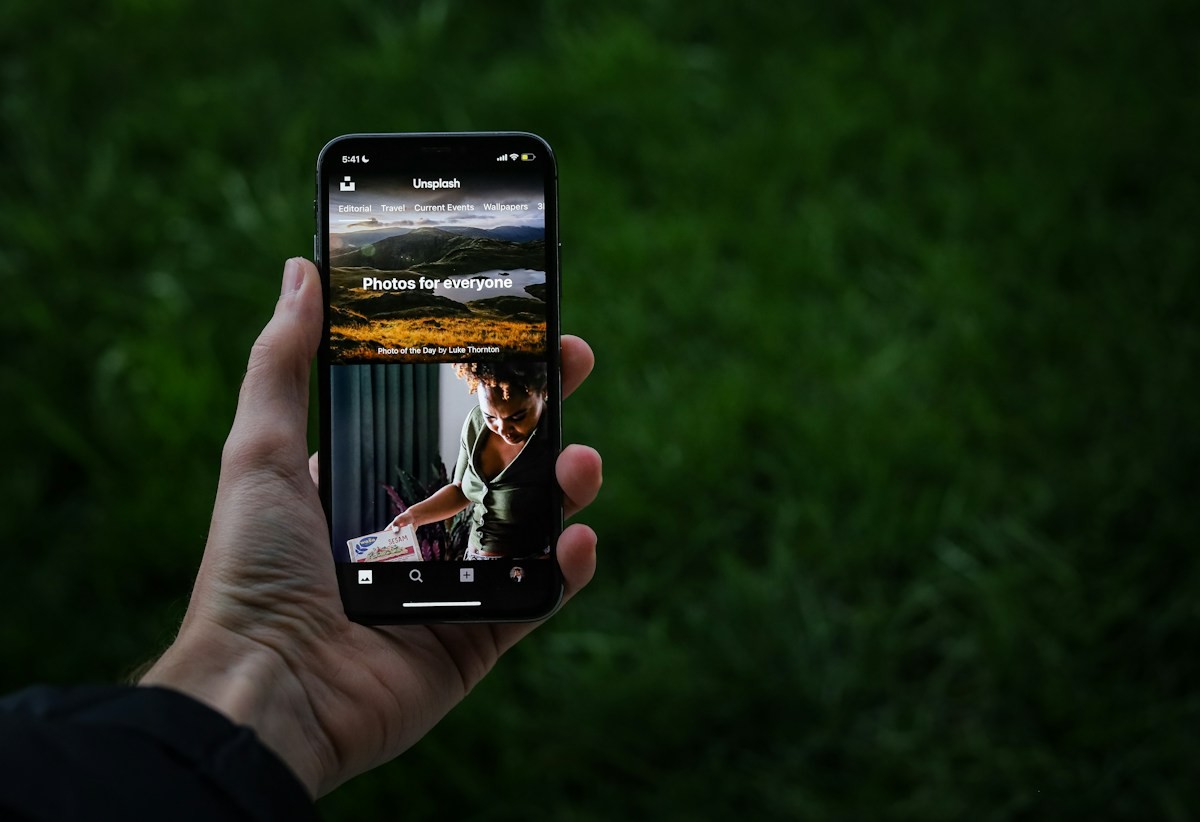
The documented iPhone preview route uses Expo Go. Create a free personal Expo account, install Expo Go on the phone and sign in with that same account. Generate an Expo access token in a browser, paste it into Anything’s Connect Expo Go panel, then scan the preview’s QR code with the phone camera. The project opens inside Expo Go.
This matters because a browser frame cannot tell you everything about a phone app. Anything’s docs direct builders to a real device for capabilities such as the camera and location. Testing in your hand lets you inspect the experience you are making. Expo account and device-preview instructions
Consider a booking app. You might discover that the calendar is fiddly, the confirmation button sits too low or the camera permission interrupts the wrong moment. Those are useful discoveries. Fixing them improves the product. None answers the separate question of whether its store submission meets the platform’s requirements. A preview can be persuasive to its creator without carrying any authority from a reviewer.
TestFlight is another stage, not the finish
Anything’s iOS submission guide then moves the project into a build uploaded to App Store Connect, followed by installation and testing through TestFlight. It calls for an active Apple developer account and preparatory material including an icon, description, screenshots, privacy-policy URL and support page. The owner completes Apple’s required information and submits the selected build for review. Anything’s App Store submission guide
There are several moments that can look like success from a laptop: the build finishes, the upload completes, the invitation arrives, the beta launches. Each marks progress. Public App Store approval is another event, with another decision-maker.
The practical habit is to name the stage you have reached. “It runs on my iPhone” is valuable. “It is in TestFlight” is more specific. “Apple approved the public release” says something different again. Precision saves a founder from announcing a launch while still rehearsing it.
- 01AnythingCreate the project
- 02Expo GoPreview on device
- 03TestFlightTest the build
- 04Apple reviewSeek store approval
Each step establishes a different thing. A preview does not establish approval.
Android opens another route—and another to-do list
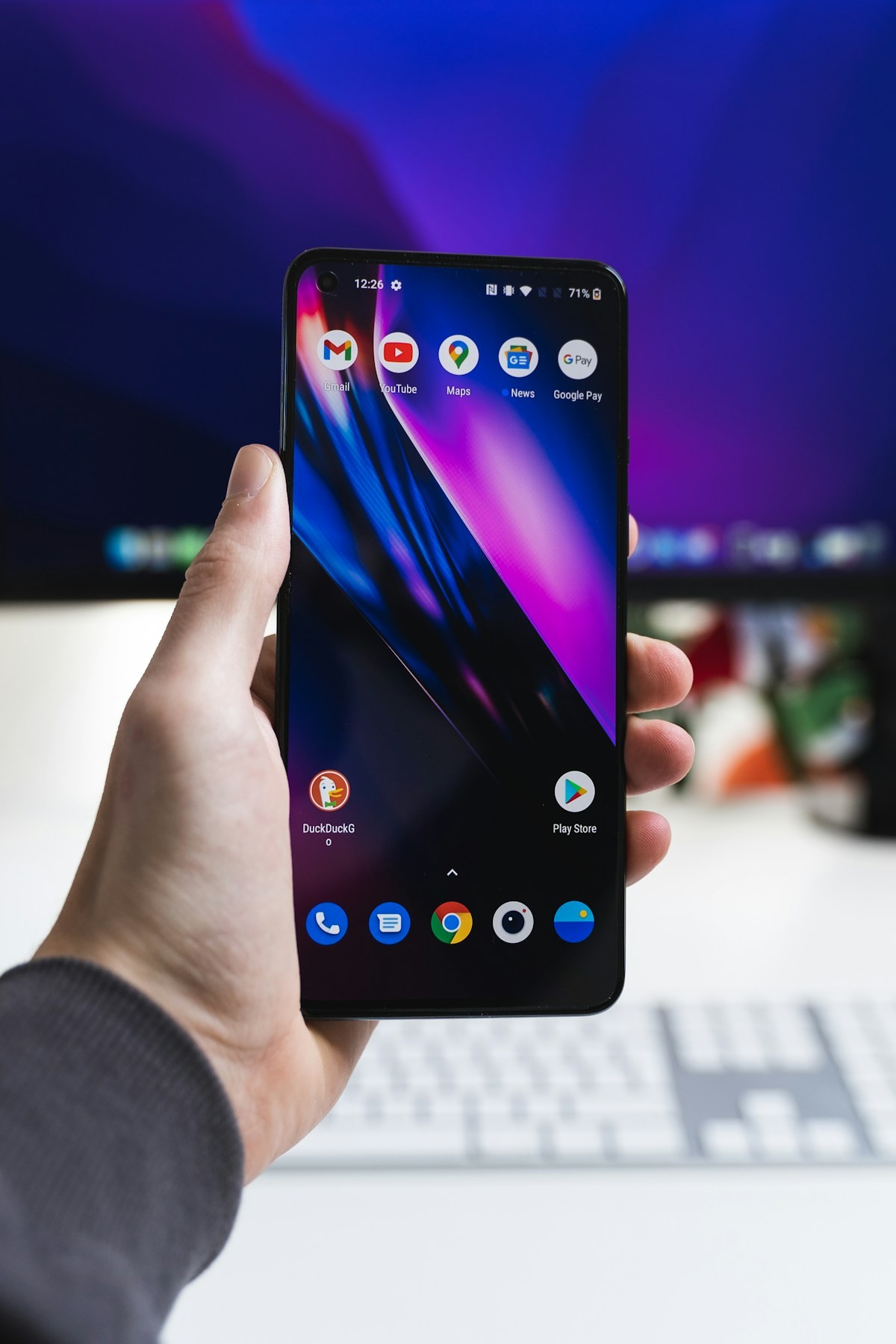
Anything’s Google Play publishing feature is documented as a beta. Its destination is precise: an Android app bundle uploaded to the internal testing track, with the release created as a draft. It does not automatically put an app in front of the public.
The owner needs a Play Console developer account, creates the listing using the package name supplied by Anything and grants its service account the required testing-track access. After upload, the owner manages testers and finishes the store and policy requirements in Play Console: descriptions, artwork, screenshots, privacy policy, data safety, content rating, target audience, testing setup and release notes. Review and public release remain there too. Google Play beta publishing instructions
For a builder choosing Android, the useful question is therefore operational: what has been uploaded, who can install it, and what remains before production? The platform name alone answers none of those. A draft gives you something to work with. It gives a prospective customer nothing to download until the remaining release work is done.
Still a draft.
Anything builds and uploads. The owner manages testing, policy, review and public release.
Illustrative Android photograph. Unsplash. Workflow: Anything docs.The launch has an owner
The lesson reaches beyond this one quarrel. Faster creation changes where a founder spends effort. When a prototype takes less time, distribution stops being a distant administrative chore and becomes an immediate part of the product plan.
For the imagined booking app, that means deciding who will maintain the listing, explain data collection, manage testers and answer review feedback while the agent is still building screens. It also means choosing a preview route that works for the intended device, rather than discovering the route on launch day.
Anything can shorten the distance between an idea and usable software. Its dispute exposes the next distance: from usable software to a product strangers can obtain through a store. The builder may write the code. Someone must still own the launch.
Describe the tool. Get the app.
Anything is an AI agent that turns a plain-English description into a working site, app or product. No developer needed to get started.
Build with AnythingThe practical questions
When did Apple remove Anything’s builder app?
The spring chronology places the first removal on March 26, 2026, a return on April 3, and another absence by April 6. TechCrunch reported the two removals on April 14.
Was every app made with Anything banned?
The cited reporting concerns Anything’s builder app. It does not establish a blanket ban on apps customers built with it.
How do I preview an Anything app on iPhone?
The documented route uses Expo Go and a matching personal Expo account. Connect an Expo access token in Anything, then scan the preview QR code.
Does an Expo Go preview mean Apple approved my app?
No. A device preview is a development step. The documented release route proceeds through TestFlight and a separate App Store review.
Does Anything’s Google Play beta publish directly to the public?
No. It uploads a bundle as an internal-testing draft. The owner completes listing, policy, testing, review and public-release work in Play Console.