YESPRESS
Newsroom
- Publish effortlesslyNote, TodayRecord a voice note, jot down a thought, drop in a link, or attach a file or photo whenever something comes to mind. Everything you add shows up here — select what you want to submit, and click next.
Newsroom is the fastest way to send YesPress a story idea. Record a voice note, write it down or attach a file, and our editors take a look.
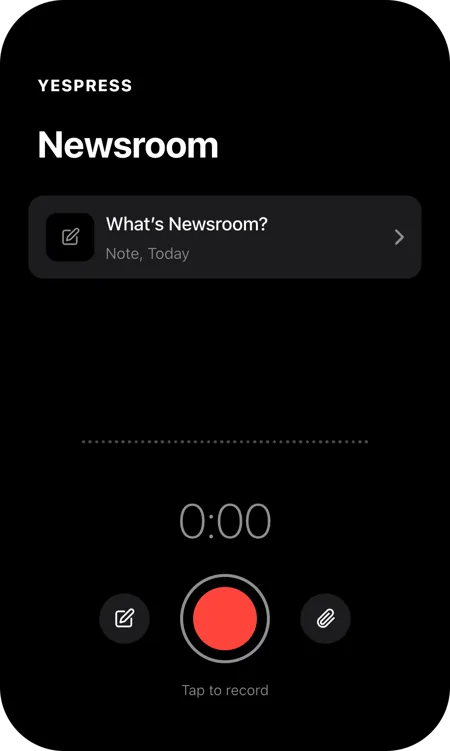
Open Newsroom and tap the red button to start recording. Tap again when you’re done. Your recording is saved straight to the list.
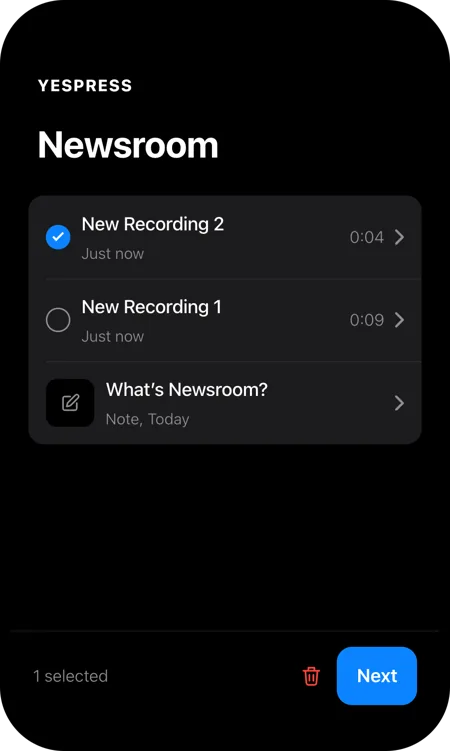
Every recording appears in your list. Tick the ones that belong to this story, as many as you like, then tap Next.
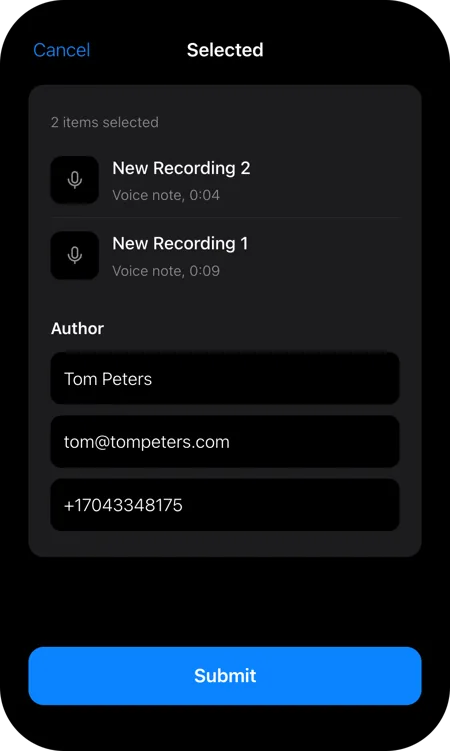
Check the selected items, then enter your name, email and phone number so the editors know who the story is from and how to reach you. Tap Submit to send it.
Changed your mind? Cancel takes you back to the list.
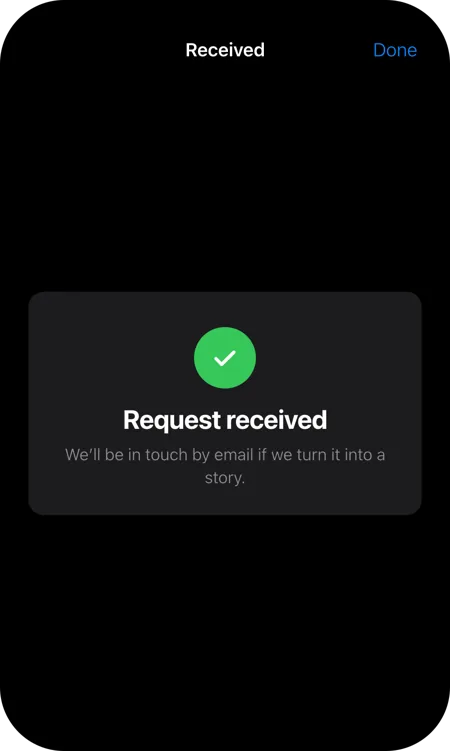
A green tick confirms your request has arrived. Tap Done to close the screen. If we turn your idea into a story, we’ll email you.
If approved for publishing, we’ll credit you as the author or source.